
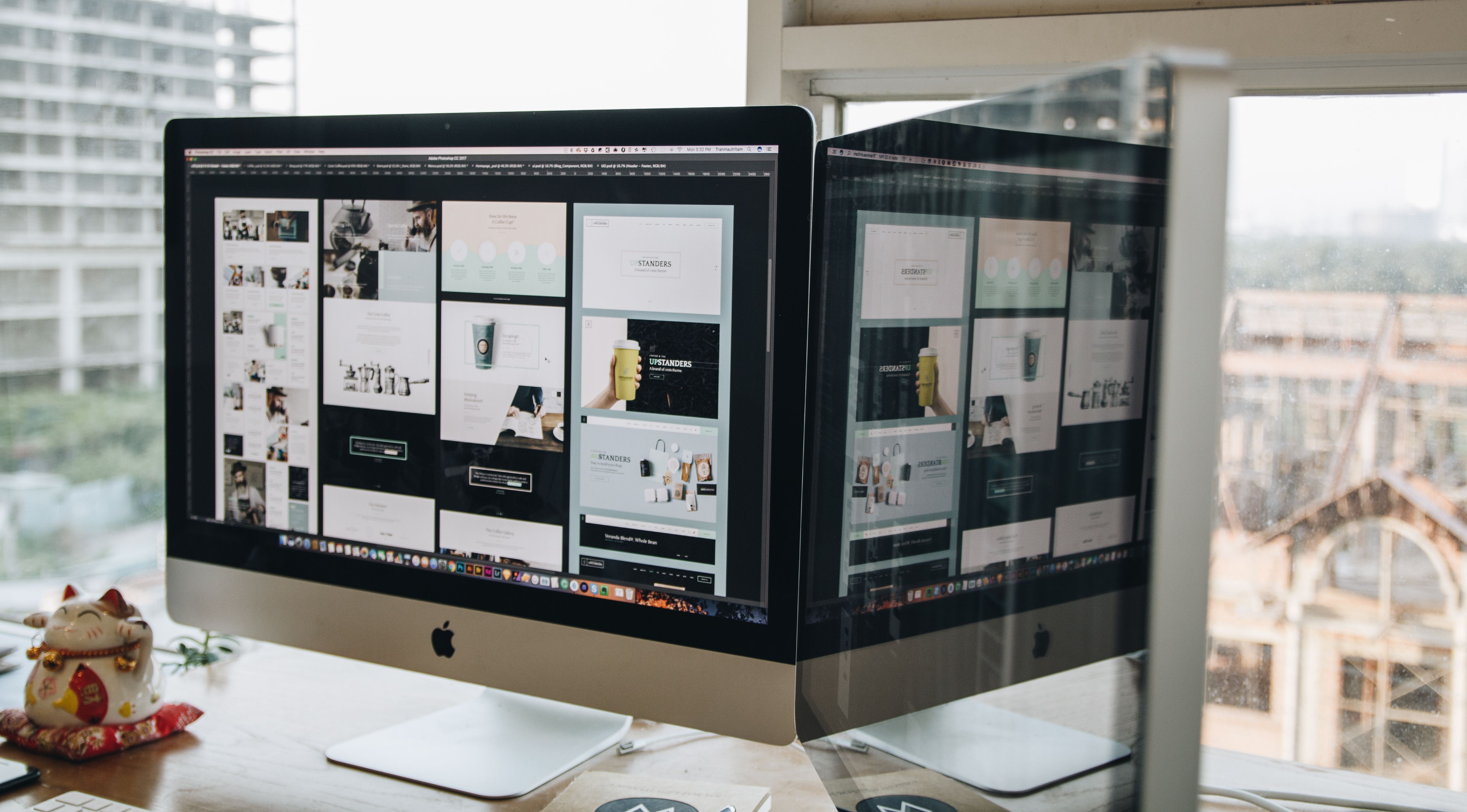
SEO-friendly website design is not just about how a site looks. It is about how easily people can find, understand, and use it from the first click through to the next action. When design supports search visibility and user experience at the same time, a website is better placed to serve both visitors and business goals.
For Backlink Works Insights, this topic sits at the point where website design, SEO, and conversion-focused thinking meet. Good design can help search engines crawl content more efficiently, improve mobile usability, reduce friction, and make it easier for people to navigate service pages, product pages, and landing pages with confidence.
What SEO-friendly website design actually means
SEO-friendly design is the process of building a website so that both users and search engines can navigate it clearly. That includes page structure, heading hierarchy, internal linking, content placement, mobile responsiveness, accessibility, and speed. A visually attractive site is not enough if the important content is buried, difficult to tap on a phone, or slow to load.
In practical terms, the design should help visitors answer simple questions quickly: Where am I? What does this business offer? What should I do next? If those answers are clear, the site tends to support stronger engagement and a more useful customer journey.
For a broader starting point on site audits and structure, some website owners also use a free website SEO audit to spot design and content issues that may be affecting visibility.
Build the customer journey into the structure
A better customer journey starts with a sensible website structure. Most business websites benefit from a clear path from homepage to key service pages, product pages, or contact pages. Visitors should not have to guess where to go next, and search engines should not have to work hard to understand which pages matter most.
Think about the journey in stages: discovery, consideration, and action. On a service website, that might mean a homepage that explains the offer, a service page that describes outcomes and process, a case study or FAQ section that builds trust, and a contact page with a simple form. On an ecommerce site, it might mean well-organised categories, strong product pages, and easy access to delivery, returns, and support information.
Navigation plays a major role here. Keep menus simple, label items clearly, and avoid hiding important pages behind vague terms. Internal links within content can also guide users to related pages while helping search engines understand context and page relationships.
Design for mobile-first use and responsive layouts
Responsive web design is now essential rather than optional. Many visitors will first encounter a site on a phone, so pages need to work on smaller screens without pinching, zooming, or struggling with menus. Mobile-first design means prioritising the most important content and actions for the smallest screen before expanding layouts for larger devices.
That affects more than the visual appearance. Button sizes, spacing, text length, forms, and image placement all influence how usable a page feels on mobile. A two-column desktop layout may need to become a single-column structure on phones so the reading order stays logical and the page remains easy to scan.
Tools such as the PageSpeed Insights tool can help identify issues related to performance and Core Web Vitals, which are closely tied to mobile experience and perceived quality.
Use page layout and content design to improve clarity
Good page layout makes content easier to read and act on. Rather than presenting long, dense blocks of text, use headings, short paragraphs, lists, and supporting visuals where they add value. This is especially important for service pages and landing pages, where users often scan before they read.
The top of the page should quickly explain what the page is about, who it is for, and what action is available. Further down, use sections for benefits, features, process, proof, FAQs, and calls to action. This helps visitors move through the page naturally instead of feeling overwhelmed.
For ecommerce website design, product pages should be especially clear. Product titles, images, descriptions, pricing, delivery information, availability, and trust signals should be easy to find. If the page layout is confusing, even strong products can be harder to evaluate.
Balance UX, UI, accessibility, and trust signals
User experience and user interface design work together, but they are not the same. UI is the visible presentation: buttons, colours, typography, spacing, and interactive elements. UX is the overall experience of using the site: how easy it is to complete tasks, find information, and move from page to page.
Accessibility is also part of SEO-friendly design. Clear contrast, readable text, descriptive link text, keyboard-friendly navigation, and useful alternative text for images all help more people use the site effectively. These choices can support both usability and search visibility by making content easier to interpret.
Trust signals should be visible without cluttering the page. These may include contact details, business location, service areas, delivery information, secure checkout features, professional imagery, and transparent policies. Avoid adding fake urgency or misleading design patterns; they may increase friction rather than confidence.
Support performance, Core Web Vitals, and WordPress design
Website speed is part of design. Large images, unnecessary animations, poorly chosen plugins, and heavy layouts can slow pages down and create a frustrating experience. Since performance affects how quickly a page feels usable, it should be considered from the design stage, not left until launch.
Core Web Vitals are useful indicators of this. They do not replace good design judgement, but they can highlight areas where load speed, responsiveness, or visual stability need attention. Clean templates, compressed images, sensible font choices, and reduced script bloat often make a meaningful difference.
For WordPress website design, the theme, page builder, and plugins should be chosen carefully. A flexible, lightweight setup is usually easier to maintain than a visually complex one that relies on many add-ons. Good WordPress design keeps content editable, layout consistent, and performance manageable as the site grows.
If you want to understand link structure and content support as part of broader SEO work, the ultimate guide to backlink building can be a useful companion resource, especially when planning pages that deserve stronger internal and external visibility.
Best practices for conversion-focused website design
Conversion-focused design means making the next step clear and easy, whether that is booking a call, submitting an enquiry, adding a product to basket, or downloading information. This does not guarantee more leads or sales, because results also depend on traffic quality, trust, copy, offer strength, and user intent. But design can remove unnecessary friction.
A useful checklist for better customer journeys includes the following:
- Keep the main navigation simple and descriptive.
- Place key calls to action where users can see them quickly.
- Use clear page titles, headings, and supporting copy.
- Reduce form fields to what is genuinely needed.
- Make key information easy to scan on mobile.
- Use internal links to guide visitors to the next relevant page.
- Check loading speed, layout stability, and tap targets regularly.
Design testing matters as well. Heatmaps, session recordings, analytics, and user feedback can reveal where visitors hesitate or leave. Backlink Works can support this broader visibility work, but the most useful improvements usually come from steady iteration rather than a one-time redesign.
Conclusion
SEO-friendly website design is about making a website easier to use, easier to understand, and easier to crawl. When structure, mobile usability, speed, accessibility, and content layout work together, the customer journey becomes smoother and more meaningful.
Whether you are designing a business website, service pages, a blog, or an ecommerce store, the goal is the same: help visitors find what they need quickly and confidently. That is good for users, and it gives SEO a stronger foundation to work from over time.
Frequently Asked Questions
What makes a website design SEO-friendly?
An SEO-friendly design supports crawlability, mobile usability, fast loading, clear structure, and easy navigation. It also helps users find content and take action without confusion.
How does website design affect conversions?
Design affects how quickly users understand the offer, trust the business, and move to the next step. Clear layouts, strong calls to action, and simple forms can help, but results depend on many factors.
Is responsive design enough for mobile SEO?
Responsive design is essential, but it is not enough on its own. Mobile SEO also depends on speed, readable content, usable navigation, and a layout that works well on small screens.
Should WordPress sites be built with SEO in mind from the start?
Yes. It is usually easier to build good structure, performance, and content layout into a WordPress site from the start than to fix them later after the site has grown.
- Sponsored Ad -





