
Free content optimisation tools can make a real difference to how a website is planned, reviewed, and improved. They help you spot technical issues, understand search demand, measure page performance, and refine content so it is easier for both users and search engines to interpret.
That said, tools do not replace sound SEO judgement. They are most useful when they support a clear strategy, good content, strong site structure, and consistent optimisation. For website owners, bloggers, ecommerce teams, and agencies, the goal is not to use every tool available, but to choose the right mix for the task at hand.
Why free content optimisation tools matter
Free SEO tools are often the fastest way to build a reliable optimisation workflow without committing to paid software straight away. They are useful for audits, keyword research, technical checks, and content review, especially for smaller websites or teams with limited resources.
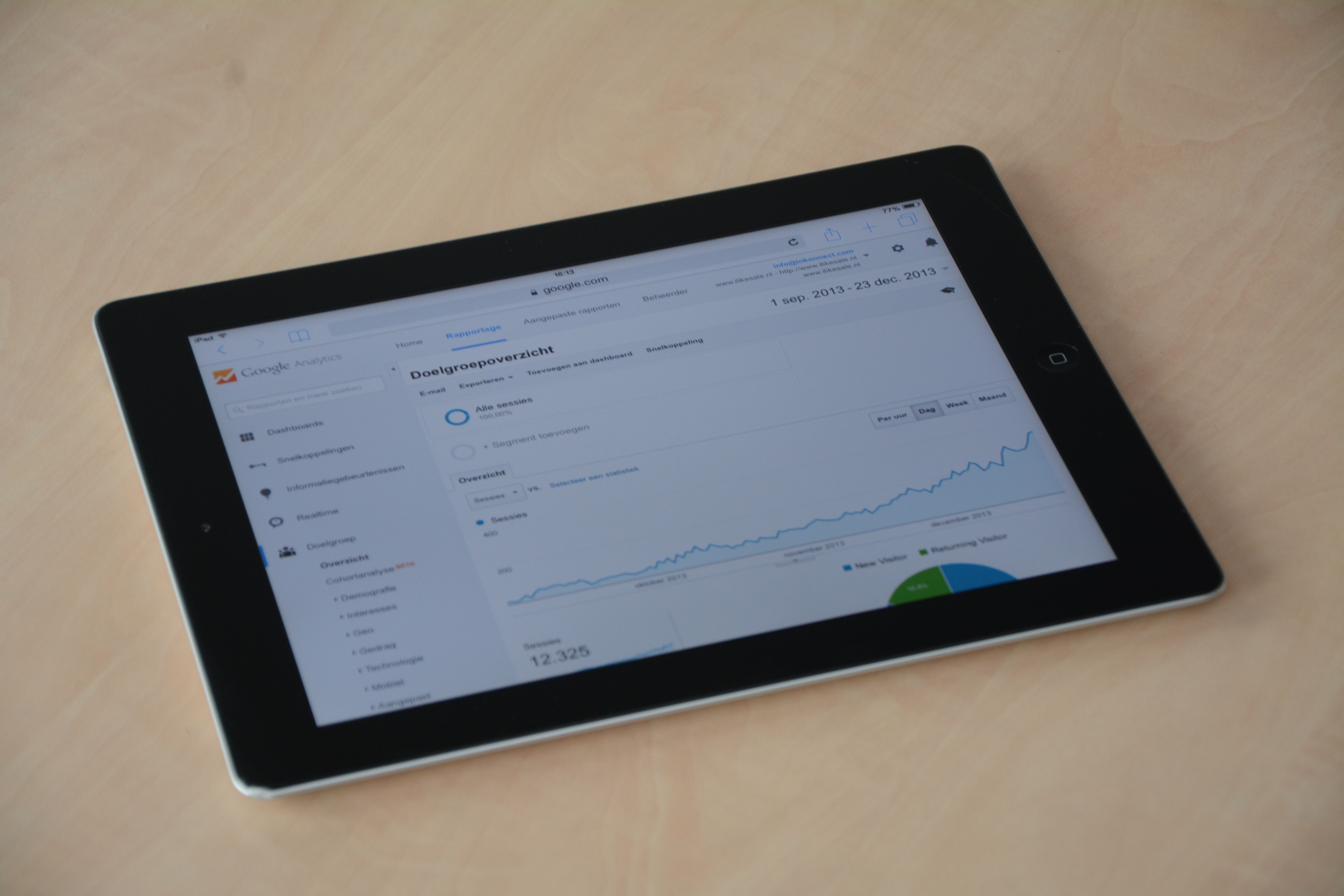
Google Search Console and Google Analytics 4 are two of the most important starting points because they show how your site appears in search and how visitors behave once they arrive. Search Console helps with indexing, clicks, impressions, and search queries, while GA4 helps you understand engagement, traffic sources, and page performance. For many site owners, these two tools provide enough insight to identify the first improvements worth making.
If you are reviewing your content strategy, Google Trends can also be helpful for spotting seasonal interest and comparing topics over time. You can use it to decide whether a topic is growing, stable, or declining before you invest time in a new article or landing page.
Tools for audits, crawling, and technical SEO
Technical SEO tools help you find problems that may stop search engines from crawling, indexing, or understanding a page properly. Free audit tools often check issues such as missing titles, weak meta descriptions, broken links, duplicate content, poor heading structure, or blocked resources.
Website crawler tools are especially useful when a site has many pages. A crawler can scan templates, internal links, redirect patterns, and metadata across the site, which makes it easier to spot recurring issues rather than fixing pages one by one. For WordPress sites, this can be a practical way to check whether a plugin setup is creating indexability issues or thin pages.
Page speed matters too. PageSpeed Insights and Core Web Vitals data can show whether a page is loading slowly or struggling with usability signals such as layout shifts and interaction delays. These tools are not a ranking shortcut, but they do help you prioritise fixes that improve user experience and reduce technical friction.
If you want a simple starting point for an overall review, a free website SEO audit can help you identify obvious technical and on-page issues before you move into deeper optimisation work.
Content optimisation and keyword research tools
Content optimisation tools help you shape pages around search intent rather than just keywords. They are useful for checking whether a page answers the likely questions behind a search, uses headings sensibly, and covers related topics that matter to the reader.
Free keyword research tools can suggest topic ideas, long-tail phrases, and related queries. Some are better for broad brainstorming, while others are more useful for identifying commercial intent, local intent, or question-based searches. The right choice depends on whether you are writing blog posts, product pages, service pages, or location pages.
For on-page SEO, SERP preview tools and schema markup generators can support clearer snippets and better structured data implementation. Schema does not guarantee richer search results, but it can help search engines understand content types such as products, articles, reviews, events, and FAQs more accurately.
When choosing a content tool, check whether it supports your workflow: can it help with outline planning, readability, keyword variation, internal linking ideas, or content brief creation? If not, it may be less useful than a simpler tool you will actually use regularly.
Rank tracking, backlink checking, and competitor analysis
Rank tracking tools show how visibility changes over time for selected queries and pages. Free versions are often limited, but they can still be useful for monitoring a small keyword set, especially after a content update or technical fix. The key is to track the terms that matter to your goals, rather than chasing every fluctuation.
Backlink checker tools help you understand which websites link to your pages and whether important content is earning references over time. This is useful for content promotion, digital PR, and assessing whether competitors are attracting links from relevant sources. It is also a practical way to spot lost links or pages that deserve more internal support.
Competitor analysis tools can show which topics and pages appear to be working for other sites in your niche. Use this information carefully. It is better to learn from content structure, search intent, and topic coverage than to copy pages mechanically. Strong SEO comes from producing a better answer, not a near duplicate.
For businesses that want to understand backlink strategy in a broader context, the guide to backlink building is a useful companion to tool-based analysis.
WordPress, ecommerce, local SEO, and AI-based tools
Different website types need different optimisation tools. WordPress SEO plugins can help with titles, meta data, XML sitemaps, schema, breadcrumbs, and basic content controls. They are useful, but they should be configured carefully so they do not create duplicate pages or overcomplicate the site.
Ecommerce SEO tools are often used to manage product titles, category pages, filtered navigation, structured data, and indexing issues that affect large catalogues. For local SEO, tools that support business listings, local landing pages, and map-related visibility are often more relevant than broad keyword suites.
AI SEO tools can also help with brainstorming, content summaries, or initial drafts, but they need human review. They should be used to speed up research and planning, not to publish unedited content at scale. The same applies to automation tools: they are helpful when they save time, but risky when they reduce quality or create thin pages.
Before relying on any plugin or AI feature, check whether it improves your process without weakening accuracy, originality, or user experience.
How to choose the right free tools without overcomplicating your workflow
Free tools are valuable, but they usually come with limits on data volume, refresh speed, or feature depth. That does not make them poor tools; it just means you should choose them for a specific job.
A practical selection process looks like this:
- Start with Google Search Console and GA4 for performance and behaviour data.
- Add one crawling or audit tool to spot technical issues.
- Use one keyword research tool for topic ideas and intent checking.
- Check page speed and Core Web Vitals for important pages.
- Use one reporting tool to make results easier to share with clients or stakeholders.
If you work with multiple sites or clients, reporting tools such as Looker Studio can help bring data together in a clearer format. For teams that need regular SEO reporting, dashboards are often more useful than exporting screenshots from different platforms.
When a free tool reaches its limit, consider paid software only if it solves a real problem: better data quality, deeper crawling, more robust reporting, or faster workflows. There is no need to upgrade simply because a tool looks popular.
Conclusion
Free content optimisation tools can support nearly every part of the SEO process, from keyword research and technical audits to page speed checks, schema validation, rank monitoring, and competitor analysis. Used well, they help you make better decisions and prioritise work that improves search visibility over time.
The most effective approach is usually a simple one: combine trusted data sources, use tools that match your website type, and focus on changes that improve content quality, structure, performance, and clarity. Tools can guide the work, but strategy and execution still do the heavy lifting.
If you are building a sustainable SEO workflow, Backlink Works Insights can help you explore practical methods and tool choices without relying on hype.
Frequently Asked Questions
Which free SEO tools should I start with?
Start with Google Search Console and Google Analytics 4, then add one audit or crawling tool and one keyword research tool.
Are free SEO tools enough for a small website?
Often, yes. Free tools can cover the basics well, especially for auditing, tracking, and content planning, though some sites will eventually need more advanced features.
Do SEO tools improve rankings on their own?
No. Tools provide data and suggestions, but rankings depend on content quality, technical SEO, user experience, competition, and consistent optimisation.
What should I check before choosing a paid SEO tool?
Check data quality, reporting needs, site size, workflow fit, budget, and whether the tool solves a problem your free tools cannot handle.
- Sponsored Ad -





