
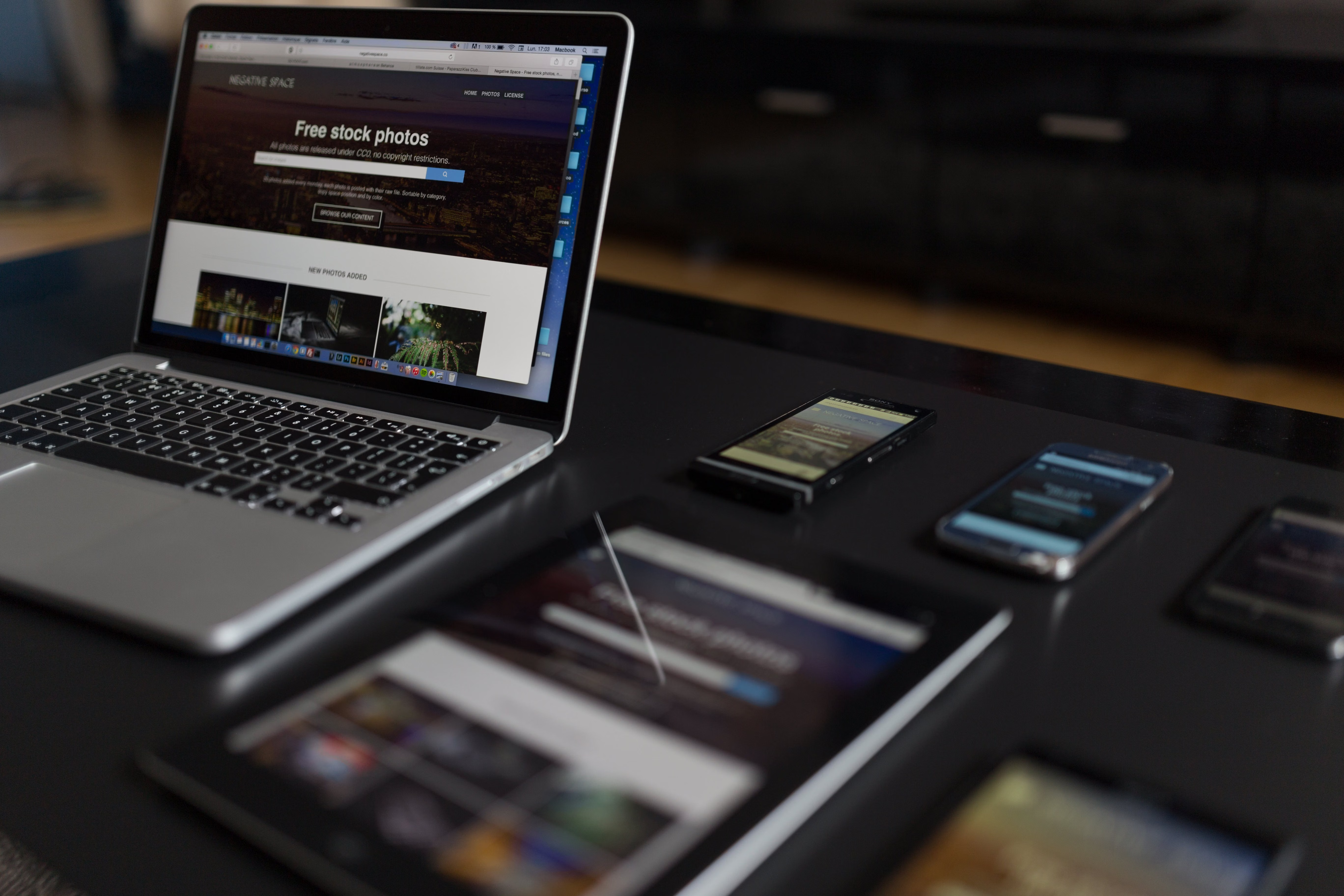
Search bot friendly design is the practice of building a website so that people and search engines can understand it quickly and easily. It combines clear structure, strong navigation, mobile usability, fast loading, and content that is laid out in a logical way.
For businesses, this matters because a well-designed site can support discoverability, trust, and conversions without relying on gimmicks. When pages are easy to crawl, simple to use, and clear to navigate, both visitors and search bots can move through the site with less friction.
What Search Bot Friendly Design Means
Search bot friendly design is not about designing for bots instead of people. It means creating a website structure that helps search engines find, interpret, and prioritise your content while still delivering a strong user experience.
A search-friendly site usually has clean navigation, sensible page hierarchy, descriptive headings, accessible menus, and pages that load reliably on all devices. It also avoids design choices that hide important content behind interactions bots may not process well, such as excessive scripts, unclear tabs, or broken internal links.
In practical terms, the same elements that help users tend to help search engines too: clear labels, organised content sections, internal links, and pages that answer a specific need.
Build a Clear Website Structure
Website structure is the backbone of SEO-friendly website design. A good structure makes it easier for users to understand where they are and how to get to the next relevant page. It also helps crawlers discover content and understand the relationship between pages.
For most business websites, a simple hierarchy works best: homepage, main service or category pages, supporting detail pages, and useful content such as guides or FAQs. Ecommerce sites often need category pages, product pages, filterable collections, and supporting content that explains shipping, sizing, returns, or product use.
Keep important pages within a few clicks of the homepage where possible. Use logical URL structures, consistent naming, and internal links that reflect real topic relationships. If a page matters to the business, it should not be hidden deep inside the site.
Example of a sensible structure
A service business might organise pages as Home > Services > Individual Service Page > Related Case Studies or FAQs. That layout helps users compare options and helps search engines identify the core topic of each page.
Design Navigation for Users and Crawlers
Navigation is one of the most important parts of search bot friendly design. Main menus, footer links, breadcrumbs, and contextual links all help search engines understand priority pages and help visitors move around with less effort.
Use descriptive labels rather than clever wording. “Digital Marketing Services” is clearer than “What We Do”. “Men’s Trainers” is more useful than “Collection A”. Clear labels support both usability and SEO.
For larger websites, include secondary navigation for related sections and use breadcrumbs on category-heavy sites. A well-organised footer can also reinforce the site’s main areas without overwhelming the user.
If your site has important pages that are currently difficult to find, a simple internal linking review can uncover quick improvements. A free website SEO audit can help identify structural issues, broken pathways, and content gaps that affect visibility.
Prioritise Mobile-First and Responsive Design
Most websites are now visited on mobile devices, so responsive web design is no longer optional. Mobile-first design means planning the layout for smaller screens first, then expanding it for larger devices. This often leads to cleaner interfaces and better content focus.
On mobile, search bots and users both benefit from layouts that avoid horizontal scrolling, tiny tap targets, and crowded sections. Keep the most important information visible near the top of the page, and make buttons easy to use with a thumb.
Responsive design also matters for ecommerce website design and service pages, where users often compare products, review pricing, or contact a business from a phone. A page that works well on desktop but feels awkward on mobile can reduce engagement and make content harder to access.
Google’s own SEO Starter Guide is a useful reference for understanding how search visibility ties into crawlability, mobile usability, and content presentation.
Improve Content Layout and Page Clarity
Content layout has a direct impact on how well pages communicate with both users and search engines. A page should make its purpose obvious within a few seconds, with a clear heading, supportive subheadings, and content blocks that answer real questions.
Use short paragraphs, meaningful headings, bullet lists where appropriate, and visual spacing that makes the page easier to scan. Avoid placing key content inside tabs or accordions if it is essential to understanding the page, especially if the content is likely to influence search intent.
Landing pages and product pages should focus on one primary goal. That might be generating a lead, encouraging a purchase, or guiding someone to the next step. Include trust signals such as reviews, guarantees where genuine, secure payment notes, delivery information, or service details, but keep the layout calm and uncluttered.
For content-heavy sites, topic clusters can also help. A main guide can link to supporting articles, service pages, or FAQs, creating a clearer path for both visitors and crawlers.
Speed, Core Web Vitals, and Technical Performance
Website speed is part of design, not just development. Heavy images, unnecessary scripts, overly complex sliders, and bloated page builders can all slow a site down. That affects user experience and can make pages feel less reliable.
Core Web Vitals are useful signals to monitor because they relate to loading, interactivity, and visual stability. In simple terms, pages should load quickly, respond smoothly, and avoid shifting content that makes the page difficult to use.
WordPress website design often benefits from careful theme selection, lean plugins, compressed images, and sensible caching. Ecommerce and business sites may also need performance planning for product galleries, third-party widgets, and tracking tools.
Regular testing is important. Tools such as PageSpeed Insights can help you spot image, script, and layout issues that may be affecting performance.
Design for Conversions Without Hurting UX
Conversion-focused design is about making the next step obvious, not forcing action. Whether the goal is a contact form submission, enquiry, or purchase, the page should reduce confusion and support confidence.
Good conversion design includes clear calls to action, concise copy, strong page hierarchy, and well-placed trust signals. It also means removing distractions that do not help the user make a decision.
For service pages, make it easy to understand what is offered, who it is for, and how to take the next step. For product pages, include product details, pricing, delivery information, and helpful images. For blogs and resource pages, use contextual links to guide readers to relevant services or categories when it makes sense.
Backlink Works publishes SEO education and website growth insights that can help teams think more strategically about structure and visibility, but the design itself should always remain user-first.
Best Practices Checklist for Search Bot Friendly Design
Before publishing or redesigning a site, check the basics:
- Use a clear site hierarchy with logical page groups.
- Keep navigation simple, descriptive, and consistent.
- Make sure the site works well on mobile devices.
- Use headings that reflect the page topic accurately.
- Place important content near the top of the page where possible.
- Link related pages together naturally.
- Compress images and remove unnecessary scripts.
- Check accessibility basics such as contrast, labels, and keyboard use.
- Review Core Web Vitals and overall page speed regularly.
If you manage a WordPress site, also review theme quality, plugin usage, and template consistency. For ecommerce stores, pay attention to category navigation, filters, and product page clarity. For agencies and service businesses, make sure each service page has a distinct purpose and supports the user’s decision-making process.
Conclusion
Search bot friendly design is really about building a website that works well for everyone. When structure, speed, navigation, accessibility, and content layout are planned carefully, your site becomes easier to use and easier to understand.
That does not guarantee rankings or conversions, but it creates the conditions for better performance over time. Strong website design supports SEO through crawlability, mobile usability, internal linking, page speed, and user experience, which is why it should be part of every website strategy.
For teams planning a redesign or improving an existing site, it helps to review design decisions through both a user and search lens. A thoughtful structure is often more valuable than a visually impressive page that is difficult to use.
Frequently Asked Questions
What is search bot friendly website design?
It is website design that helps search engines crawl and understand pages while also giving visitors a clear and easy experience.
Does website structure affect SEO?
Yes. A clear structure helps search engines discover important pages and understand how your content fits together.
Why is mobile-first design important for SEO?
Most users browse on mobile, so pages need to work well on smaller screens to support usability and search visibility.
How does design affect conversions?
Good design makes pages clearer, faster, and easier to trust, which can support conversions depending on traffic quality, offer strength, and user intent.
- Sponsored Ad -





