
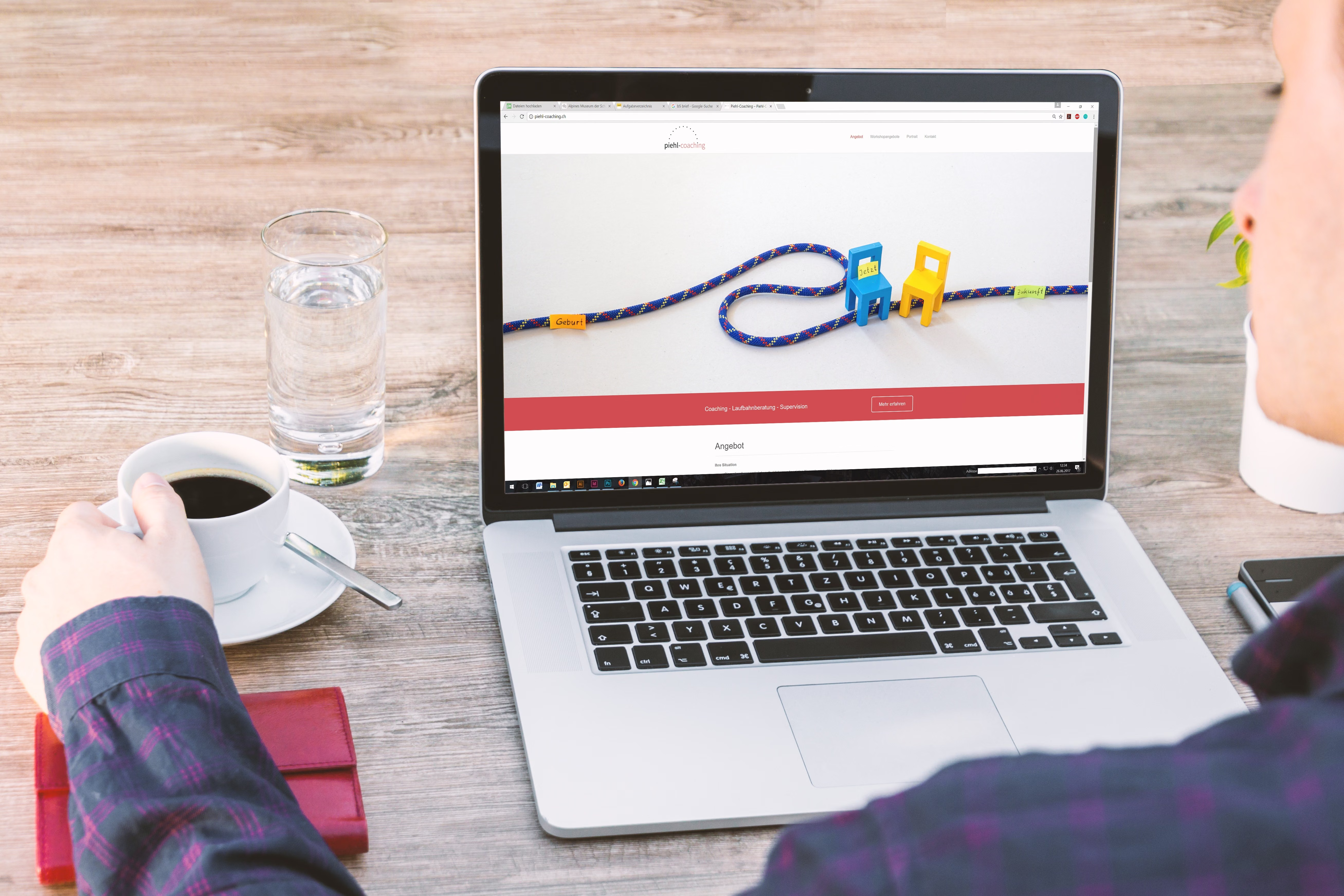
A strong website design can support SEO in practical ways. It helps search engines crawl your pages, makes content easier to understand, improves mobile usability, and gives visitors a smoother path to the information they need.
If your site looks good but loads slowly, confuses users, or buries important pages, it may struggle to perform well in search. This checklist covers 15 SEO design checks that help improve usability, site structure, and overall website quality without relying on shortcuts.
1. Make the site easy to crawl and understand
Search engines need a clear path through your website. That starts with a sensible structure, readable URLs, and pages that link naturally to one another. Avoid making important content dependent on complex scripts or hidden behind poor navigation.
For business websites, service pages and product pages should be grouped in a way that makes sense to users first. A clean structure helps both visitors and search engines understand what each page is for.
2. Design for mobile-first usability
Most websites are now visited on smaller screens, so mobile-first design is essential. Buttons need enough space, text should be readable without zooming, and menus should be simple to use with a thumb.
Check that your key content still works on mobile, not just visually but practically. A homepage banner that looks fine on desktop may push important information too far down the page on a phone.
3. Keep page layout focused and scannable
Visitors rarely read every word immediately. They scan headings, subheadings, bullet points, and visual cues to find what matters. Good UX design uses spacing, contrast, and hierarchy to guide attention.
This is especially important for landing pages, service pages, and ecommerce product pages. A clear layout can support conversions by helping users quickly understand the offer, the value, and the next step.
4. Improve website speed and Core Web Vitals
Slow pages can frustrate users and make it harder for search engines to reward a positive experience. Design choices such as oversized images, too many fonts, and heavy scripts can affect performance.
Focus on compressed images, efficient themes, and careful use of third-party tools. If you work with WordPress website design, choose lightweight themes and review plugin usage regularly. For performance checks, Google PageSpeed Insights is a useful place to start.
5. Use navigation that supports discovery
Navigation should help users reach key pages in as few steps as possible. Keep the main menu clear, avoid overcrowding it, and make sure important pages are linked from logical places such as the header, footer, and relevant content sections.
Internal linking also matters for SEO and user experience. It helps spread attention across your site and makes it easier for people to move from informational content to service pages, product pages, or contact pages when they are ready.
Best practice checklist
- Keep primary navigation short and meaningful.
- Use descriptive labels instead of vague terms.
- Link related pages where it makes sense contextually.
- Make contact, pricing, and key service pages easy to find.
6. Build trust with clear UI and accessible design
UI should support clarity, not distract from it. Use consistent colours, readable typography, and enough contrast between text and background. Forms should be simple, labels should be clear, and error messages should explain what went wrong.
Accessibility is part of good website quality. It improves the experience for more users and can make your content easier to navigate. If you want to review accessibility guidance, the W3C Web Accessibility Initiative is a reliable reference.
7. Match design to the page purpose
Not every page should look or behave the same way. A homepage needs to explain the brand and route users to key areas. A service page should build confidence and answer likely questions. A product page should support comparison, detail, and decision-making.
For ecommerce website design, product pages often need strong imagery, concise descriptions, visible pricing, trust signals, and clear calls to action. For service businesses, the layout may need more emphasis on benefits, process, and contact options.
Common SEO design mistakes to avoid
Many websites lose value because of design decisions that create friction. Some common issues include:
- Using large hero sections that hide useful content.
- Placing important text inside images.
- Hiding navigation behind unclear icons.
- Adding too many pop-ups or distracting elements.
- Using weak page hierarchy, so users cannot tell what matters first.
If you want a broader view of how design and SEO fit together, a free website SEO audit can help identify areas where structure, usability, and performance may need improvement.
How to review your site quality before making changes
Start with the pages that matter most to your business: homepage, key service pages, main category pages, and high-intent landing pages. Check them on desktop and mobile, then ask a few simple questions: Is the message clear? Can users find what they need quickly? Is the page fast enough? Does the design support action without forcing it?
You can also review how content is arranged. Strong content layout uses headings, short paragraphs, and purposeful visuals to help people move through the page naturally. That supports both search visibility and user experience, especially on content-heavy sites and blogs.
Conclusion
Website quality is not just about aesthetics. It is about creating a site that is easy to use, easy to understand, and easy to navigate for both people and search engines. When your design supports mobile usability, speed, accessibility, structure, and content clarity, you give your SEO efforts a stronger foundation.
For teams that want a more structured approach, Backlink Works Insights can be a useful place to learn how design decisions connect with visibility, content, and growth. The best results usually come from steady improvements, testing, and a clear focus on user intent rather than quick fixes.
Frequently Asked Questions
What is an SEO-friendly website design?
It is a design approach that helps users and search engines access, understand, and navigate your content more easily.
Why does mobile-first design matter for SEO?
Because many visitors use mobile devices, and search engines evaluate how well a site works on smaller screens.
How does website speed affect user experience?
Faster pages are easier to use, reduce frustration, and can make it simpler for visitors to complete actions.
Should ecommerce and service websites use the same design approach?
No. They share good design principles, but their page layouts, content priorities, and calls to action should match user intent.
- Sponsored Ad -





