
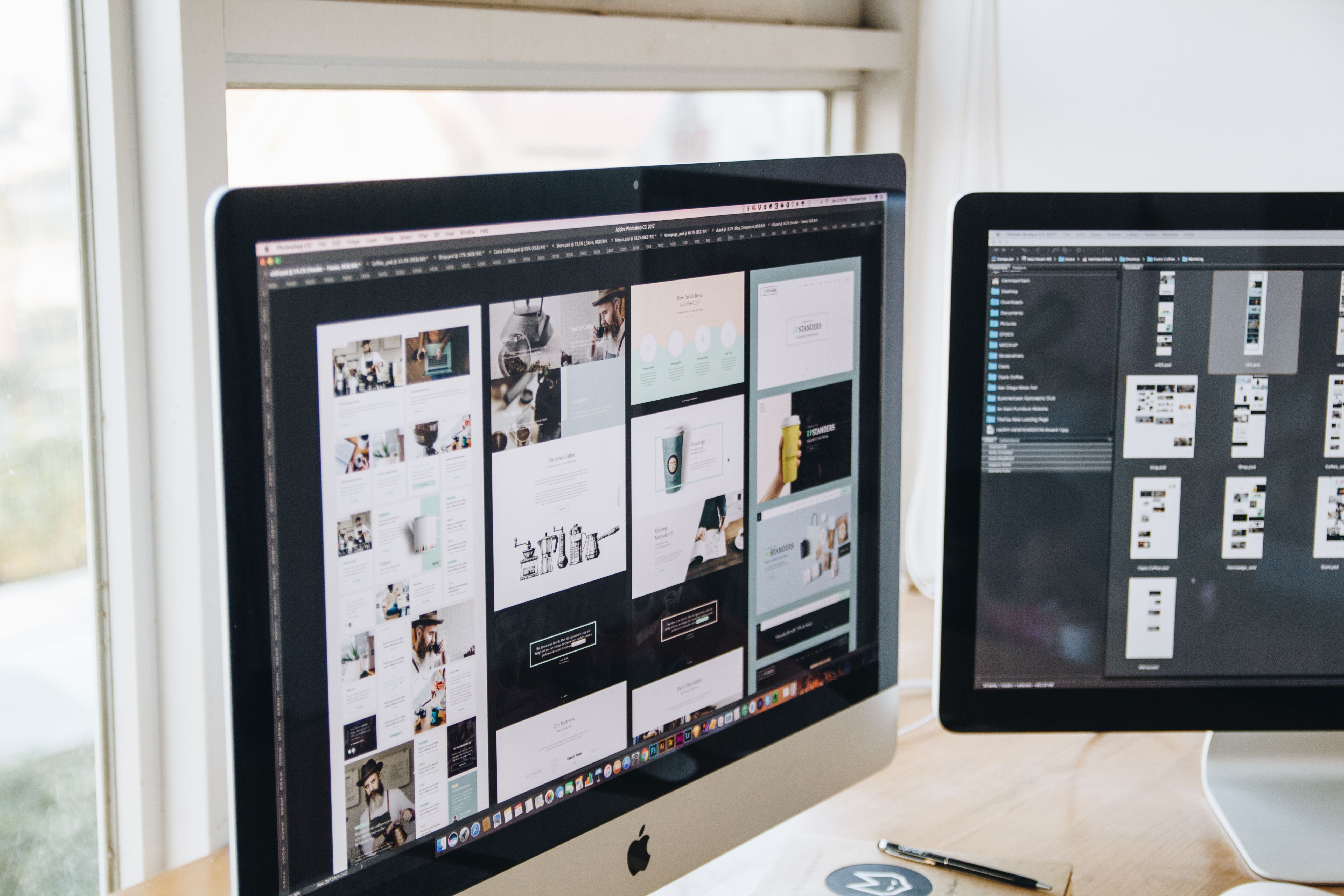
Designing a website that improves traffic and SEO is not just about making pages look good. It is about building a site that search engines can crawl easily and that real people can use without friction.
Good website design supports visibility by improving structure, mobile usability, page speed, accessibility, internal linking, and content clarity. It also helps visitors find what they need quickly, which can support engagement and conversion outcomes over time.
What SEO-Friendly Website Design Really Means
SEO-friendly website design brings together visual design, user experience, and technical foundations. The goal is to create a site that is easy for search engines to understand and easy for visitors to navigate.
This includes clear page hierarchy, logical navigation, readable content blocks, fast loading pages, mobile-friendly layouts, and clean code where possible. It also means designing pages around user intent, so a service page, product page, or blog post answers a specific need clearly.
For businesses using WordPress, ecommerce platforms, or custom builds, the principle is the same: design should support discoverability, usability, and performance rather than distract from them.
Build a Site Structure That Search Engines and Users Can Follow
A strong website structure helps people move through the site naturally and helps search engines understand which pages matter most. Start with a simple hierarchy: home page, main service or product categories, supporting detail pages, and helpful content such as guides or FAQs.
Use clear navigation labels. Avoid vague menu items like “Solutions” or “Resources” unless they are supported by context. A visitor should know what to expect before clicking.
Internal linking also matters. Link related pages together where it makes sense, such as from a service page to a relevant case study, a guide, or a contact page. This helps users explore the site and can support crawlability. If you want a wider understanding of SEO planning, the free website SEO audit resource from Backlink Works can be a useful starting point for reviewing site basics.
Practical structure tips
- Keep main navigation short and focused.
- Group related pages into sensible categories.
- Use descriptive URLs and page titles.
- Make key pages reachable within a few clicks.
- Link from high-traffic pages to important conversion pages.
Design for Mobile-First and Responsive Use
Mobile-first design is essential because many visitors will first meet your website on a phone. A responsive layout adjusts to different screen sizes, but mobile-first design goes further by prioritising the smallest screen experience from the start.
That means buttons need to be easy to tap, text should be readable without zooming, and menus should be simple to use. Content should stack naturally, with enough spacing to avoid accidental clicks.
Google’s own SEO guidance explains that search-friendly sites should be built for users first, including mobile usability and crawlable content. You can review the official SEO Starter Guide for a practical overview of these principles.
For ecommerce websites, this is especially important on product pages, where images, pricing, delivery details, reviews, and calls to action must remain clear on smaller screens. For service businesses, contact forms and enquiry buttons should be easy to find without clutter.
Use Layout, UX, and UI to Guide the Visitor
User experience (UX) is about how a person feels while using the site. User interface (UI) is about the visible elements they interact with, such as buttons, menus, typography, and spacing. Both affect how long someone stays on a page and whether they take the next step.
Good page layout gives visitors a clear path. Most pages should answer three questions quickly: what is this page about, why does it matter, and what should I do next?
Use headings, short paragraphs, and visual separation to make content easy to scan. Place important information near the top, but do not overload the first screen with too many elements. Landing pages work best when the message is focused and the action is obvious. Business websites often need a balance between brand presentation and practical information such as services, trust signals, and contact details.
Clear UI also supports trust. Consistent fonts, buttons, spacing, and colours make the site feel more reliable. However, design choices should never reduce readability or hide important information in the name of style.
Improve Page Speed and Core Web Vitals
Website speed affects both user experience and SEO performance. Slow pages can frustrate visitors and make it harder for search engines to evaluate the page positively. Core Web Vitals are a useful way to think about performance because they focus on loading, interactivity, and visual stability.
Design decisions can affect these metrics. Large uncompressed images, too many scripts, excessive sliders, and heavy animation can slow pages down. A cleaner layout with fewer unnecessary elements is often better for both usability and performance.
To check performance issues, tools such as PageSpeed Insights can help identify areas to improve. Useful fixes may include compressing images, using modern file formats, limiting third-party scripts, and choosing well-optimised themes or page builders.
In WordPress website design, theme quality and plugin management matter a lot. A lightweight theme, sensible plugin use, and proper caching can make a real difference to website performance.
Design Pages That Support Conversions Without Hurting SEO
Conversion-focused design is about making it easy for visitors to act, whether that means submitting an enquiry, booking a call, signing up, or buying a product. But conversions do not happen because of design alone. They depend on traffic quality, offer clarity, trust signals, page copy, intent match, and testing.
Service pages should explain the service, who it is for, what problem it solves, and what happens next. Product pages should include clear pricing, specifications, imagery, delivery information, and support details. Landing pages should stay focused on one primary action and avoid unnecessary distractions.
Trust signals can include contact details, professional photography, helpful FAQs, transparent policies, and consistent branding. Just avoid fake urgency, misleading buttons, or hidden content. Those tactics may create short-term clicks, but they damage trust and user experience.
If you want to improve your pages from a search and conversion perspective at the same time, it can help to review structure, content, and link flow as part of a broader strategy. The Backlink Works Insights approach to website growth is centred on practical SEO foundations rather than shortcuts.
Best Practices for Better Traffic and SEO Results
A few design habits can make ongoing improvement easier:
- Keep navigation simple and consistent across the site.
- Use one clear primary action per page where possible.
- Write content in short sections with descriptive headings.
- Make sure images support the message rather than replace it.
- Check accessibility basics such as colour contrast and readable font sizes.
- Review analytics to see which pages attract traffic and where users leave.
Accessibility deserves attention because inclusive design often improves the experience for everyone. Clear contrast, logical heading order, descriptive link text, and keyboard-friendly interactions help users and can make pages easier to understand.
It is also worth reviewing behaviour data. Analytics can show which pages receive search traffic, which pages lead to enquiries, and where users may be dropping off. That gives you a more reliable basis for design decisions than guesswork.
Conclusion
Website design improves traffic and SEO when it helps people and search engines understand the site quickly. The strongest websites combine clear structure, responsive layouts, fast performance, accessible content, and pages built around user intent.
Whether you are designing a business website, ecommerce store, WordPress site, or content hub, focus on usability first. Good design will not guarantee rankings or conversions, but it can create the conditions needed for better visibility, stronger engagement, and more useful visitor journeys over time.
Frequently Asked Questions
Does website design affect SEO?
Yes. Design affects crawlability, mobile usability, speed, internal linking, and how clearly content is presented.
What matters most in SEO-friendly website design?
Clear structure, mobile responsiveness, good page speed, readable content, and easy navigation are some of the most important factors.
Should I design mobile-first or desktop-first?
Mobile-first is usually better because it prioritises the smallest screen and helps keep layouts simple, fast, and usable.
Can better design improve conversions?
It can support conversions by improving clarity and trust, but results also depend on traffic quality, offer strength, copy, and testing.
- Sponsored Ad -





