
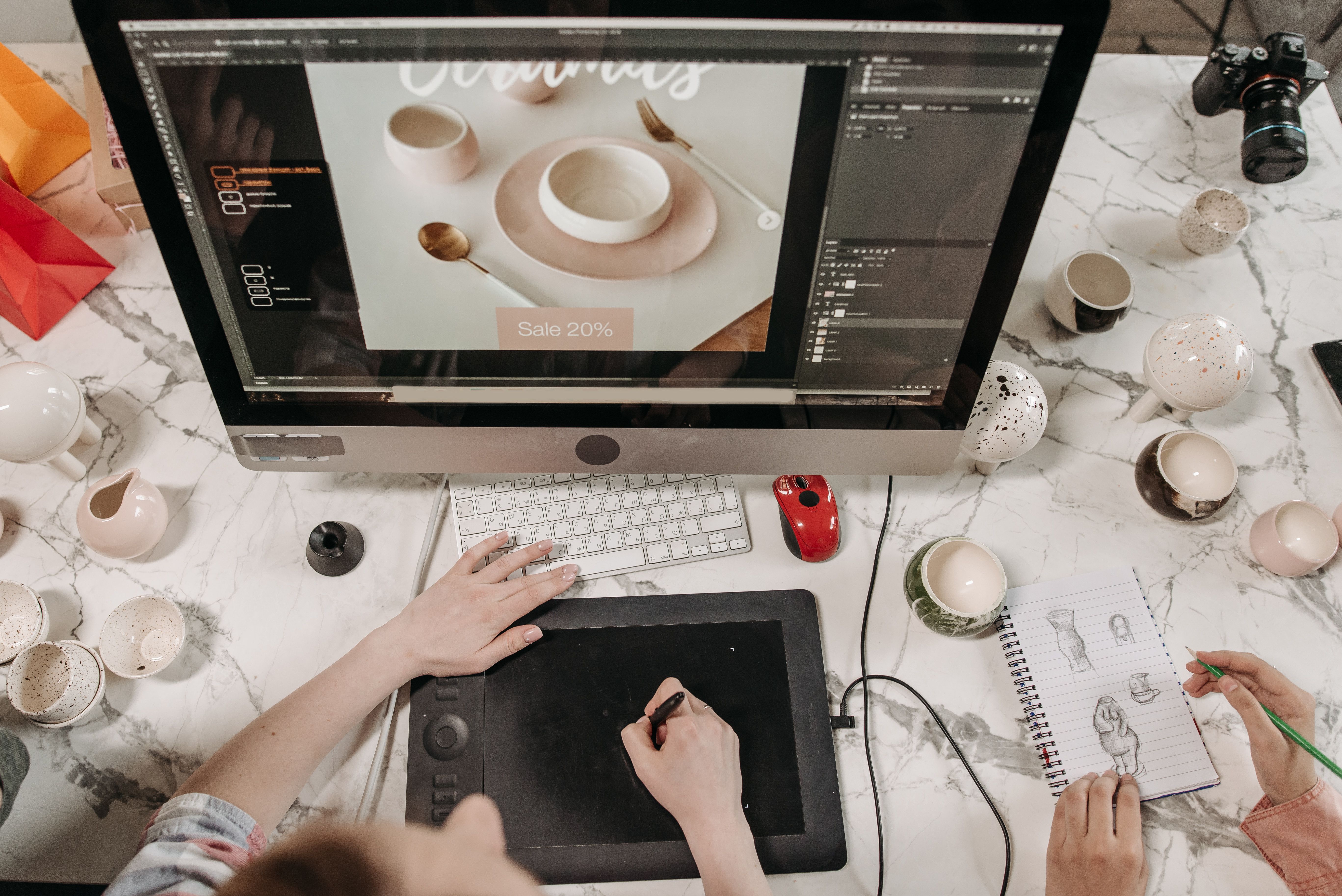
Adobe XD is still a useful tool for planning website layouts, user journeys, and interface details before development begins. When used well, it can help teams design pages that support SEO-friendly structure, better usability, and smoother content delivery across desktop and mobile screens.
For website owners, designers, marketers, and developers, the goal is not just to make a site look polished. It is to create pages that are easy to navigate, quick to load, simple to understand, and ready for search engines to crawl. That is where thoughtful Adobe XD website design becomes valuable.
Why Adobe XD matters for SEO-friendly website design
Adobe XD helps you visualise the site before code is written. That matters because many SEO issues start with poor design decisions: unclear navigation, weak page hierarchy, cluttered layouts, or pages that push important content too far down the screen. If these issues are spotted in the design stage, they are easier to fix early.
SEO-friendly design supports search visibility through crawlability, mobile usability, page speed, internal linking, content structure, and user experience. A well-planned design does not replace SEO, but it makes technical and content work much more effective.
If you are mapping a full site, it can help to review your information architecture alongside a free website SEO audit so the design reflects how people and search engines should move through the site.
Start with clear website structure and page hierarchy
A strong website begins with structure. In Adobe XD, create wireframes that show how the homepage, service pages, product pages, about page, contact page, and supporting content pages will relate to each other. This makes it easier to design a logical flow for users and search engines.
Keep the most important actions and information near the top of each page. For example, a service page should usually show the service name, a short value proposition, trust signals, and a clear next step before long sections of supporting content. Ecommerce product pages should make price, product benefits, availability, images, and purchase actions easy to find.
Use a simple hierarchy in your layouts. Headings, subheadings, and content blocks should reflect the final page structure, not just visual style. This improves readability and helps teams plan on-page SEO more accurately.
Design for mobile-first behaviour and responsive layouts
Mobile-first design is essential for modern websites. Many users visit from phones, and Google evaluates mobile usability as part of search performance. In Adobe XD, design the small-screen version first or at least test every layout at mobile width before refining desktop details.
Responsive design should not mean shrinking everything down. It should mean adapting the content so it stays usable on different screens. That includes stacked layouts, readable font sizes, tap-friendly buttons, and spacing that prevents accidental taps.
For business websites and service pages, mobile users often want quick answers: what you do, who you help, how to contact you, and why they should trust you. For ecommerce sites, product details, filters, images, and checkout steps must remain clear without becoming overwhelming.
If you are using WordPress to build the site, it is worth checking whether your chosen theme and page builder support responsive behaviour properly. Official guidance from WordPress documentation can help you understand how content and layout decisions affect the final build.
Create layouts that support readability, trust, and conversions
Good UI design is about more than colour and spacing. It is about helping users understand a page quickly. In Adobe XD, use a consistent grid, enough white space, and a clear visual order so the most important message appears first.
For landing pages, the design should keep the message focused. Avoid too many competing calls to action, unrelated links, or excessive content blocks. A conversion-focused page works best when it matches user intent and makes the next step obvious. That does not guarantee conversions, because results depend on traffic quality, offer strength, trust signals, copy, and testing, but it does improve clarity.
Use design to support trust. Include space for testimonials where appropriate, but do not create misleading social proof. Make contact details visible, show product or service information clearly, and use honest language throughout the interface.
Plan SEO-friendly content layout and internal linking
Content layout has a major influence on both usability and SEO. In Adobe XD, map where each section will sit on the page and how the user will move through it. This is particularly important for service pages, ecommerce categories, blog posts, and product pages.
Good page layout usually includes a clear introduction, scannable headings, concise supporting sections, and a logical conclusion or call to action. Long pages can still work well if they are structured clearly and broken into meaningful sections.
Internal linking should be planned into the design rather than added as an afterthought. For example, a service page may link to a relevant case study, pricing page, or contact page. A blog post may link to supporting guides or a related service. These links help users continue their journey and help search engines understand site relationships.
When content strategy is part of the design process, teams avoid pages that look good but feel incomplete. That is one reason agencies and growth-focused brands often review design alongside broader search planning, such as the Backlink Works resource hub for SEO and website growth topics.
Keep website speed and Core Web Vitals in mind from the start
Design choices can affect performance before a site is even built. Large image placeholders, excessive animations, dense sections, and overly complex layouts can all create problems later. Adobe XD is the right place to decide what is truly necessary on each page.
Website speed matters because slow pages can frustrate users and reduce engagement. Core Web Vitals also encourage better attention to loading behaviour, interaction responsiveness, and visual stability. Design teams should therefore think about image weight, section complexity, font usage, and content prioritisation early in the process.
For example, a homepage hero section should communicate value quickly without relying on oversized media that delays the page. A product page should balance strong visuals with performance-friendly image treatment. A service page should deliver clarity without stacking too many heavy design elements.
Useful best practices for Adobe XD website projects
Before handing off designs, check that each page supports the site’s purpose and user intent. A practical checklist can help:
- Use a clear content hierarchy on every major page.
- Design mobile screens as carefully as desktop screens.
- Keep navigation simple and predictable.
- Leave space for headings, body text, and calls to action.
- Design with speed, accessibility, and readability in mind.
- Plan internal links and conversion points early.
- Make key business information easy to find.
Accessibility is also important. Good contrast, readable type sizes, clear button labels, and logical focus order all contribute to a better experience. For teams that want to align design with recognised accessibility guidance, the W3C Web Accessibility Initiative is a useful reference point.
Conclusion
Adobe XD is most effective when it is used to design websites that are clear, responsive, fast to use, and easy to navigate. By planning structure, mobile behaviour, content layout, and conversion paths early, you create a stronger foundation for SEO and overall website performance.
The best website designs are not just visually attractive. They are organised for users, easy for search engines to interpret, and flexible enough to support business goals across WordPress sites, ecommerce stores, service pages, and content-led brands.
Frequently Asked Questions
How does Adobe XD help with SEO-friendly website design?
It helps teams plan page structure, mobile layouts, content hierarchy, and navigation before development, which supports SEO and usability.
Should website design be mobile-first?
Yes. Mobile-first design helps ensure that pages remain readable, usable, and effective on smaller screens where many users browse.
Does good design improve conversions?
It can support conversions by improving clarity, trust, and user flow, but results still depend on traffic quality, offer strength, and testing.
What should be checked before handing Adobe XD designs to developers?
Check structure, responsiveness, accessibility, content placement, internal linking plans, and anything that may affect speed or usability.
- Sponsored Ad -





