
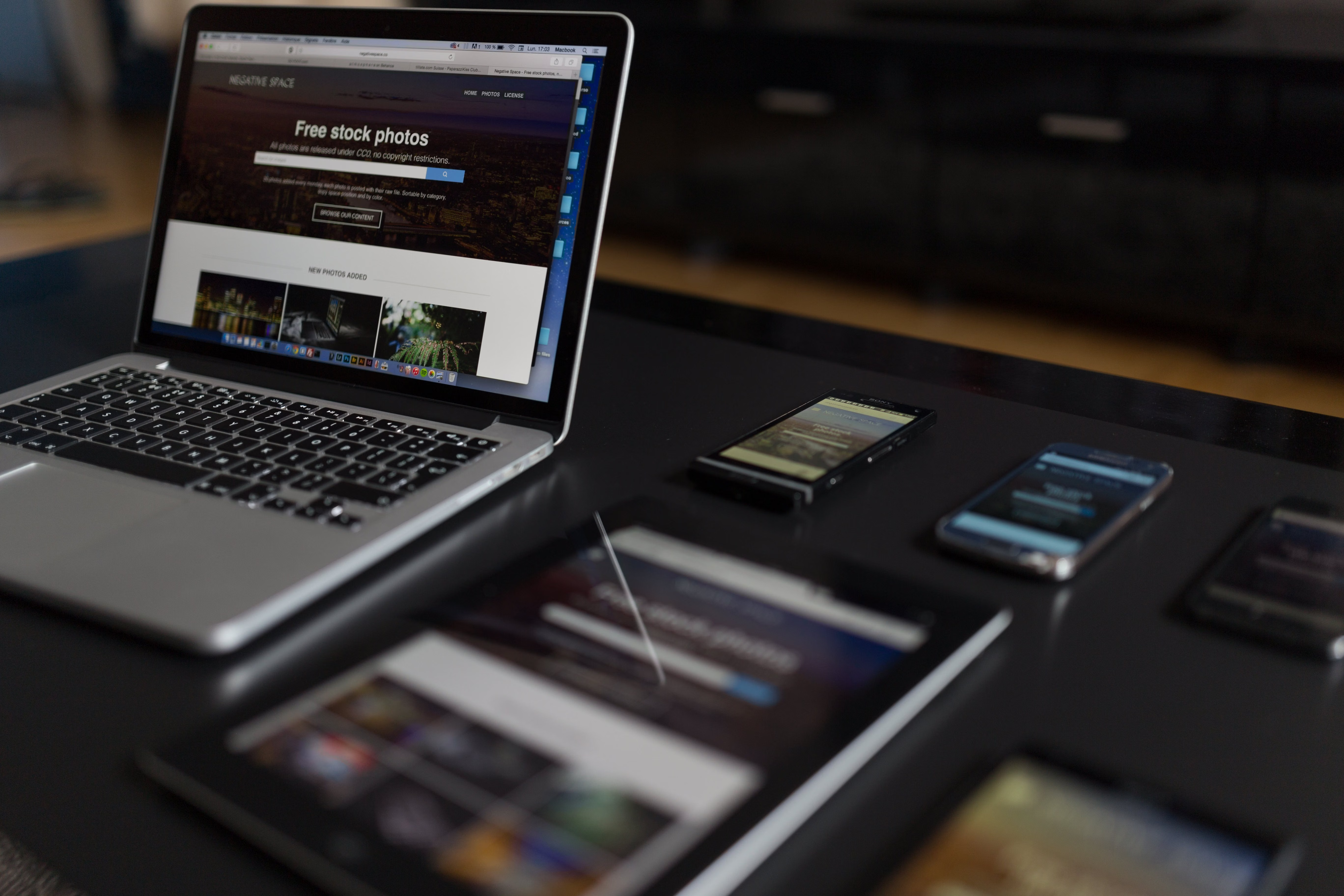
A well-planned website design roadmap does more than make a site look polished. It helps search engines understand your pages, makes navigation easier for visitors, and supports stronger performance across mobile, desktop, and all major devices.
For businesses, bloggers, ecommerce brands, and service providers, an SEO-friendly structure is one of the most practical ways to improve visibility without relying on shortcuts. Good design supports crawlability, content clarity, accessibility, and user experience, all of which influence how people move through your site and how search engines interpret it.
What an SEO-Friendly Website Design Roadmap Means
An SEO-friendly website design roadmap is a plan for building or improving a site so that structure, layout, and functionality work together. It is not just about colours, typography, or visuals. It covers how pages are grouped, how menus are organised, how content is placed, and how easily users and search engines can move through the site.
This matters because search visibility is shaped by many design-related factors. If a site is confusing, slow, or difficult to use on mobile, visitors are less likely to stay engaged. Search engines also need clear page hierarchy, internal links, and content that is easy to crawl and interpret.
For a simple example, a business website might group content into home, about, services, service pages, case studies, and contact pages. An ecommerce site may need category pages, product pages, filters, and trust signals in the right places. A blog may need clear topic categories and related article links. The structure should match both the user journey and the site’s goals.
Build Structure Before Visual Design
Many website projects begin with visuals, but structure should come first. Before choosing templates or page styles, decide what the website needs to achieve. That usually means defining the main pages, the priority actions, and the ideal path for visitors.
A strong structure keeps important content close to the homepage and avoids burying useful pages too deep in the site. It also helps search engines discover pages more efficiently. If a page is important for your business, it should be easy to reach through navigation, internal links, and a logical URL structure.
When planning, think in terms of user intent. A visitor looking for services needs quick access to service pages, proof of value, and contact options. Someone browsing products needs clear categories, filters, product details, and checkout support. A website design roadmap should reflect those needs rather than forcing every visitor through the same path.
Design for Mobile-First and Responsive Use
Responsive web design is essential because users now visit websites on different screen sizes and devices. A mobile-first approach means designing the most important content and interactions for smaller screens first, then expanding the experience for larger devices.
This often improves clarity. When there is less space, teams are more likely to focus on the essentials: a clear headline, concise supporting copy, a visible call to action, and simple navigation. That approach often benefits desktop users too, because it leads to a cleaner interface.
Good mobile design also supports SEO through mobile usability. Buttons should be easy to tap, text should be readable without zooming, forms should be simple, and menus should not overwhelm the screen. If your site is difficult to use on a phone, it can create friction long before someone reaches a contact form or product page.
For teams using WordPress website design, responsive themes and well-chosen page builders can help, but they still need careful configuration. Prebuilt layouts should be checked on multiple devices to make sure spacing, navigation, and content blocks remain usable.
Use Clear Page Layout and Content Hierarchy
Page layout affects how visitors scan information. People rarely read every word at once. They look for headings, short sections, visual cues, and content that answers their current question. That means your layout should guide attention, not compete for it.
Each important page should have one clear purpose. A landing page, service page, or product page should start with a direct headline, followed by concise benefits, proof points, relevant details, and a clear next step. Avoid putting too many competing messages on one page.
Hierarchy also matters for SEO. Use headings to separate topics logically, and make sure the main content appears before secondary content where possible. Internal links can then point users to supporting pages, such as FAQs, related services, or deeper guides. If your structure is still being planned, a free website SEO audit can help identify structural issues that affect visibility.
On ecommerce sites, product pages should highlight the essentials early: product name, price, availability, images, key features, and trust elements. On service websites, the most useful content is often the service summary, who it is for, what is included, and how to enquire.
Improve Speed, Core Web Vitals, and Technical Performance
Website performance is part of design because users feel it immediately. Slow pages create friction, especially on mobile networks. Search engines also consider speed-related experience signals, so design choices should support fast loading rather than weighing the site down.
Core Web Vitals are useful benchmarks for measuring loading, interactivity, and visual stability. While design alone does not control every technical factor, it can influence them significantly. Large image files, excessive animations, unnecessary scripts, and overly complex layouts can all affect performance.
Practical improvements include compressing images, choosing lightweight themes, limiting unnecessary plugins, and avoiding layout shifts caused by late-loading banners or elements. If you are checking performance, Google’s own PageSpeed Insights tool is a sensible place to start.
For ecommerce and business websites, speed is especially important on product and service pages where users are comparing options. A faster page is not a guarantee of better results, but it can reduce frustration and make the path to enquiry or purchase smoother.
Design for Conversions Without Hurting Usability
Conversion-focused design means making it easy for users to take the next step. That might be contacting your team, requesting a quote, subscribing, or purchasing. The best approach is not aggressive persuasion. It is clarity, trust, and reduced effort.
Place calls to action where they make sense in the user journey. For example, a service page may need a contact button near the top and another after the main benefits section. A product page may need a strong add-to-basket button near the product summary, plus details that reduce uncertainty.
Useful trust signals include clear contact information, transparent pricing where appropriate, secure checkout cues, useful FAQs, and well-written copy that answers common objections. Conversions depend on traffic quality, offer relevance, page clarity, design quality, copy, testing, and user intent, so design should support those factors rather than replace them.
For blogs and content sites, conversion might mean newsletter sign-ups or moving readers to related resources. In that case, related content blocks and well-placed internal links can support engagement without interrupting the reading experience.
Check Accessibility, Navigation, and Internal Linking
Accessibility is an important part of website design and SEO-friendly structure. A site should be usable with keyboard navigation, screen readers, and different input methods. That means using readable contrast, descriptive link text, sensible heading order, and form labels that are easy to understand.
Navigation should also stay simple. Main menus should reflect the most important areas of the site, not every possible page. Too many top-level items can make choices harder. A clear navigation system helps users find what they need and helps search engines understand which pages matter most.
Internal linking supports both structure and discovery. Link from broad pages to related detailed pages, and from detailed pages back to key conversion pages. This helps visitors move naturally through your site while strengthening topical relationships between pages.
If you are building from scratch or redesigning a site, it helps to review the overall plan against business goals, user journeys, and search intent. Backlink Works provides SEO education and website growth guidance that can sit alongside design planning without replacing the need for careful testing and iteration.
Best Practices for a Practical Website Design Roadmap
A useful roadmap keeps the project organised and focused. Start with the purpose of each page, then move to content structure, navigation, design system, performance, and testing. This avoids a common mistake: creating attractive pages that do not clearly support business goals.
Here is a simple checklist:
- Define the main user journeys before choosing page templates.
- Keep the site structure shallow and logical.
- Design mobile layouts first, then adapt for larger screens.
- Use headings and sections to make content easy to scan.
- Keep important calls to action visible and relevant.
- Compress images and review scripts to support speed.
- Test navigation, forms, and page layouts on real devices.
- Review analytics and user behaviour after launch.
One common mistake is trying to put every service, feature, and message onto one homepage. Another is hiding important content in sliders, tabs, or decorative elements that users may miss. A better approach is to keep each page focused and let the overall site structure do the work.
Conclusion
A website design roadmap for SEO-friendly structure is really a plan for better usability, clearer content, and more efficient growth. When design supports mobile use, performance, accessibility, internal linking, and page hierarchy, it becomes easier for both users and search engines to navigate the site.
Whether you are building a WordPress site, an ecommerce store, or a service-based business website, the key is to design around real user needs. That creates a stronger foundation for visibility, engagement, and conversion-focused improvements over time.
Frequently Asked Questions
What makes a website design SEO-friendly?
An SEO-friendly design is easy to crawl, mobile-friendly, fast, accessible, and organised with clear page structure and internal links.
Why does mobile-first design matter for visibility?
Mobile-first design improves usability on smaller screens, which supports user experience and helps search engines understand that the site works well on mobile devices.
How does website speed affect conversions?
Faster pages reduce friction and help users move through a site more smoothly, but conversion results still depend on offer quality, trust, and page clarity.
Should every page have the same layout?
No. Homepages, service pages, product pages, and landing pages each have different goals, so their layouts should support the visitor’s intent.
- Sponsored Ad -





