
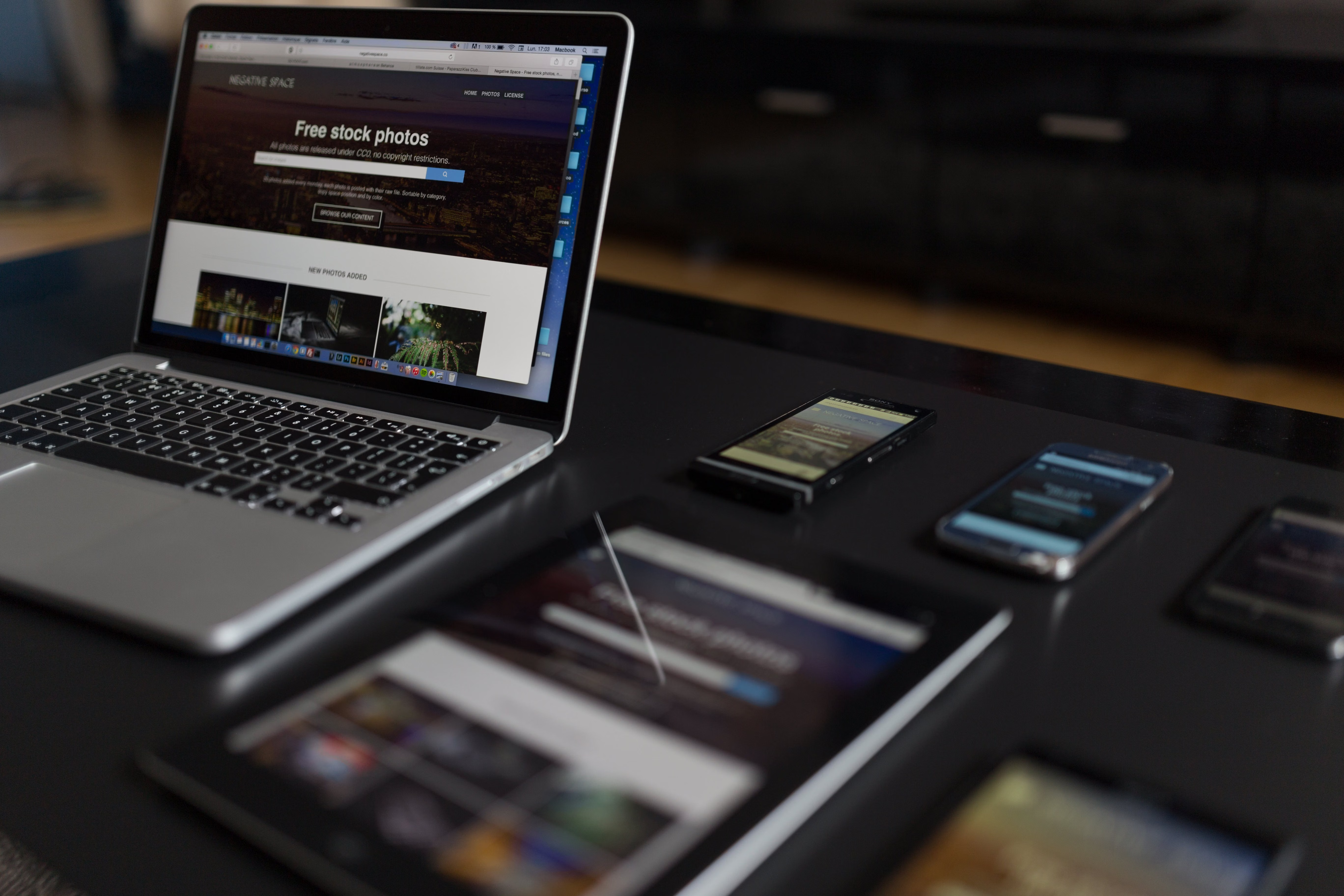
Mobile-first website design is no longer just a layout choice. It is a practical approach to building pages that work well on smaller screens first, then scale up cleanly for tablets and desktops. For SEO, usability, and conversions, that means every page needs to be clear, fast, accessible, and easy to navigate on mobile devices.
The main mistake is assuming that a desktop design can simply be “shrunk down” for phones. In reality, mobile users often have different goals, less patience, and less screen space. Good mobile-first design supports crawlability, content clarity, page speed, internal linking, and user experience across your whole site, whether you run a business website, ecommerce store, service pages, or a WordPress site.
What Mobile-First Website Design Really Means
Mobile-first design starts with the smallest practical screen and builds the experience from there. This helps you focus on the most important content, actions, and navigation before adding larger-screen extras. It is closely linked to responsive web design, but the mindset is different: instead of hiding mobile problems in a desktop-first layout, you design for mobile constraints from the start.
For SEO-friendly website design, mobile-first thinking matters because search engines assess how usable and accessible pages are on mobile devices. It also helps you create stronger page layouts, simpler content structures, and clearer calls to action. That is valuable for landing pages, service pages, product pages, and blog posts alike.
Mistake 1: Designing for Desktop First and “Fixing” Mobile Later
One of the most common mistakes is building a wide, feature-heavy desktop layout and then trying to compress it for phones. This often leads to overcrowded headers, tiny text, awkward spacing, and content that feels disconnected. When pages are packed with too many blocks, mobile users may struggle to understand the main point quickly.
A better approach is to identify the primary goal of each page first. A service page may need a strong headline, a short value proposition, trust signals, and a clear contact action. A product page may need concise product details, visible pricing, and simple image galleries. By designing around the user’s intent, you create a clearer mobile experience that also improves conversion-focused design.
Mistake 2: Weak Page Layout and Poor Content Hierarchy
Mobile screens have limited space, so content hierarchy matters more than ever. If every paragraph, button, and image competes for attention, the page feels difficult to scan. Users should be able to understand what a page offers within a few seconds, without scrolling endlessly to find key information.
Use headings, short paragraphs, and logical spacing to guide the eye. Put the most important content near the top, then follow with supporting details, proof points, and secondary actions. This is especially important for landing pages and homepage layouts, where a poor structure can reduce clarity and weaken engagement.
On content-heavy pages, internal linking also needs careful placement. A useful example is a blog article that points readers to a free website SEO audit only when the link fits the topic and supports the next step naturally.
Mistake 3: Slow Pages and Ignoring Core Web Vitals
Mobile users are often less forgiving of slow pages, especially when they are on weaker connections or multitasking. Heavy images, too many scripts, and oversized components can harm website performance and make the experience feel unreliable. Slow pages can also affect Core Web Vitals, which are useful signals for measuring how a page behaves in practice.
Good performance starts with design decisions. Compress images, avoid unnecessary animation, keep page templates lean, and make sure fonts and media load efficiently. For WordPress website design and ecommerce website design, this often means choosing lighter themes, limiting plugin bloat, and reviewing product galleries, sliders, and pop-ups carefully.
If you want to assess whether design and performance issues are affecting your pages, Google’s PageSpeed Insights tool can help you review speed and user experience signals. The aim is not perfection, but steady improvement through practical changes.
Mistake 4: Navigation That Is Hard to Use on Small Screens
Mobile navigation should be simple, visible, and easy to tap. A cluttered menu can frustrate users and bury important pages such as services, categories, product groups, contact pages, or FAQs. If people cannot find what they need quickly, they are less likely to move deeper into the site.
Keep menus focused on priority pages and use clear labels rather than clever wording. Make tap targets large enough, avoid stacking too many menu levels, and ensure the header does not dominate the screen. On ecommerce sites, it is also worth checking that filters, search, and category links work smoothly on mobile without forcing awkward interactions.
Navigation should support both usability and crawlability. A well-structured site helps users move around naturally and helps search engines understand how pages relate to each other. That combination is valuable for business websites, product pages, and service pages that rely on internal linking to surface important content.
Mistake 5: Touch Targets, Forms, and UI That Frustrate Users
Mobile UI problems often show up in the small details. Buttons that are too close together, forms with too many fields, and links that are difficult to tap can all create friction. If users need to zoom in or repeatedly correct errors, the page is not doing its job well.
Make buttons obvious and spaced properly. Keep forms short, ask only for essential information, and use the right input types where possible. For example, email fields, phone fields, and postcode fields should be easy to complete on a phone. This is especially important on lead generation pages, contact forms, and checkout flows.
Accessibility should be part of the design process too. Readable text, sufficient contrast, clear labels, and keyboard-friendly interactions all contribute to a better mobile experience. These details improve usability for everyone, not just people with accessibility needs.
Mistake 6: Treating Every Page the Same
Not every page should follow the same layout pattern. A homepage, category page, blog post, service page, and checkout page all serve different purposes. Mobile-first design works best when the structure reflects those goals rather than forcing one template onto everything.
For example, a service page may need a short introduction, benefits, process, proof points, and a contact prompt. A product page may need concise descriptions, specifications, reviews, and shipping details. A blog post may need scannable headings, internal links, and related resources. When pages are designed around user intent, they become easier to use and more likely to support business outcomes.
If your site structure needs a broader SEO review, a clear backlink building process can complement solid on-page structure, but the page experience itself should always come first.
Best Practices for Mobile-First Pages
A useful mobile-first checklist includes a few simple habits:
- Put the main message near the top of the page.
- Keep paragraphs short and easy to scan.
- Use clear headings and meaningful section order.
- Limit visual clutter and unnecessary elements.
- Make navigation, buttons, and forms easy to use with one hand.
- Optimise images and reduce unnecessary page weight.
- Check that content, links, and layouts work well on different screen sizes.
These steps support website speed, accessibility, user experience, and SEO-friendly website design. They also help you build pages that feel trustworthy and usable, which is important whether your goal is newsletter sign-ups, enquiries, purchases, or repeat visits.
Conclusion
Mobile-first website design is about more than making a site look good on a phone. It is about building pages that are fast, structured, readable, and easy to act on, regardless of screen size. When you avoid common mistakes such as desktop-first layouts, weak hierarchy, slow loading, and awkward navigation, you improve both usability and the foundations that support SEO.
For website owners, designers, developers, and marketers, the most effective approach is to review each page through the lens of mobile intent. Keep the layout focused, the content clear, the UI simple, and the experience consistent. If you want to explore website growth and technical SEO topics further, Backlink Works shares practical guidance for improving online visibility without relying on shortcuts.
Frequently Asked Questions
What is the biggest mobile-first design mistake?
Designing for desktop first and then trying to adapt the page for mobile usually creates layout, navigation, and readability problems.
Does mobile-first design help SEO?
It can support SEO by improving mobile usability, crawlability, speed, content structure, and overall user experience.
Should every page on my site have the same mobile layout?
No. Different page types need different content priorities, so the layout should reflect the page’s purpose and user intent.
How can I tell if my mobile pages need improvement?
Review page speed, mobile usability, tap targets, content clarity, and navigation flow, then test pages on real phones and browsers.
- Sponsored Ad -





