
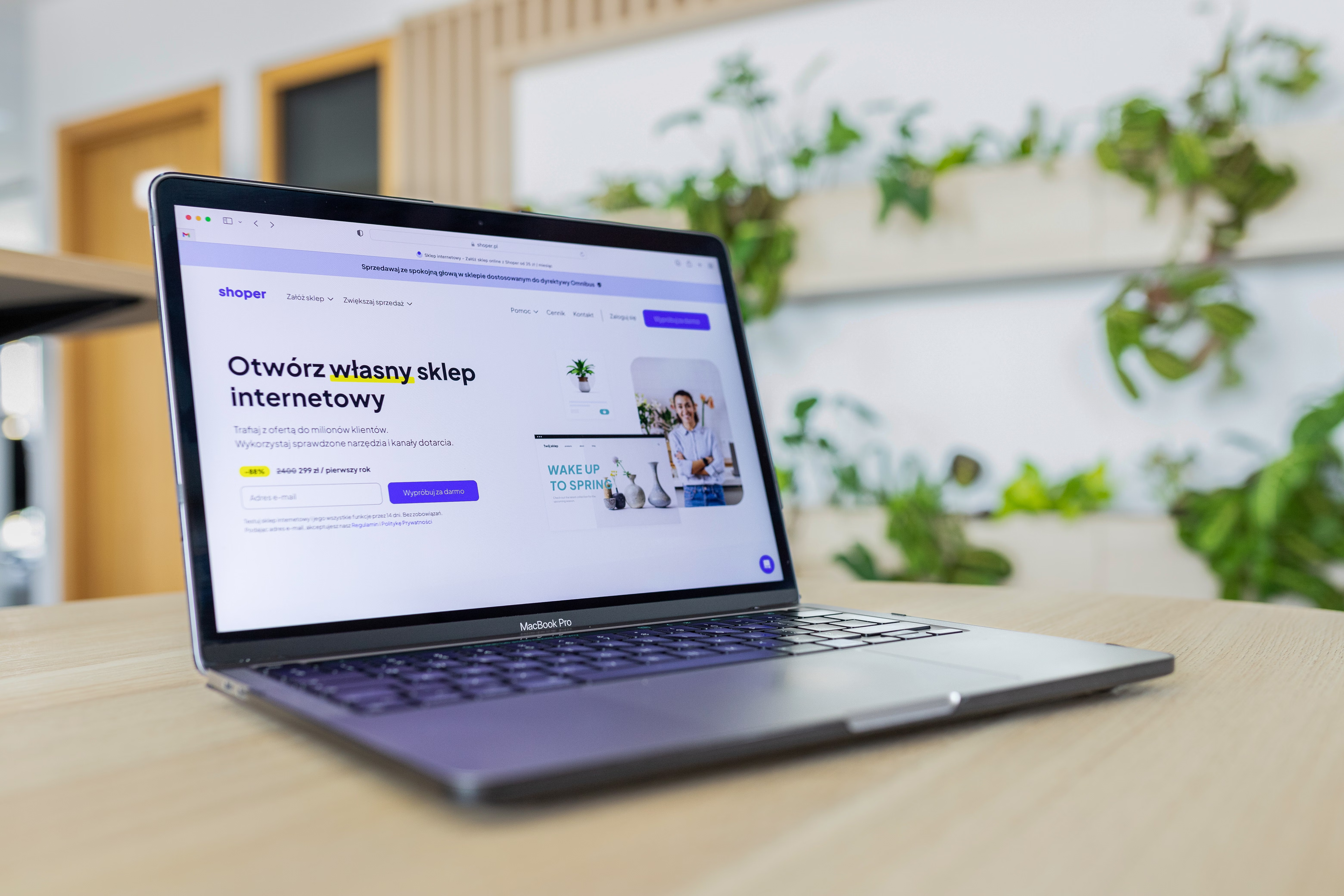
Mobile UX is one of the most important parts of a website UI audit because many visitors will first experience your site on a phone. If pages are difficult to read, slow to load, or awkward to tap through, users are more likely to leave before they reach the content, product, or service they need.
A strong mobile experience supports SEO-friendly website design by improving usability, page speed, accessibility, internal linking, and overall content clarity. It also helps business websites, ecommerce stores, service pages, and landing pages guide visitors towards a clearer next step without relying on pushy or misleading tactics.
What Mobile UX Means in a UI Audit
Mobile UX refers to how easy it is to use a website on a small screen. In a UI audit, this means checking whether the design, layout, navigation, and content still work well when space is limited and interaction happens by touch rather than mouse.
Good mobile UX is not just about shrinking desktop designs. It involves responsive web design, mobile-first thinking, clear hierarchy, readable text, simple navigation, and page layouts that support real user behaviour. Search engines also evaluate mobile usability, so design quality can affect both user experience and discoverability.
Check Layout, Spacing, and Content Hierarchy
Start by reviewing whether the page structure makes sense on a smaller screen. Headings should break content into clear sections, paragraphs should stay short, and important messages should appear early. On service pages and product pages, the main offer, key benefits, and trust signals should not be buried below long blocks of text or oversized graphics.
Spacing matters as much as content. If buttons are too close together, if text runs edge to edge, or if sections feel crowded, users may struggle to scan and tap accurately. A mobile-friendly layout should help the eye move naturally from headline to supporting copy, then to the call to action.
For teams auditing website structure, a tool such as Google’s design guidance on web.dev can be useful when checking responsive layouts and mobile patterns.
Review Navigation and Tap Targets
Mobile navigation should be simple, predictable, and easy to use with one hand where possible. Keep menu labels clear, avoid overcrowding the header, and make sure important pages are reachable without excessive tapping. For business websites and ecommerce websites, users should be able to find contact details, pricing, categories, and support pages quickly.
Tap targets need enough space around them. Small icons, tightly packed links, and hard-to-hit dropdowns create friction. In a UI audit, test the menu, filters, product options, form fields, and footer links on a real phone, not just in a desktop browser preview. If a user must zoom to tap something, the design needs improvement.
Internal links also matter for discovery and SEO. A clear linking structure helps users move between related content, such as a homepage, service page, and supporting blog post. If you are reviewing broader technical and content signals at the same time, a free website SEO audit can help you spot issues that affect both mobile usability and search visibility.
Test Readability, Forms, and Conversion Paths
Mobile users do not want to pinch and zoom to read a page. Check font sizes, line spacing, contrast, and paragraph width. Text should remain legible without effort, and buttons should use plain language that matches user intent. Avoid vague labels such as “Submit” when “Request a quote” or “Add to basket” is clearer.
Forms are a common mobile pain point. Keep fields to a minimum, use the correct input types for email, phone, and number fields, and ensure labels remain visible. Long multi-step forms can work, but only if each step feels manageable and the user understands how much is left. This is especially important on landing pages, lead generation pages, and checkout flows.
Conversion-focused design on mobile depends on clarity, trust signals, and page purpose. Results vary based on traffic quality, offer relevance, copy, and testing. Good design improves the conditions for conversion, but it does not guarantee it.
Measure Speed and Core Web Vitals
Mobile UX is closely linked to website performance. Slow-loading images, heavy scripts, unnecessary animations, and oversized page elements can make a site feel broken on mobile, even if the design looks polished. In a UI audit, check whether the most important content appears quickly and whether interactions feel smooth.
Core Web Vitals are useful indicators because they reflect loading, responsiveness, and visual stability. A page that jumps around while loading or takes too long to respond can frustrate users before they engage with the content. This is particularly important for WordPress website design, ecommerce product pages, and service pages with large media files or third-party plugins.
You can benchmark performance with PageSpeed Insights, then look for practical fixes such as image compression, lazy loading, reduced script bloat, cleaner templates, and fewer unnecessary pop-ups.
Improve Accessibility and Touch-Friendly Design
Accessibility and mobile UX overlap heavily. A site that is difficult to use with low vision, limited dexterity, or screen readers is often difficult to use on mobile as well. Use meaningful headings, proper colour contrast, descriptive link text, and visible focus states so that the interface works for more people and more devices.
Touch-friendly design also means avoiding accidental taps and dead-end interactions. Dropdowns should be easy to open and close, accordions should behave consistently, and interactive elements should not depend on hover states. If your content includes images, make sure they support the page rather than interrupting the reading flow.
Mobile UX audit checklist:
- Check the site on multiple phone screen sizes.
- Review menu clarity and tap target spacing.
- Test page speed on mobile connections.
- Look for readable text and sensible line lengths.
- Make forms short and easy to complete.
- Confirm that calls to action are visible and relevant.
- Check that internal links are easy to find and use.
Common Mobile UI Mistakes to Fix
Some of the most common issues found in mobile audits are surprisingly simple. Overly large hero banners can push useful content too far down the page. Sticky elements can cover content or distract from the main task. Complex mega menus may work on desktop but become frustrating on a phone. Hidden key information in tabs or accordions can also reduce clarity if users do not notice them.
Another frequent problem is designing for appearance rather than intent. A page might look visually polished but still fail because the content order, CTA placement, and navigation flow do not suit mobile behaviour. Good website design should support the user journey, whether the goal is to read, enquire, compare, book, or buy.
Conclusion
Improving mobile UX in a website UI audit is about making the site easier to read, navigate, and act on from a phone. That means reviewing layout, hierarchy, navigation, forms, performance, and accessibility together rather than treating them as separate tasks.
For website owners, agencies, and developers, the best mobile improvements are usually practical ones: simplify the page structure, reduce friction, speed up the experience, and make important content obvious. That approach supports better usability and gives SEO-friendly design a stronger foundation for long-term growth. Backlink Works shares more website design and SEO guidance for teams working on that broader picture.
Frequently Asked Questions
What is the first thing to check in a mobile UX audit?
Start with navigation, readability, and the main call to action. If users cannot find or understand the next step, the rest of the page is less effective.
How does mobile UX affect SEO?
Mobile UX supports SEO through usability, crawlability, page speed, accessibility, and content structure. Search engines want pages that are useful and easy to use on mobile devices.
Should mobile pages always be shorter than desktop pages?
Not always. Mobile pages should be more focused, but they can still be detailed if the content is structured clearly and easy to scan.
What is the biggest mistake in mobile website design?
Trying to shrink a desktop layout instead of redesigning the experience for mobile users. Mobile pages need clear hierarchy, simple navigation, and touch-friendly interactions.
- Sponsored Ad -





