
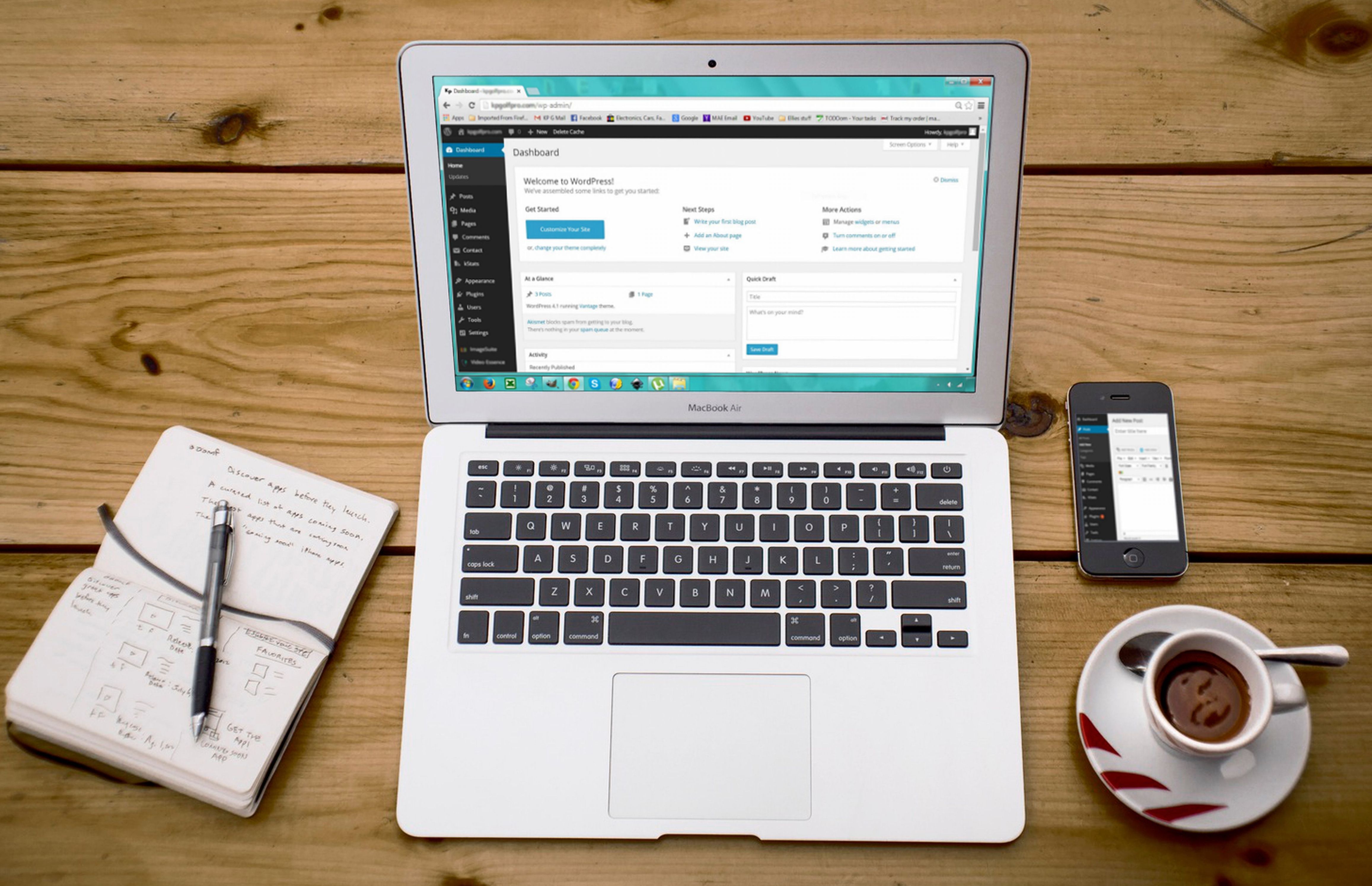
Yoast SEO Checklist for Better Titles, Meta Descriptions, and URLs is a practical way to improve how your WordPress pages are presented in search results and on your own site. It is not about chasing plugin scores or forcing keywords into every field; it is about making titles, snippets, and permalinks clear, relevant, and easy for both visitors and search engines to understand.
For WordPress site owners, these basics sit at the heart of on-page SEO and technical SEO. A well-set-up title tag, a concise meta description, and a clean URL structure can support crawlability, indexing, internal linking, and content discovery, but results still depend on content quality, site structure, and ongoing maintenance.
What the Yoast SEO checklist is really checking
Yoast SEO is one of several WordPress SEO plugins that can help you review page titles, meta descriptions, and URL slugs while you edit content. Similar tools include Rank Math, All in One SEO, and SEOPress, but the right choice depends on your website type, workflow, budget, and technical needs. In practice, these plugins provide guidance rather than search engine guarantees.
For most websites, the checklist focuses on a few core tasks: making the title reflect the page topic, ensuring the meta description supports the page purpose, and checking that the URL is short, descriptive, and readable. Yoast’s suggestions can be useful as an editorial aid, but they should not override judgement about audience intent, brand tone, or page structure.
If you want a broader view of WordPress search optimisation, a free website SEO audit can help you spot technical and on-page issues before you start changing metadata across the site.
How to review titles, descriptions, and URLs safely
Start by checking whether each page has one clear purpose. A product page, blog post, category archive, and service page all serve different search intents, so they should not all use the same style of title or description. The title tag should describe the page accurately and encourage clicks without sounding misleading.
Meta descriptions do not directly guarantee rankings, but they can influence how a page is presented in search results. Write them as concise summaries of the page content, ideally highlighting the value to the reader. Keep them unique where possible, especially on pages that compete with one another.
URLs, or permalinks, should usually be stable, readable, and free from unnecessary words. In WordPress, changing permalinks after a site has been published can create broken links if redirects are not handled correctly. Before changing URL structures, back up the site and review how the change affects internal links, canonicals, and XML sitemaps.
Practical checklist for each page
- Use a title tag that matches the page intent and content.
- Keep the meta description focused, specific, and human-readable.
- Use a short URL slug that reflects the topic.
- Avoid duplicate titles and repeated descriptions across similar pages.
- Check that the page is meant to be indexable before optimising it.
WordPress technical SEO checks before editing metadata
Titles and descriptions work best when the technical foundations are sound. Search engines first need to crawl a page, which means they must be able to access it. Only then can they index it, which means they may store it in their systems for possible search appearance. A page can be crawlable but still not indexed, and a technically indexable page is not guaranteed to appear in results.
Before making metadata changes, check robots directives, canonical URLs, and the page’s status in Search Console. Robots.txt controls crawler access, while a robots meta tag can signal whether a page should be indexed. A canonical tag suggests the preferred version of a URL, but it is a signal rather than a command.
WordPress core can generate sitemaps, and many SEO plugins also provide sitemap features. Make sure you are not duplicating sitemap output or including low-value URLs such as redirects, staging pages, or thin archives without a reason. Google’s overview of crawling and indexing is a useful reference if you want to understand how these pieces fit together.
Using Yoast alongside other WordPress SEO tools
Yoast SEO is designed to help with title tags, meta descriptions, canonical tags, XML sitemaps, and some content guidance, but it is not a complete SEO strategy on its own. Rank Math, All in One SEO, and SEOPress offer overlapping functionality, which means most sites should use only one primary SEO plugin to avoid duplicate metadata, conflicting canonicals, or repeated schema output.
That rule also applies during plugin migration. If you are moving from one SEO plugin to another, create a backup first, then compare titles, descriptions, canonicals, sitemaps, robots settings, social metadata, and redirects after the change. Interface labels and feature names can change between versions, so it is better to confirm the current documentation than rely on old tutorials.
When you need a deeper content or link strategy alongside WordPress SEO setup, this guide to the backlink building process can help you think about authority, internal structure, and how content supports broader visibility efforts.
Common mistakes with titles, meta descriptions, and URLs
One frequent issue is duplication. Similar product pages, tag archives, or location pages often end up with near-identical titles and descriptions. That can make it harder for users and search engines to tell pages apart. Another common problem is over-optimisation: forcing the same keyword into every heading or URL rarely improves clarity and can make content awkward to read.
Avoid changing URLs casually. If a post already has links, shares, or search visibility, altering the slug without a redirect plan can create 404 errors. Use permanent redirects for moved pages, map old URLs to the closest relevant replacements, and avoid sending every removed page to the homepage. Redirect chains and loops can create maintenance problems and waste crawl resources.
It is also worth checking whether your theme, page builder, or custom code is affecting metadata output. WordPress themes control presentation, while plugins and custom development may control SEO fields, schema, and heading structure. Keep those responsibilities separate so you can troubleshoot more easily if something changes unexpectedly.
Testing, monitoring, and ongoing WordPress SEO maintenance
After updating titles, descriptions, or permalinks, test a few key pages in a browser and inspect the rendered source where possible. Check that the canonical points to the preferred URL, the page still loads correctly, and internal links still work. If you use structured data, make sure it matches the visible content and does not conflict with theme-generated markup or other plugins.
Monitor Google Search Console for changes in crawl behaviour, indexing status, or URL inspection details, but remember that the tool does not guarantee inclusion in search results. Google Analytics 4 and Search Console measure different things, so compare clicks, impressions, sessions, and conversions carefully rather than treating them as the same metric.
SEO maintenance should also include image SEO, website speed, mobile usability, and Core Web Vitals. Large images, excessive scripts, or heavy page builders can affect page experience, which may influence how useful a page feels to visitors. If your site is a WooCommerce store, pay close attention to product pages, category pages, filters, and out-of-stock URLs so that metadata and canonicals stay consistent.
Conclusion
A good Yoast SEO checklist is not just a set of plugin prompts. It is a practical way to keep titles, descriptions, and URLs aligned with real search intent, while also supporting crawlability, indexing, and site usability across WordPress. Use the checklist as a guide, but always review the wider technical picture before making changes site-wide.
When you combine clear metadata with sensible permalink choices, strong internal linking, and regular technical checks, you give your content a better chance to be understood by both people and search engines. The aim is not perfection inside a plugin; it is a well-maintained WordPress site that is easy to navigate, easy to crawl, and easier to trust.
Frequently Asked Questions
Should every WordPress page have a unique title tag?
Usually, yes. Unique title tags help separate pages with different purposes and reduce duplication across your site.
Does a meta description directly improve rankings?
Not directly. Meta descriptions are mainly for summarising the page and encouraging relevant clicks, not for acting as a ranking signal.
Is it safe to change WordPress permalinks after publishing?
It can be safe if you plan it properly, create redirects, and update internal links. Without that, you risk broken links and confusion for crawlers.
Do I need Yoast if I already use another SEO plugin?
No. Most websites should use one primary SEO plugin only. Running multiple full SEO plugins can create duplicate metadata and conflicting settings.
- Sponsored Ad -





