
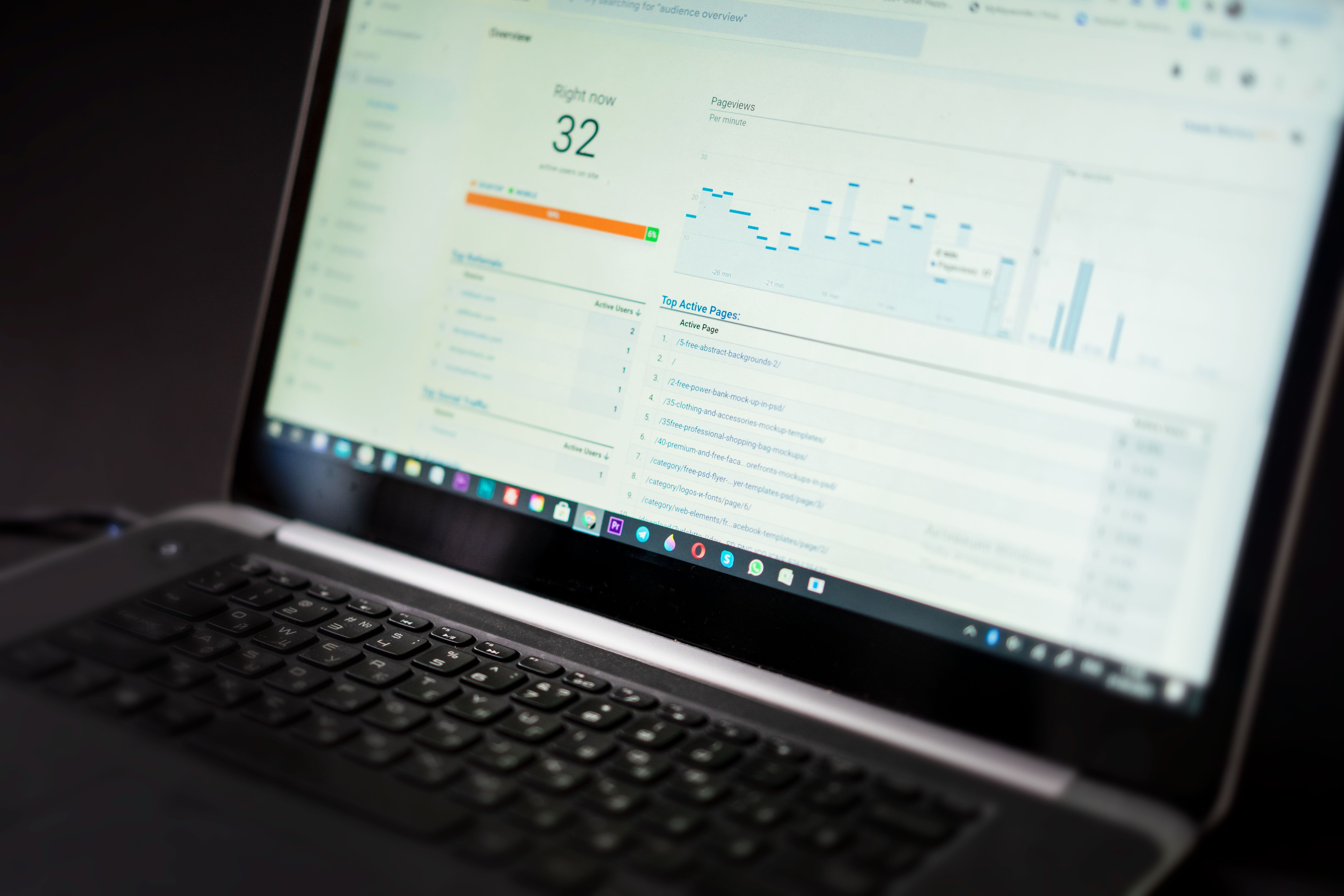
Google Search Console remains one of the most important tools for understanding how a website appears in search. While it does not directly improve rankings, it shows how Google crawls, indexes and presents pages, which makes it essential for tracking visibility changes across content, technical SEO and search performance.
For website owners, marketers and SEO professionals, the most useful way to look at Search Console updates is through their impact on reporting, diagnostics and decision-making. When Google changes how data is shown, how performance is measured or how issues are reported, that can influence how you assess search visibility and where you choose to invest SEO effort.
Why Google Search Console matters for visibility
Search Console sits at the centre of organic search analysis because it connects your site to Google’s own understanding of it. You can review impressions, clicks, average position, indexing coverage, mobile usability, page experience signals and enhancement reports. That makes it useful for spotting whether pages are being discovered, whether search demand is changing and whether technical issues are holding content back.
When visibility drops, Search Console is often the first place to look. A fall in impressions may point to weaker search demand, indexing problems or shifting rankings. A drop in clicks with stable impressions may indicate changes in snippet appeal, search intent or SERP layout. It is not a ranking tool in itself, but it is one of the clearest windows into ranking movement and search behaviour.
What Search Console updates usually change
Google has made a range of Search Console improvements over time, including reporting refinements, better data processing, new enhancement reports and more detailed crawl or indexing feedback. Even without a headline update, these changes matter because they alter how accurately site owners can interpret visibility trends.
For example, if reports become more granular, you may be able to identify which sections of a site are affected by indexing problems. If data presentation changes, it may become easier to compare performance across page types, devices or search appearances. The practical effect is often better diagnosis, not an immediate traffic change.
What marketers should watch for
Keep an eye on whether impressions, clicks and average position move in different directions. That can reveal whether the issue is ranking, CTR or search demand. Also review whether new page templates, content sections or structured data are appearing correctly in enhancement reports.
How Search Console affects technical SEO
Many visibility problems come from technical issues rather than content quality alone. Search Console helps identify whether pages are indexed, excluded or blocked, and whether Google is encountering crawling difficulties. This is especially important for large sites, ecommerce catalogues and WordPress sites with frequent template changes.
Technical SEO teams should use Search Console to monitor canonicalisation issues, sitemap coverage, mobile usability, HTTPS status and rich result eligibility. If pages are crawled but not indexed, that often signals duplication, poor internal linking, thin content or weak page purpose. If important pages are excluded unexpectedly, visibility can suffer even when content quality is strong.
For teams that want a structured site review, a free website SEO audit can complement Search Console findings by highlighting technical gaps, content issues and link problems together.
Content SEO and ranking changes in Search Console
Search Console data is especially valuable after ranking fluctuations, because it helps separate content performance from algorithmic noise. If a page loses clicks but keeps similar impressions, the content may still be visible but less competitive in the SERP. If impressions fall across a topic cluster, the site may be losing visibility for broader search intent rather than a single keyword.
Content SEO teams should use Search Console to identify pages with strong impressions but low CTR, pages with declining average position and query groups where the site appears inconsistently. This can guide title tag rewrites, snippet improvements, internal link updates and content refreshes. It also helps to compare pages that satisfy search intent well with those that attract impressions but do not convert into clicks.
Google continues to emphasise helpful, people-first content in its documentation, which makes quality, clarity and usefulness central to visibility. You can review Google’s own guidance in the helpful content guidance when auditing content performance.
AI search, SERP changes and visibility reporting
AI-powered search features and changing SERP layouts can affect how Search Console data should be interpreted. When search results include more answer-style content, video results, shopping blocks or richer features, organic clicks may shift even if rankings remain broadly stable. This means visibility now depends not only on position, but also on how a result competes within a more crowded page.
Search Console does not show every SERP feature in full detail, so SEO teams need to read the data alongside broader search trends. If branded queries hold steady but non-branded clicks drop, the issue may be changing result layout or intent matching. If informational queries gain impressions but fewer clicks, AI summaries or richer answers may be changing user behaviour before they reach the site.
For this reason, visibility analysis should include query intent, snippet quality and the content format that searchers now expect. Search Console reveals the symptoms; the wider SERP tells you why they may be happening.
Local, ecommerce and WordPress SEO considerations
Local businesses should use Search Console to monitor brand and service queries, location pages and mobile performance. If local landing pages are indexed but not gaining impressions, the issue may be weak relevance, thin location content or poor internal linking from core pages. Consistent business information and clear service-area structure still matter.
Ecommerce sites should pay attention to product and category indexing, faceted navigation and duplicate variations. Search Console can reveal whether key commercial pages are being discovered or whether Google is favouring only a subset of URLs. Large catalogues often need careful sitemap management, canonical tags and internal linking to protect visibility.
WordPress users should also review plugin-generated pages, archives, tag pages and template changes. A plugin update can alter metadata, schema or indexing rules without obvious visual changes. If you manage a WordPress site, a platform-specific SEO setup such as the backlink building process overview can support wider authority-building work alongside technical fixes.
Practical steps to take after Search Console changes
When Search Console reporting shifts or your visibility changes, the best response is measured analysis rather than quick assumptions. Start by comparing performance across queries, pages, devices and countries. Then check whether the change is tied to a content group, technical issue or SERP feature shift.
A useful checklist includes the following:
Review indexing coverage for important pages.
Check whether impressions changed before clicks or rankings changed before impressions.
Inspect title tags and meta descriptions for low-CTR pages.
Validate structured data where rich results matter.
Confirm mobile usability and page speed remain stable.
Compare branded and non-branded search behaviour.
If your site relies on link equity to support key pages, it can also help to review your wider authority profile through resources such as Backlink Works’ backlink building guide. Strong internal and external linking still plays an important role in how search engines discover and prioritise pages.
Conclusion
Google Search Console updates matter because they influence how SEO professionals understand visibility, not because they directly change rankings. Whether the shift involves reporting, indexing feedback, crawl diagnostics or data presentation, the real value is in making smarter decisions about content, technical health and search experience.
For businesses, the key lesson is to treat Search Console as an early signal system. Use it to identify patterns, test fixes and track whether your improvements support clearer discovery and better organic performance. In a search landscape shaped by algorithm changes, AI features and evolving SERPs, that disciplined approach is often what helps sites stay visible.
Frequently Asked Questions
Does Google Search Console improve rankings?
No. Search Console does not directly improve rankings, but it helps you find and fix issues that can affect visibility.
Why did my impressions change in Search Console?
Impressions can change because of ranking shifts, search demand, indexing changes or SERP layout updates.
What should I check first after a visibility drop?
Start with indexing coverage, query-level performance, page-level trends and any recent technical or content changes.
Is Search Console useful for ecommerce and local SEO?
Yes. It helps monitor product, category and location page visibility, along with indexing and mobile performance.
- Sponsored Ad -





