
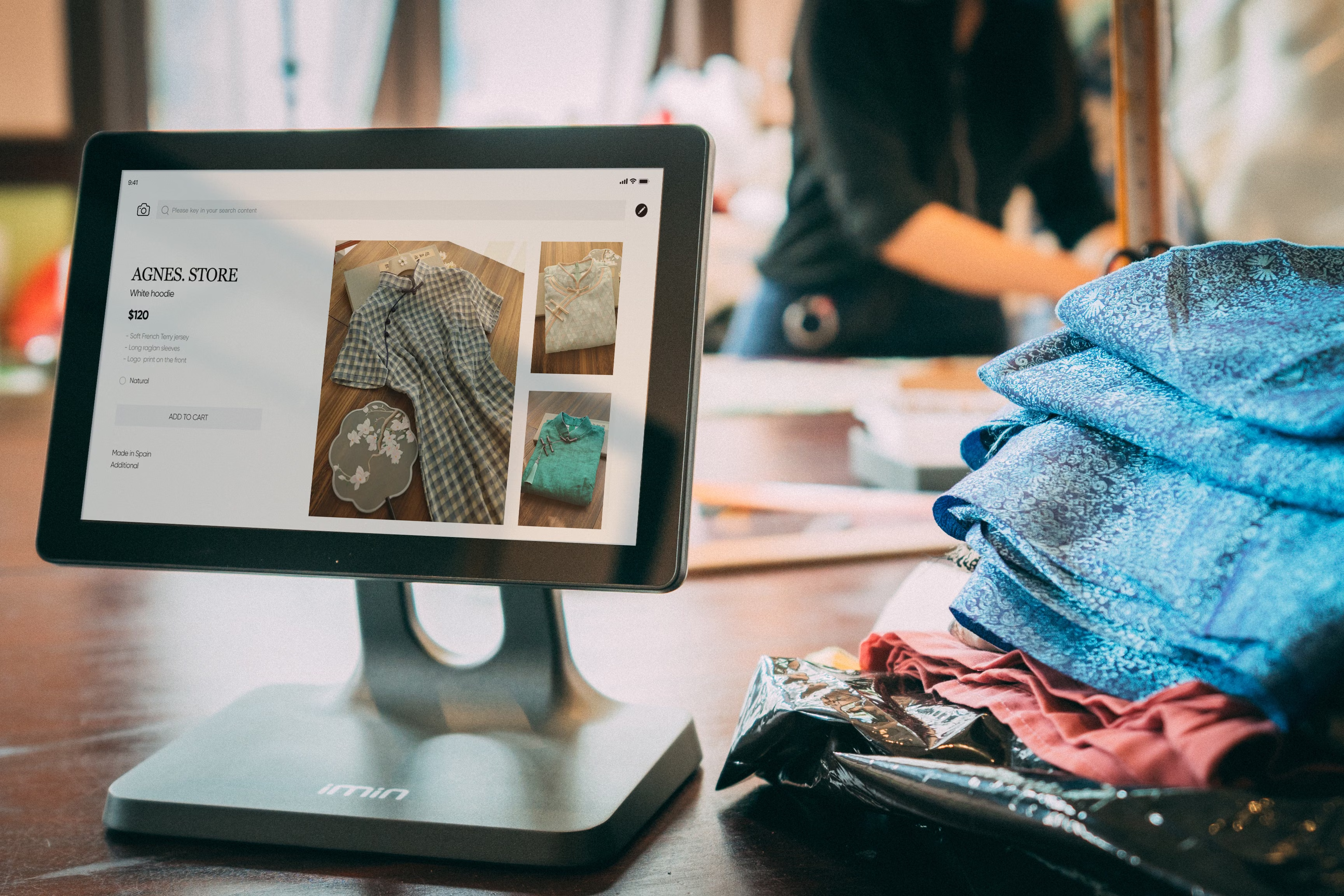
Category pages do far more than group products together. In ecommerce SEO, they can act as powerful landing pages that help search engines understand your store structure and help shoppers find the right products faster. When a category page is well organised, it can support organic traffic growth, improve product discovery, and create a smoother path from search result to purchase.
Improving category page layout is not about packing in more keywords or adding unnecessary clutter. It is about making the page easier to crawl, easier to scan, and more useful for people browsing on desktop or mobile. Results will depend on your site quality, competition, content depth, technical setup, and how well your categories match search intent.
Why category page layout matters for organic traffic
Category pages often target broader commercial search terms such as “women’s trainers”, “solid oak dining tables”, or “men’s waterproof jackets”. These pages can earn visibility where product pages are too specific and blog content is too informational. A strong layout helps search engines interpret the page purpose and helps users move through the store with less friction.
For online store SEO, layout affects more than aesthetics. It influences crawlability, internal linking, indexing, mobile usability, and how easily visitors can compare products. A category page that feels disjointed can reduce engagement, while a clear structure can support better browsing, longer sessions, and stronger conversion opportunities. The exact outcome will still depend on pricing, trust signals, page speed, and product relevance.
Build a layout that matches search intent
Start by understanding what people expect when they land on a category page. Someone searching for a product category usually wants choice, filters, quick comparisons, and enough context to know they are in the right place. Your layout should serve that intent without pushing product cards too far down the page.
Place the category title, a concise introduction, and key filters near the top. Then present product listings in a clear grid. If the category is competitive, you can add a short, helpful paragraph above or below the product list that explains what the category includes, who it suits, or how to choose. This supports ecommerce keyword research without sounding repetitive or forced.
A good rule is to keep the page focused on the category itself. Do not overload it with unrelated content. The goal is to help search engines and shoppers understand the topic quickly.
Use content blocks that support SEO without clutter
Category page SEO works best when content is useful and placed where it helps, not where it distracts. Short supporting copy can strengthen relevance, answer common questions, and improve topical clarity. For example, a category for running shoes might include a brief note about cushioning, terrain, or size guidance.
Keep product descriptions on the category page short and scannable. Detailed product page SEO should live on the individual product pages, where users expect fuller information. Category pages should complement those product pages, not duplicate them. This also helps avoid duplicate product content issues across your store.
If you use Shopify SEO or WooCommerce SEO, check how your theme handles category introductions, featured collections, and pagination. Some themes place important content too low on the page or make the layout harder to scan on mobile. A flexible content block system can make it easier to balance SEO and usability.
Improve internal linking and faceted navigation
Category pages are central to ecommerce internal linking. They connect users to product pages, subcategories, guides, and related collections. Clear internal links help distribute authority across the site and make it easier for search engines to discover important pages.
Use breadcrumbs, related category links, and carefully chosen subcategory links where they add real value. Avoid overloading the page with links that compete with the main product grid. If you manage a large store, faceted navigation deserves close attention. Filters for size, colour, brand, or price should help users refine results without creating crawl problems or thin duplicate URLs.
For technical SEO, consider which filter combinations should be indexed and which should not. Uncontrolled faceted navigation can waste crawl budget and create many near-duplicate pages. In some cases, canonical tags, noindex rules, or parameter handling may be appropriate. If your site architecture is complex, a free website SEO audit can help identify layout and crawlability issues worth fixing.
Optimise for mobile, speed, and Core Web Vitals
Mobile ecommerce SEO is essential because category pages are often the first place shoppers browse on smaller screens. On mobile, layout should prioritise readability, tap-friendly filters, fast loading, and a product grid that does not feel cramped. Avoid large blocks of text that push products too far below the fold.
Website speed also matters. Large images, heavy scripts, and unnecessary widgets can slow category pages and hurt user experience. That can affect Core Web Vitals, which are useful signals of page quality and performance. Faster pages usually create a better browsing experience, though they will not guarantee higher rankings on their own.
Use tools such as PageSpeed Insights to review performance issues such as image sizing, script blocking, and layout shifts. For Shopify SEO and WooCommerce SEO, theme choice and app/plugin bloat can have a significant impact on speed, so review them regularly.
Support product discovery with schema, clean structure, and conversions
Category pages should make it easy for search engines to understand the page type and the products it features. Ecommerce schema markup can help reinforce product information, availability, ratings, and offers on product pages. While category pages are not usually as schema-heavy as product pages, they still benefit from clear structure, descriptive headings, and consistent naming.
Do not forget out-of-stock product SEO. If a product disappears from a category page, make sure the user experience is handled sensibly. You may want to suggest alternatives, show similar items, or keep the product accessible if it will return soon. That helps preserve discovery and reduces frustration.
Category layout also affects ecommerce conversions. Better layout can improve engagement, but the result depends on traffic quality, product appeal, trust signals, pricing, reviews, and checkout flow. For conversion-focused stores, include sorting options, concise product labels, and visible stock or delivery information where appropriate. If you publish educational content alongside your store strategy, Backlink Works Insights can be a useful reference point for keeping SEO decisions practical and grounded.
Best practices checklist for category page layout
Use this checklist to review existing category pages:
Keep the category title clear and descriptive.
Place filters where shoppers can find them quickly.
Use a clean product grid with consistent card design.
Add brief supporting copy that matches search intent.
Link to useful subcategories and relevant pages naturally.
Prevent faceted URLs from creating indexing problems.
Test the page on mobile, especially filters and sorting.
Review page speed and simplify heavy scripts where possible.
This is also a good moment to review content strategy across the store. Category pages, product pages, and informational content should work together rather than compete for the same keywords.
Conclusion
Improving category page layout for organic traffic is about clarity, relevance, and usability. A strong category page helps shoppers find products faster, gives search engines better context, and supports a more organised ecommerce site structure. The best results usually come from combining strong category page SEO with solid technical SEO, helpful content, sensible internal linking, and a smooth mobile experience.
Focus on making category pages easier to browse, faster to load, and more aligned with search intent. Over time, that approach can support organic visibility, stronger product discovery, and a better overall store experience.
Frequently Asked Questions
What should a category page include for SEO?
A strong category page should include a clear title, useful intro copy, relevant filters, a well-structured product grid, and internal links to related pages.
How much text should a category page have?
Enough to clarify the category and support search intent, but not so much that it pushes products too far down the page or makes browsing harder.
Should category pages use the same descriptions as product pages?
No. Category pages should be unique and focused on the collection as a whole. Product pages should contain the detailed product descriptions.
How do filters affect category page SEO?
Filters help users narrow choices, but they can also create crawl and duplicate content issues if they generate too many indexable URLs.
- Sponsored Ad -





