
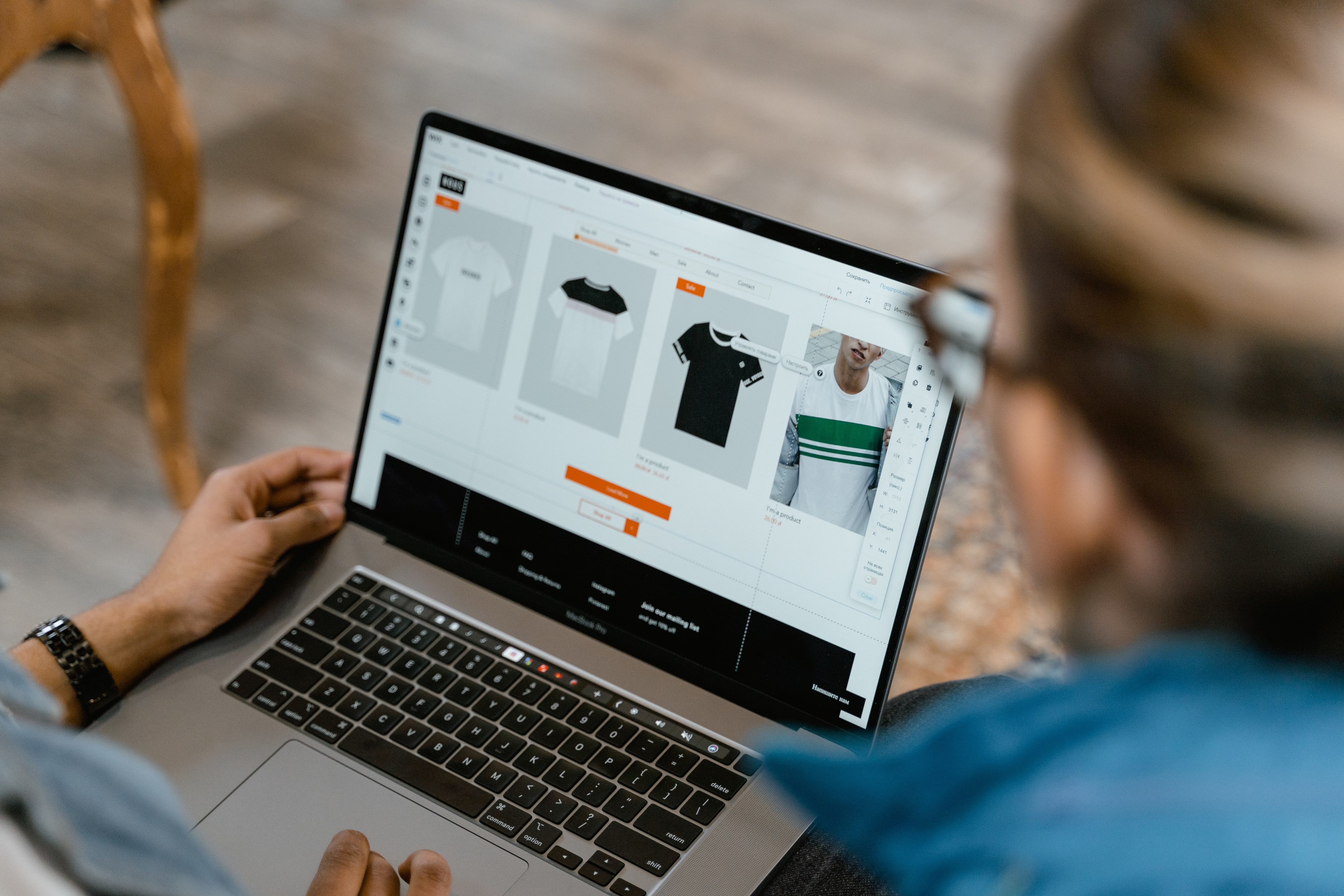
Category pages are often the unsung heroes of an ecommerce SEO strategy. For Shopify stores, they can do more than organise products: they help search engines understand your site structure, support product discovery, and guide shoppers towards the right range of items.
When category pages are well optimised, they can improve crawlability, strengthen internal linking, and create a better user experience. Results depend on many factors, including site quality, competition, technical setup, content depth, and how consistently you improve the store over time.
Why category pages matter in Shopify SEO
Shopify stores often rely heavily on collections, which function as category pages. These pages can rank for broader commercial search terms such as “women’s running shoes” or “vegan skincare gift set”, where individual product pages may be too specific.
Strong category pages help bridge the gap between ecommerce keyword research and product discovery. They support online store SEO by giving search engines clearer topical signals and giving shoppers a better route into your range. That matters for organic traffic growth, especially when users are browsing rather than ready to buy a single product.
Category pages also influence conversions. A page that loads quickly, is easy to scan, and presents products clearly can reduce friction. But performance still depends on traffic quality, price, trust signals, product clarity, and the quality of the page itself.
Build category pages around search intent
Before writing copy or changing layout, decide what the page should rank for. A good Shopify category page usually targets a broader commercial intent than a product page, while still matching the shopper’s language.
For example, a category for “men’s leather boots” should not try to cover every possible boot style. It should focus on the collection the user expects to find, then support that intent with useful on-page text, filters, and product selection.
Keep the page focused, and avoid stuffing it with unrelated phrases. Search engines are better at recognising clear topical relevance than repetitive keyword use.
Practical keyword approach
Use ecommerce keyword research to map one primary category term, a few close variants, and related subcategories. Then align product names, collection titles, and supporting copy with that structure. Tools such as Google Search Console can help you see which queries already bring users to your store and where category pages may need improvement.
Write helpful category copy without overdoing it
Category content should support the shopping journey, not get in the way of it. A short intro near the top of the page can clarify what the collection includes, who it is for, or how to choose between product types.
Further down the page, add concise supporting copy that answers common questions. This can be useful for ecommerce content strategy, especially if the category covers items with different materials, sizes, or use cases.
For Shopify SEO, keep the layout clean. Many stores place a short intro above the product grid and a longer explanatory section below the products. That approach can work well because it balances SEO value with usability.
If you need guidance on broader site content planning, Backlink Works has SEO education resources that may help you structure your optimisation work more effectively.
Optimise technical SEO, internal linking, and indexing
Category pages depend on technical SEO as much as on content. Search engines need to crawl them easily, understand their place in the site hierarchy, and avoid wasted effort on duplicate or low-value URLs.
In Shopify, faceted navigation can create many URL combinations through filters such as size, colour, or price. Left unmanaged, this can lead to duplicate content or thin pages that dilute crawl efficiency. Use sensible indexation rules, canonical tags where appropriate, and keep only useful filter states accessible for search.
Internal linking also matters. Link to important collections from the homepage, navigation, related collections, blog content, and relevant product pages. This helps distribute authority and gives users more ways to discover products.
For a deeper look at linking as part of an ecommerce SEO strategy, you can review the Google guidance on crawlable links.
Common technical issues to check
- Duplicate product content across multiple collections
- Thin category pages with little context or differentiation
- Out-of-stock product SEO problems, such as removing pages too quickly
- Unclear canonicalisation on filtered or sorted URLs
- Slow loading caused by oversized images or too many app scripts
Improve page experience for mobile shoppers
Mobile ecommerce SEO is essential because many category visits come from smaller screens. If the collection page is hard to scan, slow to load, or awkward to filter, users may leave before they even view a product.
Focus on Core Web Vitals, image compression, and layout stability. Keep filter menus usable on mobile and make product cards easy to tap. Avoid clutter that pushes the actual products too far down the page.
Website speed is particularly important on category pages with lots of product thumbnails. Compress images, limit unnecessary app code, and review lazy loading so that the page remains usable without harming product discovery.
You can test performance using tools such as PageSpeed Insights, then prioritise changes that improve real user experience rather than chasing scores alone.
Use structured data and product information properly
Schema markup helps search engines interpret ecommerce content more clearly. While category pages themselves may not need the same structured data as product pages, they should still support strong product page SEO by connecting users to well-marked-up products.
Individual product pages should include accurate product descriptions, pricing, availability, and review data where appropriate. This is especially important in Shopify SEO because category pages often act as entry points to those product pages.
Make sure product content is unique and helpful. Avoid copying manufacturer descriptions everywhere, as duplicate product content can make it harder for pages to stand out. Tailor descriptions to the shopper’s needs, materials, benefits, care, and use cases.
If your ecommerce team uses schema markup more broadly, make sure product, offer, and review data are valid and consistent across the store. Structured data should reflect real page content, not hidden or misleading information.
Handle out-of-stock products and category changes carefully
Out-of-stock product SEO is often overlooked. If a product temporarily disappears, removing the page entirely can waste equity and confuse returning shoppers. In many cases, it is better to keep the page live, show availability clearly, and suggest alternatives from the category.
For category pages, this means maintaining a healthy product mix and avoiding empty collections. If a collection becomes sparse, consider linking to related categories or highlighting bestsellers that are still available.
Shoppers trust stores more when they can see a stable structure and clear next steps. That supports ecommerce user experience and can improve the chance of conversions, although actual results always depend on product appeal, offer strength, and site quality.
Best practices checklist for Shopify category pages
- Use clear, search-friendly collection names
- Add short, useful category copy based on intent
- Link to related categories and priority product pages
- Control faceted navigation to avoid index bloat
- Keep category pages fast and mobile-friendly
- Use unique product descriptions where possible
- Show out-of-stock status clearly and offer alternatives
- Review Search Console data regularly for category performance
Conclusion
Shopify category page SEO works best when it combines clear intent, useful content, strong internal linking, technical control, and a smooth shopping experience. Category pages are not just containers for products; they are a major part of online store SEO and can influence how users move through your site.
Whether you run Shopify or WooCommerce, the same principles apply: make pages easy to crawl, easy to use, and genuinely helpful. Over time, that approach can support stronger organic visibility, better product discovery, and more efficient ecommerce growth.
Frequently Asked Questions
What is the difference between a category page and a product page?
A category page groups related products together, while a product page focuses on one item. Category pages usually target broader search terms.
How long should Shopify category copy be?
There is no fixed length. Keep it long enough to be useful, but short enough that it does not distract from browsing products.
Should filter pages be indexed?
Only if they add clear search value. Many filter combinations should stay out of the index to avoid duplicate or thin content issues.
Can category pages help conversions?
Yes, if they are clear, fast, and easy to use. Conversions still depend on traffic quality, pricing, trust signals, product detail, and checkout experience.
- Sponsored Ad -





