
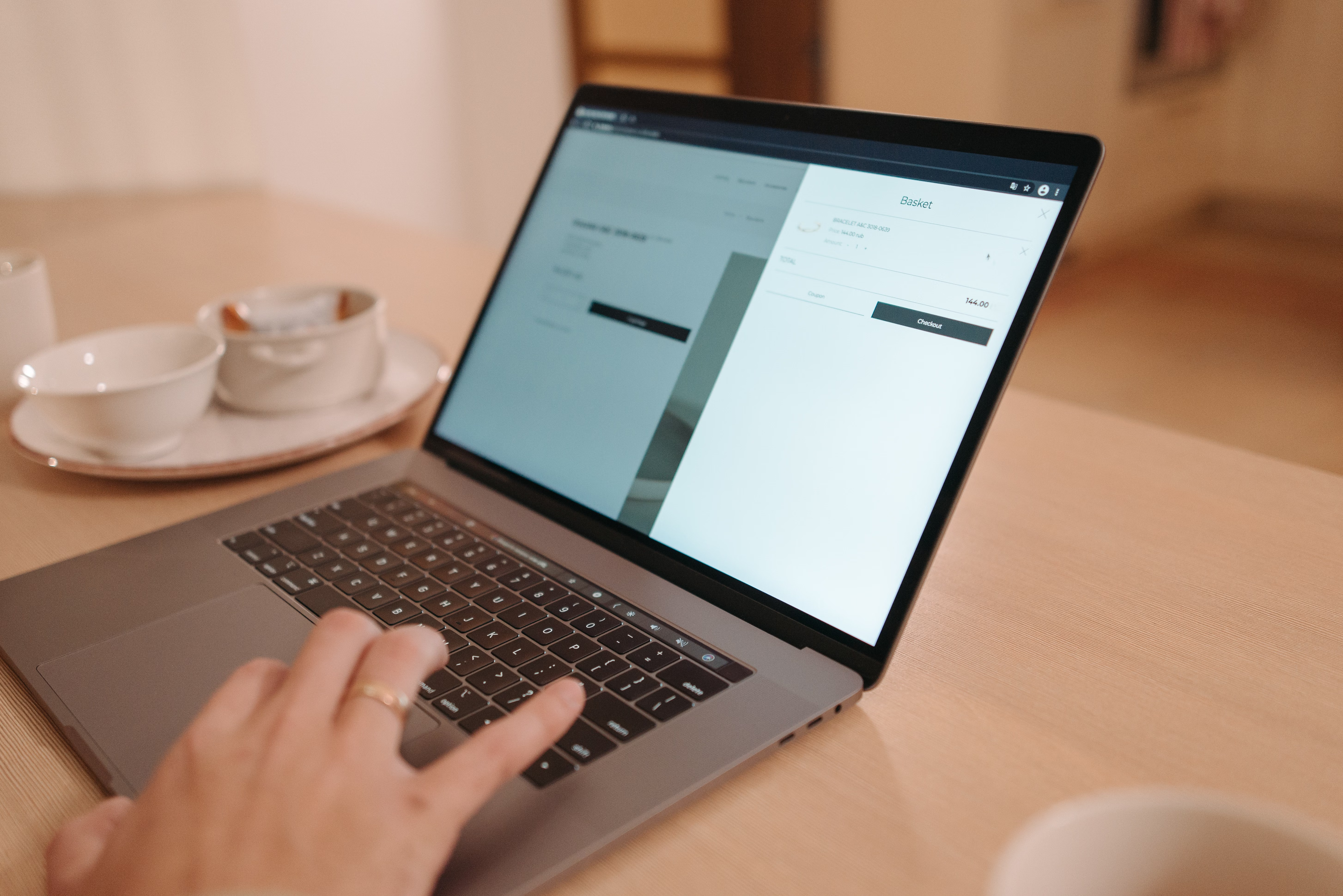
Mobile-first ecommerce homepage design is about more than shrinking a desktop layout onto a smaller screen. It means planning the homepage for the way people actually browse on phones: with limited space, short attention spans, touch controls and a strong need for clarity.
For ecommerce brands, the homepage often acts as both a storefront and a navigation hub. A well-structured mobile homepage can help visitors find products faster, understand your offer more clearly, and move into category or product pages with less friction. It can also support SEO through better crawlability, mobile usability, page speed, content structure and internal linking.
What mobile-first homepage design means in ecommerce
Mobile-first design starts with the smallest screen and builds up from there. Instead of designing a desktop homepage first and then compressing it, you decide what the mobile user needs most: a clear brand message, easy navigation, fast access to key categories, trust signals and a simple path to browse or buy.
For ecommerce, that usually means keeping the homepage focused. A mobile user does not need every promotion, every collection and every brand story at once. They need the right information in the right order. That often includes a compact header, a concise value proposition, featured categories, a search option, bestsellers, reviews or trust markers, and a footer with useful links.
This approach supports both user experience and search performance. Search engines favour pages that load quickly, work well on mobile devices and present content in a structured, accessible way. If your homepage is cluttered, slow or hard to navigate, users are more likely to leave before they reach a product page.
Build a mobile homepage around priorities, not decoration
On mobile, every section should earn its place. A strong homepage makes it obvious what the store sells, who it is for and what the visitor should do next. That may sound simple, but many ecommerce sites still lead with oversized sliders, vague headlines or too many competing calls to action.
Start with a clear headline and a short supporting line that explains the offer. Then show the main pathways into the store. For example, a clothing retailer might highlight women’s, men’s and new-in collections near the top of the page. A homeware brand might prioritise room categories, seasonal picks and bestsellers. A service business with product-like packages may use the same structure to guide people into service pages or landing pages.
Mobile-first layout also means being selective with imagery. Large visuals can work, but they should not push the useful content too far down the page. Images should support the message, not replace it. If the design depends on heavy banners or complex animation, the site may suffer in performance and usability.
Design navigation for thumbs, not just desktops
Navigation is one of the most important parts of ecommerce website design. On mobile, menus need to be simple, reachable and easy to scan. A cluttered top bar or a hidden menu with too many nested items can slow down browsing and frustrate users.
Limit the primary navigation to the most important paths. Many stores do best with a small set of top-level categories, a visible search icon and a clear account or basket area. Use labels that match how customers think, not internal terminology. If people search for “shoes” or “jackets”, do not hide those categories under vague brand-driven labels.
It is also worth thinking about the order of links in the footer. A mobile footer should help people reach practical pages such as shipping information, returns, contact details, FAQs and store policies. Those pages build trust and reduce uncertainty, especially for first-time buyers.
When navigation is planned well, the homepage becomes a helpful starting point rather than a dead end. That supports discovery, internal linking and overall website structure.
Use content layout to improve clarity and conversion
A mobile homepage should guide attention from top to bottom with a clear hierarchy. Users should be able to understand the page in a few seconds. That means headings, buttons, product tiles and supporting copy must work together as a single system.
Good content layout on mobile often includes short section blocks, consistent spacing and a clear visual rhythm. For example, you might place a hero area at the top, followed by featured categories, then a bestselling products grid, then trust signals such as delivery information or customer ratings, and finally a short brand or sustainability message if it adds genuine value.
Keep text concise. Long paragraphs are harder to read on small screens, and they can distract from the main shopping journey. If you need to explain product value in more depth, link to relevant category pages or product pages where the detail belongs.
Conversion-focused design is not about forcing action. It is about reducing hesitation. Clear pricing, product imagery, delivery details and return information can all help users decide whether to continue. But results will still depend on traffic quality, offer strength, copy, trust signals and testing.
Speed, Core Web Vitals and mobile usability
Website speed matters because it affects both user patience and technical performance. Mobile visitors often face less stable connections and smaller devices, so slow-loading homepages can create unnecessary friction. A fast, stable page supports better usability and gives users a smoother route into the store.
Core Web Vitals are useful here because they focus on loading, responsiveness and visual stability. In practical design terms, this means reducing oversized media files, avoiding layout shifts, minimising unnecessary scripts and making sure interactive elements work quickly on touch devices. If you are using WordPress website design, choosing a well-built theme and keeping plugins under control can make a real difference.
You can review performance using a trusted tool such as PageSpeed Insights. Use it alongside real-user testing, analytics and session recordings to see where mobile visitors struggle. A homepage does not need to be bare to be fast, but it should be efficient.
Make the homepage support SEO without harming the experience
SEO-friendly website design is about making the site easy to understand for both users and search engines. On a mobile ecommerce homepage, that means using a clear page structure, descriptive headings, accessible navigation and internal links that point to the most important commercial pages.
Search engines rely on content signals, links and technical accessibility to understand what a page is about. That is why homepage layout matters. A homepage should not hide all useful content inside images or scripts. It should give search engines enough context to understand your brand, categories and priorities while still being useful to shoppers.
If you are improving an ecommerce site, it can help to review the whole structure, not just the homepage. Strong internal linking from the homepage to category pages, product pages, service pages and key resources can support discoverability. For a broader view of technical and content improvements, a free website SEO audit can help identify layout, speed and structure issues worth fixing.
For WordPress and ecommerce builds, keep accessibility in mind as well. Proper heading order, colour contrast, tap target size and readable body text all support mobile usability. A homepage that is easier to use is usually easier to maintain and scale.
Practical checklist for a better mobile ecommerce homepage
- Lead with a clear value proposition and one primary next step.
- Keep the main navigation short and easy to tap.
- Show key categories or bestsellers early on the page.
- Use concise copy and avoid overcrowded sections.
- Make trust signals visible, such as delivery, returns and contact information.
- Optimise images and scripts for speed and stability.
- Link clearly to category pages, product pages and support content.
- Test the page on real phones, not only on desktop previews.
These basics may sound straightforward, but they are often the difference between a homepage that merely looks polished and one that actually helps visitors move through the site.
Conclusion
Mobile-first ecommerce homepage design is about creating a homepage that is useful, fast and easy to navigate on smaller screens. When the layout is planned around mobile behaviour, the site can better support SEO, UX, accessibility and conversion-focused design without feeling overloaded.
The best approach is usually simple: prioritise clarity, reduce friction, guide visitors to the right pages and keep performance in mind at every stage. If your homepage makes it easier for people to browse, understand and trust your store, it becomes a stronger foundation for online growth.
Frequently Asked Questions
Why is mobile-first design important for ecommerce homepages?
Because many shoppers browse on phones first. A mobile-first homepage helps them find categories, products and trust information more easily.
Should an ecommerce homepage show products or categories first?
It depends on the store, but categories often work well because they help users browse quickly. Bestsellers can also be useful if they are genuinely helpful.
How does homepage design affect SEO?
It supports SEO through crawlability, mobile usability, site structure, internal linking, accessibility and page speed.
What should I test on a mobile ecommerce homepage?
Test loading speed, tap targets, menu behaviour, readability, content order and whether visitors can reach key pages without friction.
- Sponsored Ad -





