
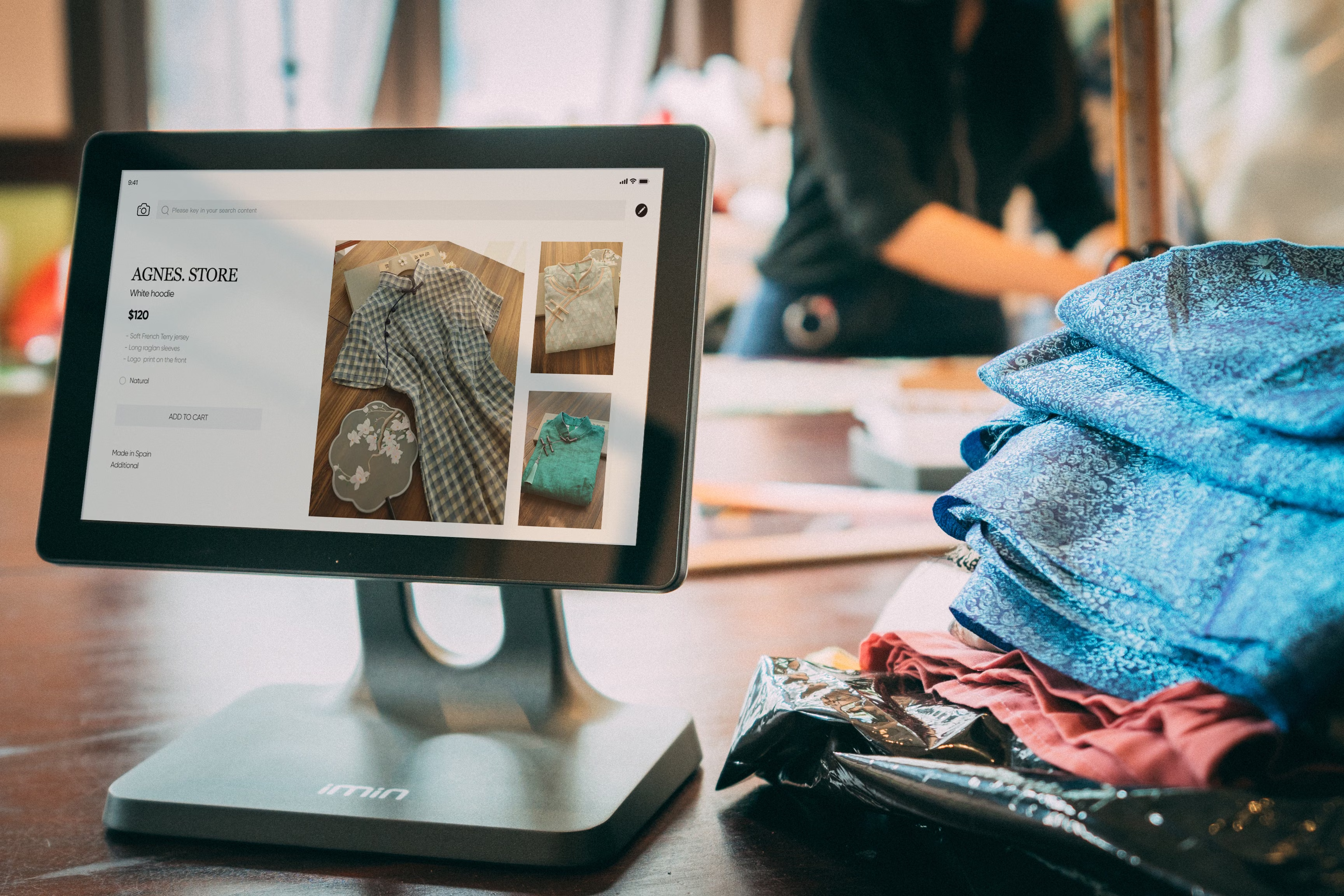
Product feeds sit at the centre of many ecommerce discovery channels, from shopping results and marketplace listings to Merchant Centre-style product surfaces. A well-prepared feed can help search engines understand your products more clearly, but it is not a shortcut. Product visibility and organic traffic still depend on site quality, demand, competition, technical setup, content depth, and consistent optimisation.
This checklist is designed for online store owners, Shopify users, WooCommerce users, agencies, and D2C brands that want a practical approach to product feed SEO. It focuses on the work that supports stronger product visibility: clean data, better product-page alignment, faster pages, sensible internal linking, and a site structure that search engines can crawl and users can trust.
1. Start with clean, accurate product data
A product feed is only as useful as the information inside it. Titles, descriptions, prices, availability, brand names, colours, sizes, GTINs, and image URLs should match the product page as closely as possible. If the feed says one thing and the landing page says another, you risk confusion for both users and search engines.
For product page SEO, focus on clarity rather than clever wording. Use product names that shoppers actually search for, then add key attributes naturally. For example, a title such as “Men’s waterproof hiking boots” is easier to interpret than a vague branded title alone. This also helps ecommerce keyword research, because it reflects how people describe products in search.
Make sure your feed also handles variants properly. Size, colour, material, and pack count should be structured in a way that avoids duplicate product content and supports the right landing page.
2. Align feed optimisation with product page and category page SEO
Feed SEO works best when it supports your wider ecommerce SEO strategy. Product feeds can improve discovery, but organic performance often depends on the landing pages behind them. That means your product pages and category pages should be written and organised for search intent, not just for catalogue management.
Product descriptions should be unique, useful, and written for people first. Avoid copying manufacturer copy where possible. Instead, explain benefits, specifications, use cases, care instructions, and what makes the product suitable for different buyers. This improves relevance and helps reduce thin or duplicated content across the store.
Category pages also matter. They can rank for broader commercial searches, especially when they include helpful intro copy, strong internal links, and clear filtering. If your feed sends traffic to a weak category page or a poorly structured product page, organic growth is harder to sustain.
3. Check technical SEO, indexing, and crawlability
Even a strong feed cannot compensate for technical problems. Search engines still need to crawl, render, and index the pages behind your products. That is why ecommerce technical SEO is part of every product feed checklist.
Check that product URLs are indexable, canonical tags are correct, and important pages are not blocked by robots.txt or noindex tags by mistake. If your store has many variants, filters, or parameters, keep faceted navigation under control so search engines do not waste crawl budget on low-value URLs. This is especially important for larger catalogues.
Use a reliable tool such as Google Search Console to review indexing, sitemap coverage, and search performance data. Search Console does not fix SEO issues for you, but it helps you spot pages that are excluded, duplicated, or underperforming.
4. Improve speed, mobile usability, and Core Web Vitals
Product feed SEO often brings more visibility, but the page experience still shapes what happens next. If your product pages are slow or difficult to use on mobile, the additional traffic may not convert well.
Core Web Vitals, mobile ecommerce SEO, and ecommerce website speed all influence usability. Compress images, reduce unnecessary apps or scripts, and keep layouts stable as the page loads. This is especially relevant for Shopify and WooCommerce stores, where themes, plugins, and third-party integrations can add bloat over time.
Mobile users should be able to read product details, compare variants, inspect images, and add items to basket without friction. If the experience feels cluttered or slow, search visibility alone will not deliver strong ecommerce conversions. You can assess page speed and key performance issues using PageSpeed Insights.
5. Use schema markup and internal linking to support discovery
Structured data helps search engines understand product information more precisely. Product schema markup can clarify price, availability, review data, and other attributes, while category and breadcrumb markup can improve site understanding. Schema does not guarantee rich results, but it supports better machine-readable product data when implemented correctly.
Internal linking is just as important. Link from category pages to key products, from product pages to related items, and from editorial content to commercial pages where relevant. This helps users discover more products and spreads authority around the site in a logical way. It also supports ecommerce content strategy by connecting educational content to revenue-focused pages.
If you are reviewing broader off-page support as part of your SEO plan, Backlink Works offers educational resources on link building that can sit alongside your on-site ecommerce work. For site-level checks, a free website SEO audit can be a useful starting point for spotting technical or structural issues.
6. Handle out-of-stock products and feed maintenance carefully
Out-of-stock product SEO is often overlooked. When a product goes unavailable, do not remove the page too quickly if it has existing search value or backlinks. Instead, decide whether to keep the page live, suggest alternatives, or redirect it when the product is permanently discontinued.
For temporary stock issues, keep availability accurate in the feed and on the page. If there is a restock date, show it clearly where appropriate. If a product is permanently gone, consider redirecting to the nearest relevant category or alternative product rather than leaving users at a dead end.
Feed maintenance should be ongoing. Review titles, descriptions, image quality, and attribute completeness on a regular schedule. Small errors can create large visibility problems over time, especially when your catalogue changes frequently.
Practical checklist for product feed SEO
Use this short checklist to keep your feed and product pages aligned:
- Match feed titles, prices, and availability with landing pages.
- Write unique product descriptions that answer real buyer questions.
- Optimise category pages for broader search terms and browsing intent.
- Review indexability, canonicals, sitemaps, and parameter handling.
- Improve image quality, page speed, and mobile usability.
- Add structured data where it accurately reflects the product.
- Use internal links to connect related products, categories, and guides.
- Manage out-of-stock products with a clear, user-focused policy.
For stores built on WordPress or WooCommerce, the same principles apply, but implementation details can vary depending on themes, plugins, and catalogue size. Shopify stores also need regular reviews of templates, collection structure, and app impact. The best results usually come from steady improvements rather than one-off fixes.
Conclusion
Product feed SEO is not just about sending product data to more places. It is about making your products easier to understand, easier to crawl, and easier to trust across the whole ecommerce experience. When feed quality, product page SEO, category structure, technical health, and user experience work together, your store is better positioned for organic traffic growth.
There is no guaranteed ranking outcome, and results will always depend on competition, demand, site quality, and ongoing optimisation. But a careful checklist gives your store a much stronger foundation for product visibility and sustainable ecommerce growth.
Frequently Asked Questions
What is product feed SEO?
It is the process of improving product data so search engines and shopping platforms can understand and display your products more effectively.
Do product feeds replace product page SEO?
No. Product feeds support discovery, but the product page still needs strong content, structure, and performance to convert traffic well.
How does duplicate product content affect ecommerce SEO?
Duplicate or copied content can make it harder for search engines to see what is unique about each product. Unique descriptions and clear variant handling help.
Should out-of-stock products be removed from the site?
Not always. If a page has value, it may be better to keep it live, suggest alternatives, or redirect it only when the product is permanently discontinued.
- Sponsored Ad -





