
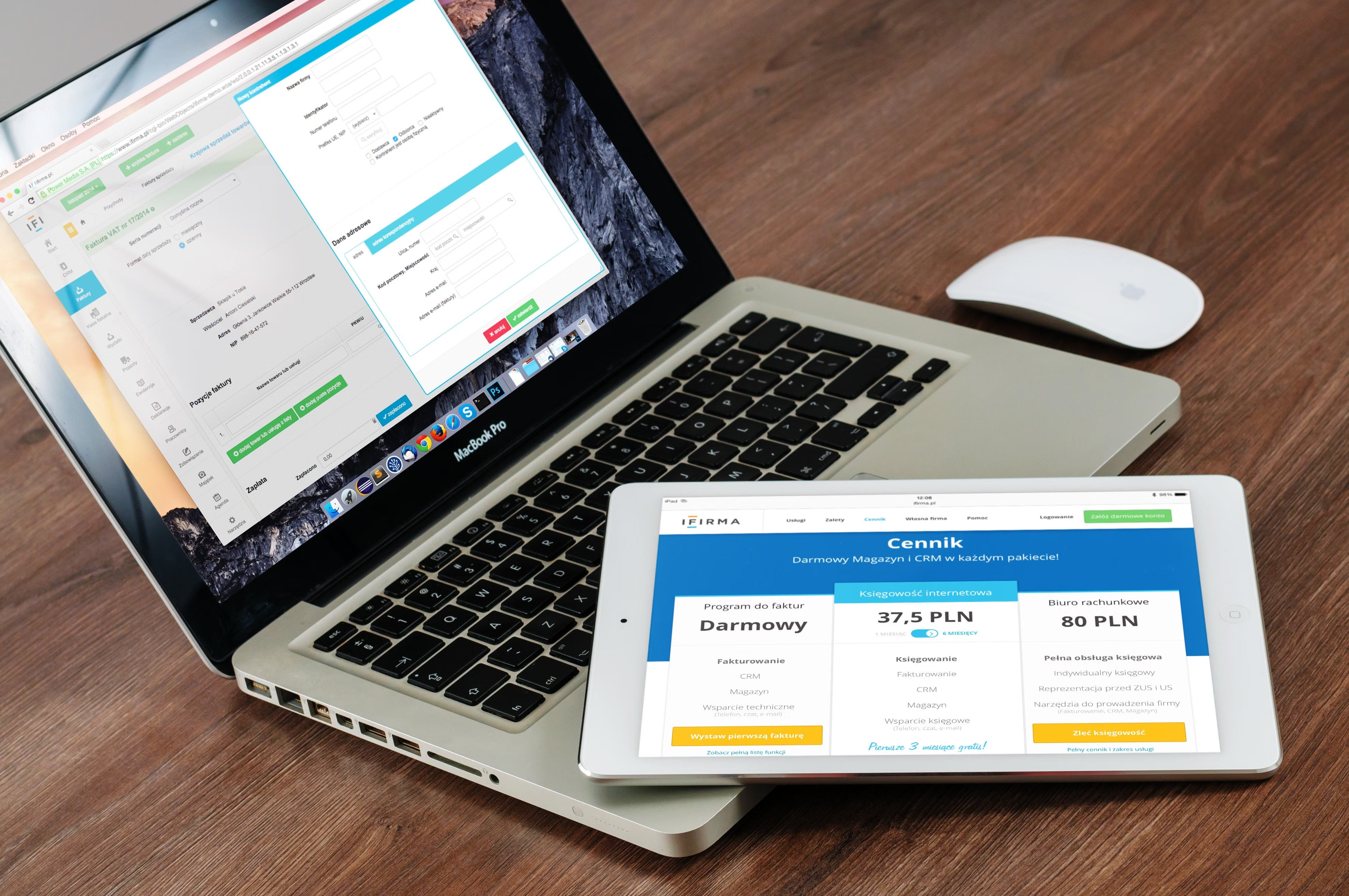
No code website design has become a practical way to build modern sites without relying on heavy custom development for every change. For businesses that want faster updates, clearer layouts, and better mobile experiences, it can be a sensible approach when used with strong design principles.
It is also relevant to SEO. A no code build does not automatically improve search visibility, but it can support mobile usability, page speed, content structure, accessibility, and conversion-focused design when the site is planned well from the start.
What No Code Website Design Means
No code website design uses visual tools and pre-built components to create pages, navigation, forms, and content layouts without hand-coding everything from scratch. Platforms such as WordPress builders, ecommerce editors, and hosted site builders often let teams design and launch pages through drag-and-drop interfaces.
This matters because the design process becomes more accessible to marketers, founders, content teams, and designers. It can reduce delays when you need to update landing pages, service pages, product pages, or a business website as your offer changes.
However, “no code” does not mean “no strategy”. The best results still depend on site structure, mobile-first thinking, performance tuning, and clear user journeys.
Why No Code Can Improve Mobile UX
Mobile users often interact with a site differently from desktop visitors. They scan more quickly, rely on shorter content blocks, and are less patient with cluttered layouts or awkward navigation. No code tools can help teams build responsive web design patterns more efficiently, especially when the system already includes mobile breakpoints and flexible layout controls.
For example, a service business can create a mobile-friendly hero section with a short value statement, a visible call to action, and a simple contact button. An ecommerce brand can use a product page layout that keeps images, price, benefits, reviews, and add-to-cart actions easy to find on a smaller screen.
Good mobile UX is not only about shrinking desktop design. It is about making the content easier to use, easier to read, and easier to act on.
How No Code Supports Core Web Vitals
Core Web Vitals focus on user experience signals tied to loading, responsiveness, and visual stability. No code website design can help improve these areas when the build is handled carefully, because many platforms now offer performance-conscious themes, reusable sections, and cleaner content management.
One of the biggest advantages is reducing unnecessary complexity. Instead of stacking multiple custom scripts or bloated layouts, teams can use simpler templates and well-structured sections. That can support faster loading and a more stable page layout, especially on mobile devices and slower connections.
To check whether a page is performing well, Google’s PageSpeed Insights is a useful starting point. It can highlight issues related to speed, accessibility, and layout behaviour that affect user experience.
Website Structure, Content Layout, and SEO-Friendly Design
No code design works best when the website structure is planned around how people search and navigate. Clear menus, logical page hierarchies, and well-organised internal linking make it easier for users and search engines to understand the site.
For SEO-friendly website design, content should be grouped in a way that matches intent. A business website might need separate pages for services, locations, FAQs, and contact details. An ecommerce website might need clear category pages, product pages, filters, and supporting content that helps users compare options.
Landing pages also benefit from this approach. A strong page layout usually follows a simple sequence: headline, supporting copy, proof points, key benefits, and a clear next step. That helps reduce friction and supports conversion-focused design without forcing visitors to hunt for information.
If you are reviewing your broader SEO structure, a free website SEO audit can help identify technical and content-related gaps that affect usability and search performance.
Practical Design Choices That Improve Speed and Usability
In no code environments, small decisions often make a noticeable difference to website performance. Keep layouts simple, use only the sections you need, and avoid adding too many heavy animations, widgets, or oversized images.
Useful practices include:
Use compressed images and consistent aspect ratios.
Limit the number of fonts and avoid unnecessary font weights.
Keep navigation simple, especially on mobile.
Make buttons large enough to tap easily.
Break long text into readable sections with headings and short paragraphs.
Use enough spacing so content does not feel crowded.
These decisions support both UX and technical SEO. They can also make website management easier for teams using WordPress website design, ecommerce website design, or service-based platforms where content changes often.
Common No Code Design Mistakes to Avoid
One common mistake is treating the builder like a design shortcut rather than a planning tool. A page may look attractive but still perform poorly if the structure is unclear, the mobile layout is cluttered, or the call to action is hard to find.
Another issue is relying too heavily on pre-made blocks without adapting them to the business goal. A product page needs different content priorities from a lead generation page. A service page should answer trust and intent questions clearly, while a blog post should support readability and internal linking.
It is also important not to overload pages with unnecessary pop-ups, distracting banners, or hidden content. These tactics can harm user experience and make the site less effective over time.
Best Practices for No Code Website Design
A simple checklist can help keep design decisions aligned with UX and SEO:
Start with a mobile-first layout.
Keep page sections in a logical order.
Make headings clear and descriptive.
Ensure menus and links are easy to use on touch screens.
Test pages on real devices, not only in the editor.
Review loading speed after adding new media or apps.
Check whether forms, buttons, and navigation are easy to complete with one hand.
These basics apply whether you are building a startup site, a consultant’s portfolio, a local business website, or a larger ecommerce store. If you want broader guidance on design and growth, Backlink Works also publishes practical insights for website owners and marketers on website growth and online visibility.
Conclusion
No code website design can improve mobile UX and support better Core Web Vitals when it is used with a clear structure, responsive layout, and performance-aware decisions. It is not a replacement for good strategy, but it can make it easier to launch and maintain websites that are faster, clearer, and easier to use.
For best results, focus on mobile usability, page speed, accessibility, internal linking, and content layout before adding extra design features. That approach helps create a site that is more useful to visitors and easier to manage as your business grows.
Frequently Asked Questions
Does no code website design automatically improve SEO?
No. SEO depends on many factors, including structure, content quality, performance, accessibility, and mobile usability. No code tools can support those areas, but they do not guarantee results.
Can no code websites meet Core Web Vitals targets?
They can perform well if the site is built carefully. Image size, layout stability, script use, and page structure all affect Core Web Vitals.
Is no code suitable for ecommerce website design?
Yes, especially for smaller and mid-sized stores. The key is to keep product pages clear, navigation simple, and checkout steps easy to follow.
What should I prioritise first on a no code site?
Start with mobile layout, page speed, content structure, and clear calls to action. These have a strong impact on usability and user confidence.
- Sponsored Ad -





