
Free SEO tools can be extremely useful when you are trying to understand how search engines see your site, where your content stands, and what needs improving. They are especially helpful for keyword research, rank tracking, reporting, and quick technical checks, even if they do not replace a full SEO workflow.
The key is to choose tools that fit your goals, budget, and level of experience. A small business site may only need Google Search Console, Google Analytics 4, and a few free audit tools, while an ecommerce store or agency may need more detailed reporting, crawl data, and competitive insight.
What free SEO tools are used for
Free SEO tools cover a wide range of tasks. Some help you find keyword ideas, others show how your pages are performing in search, and some highlight technical issues that may make it harder for search engines to crawl or understand your site. They are also useful for tracking rankings, checking backlinks, and building basic reports for clients or stakeholders.
In practice, free tools are often the starting point rather than the full solution. They can show trends, identify problems, and support decisions, but they do not replace a clear content plan, strong internal linking, or a technically sound website. For that reason, many site owners use a mix of free and paid tools depending on the task.
If you are starting with an SEO audit, a free website SEO audit can help you spot issues quickly before you move into deeper analysis.
Keyword research tools that help you plan content
Keyword research tools are used to find the search terms people actually use, along with related phrases, question-based queries, and topic variations. Free options can be enough for early-stage research, especially when you want to build a content brief, plan blog posts, or find long-tail opportunities.
Good keyword research is not just about search volume. You should also consider search intent, competition, content type, and whether the keyword matches what your page can realistically satisfy. For example, a local plumber may need location-based keywords, while an ecommerce store may need product, category, and comparison terms.
Google Search Console is valuable here because it shows queries that already bring impressions and clicks to your site. Google Trends can also help you check whether a topic is rising, seasonal, or declining. For broader discovery, tools such as keyword generators or autocomplete-based research tools can provide useful variations, but they should be filtered with judgement rather than copied directly into content.
Rank tracking and search visibility monitoring
Rank tracking tools help you monitor where your pages appear in search results for selected keywords. Free rank tracking options are usually limited in the number of keywords, locations, or devices they can track, but they still offer useful visibility into movement over time.
When evaluating a rank tracker, look for location accuracy, mobile and desktop separation, and the ability to monitor specific pages or keyword groups. This matters for local SEO, ecommerce collections, and content pages that target different search intents. Rank tracking should be used as a guide, not as the only measure of SEO performance.
It is also worth remembering that rankings can vary by location, search history, and device. A small drop in position does not always mean a real loss in traffic, so combine rank data with clicks, impressions, and engagement metrics from analytics tools.
Reporting tools for clearer SEO decisions
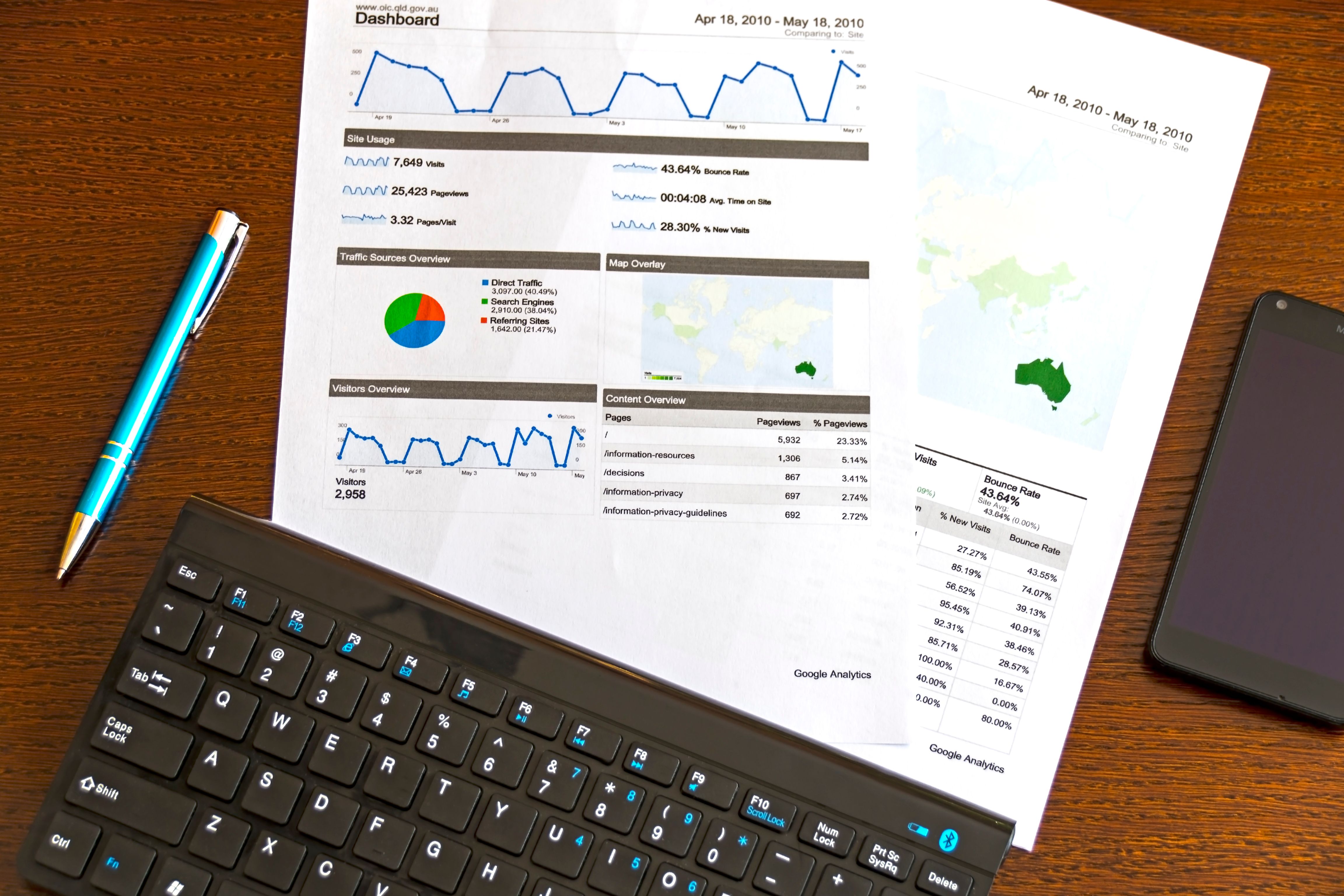
Reporting tools bring data together so that you can explain what is happening across search traffic, landing pages, conversions, and technical performance. Google Analytics 4 helps you understand user behaviour, while Google Search Console shows search performance and indexing signals. Together, they form the core of many free SEO reporting setups.
For more flexible dashboards, Looker Studio is often used to combine data from multiple sources into a simple visual report. This can be useful for agencies, consultants, or in-house teams that need to share progress regularly. Reports should focus on meaningful metrics such as clicks, impressions, organic landing pages, and user engagement, rather than vanity numbers.
If you need a structured way to present SEO findings, Backlink Works also shares practical resources for site owners who want to review their backlink profile and wider SEO setup without relying on guesswork.
Technical SEO tools, speed checks, and structured data
Technical SEO tools help you understand whether search engines can crawl, render, and index your site efficiently. This category includes site crawlers, robots.txt generators, schema markup tools, and Core Web Vitals checks.
For performance, PageSpeed Insights is a useful starting point because it highlights user experience and page speed signals. It should be read alongside other diagnostics rather than treated as a complete verdict on your site. For structured data, schema markup generators can help you create valid code for articles, products, FAQs, and local business pages, but the markup still needs to match the page content accurately.
Tools such as Screaming Frog and similar crawlers are helpful for larger sites because they can surface broken links, duplicate titles, missing meta descriptions, thin content, and indexation issues. For WordPress users, plugins such as Yoast, Rank Math, or All in One SEO can simplify on-page optimisation, though they still need proper configuration and regular review.
You can also use the official PageSpeed Insights tool to assess page performance and identify areas that may affect user experience.
Backlink, competitor, and local SEO tools
Backlink checker tools are useful for reviewing link profiles, discovering referring domains, and comparing your site with competitors. They can help you identify link opportunities, but they do not replace outreach, content quality, or digital PR. Free backlink tools usually give a limited sample of data, which can still be helpful for smaller websites or early research.
Competitor analysis tools show which pages rank for similar terms, how competitors structure their content, and where they may be attracting links or visibility. This is especially useful when planning content updates, category pages, or local landing pages. However, competitor data should inform your strategy rather than dictate it.
For local SEO, tools that support business profile management, map visibility checks, citation review, and location-specific keyword tracking can be useful. Local businesses should also pay close attention to consistent contact details, service-area pages, and review management, as these often matter as much as the tool itself.
How to choose the right mix of free tools
The most effective setup is usually a small, practical stack rather than a long list of disconnected tools. Start with the essentials: Google Search Console for search data, Google Analytics 4 for user behaviour, and a crawling or speed tool for technical checks. Then add keyword, backlink, schema, or reporting tools based on your current priorities.
Before choosing a tool, ask whether it gives reliable data, enough historical depth, and exports that fit your reporting workflow. You should also consider whether the interface is simple enough for your team. A tool is only useful if it saves time and helps you act on the data.
Simple checklist before you rely on a tool
- Does it solve a specific SEO task you need now?
- Is the data clear enough to make decisions from?
- Are there limits on keywords, pages, projects, or exports?
- Can it fit into your reporting or content workflow?
- Does it support your website type, such as WordPress, ecommerce, or local SEO?
Conclusion
Free SEO tools can provide real value when they are used with a clear purpose. They are especially useful for keyword research, rank tracking, reporting, technical checks, and monitoring search visibility without adding unnecessary cost. The best approach is to build a simple toolkit, use the data carefully, and combine it with strong content and solid technical implementation.
Whether you manage a blog, an online store, a service website, or a client account, the goal is the same: use tools to make better SEO decisions, not to chase shortcuts. For practical guidance and related SEO resources, you can also explore Backlink Works.
Frequently Asked Questions
Are free SEO tools enough for small websites?
They can be, especially if you are using them for basic audits, keyword ideas, rank monitoring, and reporting. Many small sites do well with free tools plus a consistent SEO process.
What free tools should I start with first?
Google Search Console and Google Analytics 4 are usually the best starting point. Add a page speed tool and a crawler if you want to check technical issues as well.
Can free rank tracking tools replace paid ones?
Not always. Free tools are often limited in keyword count, history, and location coverage, so paid tools may be better for larger sites or more detailed reporting.
Do SEO tools improve rankings on their own?
No. Tools only provide data and suggestions. Results depend on content quality, technical fixes, internal links, user experience, and consistent optimisation.
- Sponsored Ad -





