
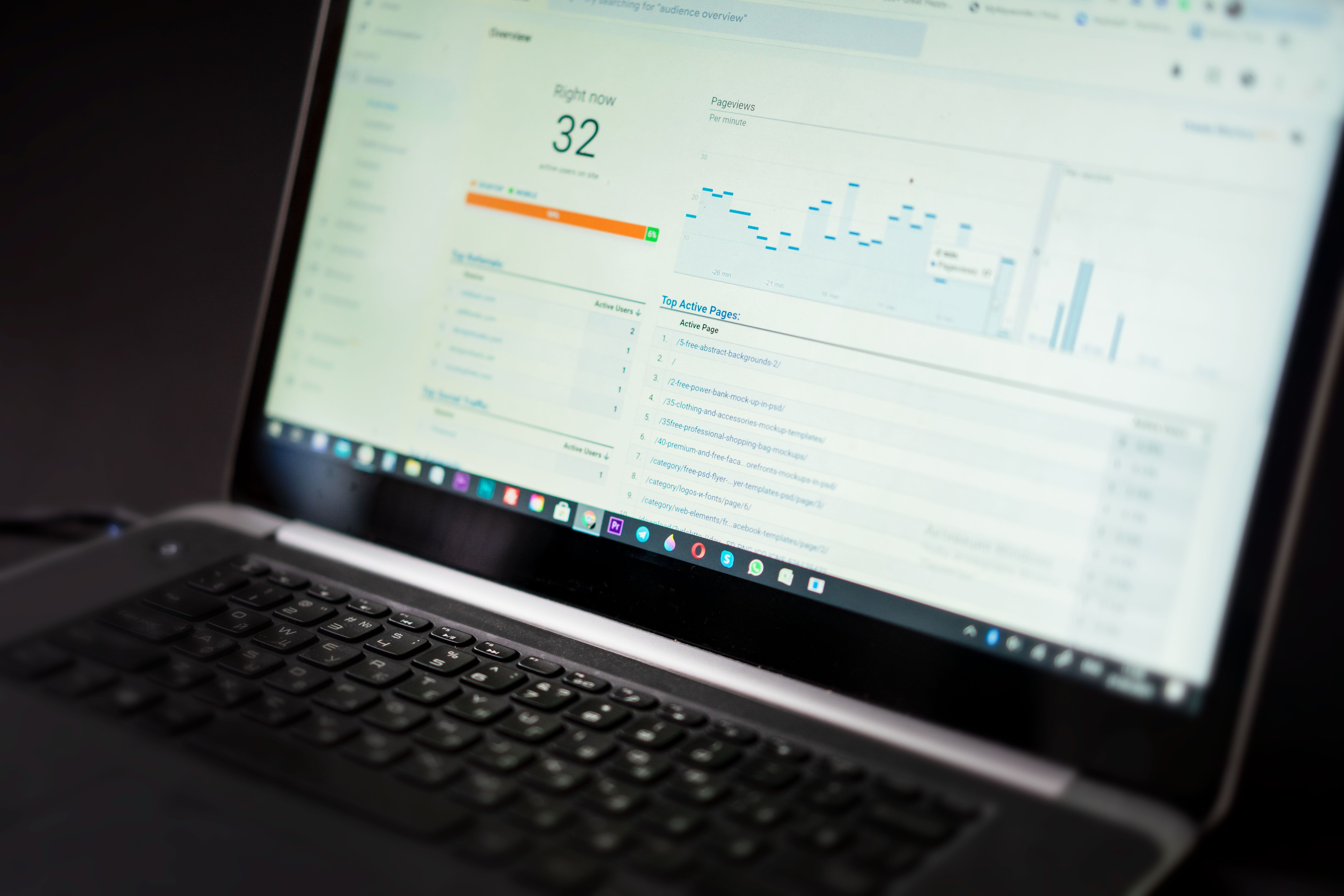
SSL checker tools and free SEO tools both help website owners spot issues, but they do very different jobs. An SSL checker confirms whether a site’s certificate is installed correctly, valid and serving secure pages. Free SEO tools, by contrast, can help with audits, keyword research, performance checks, indexing, content optimisation and reporting.
If you manage a blog, WordPress site, online shop or local business website, it helps to understand where each tool fits into your workflow. Security, speed, crawlability and content quality all affect search visibility in different ways, so the right mix of tools depends on your goals, site size and technical ability.
What an SSL checker actually tells you
An SSL checker is a focused technical tool. It is mainly used to verify that your HTTPS certificate is installed correctly, not expired, and trusted by browsers. It may also show certificate chain details, redirect behaviour and whether your site has mixed content issues.
That matters for SEO because secure browsing is part of a healthy website experience. If visitors see warnings or encounter broken HTTPS setup, trust can drop and users may leave quickly. Search engines do not reward a site simply because it has SSL, but a secure, correctly configured website supports a better user experience and cleaner technical SEO.
For website owners, an SSL checker is best viewed as a maintenance tool rather than a full SEO audit solution. It answers a narrow but important question: “Is my site securely served to users and search engines?”
Where free SEO tools fit into the bigger picture
Free SEO tools cover a much wider range of tasks. Some are official platforms such as Google Search Console, Google Analytics 4 and PageSpeed Insights, while others are standalone tools for keyword ideas, crawl checks, schema testing, rank tracking previews or backlink analysis. Many are excellent starting points for small businesses and beginners.
For example, Search Console helps you monitor indexing, search queries and page experience signals. GA4 helps you understand traffic and user behaviour. PageSpeed Insights can reveal performance issues, including Core Web Vitals-related concerns. Together, these tools can highlight problems that an SSL checker would never see, such as low-quality pages, slow load times, poor mobile usability or pages that are not being indexed properly.
Google’s SEO Starter Guide is also useful if you want an official overview of how search systems discover, understand and rank content.
Choosing the right tool for the right SEO task
The most practical approach is to match the tool to the task. Use an SSL checker when you need to confirm certificate status, HTTPS redirects or security setup. Use free SEO tools when you need to improve visibility, track performance or investigate content and technical issues.
Here is a simple way to think about it:
- SSL checker: security and certificate health
- SEO audit tools: crawl errors, broken links, metadata gaps and indexing issues
- Keyword research tools: topic ideas, search intent and content planning
- Rank tracking tools: page-level search performance over time
- Backlink checker tools: link profile review and competitor research
- Core Web Vitals tools: speed and user experience signals
Paid tools can offer deeper data, automation and reporting, but they are not automatically better for every site. A small WordPress blog may get enough value from free tools plus a simple crawl check, while a large ecommerce site or agency may need more advanced reporting, competitor analysis and scheduled audits.
How free SEO tools support audits, content and technical SEO
Free SEO tools are especially helpful when you want to build a basic but reliable workflow. A technical SEO tool might flag redirect chains, duplicate titles, missing canonical tags or broken internal links. A content optimisation tool might suggest better headings, related terms or snippet improvements. A schema markup tool can help you structure page data more clearly for search engines.
For content teams, the value lies in using tools to make better decisions, not to replace writing or strategy. Keyword tools can show what people search for, but they do not tell you which angle will work best for your audience. Competitor analysis tools can show what others are ranking for, but they do not guarantee you should copy their approach. The strongest pages still need useful information, clear intent matching and a sensible internal linking structure.
If you want a practical starting point, a free website SEO audit can help you spot common issues before you invest in more advanced tools.
Tool combinations that make sense for different website owners
Different sites need different combinations of tools. A WordPress site may rely on an SEO plugin, Google Search Console, GA4 and a page speed checker. An ecommerce store may also need product schema tools, category optimisation checks and rank tracking for commercial terms. A local business may focus more on local SEO tools, map visibility, review monitoring and location-based keyword research.
Agencies and consultants often need a broader stack: crawler tools for technical audits, reporting tools for clients, backlink analysis, competitor tracking and SEO Chrome extensions for quick on-page checks. Some teams also use AI SEO tools to speed up research or drafting, but human review is still essential for accuracy, tone and local relevance.
For example, if you are analysing link strategy as part of a wider SEO plan, it helps to understand the backlink building process rather than relying on automated shortcuts.
Best practices when using SEO tools
Tools are most useful when they support a repeatable process. Start with the basics: confirm your SSL setup, check Search Console for indexing issues, review GA4 for engagement patterns, and test key pages with PageSpeed Insights. Then move into deeper work such as crawl analysis, keyword mapping, schema checks and competitor review.
A few common mistakes are worth avoiding:
- Using too many tools without a clear purpose
- Trusting one data source without cross-checking
- Focusing only on rankings instead of overall visibility and engagement
- Ignoring content quality, internal links and user experience
- Choosing a paid tool before understanding what the free version already covers
As your site grows, you may also want better reporting and workflow support. That is where tools for dashboards, scheduled audits and collaboration can save time, especially for teams managing multiple websites or locations.
Conclusion
SSL checker tools and free SEO tools are both valuable, but they solve different problems. An SSL checker helps you confirm secure delivery of your site. Free SEO tools help you understand and improve visibility across content, performance, indexing, links and reporting.
The best choice depends on what you are trying to fix or improve. Start with the basics, use official platforms where possible, and add specialist tools only when they support a clear SEO task. If you want to explore more SEO education and practical website growth resources, Backlink Works Insights is a useful place to start.
Frequently Asked Questions
Do I need an SSL checker if I already use Google Search Console?
Yes. Search Console can show some security or indexing issues, but an SSL checker gives a direct certificate health check.
Are free SEO tools enough for a small website?
Often, yes. Many small sites can get meaningful value from Search Console, GA4, PageSpeed Insights and a basic crawler or keyword tool.
Should I pay for SEO tools straight away?
Not always. Start with free tools, learn what data you need, then choose paid tools if you need deeper reporting, larger crawls or team workflows.
What matters more for SEO: tools or strategy?
Strategy matters more. Tools help you collect and interpret data, but they do not replace useful content, technical fixes or consistent optimisation.
- Sponsored Ad -





