
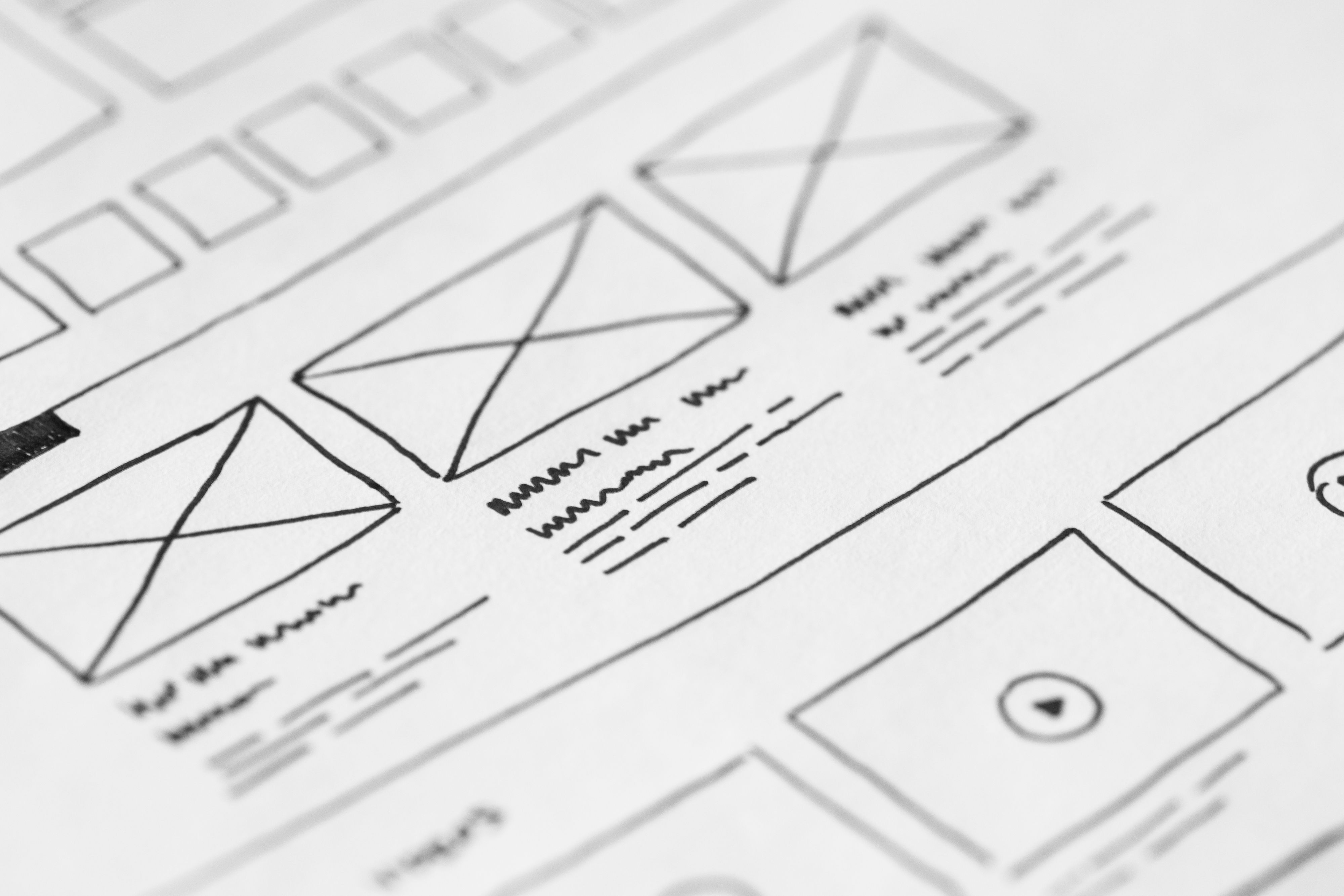
A website design audit is one of the most practical ways to improve how a site performs in search, how easy it is to use, and how clearly it supports business goals. Rather than focusing only on visuals, a proper audit looks at structure, speed, accessibility, mobile usability, content layout, and the paths users take through the site.
For SEO, good design helps search engines crawl and understand pages more easily. For users, it makes information quicker to find and actions easier to complete. That matters whether you run a business website, ecommerce store, WordPress site, service page, landing page, or content-driven blog.
What a website design audit should cover
A design audit is a structured review of how your website works in practice. It checks whether the site is simple to navigate, pleasant to use, and aligned with the content and actions you want visitors to take. The aim is not to redesign everything at once, but to identify friction points that affect usability, search visibility, and conversion potential.
Start by reviewing the full journey: homepage, category pages, service pages, product pages, blog content, contact pages, and landing pages. Ask whether the page purpose is obvious, whether the layout supports that purpose, and whether the next step is clear.
Core areas to examine
Look at page structure, menu clarity, mobile layout, content hierarchy, internal linking, forms, loading speed, and accessibility. These are the areas where design choices most often affect SEO and user experience.
If you want a broader starting point, Backlink Works offers a free website SEO audit that can help identify technical and structural issues before deeper design changes are planned.
Check website structure and navigation
Strong website structure helps users move through the site without confusion and helps search engines understand which pages matter most. A clear hierarchy usually starts with broad pages, then moves into more specific pages through logical categories and internal links.
Navigation should be simple and predictable. Keep menu labels clear, avoid unnecessary options, and make sure important pages are no more than a few clicks away. For service businesses, this often means giving each main service its own page rather than grouping everything into one generic page. For ecommerce sites, category and product structures should be easy to browse and filter.
Questions to ask during the audit
Can visitors understand where they are on the site? Can they return to key pages easily? Are important pages linked from the main menu, footer, and relevant content pages? If not, the structure may be making both SEO and usability harder than necessary.
Review mobile-first and responsive design
Most visitors now interact with websites on mobile devices first, so the audit should begin there rather than treating mobile as an afterthought. A responsive design should adapt smoothly across screen sizes, with readable text, tap-friendly buttons, and content that does not require constant zooming or horizontal scrolling.
Check how forms, menus, banners, product grids, and pop-ups behave on smaller screens. Mobile users are more likely to leave when pages feel cramped, controls are hard to tap, or key content is pushed too far down the page. This is especially important for local businesses, consultants, and ecommerce brands where mobile traffic often plays a significant role in discovery and enquiries.
Google’s own SEO Starter Guide is a useful reference for understanding how crawlability, mobile usability, and content structure support search performance.
Assess page layout, content hierarchy, and UX
Page layout should guide attention, not compete with it. A good audit looks at whether the most important information appears early, whether headings are descriptive, and whether supporting content is broken into manageable sections. This matters for both SEO and user experience because it helps people scan pages quickly and helps search engines interpret the topic of each section.
On service pages, the layout should make the offer clear, explain who it is for, and show what happens next. On ecommerce product pages, users should see product details, images, pricing, delivery information, and trust signals without hunting for them. On landing pages, every element should support one main action rather than distracting from it.
Signs the layout may need work
If users have to scroll too far to understand the page, if headings are vague, or if content blocks are crowded together, the page may feel harder to read and less trustworthy. Clean spacing, strong visual hierarchy, and consistent UI patterns help reduce that problem.
Audit speed, Core Web Vitals, and technical performance
Website performance is a design issue as much as a technical one. Large images, heavy scripts, excessive animations, and cluttered page builders can slow down pages and make the experience feel less polished. Slow pages can also frustrate users before they even reach the content.
Core Web Vitals are useful indicators for how real visitors experience page loading, interactivity, and visual stability. You do not need to chase numbers blindly, but you should use them to spot obvious friction. If a page shifts while loading, takes too long to become usable, or reacts slowly to taps, the design and build should be reviewed.
For practical measurement, PageSpeed Insights is a helpful tool for checking performance issues and identifying elements that may be slowing pages down.
Common fixes to prioritise
Compress oversized images, remove unnecessary plugins, reduce script bloat, use efficient fonts, and avoid autoplay media unless it is clearly necessary. WordPress sites, in particular, often benefit from a careful review of themes, page builders, and plugin load.
Check accessibility, trust signals, and conversion paths
Accessible design improves usability for everyone. That includes readable contrast, proper heading structure, keyboard-friendly navigation, descriptive link text, and forms that can be completed without confusion. Accessibility is not only a compliance concern; it is also a usability and SEO consideration because it helps more visitors engage with content effectively.
Trust signals also matter. Clear contact details, consistent branding, visible policies, case studies where relevant, and transparent product or service information can help users feel more confident. For ecommerce sites, delivery information, returns details, and payment reassurance should be easy to find. For service businesses, social proof and clear process explanations can reduce uncertainty.
Conversion-focused design should support user intent rather than pressure it. Buttons, forms, and calls to action need clear labels and sensible placement. Results depend on traffic quality, offer clarity, page copy, trust signals, and testing. If you want to compare design and SEO priorities more broadly, the Backlink Works Insights homepage is a useful starting point for related guidance.
Best practices for a practical audit checklist
Use the checklist below as a working review rather than a one-time task:
1. Confirm that the site has a clear page hierarchy and simple navigation.
2. Test key pages on mobile and desktop for readability and layout consistency.
3. Review headline structure and whether each page has one clear purpose.
4. Check that internal links guide users to related content and priority pages.
5. Measure load speed and fix obvious performance issues first.
6. Review forms, buttons, and calls to action for clarity and ease of use.
7. Make sure images, spacing, and typography support scanning and comprehension.
For ecommerce websites, also inspect filter usability, product page content, cart flow, and checkout friction. For blogs and editorial sites, focus on reading comfort, related article links, and clear category structure. For WordPress builds, check whether the theme and plugins are helping or hurting performance and consistency.
If design issues are tied to link architecture or authority flow, it may also help to review your broader SEO strategy and internal linking alongside page-level improvements.
Conclusion
A website design audit is most valuable when it connects design decisions to real business outcomes: better findability, smoother navigation, stronger mobile usability, clearer content, and fewer barriers between visitors and the next step. It is not about chasing trends or making pages look more decorative. It is about improving how the site works for people and how easily search engines can understand it.
By reviewing structure, layout, speed, accessibility, and conversion paths together, you can make more informed updates and prioritise changes that genuinely improve the site. Small improvements in clarity and performance often have a larger effect on user experience than a full visual overhaul.
Frequently Asked Questions
What is a website design audit?
It is a review of how your website is built and presented, including structure, layout, mobile usability, speed, accessibility, and user flow.
How does website design affect SEO?
Good design supports SEO through crawlability, mobile usability, page speed, content structure, internal linking, and a better user experience.
Should I audit mobile or desktop first?
Mobile first is usually the best approach because many users now visit sites on smaller screens and mobile issues often affect overall usability.
How often should I review my website design?
It is sensible to review it regularly, especially after major content changes, new features, redesigns, or when performance and engagement begin to slip.
- Sponsored Ad -





