
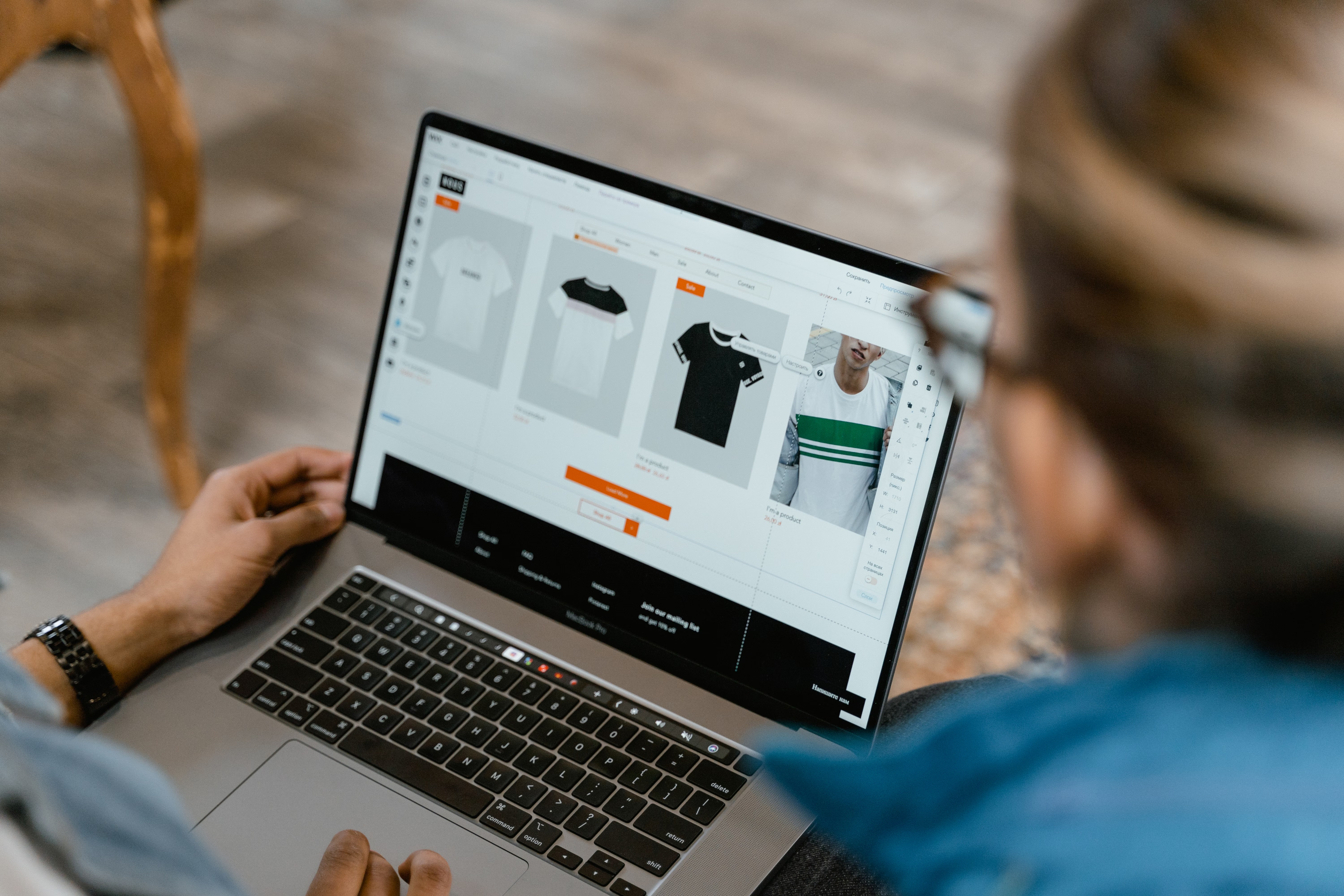
Click tracking is one of the most useful ways to understand how shoppers interact with a Shopify or WooCommerce store. It helps you see which product links, category links, filters, navigation items, and calls to action people actually use, rather than relying on assumptions.
For ecommerce SEO, that matters because clicks reveal where users find value, where they hesitate, and where your store structure may be helping or holding back organic performance. Used well, click tracking supports better internal linking, stronger product discovery, clearer category paths, and more informed decisions about content, technical SEO, and conversions.
What Click Tracking Means for Ecommerce SEO
Click tracking records user interactions on your site, such as taps on product cards, menu items, size guides, filter controls, add-to-cart buttons, or related product links. In Shopify and WooCommerce, this data can show whether shoppers are moving through your store in a natural way or getting stuck.
For SEO, the value is not just in measuring engagement. It is in identifying which pages and links support organic traffic growth. If users regularly click from a category page to a product page, that suggests the path is useful. If important links are ignored, the page may need better copy, placement, design, or clearer intent.
Click tracking should be read alongside analytics data, search performance, and on-page content quality. It does not replace rankings or crawl data, but it helps explain how real visitors behave once they land on your site.
Why Click Tracking Matters on Shopify and WooCommerce Stores
Shopify and WooCommerce sites often have many moving parts: collections, product pages, filters, tags, navigation menus, and related content blocks. Without click tracking, it is difficult to know whether these elements are supporting online store SEO or simply adding noise.
For product page SEO, click data can reveal whether shoppers use image galleries, size charts, reviews, shipping information, or trust badges. That insight can help you improve layout and content so the most important information is easier to find.
For category page SEO, click tracking can show which product cards attract attention, whether filters are used, and whether internal links lead visitors deeper into the site. This is especially useful when working on faceted navigation, where too many options can reduce clarity and create crawl management issues.
Click tracking is also helpful when a store has out-of-stock product pages. If users keep clicking unavailable items, that may point to a need for clearer alternatives, stronger category links, or better handling of discontinued products.
How to Set Up Click Tracking Properly
You do not need a complicated setup to begin. The goal is to track meaningful interactions, not every tiny movement. Start with the actions that matter most to ecommerce SEO and user experience.
Common events to track include product card clicks, category filter use, main navigation clicks, internal search usage, add-to-cart actions, review link clicks, and clicks on related products or blog-to-product links. These events help you understand which parts of the journey support discovery and which may need work.
On Shopify, click tracking is often added through analytics tools, tag managers, or app integrations. On WooCommerce, it can be implemented through WordPress plugins, Google Tag Manager, or custom event tracking. The exact method depends on your theme, checkout setup, and technical confidence.
If you are reviewing your tracking setup as part of a wider SEO process, a structured audit can help you spot gaps in crawlability, internal links, schema, and page performance. A free website SEO audit can be a practical starting point for identifying technical and content issues that affect store visibility.
Turning Click Data into Better Product and Category Pages
Click tracking is most useful when it leads to action. If a category page gets visits but few clicks on products, the issue may be poor sorting, weak category copy, slow load times, or unclear thumbnails. If product pages get clicks on delivery information more than the main description, the store may need a more prominent trust and shipping section.
Use click patterns to refine product descriptions, headings, and supporting content. For example, if shoppers repeatedly click a size guide, that content should be easier to find above the fold. If they click related products, your internal linking may be helping, but the recommendations should stay relevant and useful rather than random.
Click data can also support ecommerce keyword research and content strategy. A product guide or comparison article that drives clicks to key categories may be more valuable than one that only attracts generic traffic. Likewise, clicks from blog posts to products can show whether content is supporting commercial intent in a natural way.
For stores that depend on organic traffic, this kind of behavioural insight is useful because it connects search intent to page experience. Search engines may bring users in, but clear navigation, fast pages, and helpful content help keep them moving through the store.
Shopify and WooCommerce SEO Best Practices for Click Tracking
Click tracking works best when the underlying site structure is sound. If your store has duplicate product content, weak category organisation, or slow mobile performance, the data may be harder to interpret. The aim is to make every important click more meaningful.
Keep these best practices in mind:
- Track only the interactions that support business and SEO decisions.
- Use clear naming for events so reports stay easy to read.
- Separate clicks by device where possible, since mobile ecommerce SEO often behaves differently from desktop.
- Review whether important links are visible without excessive scrolling.
- Check whether slow pages or layout shifts are affecting behaviour and Core Web Vitals.
- Make sure internal linking supports product discovery from blog content, collections, and related products.
If you are also building broader authority, internal linking and content quality should be matched by safe off-page work. Backlink Works offers educational resources for store owners who want to understand SEO foundations without relying on shortcuts.
For product and category visibility, page speed also matters. A slower store can reduce engagement and make click data harder to interpret because users may abandon pages before interacting. Testing with an official tool like PageSpeed Insights can help you spot performance issues that affect mobile users and organic conversions.
Common Mistakes to Avoid
One of the biggest mistakes is tracking too many events and then doing nothing with the data. Another is focusing only on add-to-cart clicks while ignoring navigation, filter use, and internal link behaviour, which can be just as important for SEO.
It is also a mistake to treat click tracking as proof that a page is “working” in isolation. A high click rate does not always mean strong SEO or strong conversions. Results depend on traffic quality, pricing, product fit, page clarity, trust signals, and the checkout experience.
Do not use click tracking to mask deeper issues such as duplicate product descriptions, weak category pages, poor faceted navigation control, or thin content. The data should inform improvements, not replace them.
Conclusion
Click tracking gives Shopify and WooCommerce store owners a clearer view of how people move through an ecommerce site. When used alongside technical SEO, product page optimisation, category page improvements, and strong content strategy, it can help you make better decisions about structure, usability, and organic growth.
The most effective approach is simple: track meaningful interactions, review the patterns, and use what you learn to improve the shopping journey. Over time, that can support better engagement, stronger internal linking, and a more search-friendly store experience, although results will always depend on your site quality, competition, and consistency of optimisation.
Frequently Asked Questions
What is click tracking in ecommerce SEO?
It is the process of measuring which links and actions shoppers use on your store, such as product clicks, filter use, and navigation clicks.
Why is click tracking useful for Shopify and WooCommerce stores?
It shows how users interact with category pages, product pages, and navigation, which helps improve usability, internal linking, and content placement.
Does click tracking improve rankings directly?
No. It does not directly improve rankings, but it can guide changes that support better SEO performance over time.
What should I track first on an online store?
Start with product card clicks, category filter use, navigation clicks, and add-to-cart actions, then expand based on your store goals.
- Sponsored Ad -





