
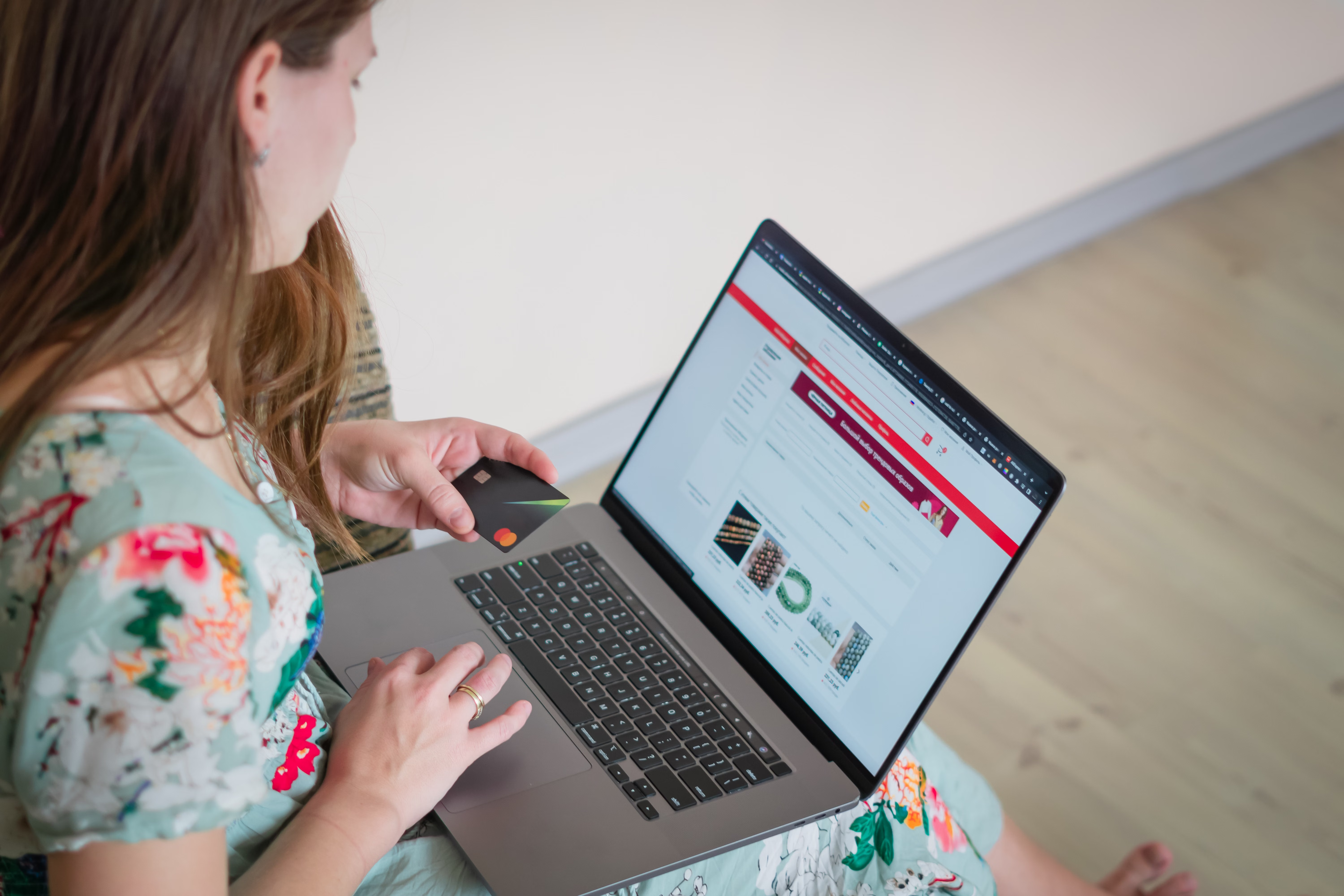
Faceted navigation is one of the most useful features in ecommerce, but it can also create serious SEO problems if it is not handled carefully. Filters for size, colour, brand, price, material, rating and other attributes help shoppers narrow down products quickly, yet they can generate large numbers of crawlable URLs that overlap in content and dilute search visibility.
For online stores, the aim is not to block every filter. It is to make faceted navigation work for users while keeping category page SEO, product page SEO, crawlability and indexing under control. When this is done well, it supports better discovery, cleaner internal linking, stronger site structure and more sustainable organic traffic growth.
What Faceted Navigation Means for Ecommerce SEO
Faceted navigation is the system of filters and sorting options that lets users refine a product category. On a clothing store, for example, a shopper might filter by size, colour and sleeve length. On a WooCommerce or Shopify store, these filters can be created through apps, theme settings, plugins or custom code.
From an SEO point of view, each filter combination may create a new URL. Some of those URLs can be useful for search if they match clear demand, but many simply duplicate or overlap with the main category. That is where problems begin: duplicate product content, wasted crawl budget, weak internal linking signals and thin pages that are unlikely to rank.
The challenge is to keep important category and product pages easy to crawl, while making sure low-value filter combinations do not clutter the index. Google’s SEO Starter Guide is a useful reference for understanding crawlability, helpful content and site structure.
Why Faceted Navigation Matters for Online Store Visibility
Faceted navigation affects more than just search engine bots. It also shapes user experience, product discovery and conversion potential. If shoppers can quickly narrow down products, they are more likely to find relevant items and move towards purchase. If filters are confusing, slow or broken, they may leave before they ever reach a product page.
For SEO, faceted navigation can influence:
• Category page SEO, by helping or harming the relevance of collection pages
• Ecommerce internal linking, by passing value to useful pages
• Indexation, by deciding which URLs search engines should see
• Ecommerce website speed and Core Web Vitals, especially on large catalogue sites
• Mobile ecommerce SEO, where filter usability is often more limited
Because results depend on site quality, competition, technical setup and content depth, faceted navigation should be treated as part of your wider ecommerce SEO strategy rather than an isolated technical fix.
Best Practices for Faceted Navigation SEO
The first rule is to decide which filtered pages deserve to exist as indexable landing pages. Not every combination should be indexed. A page for “men’s running shoes” may be valuable, but “men’s running shoes size 9 blue waterproof discount” is usually too narrow and repetitive unless it clearly matches search demand.
Use a structured approach:
• Keep main category pages focused on core commercial terms
• Allow only high-value filter combinations to be indexable when there is clear search intent
• Use noindex, canonical tags, or parameter handling where appropriate
• Make sure filtered URLs do not create endless crawl paths
• Test how filters behave on mobile devices, not just desktop
Good ecommerce keyword research helps here. You can use tools such as Ahrefs’ keyword generator to check whether filter-based phrases have real search demand before turning them into indexable pages.
It also helps to align faceted pages with your ecommerce content strategy. If a filter combination becomes a landing page, it should have a clear title, unique copy, relevant products and a useful internal link path from the main category. Avoid simply copying the same product descriptions across many similar pages.
Common Mistakes That Create SEO Problems
One of the most common mistakes is letting search engines crawl every possible filter combination. This can create thousands of near-duplicate URLs, which makes it harder for important pages to gain attention. Another issue is duplicate product content across variants, collections and filter pages, which weakens page uniqueness.
Other frequent mistakes include:
• Using filters that generate indexable URLs with no real search value
• Allowing sort options such as price or popularity to be indexed unnecessarily
• Blocking useful pages while leaving low-value parameter URLs open
• Ignoring pagination and internal linking structure in large catalogues
• Forgetting to check how out-of-stock product SEO is handled on filtered pages
When products go out of stock, filtered category pages may still be useful if they present substitutes, related products or a restock message. Removing them too aggressively can reduce discoverability and disrupt internal linking. The right approach depends on whether the item is temporary or discontinued.
Technical Controls for Shopify and WooCommerce Stores
Shopify SEO and WooCommerce SEO both need careful technical handling, but the implementation may differ. Shopify themes and apps often create layered navigation and parameter URLs, while WooCommerce plugins can generate a wide range of filter and sort combinations. In both cases, the key is to keep the site clean and crawlable.
Useful technical actions include:
• Review indexable URLs in Search Console and server logs
• Apply canonical tags carefully to primary categories or selected filter pages
• Prevent low-value parameter combinations from being indexed
• Add internal links from category content to useful subcategories and top-selling filtered collections
• Ensure filters do not slow down the site or break on mobile
Site speed matters here because heavy filter scripts can affect Core Web Vitals and frustrate users. If pages feel slow, shoppers may abandon the journey before they compare products or reach checkout. You can check performance using PageSpeed Insights and review real device performance alongside it.
How Faceted Navigation Supports Better Conversions
Faceted navigation should improve usability, not just search visibility. Clear filters help shoppers find the right products faster, which can support conversions when traffic quality, pricing, trust signals, product clarity and checkout flow are also strong.
For conversion-focused ecommerce SEO, keep these points in mind:
• Make filter labels simple and easy to understand
• Keep product counts visible where useful
• Avoid cluttered filter panels on mobile screens
• Ensure filtered results load quickly and remain easy to scan
• Link from category pages to useful buying guides or product comparison content when appropriate
Search performance and user behaviour should be reviewed together. Analytics, Search Console and on-site behaviour tools can help you see whether filters are leading people to better product discovery or creating friction. For example, Backlink Works often highlights that technical SEO and content structure need to support each other rather than operate separately.
Practical Checklist for Ecommerce Teams
Before you launch or revise faceted navigation, run through a simple checklist:
• Identify which filter combinations have search demand
• Decide which pages should be indexable and which should stay out of the index
• Add unique titles and copy to important category and filter landing pages
• Check canonicals, pagination and parameter handling
• Review mobile usability and page speed
• Audit duplicate product content across variants and filters
• Make sure out-of-stock products are handled consistently
• Test internal linking from categories, guides and featured collections
If you are planning a broader ecommerce SEO review, a structured audit can help uncover technical issues before they affect organic visibility. A free website SEO audit can be a useful starting point when you want a clearer view of crawlability, page quality and internal linking.
Conclusion
Faceted navigation is valuable because it helps customers filter large catalogues, but it needs deliberate SEO control. The best ecommerce sites balance usability with technical discipline: they keep valuable category and filter pages discoverable, reduce duplicate content, support fast loading on mobile, and guide users towards relevant products without creating index bloat.
There is no single setup that suits every online store. The right approach depends on your catalogue size, site platform, content quality, competition and technical resources. With careful testing and consistent optimisation, faceted navigation can support both organic traffic growth and a smoother shopping experience.
Frequently Asked Questions
Should all filtered pages be indexed?
No. Only index filter pages that have clear search demand and useful content. Most combinations should stay out of the index.
How does faceted navigation affect duplicate content?
It can create many similar URLs with overlapping products and text. That can weaken relevance and make it harder for search engines to choose the right page.
Is faceted navigation different on Shopify and WooCommerce?
The principles are the same, but the technical setup differs. Themes, apps and plugins may create different URL structures, so each platform needs its own audit.
Can faceted navigation help conversions?
Yes, if it improves product discovery and works well on mobile. Conversion results still depend on pricing, trust, content quality, page speed and checkout experience.
- Sponsored Ad -





