
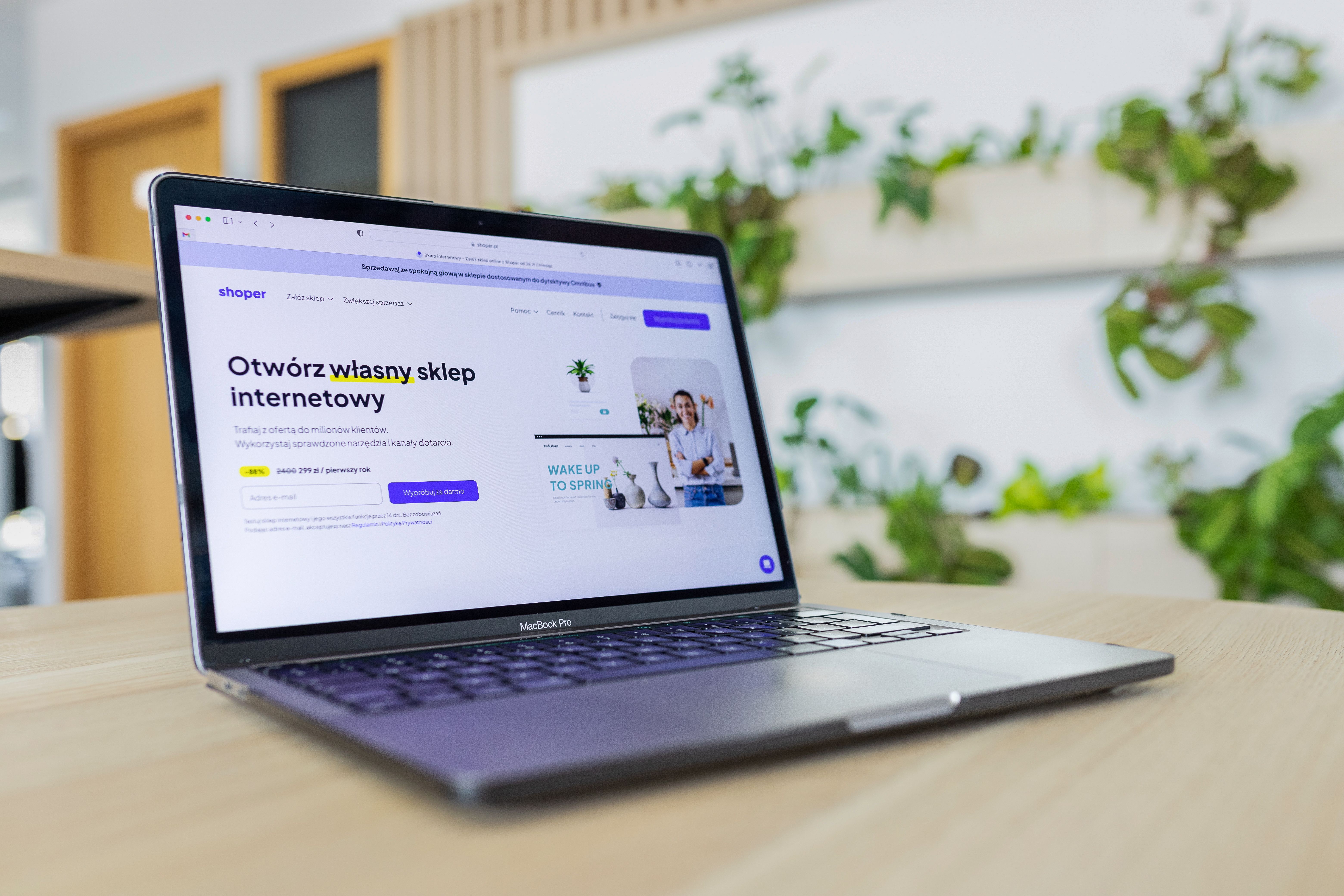
A website performance audit is a practical way to check how well your site loads, behaves on mobile devices, and supports a smooth user journey. For website owners, designers, marketers, and developers, it is one of the most useful ways to identify friction in layout, speed, navigation, and content structure.
Done well, an audit helps you improve website design in ways that support SEO, accessibility, and conversions. It does not replace good content or a strong offer, but it can remove technical and usability barriers that prevent visitors from finding what they need quickly.
What a Website Performance Audit Actually Covers
A website performance audit looks at how your pages perform in real use, not just how they appear in a design mock-up. It combines speed checks, mobile usability review, layout assessment, and analysis of how users move through your site.
In practice, that means reviewing page load times, Core Web Vitals, navigation clarity, content hierarchy, image handling, and how well pages work across different devices and screen sizes. It can also include checking whether important pages are easy to crawl and understand, which supports SEO-friendly website design.
For a more structured starting point, some teams use a free website SEO audit as part of their wider design and technical review process.
Why Speed and UX Belong in the Same Audit
Website speed and user experience are closely connected. A slow site can make even a well-designed page feel difficult to use, especially on mobile. Likewise, a fast site still needs clear structure, readable content, and intuitive navigation to keep visitors engaged.
From a design perspective, speed affects how quickly visitors see content, understand the page, and decide what to do next. UX affects whether they can complete that action without confusion. This matters for service pages, product pages, landing pages, business websites, and ecommerce site design alike.
Search engines also look at usability signals indirectly through mobile friendliness, page experience, accessibility, and content organisation. Website design supports SEO through crawlability, content structure, internal linking, and user experience rather than through visuals alone.
Key Areas to Review in a Performance Audit
1. Page speed and Core Web Vitals
Check how quickly important pages load and how stable they feel while loading. Large images, heavy scripts, unused plugins, and poor asset loading are common causes of slow performance. In WordPress website design, themes and plugins often play a major role, so review them carefully.
Use tools such as PageSpeed Insights to understand performance on both mobile and desktop. Focus on real user experience, not just a single score.
2. Mobile-first and responsive design
Most websites need to work beautifully on smaller screens first. Check whether text is readable, buttons are easy to tap, and sections stack logically. If users must pinch, scroll sideways, or zoom in, the design needs work.
Responsive web design should not only resize layouts. It should prioritise content, simplify navigation, and make calls to action easy to reach on mobile.
3. Content layout and visual hierarchy
A strong page layout helps visitors scan and understand information quickly. Review headings, spacing, paragraphs, and the order of content blocks. Important messages should appear early, with supporting details placed underneath.
For landing pages and service pages, make sure the value proposition, trust signals, and next step are clear. For product pages, check that images, specifications, pricing, and delivery information are easy to find.
4. Navigation and internal linking
Navigation should help users move between key sections without effort. Menu labels should be clear, not clever. Group related pages logically, and avoid forcing visitors through too many steps to find core information.
Internal links also help structure content for SEO and usability. They guide visitors to related pages and help search engines understand site relationships. This is especially useful on business websites with multiple services or on ecommerce sites with many product categories.
Design and UX Issues That Often Slow Websites Down
Some performance problems are technical, while others come from design decisions. Common examples include oversized homepage sliders, too many fonts, uncompressed images, autoplay media, and unnecessary animation effects. These can increase load time and distract from the main message.
Another common issue is cluttered content. When a page tries to say too much at once, the layout becomes harder to scan and the visitor works harder to find the next step. A cleaner hierarchy usually improves both speed perception and usability.
Accessibility also matters. Clear contrast, descriptive link text, proper heading structure, and keyboard-friendly navigation make a site easier to use for more people. If you want a useful reference point, the web performance learning resources offer practical guidance on improving loading behaviour and responsiveness.
A Practical Audit Checklist for Website Owners
Use this checklist as a simple starting point:
- Test key pages on mobile and desktop
- Review load speed for the homepage, service pages, and top landing pages
- Check Core Web Vitals and visual stability
- Remove or reduce large images, scripts, and unused plugins
- Improve heading structure and page hierarchy
- Make navigation simple and consistent
- Check that buttons, forms, and links are easy to use on mobile
- Review product pages or service pages for clarity and trust signals
- Confirm that important content is visible without unnecessary scrolling
- Track behaviour with analytics and session tools before and after changes
Website owners using WordPress, Shopify, Webflow, or a custom build can apply the same principles. The platform may differ, but the goal is the same: make the site easier to use and easier to understand.
How to Turn Audit Findings into Better Design Decisions
An audit is only useful if it leads to clear action. Start by prioritising pages that matter most to the business, such as homepage, service pages, lead generation pages, product pages, and high-traffic blog posts. Fix the issues that affect the greatest number of users first.
For example, if a page is slow because of image files, improve image sizing and compression before redesigning the entire layout. If visitors leave a service page quickly, review whether the message is clear, whether the page answers common questions, and whether the call to action fits user intent.
When teams need a broader SEO and design review, Backlink Works can be a useful reference point for site owners looking to better understand the relationship between structure, content, and visibility.
For technical site checks, you may also want to explore the Google Search SEO Starter Guide, which explains how search-friendly site structure and useful content support discoverability.
Conclusion
A website performance audit is not just a technical exercise. It is a design and UX process that helps you improve speed, simplify navigation, strengthen content layout, and create a smoother path to action. When website design supports usability, accessibility, and clear structure, it becomes easier for visitors and search engines to understand your site.
Whether you run an ecommerce store, a consultancy website, or a content-led brand, regular audits can help you spot friction early and make more informed improvements. The best results usually come from steady testing, thoughtful design choices, and updates based on real user behaviour.
Frequently Asked Questions
What is the main goal of a website performance audit?
The main goal is to find issues that slow down pages or make the site harder to use, then fix them in a way that improves speed, clarity, and user experience.
How often should a website performance audit be done?
It is sensible to review performance regularly, especially after design changes, plugin updates, content additions, or major campaigns.
Does better website speed automatically improve SEO?
Not automatically. Speed helps usability and can support SEO, but rankings also depend on content quality, relevance, technical structure, and competition.
What should small businesses focus on first?
Start with mobile usability, page load speed, navigation clarity, and the quality of your key pages such as the homepage, service pages, and contact or enquiry pages.
- Sponsored Ad -





