
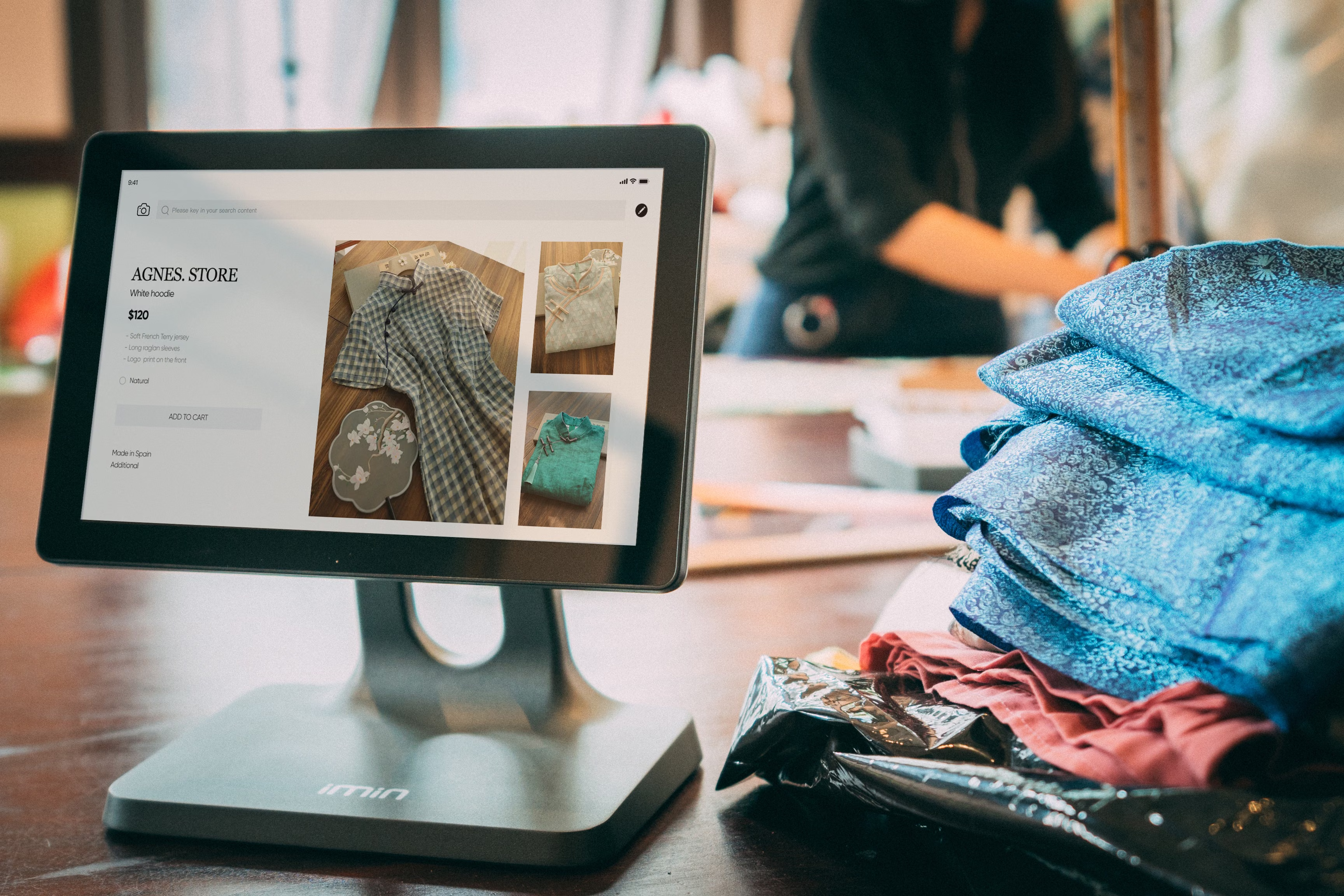
WebP images can make a meaningful difference to ecommerce category pages, where large product grids often create heavier page loads and weaker mobile performance. For online stores, that matters because speed, usability, crawl efficiency, and user engagement all affect how well category pages support organic traffic growth.
This checklist explains how to use WebP images in a way that supports ecommerce SEO without harming quality, accessibility, or conversions. It is especially relevant for Shopify SEO, WooCommerce SEO, technical SEO, and category page optimisation, where image delivery often has a direct impact on Core Web Vitals and mobile ecommerce experience.
Why WebP matters for category pages
Category pages usually carry more images than other parts of an ecommerce site. That makes them a common bottleneck for performance if product thumbnails are too large, uncompressed, or poorly served. WebP is useful because it can reduce file size while preserving visual quality better than many older formats, helping pages load more smoothly on both desktop and mobile devices.
Faster category pages can improve the user experience, reduce bounce risk, and make product discovery easier. They can also support search engine crawling, because lighter pages are simpler for bots to process. That does not guarantee higher rankings, but it does remove a technical barrier that can hold back online store SEO.
It is also important to remember that image format alone is not enough. Results depend on site quality, category structure, product demand, competition, content depth, internal linking, and how well the page answers shopper intent.
Checklist for using WebP on ecommerce category pages
Start with the basics and apply WebP consistently across the page template rather than only on a few images. This keeps performance improvements stable across large catalogues.
Use this simple checklist:
- Convert category thumbnails and grid images to WebP where supported.
- Keep original images available as fallbacks for browsers that need them.
- Resize images to the exact display dimensions instead of relying on browser scaling.
- Compress images carefully so product details remain clear.
- Set width and height attributes to reduce layout shifts.
- Use descriptive file names and alt text that reflect the product or category.
- Serve responsive image sizes for mobile and desktop users.
On a platform such as Shopify or WooCommerce, the implementation may differ, but the principle is the same: deliver the smallest useful image without damaging product clarity. If your category pages use filters, pagination, or infinite scroll, test that the image delivery still works well across all states.
For teams planning broader optimisation, a free website SEO audit can help identify image, indexing, and page speed issues that affect category visibility.
Optimise image delivery without weakening UX
WebP should support the shopping experience, not replace it. Category pages still need clear thumbnails, recognisable product angles, and consistent image ratios so grids feel tidy and scannable. If images become too compressed, shoppers may struggle to compare products, which can hurt engagement and conversions.
Keep product imagery consistent across the category page so the layout remains easy to browse. Use lifestyle images only when they help shoppers understand the product, and keep thumbnails focused on the item itself. For ecommerce user experience, clarity usually matters more than visual complexity.
It also helps to think about product page SEO and category page SEO together. A well-optimised category page should guide users into relevant product pages, with internal links that make it easy to move from broad intent to specific products. That supports both discovery and site architecture.
Connect WebP images with technical SEO and Core Web Vitals
WebP is most useful when it contributes to better technical performance. Category pages often include the largest above-the-fold image load on an ecommerce site, so image optimisation can influence Largest Contentful Paint and other Core Web Vitals signals.
Check for common technical issues such as oversized thumbnails, lazy-loading problems, and images that shift page content while loading. If the page layout jumps, the browsing experience suffers, even if the images themselves are compressed efficiently. Test category templates on real mobile devices, not just desktop browsers.
Google’s SEO Starter Guide is a useful reference when you want to align image handling, crawlability, and page structure with broader search best practice.
Image SEO, schema, and category content strategy
WebP images work best when they are part of a wider ecommerce content strategy. Category pages should still contain useful supporting copy, internal links, and clear topic relevance so search engines understand what the page is about. Images help, but they do not replace text-based relevance.
Where appropriate, combine category content with ecommerce schema markup such as Product, Offer, or Review on product pages. Category pages are usually not the place for heavy schema, but they should connect cleanly to structured product data deeper in the site. This helps search engines connect your category hub to item-level detail pages.
WebP also plays a role in duplicate content management. If the same product appears in several categories, ensure that the canonical version and product detail page are clear. Image optimisation should support that structure, not confuse it.
Best practices for store speed, mobile SEO, and conversions
Mobile ecommerce SEO depends on more than keywords. Large category pages must feel fast, stable, and easy to browse on smaller screens. WebP can reduce image weight, but you should also review navigation, filters, and product grid spacing for mobile usability.
For conversion-focused SEO, keep the buying path simple. Clear prices, availability, ratings where genuine, and strong internal links to product pages all matter. If products go out of stock, keep the category page helpful by showing alternatives, related products, or restock guidance instead of removing useful pages without a plan.
Faceted navigation also needs care. Filters can create many URL combinations, which may lead to duplicate or thin pages if left unmanaged. WebP improves the visual delivery, but indexation and crawl control still need technical attention through canonical tags, noindex rules where appropriate, and a logical category hierarchy.
For stores that want to improve authority alongside on-page SEO, Backlink Works offers educational resources on broader link-building and store visibility, but image optimisation should still be treated as a technical and content task first.
Common mistakes to avoid
Do not convert images to WebP and assume the job is finished. Common mistakes include using files that are still too large, failing to define dimensions, over-compressing product shots, and neglecting alt text. Another frequent issue is applying the same image settings to every template, even where different dimensions or crops are needed.
Avoid hiding key information inside images. Search engines and shoppers both need readable text for titles, product details, and category context. Also avoid relying on image changes alone if the real issue is weak category copy, poor internal linking, or a confusing filtering system.
As with any ecommerce SEO work, test changes carefully. Measure how page speed, crawl behaviour, user interaction, and conversion rates respond over time rather than expecting instant results.
Conclusion
WebP images are a practical part of faster category pages, but they work best as part of a wider ecommerce SEO approach. When you combine image optimisation with clean site architecture, useful category content, mobile-friendly design, and careful technical controls, you give search engines and shoppers a better experience.
That can support stronger product discovery, better crawl efficiency, and a smoother path from category page to product page. The outcome will vary by store quality, competition, and implementation, but a well-planned image strategy is one of the simplest ways to improve ecommerce website speed without sacrificing usability.
Frequently Asked Questions
Should all ecommerce category images be converted to WebP?
Not always, but most thumbnail and grid images are good candidates if your platform and browser support are in place.
Does WebP improve rankings directly?
No direct ranking boost is guaranteed, but faster pages can support better user experience and technical performance.
How does WebP help Shopify and WooCommerce stores?
It can reduce image weight on product grids, helping category pages load more efficiently across devices.
What should I test after switching to WebP?
Check image quality, page speed, layout stability, mobile usability, and whether category pages still index and render correctly.
- Sponsored Ad -





