
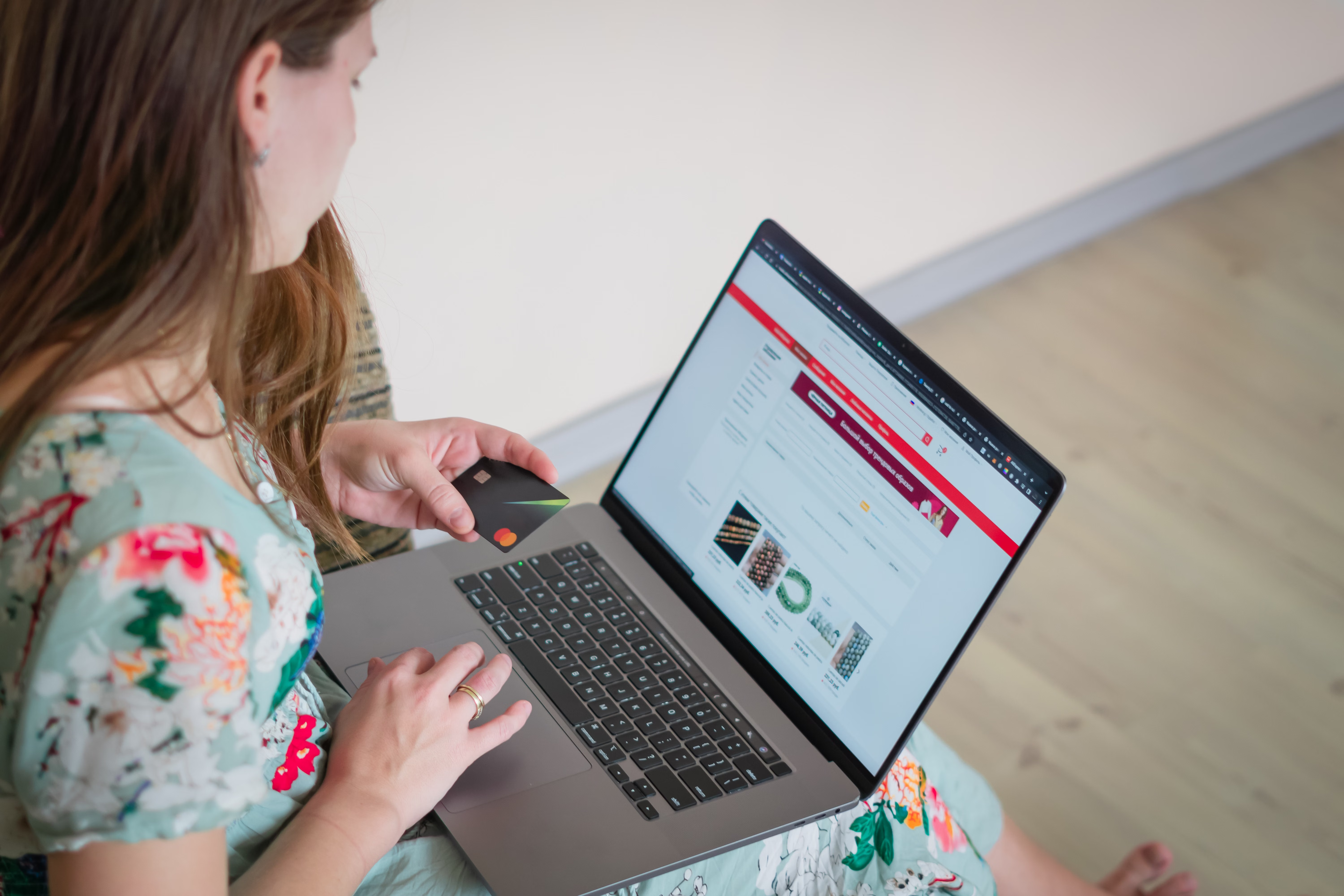
An ecommerce homepage is often the first page that search engines, shoppers, and brand-aware visitors encounter. For Shopify and WooCommerce stores, it needs to do more than look attractive. It should help users understand what you sell, guide them to the right categories, support crawlability, and reinforce trust without overwhelming the page.
This checklist brings together practical homepage optimisation steps for ecommerce SEO. It covers online store SEO, product and category discovery, technical performance, mobile usability, internal linking, schema markup, and user experience. Results will depend on site quality, competition, product demand, and consistent optimisation, but a well-structured homepage can support organic traffic growth and stronger conversions over time.
1. Make the homepage clear, crawlable, and focused
Your homepage should quickly answer three questions: what does the store sell, who is it for, and where should the visitor go next? That clarity helps both users and search engines. Keep the main heading descriptive, avoid vague hero text, and make sure key content is visible without relying entirely on images or sliders.
For Shopify SEO and WooCommerce SEO, homepage clarity also supports site structure. Link prominently to your main category pages, featured collections, and important content pages. This helps distribute authority across the store and improves discoverability for product groups that matter most.
Avoid cluttering the homepage with too many competing messages. If every section tries to rank for a different term, the page can become unfocused. A better approach is to use the homepage to reinforce your brand, primary product range, and most important category pathways.
2. Strengthen keyword targeting and search intent
Ecommerce keyword research should shape homepage copy, category names, and navigation labels. The homepage is not the place for keyword stuffing, but it should contain enough descriptive language to help search engines understand your store’s purpose. Focus on broad commercial intent terms that match your main product range.
For example, a store selling home fitness equipment may use homepage copy that references adjustable dumbbells, resistance bands, and home gym accessories, while still keeping the language natural. The aim is relevance, not repetition.
Use the homepage to support category page SEO rather than replace it. Product-specific phrases belong on product pages, while the homepage should act as a strategic entry point that guides users to deeper sections of the site.
3. Improve homepage structure for user experience and conversions
A strong ecommerce homepage should reduce friction. Use clear calls to action, simple navigation, trust signals, and visible routes to best-selling categories. If the page is difficult to scan, users may leave before they explore the store.
Homepage user experience affects conversions, but the outcome depends on traffic quality, pricing, product clarity, reviews, site speed, and checkout flow. Add practical elements such as delivery information, returns guidance, and payment reassurance where appropriate. These details help shoppers feel more confident.
Useful homepage sections often include featured categories, bestselling ranges, brand story highlights, and recent content or buying guides. If you publish educational content, consider linking to a relevant resource such as a free website SEO audit where it supports the user journey and offers a useful next step.
4. Optimise speed, mobile usability, and Core Web Vitals
Homepage speed matters because it affects both user experience and technical SEO. Large hero images, heavy scripts, and too many apps can slow down Shopify and WooCommerce stores. Review image sizes, reduce unnecessary plugins or app embeds, and test performance regularly.
Mobile ecommerce SEO is especially important because many shoppers will first visit your homepage on a phone. Make sure buttons are easy to tap, text is readable, menus are simple, and key content is not pushed too far down the page. The homepage should feel fast and usable on smaller screens, not just on desktop.
Core Web Vitals are not the only ranking factor, but they are useful indicators of page experience. If you want a quick technical check, Google’s PageSpeed Insights can help identify obvious speed and usability issues.
5. Use internal linking and schema markup strategically
Internal linking is one of the most practical ways to support ecommerce SEO. On the homepage, link to your highest-value category pages, best-selling collections, and relevant content hubs. This helps search engines crawl the site and helps users move from broad interest to specific products.
Be careful with faceted navigation, especially on large Shopify or WooCommerce catalogues. Filtered URLs can create duplication or crawl bloat if they are not managed properly. Decide which filter pages should be indexed, and which should remain blocked, canonicalised, or excluded from internal links.
Schema markup can strengthen search understanding, especially for brand, organisation, product, and breadcrumb signals. Keep it accurate and consistent with on-page content. Product schema is usually more relevant on product pages, but the homepage can still support entity clarity and site-wide context. If you use an ecommerce SEO specialist or agency, request a structured approach rather than a generic template.
6. Avoid common ecommerce homepage mistakes
Many homepage issues come from trying to do too much at once. Overuse of sliders, thin copy, duplicate promotional blocks, and overcomplicated navigation can make the page harder to use and harder to interpret. A homepage should support discovery, not distract from it.
Watch for duplicate product content if your homepage features copied descriptions from category or product pages. Keep homepage copy original and focused on the store’s overall offer. Similarly, if items go out of stock, update homepage promotions quickly so users do not land on unavailable products without alternatives.
For stores with content marketing ambitions, a small editorial area can work well. But content should be relevant and genuinely helpful. If you add blog links, buying guides, or brand updates, make sure they support the store’s commercial goals and user needs. Backlink Works publishes SEO education resources that can help teams think more strategically about content and visibility.
Homepage optimisation checklist
Use this short checklist to review your Shopify or WooCommerce homepage:
- State clearly what the store sells in the main heading and intro copy.
- Link to core categories and best-selling collections.
- Keep the design mobile-friendly and easy to scan.
- Compress images and remove unnecessary scripts or plugins.
- Use natural keyword language that matches search intent.
- Add trust signals such as delivery, returns, and support information.
- Review internal links, canonicals, and faceted navigation settings.
- Check homepage speed and Core Web Vitals regularly.
- Update out-of-stock promotions and seasonal banners promptly.
- Make sure the homepage supports conversion paths, not just branding.
Conclusion
An ecommerce homepage is a strategic SEO asset, not just a storefront front door. When it is clear, fast, mobile-friendly, and well linked, it can improve product discovery, support category visibility, and create a better path to conversions. The exact results depend on competition, content quality, technical setup, and consistency, but the right optimisation work gives your store a stronger foundation.
For Shopify and WooCommerce brands, the best approach is to treat the homepage as part of the wider site architecture. Align it with product page SEO, category page SEO, technical SEO, and user experience so that every section supports organic growth and commercial intent.
Frequently Asked Questions
Should my ecommerce homepage target a main keyword?
Yes, but keep it broad and natural. The homepage should describe your store’s main product range without sounding forced.
How many category links should I place on the homepage?
Link to the categories that matter most commercially. Too many links can make the page noisy and less useful.
Do Shopify and WooCommerce homepages need schema markup?
They can benefit from structured data, especially for organisation, breadcrumbs, and site context. Product schema is usually more important on product pages.
What should I do if a homepage product feature goes out of stock?
Replace it quickly with a live product, a related category, or a useful alternative so the homepage stays helpful and current.
- Sponsored Ad -





