
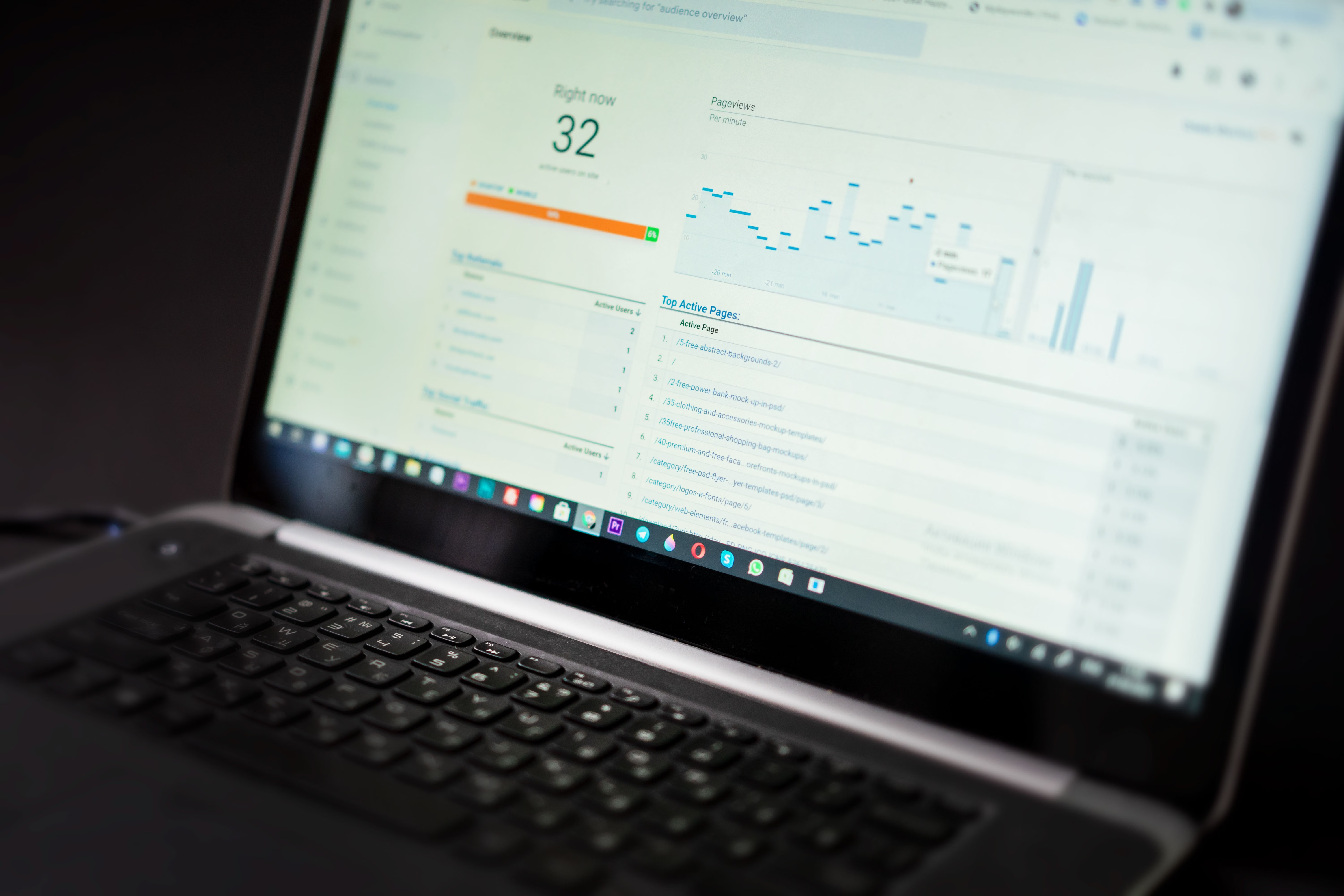
Creating an XML sitemap in WordPress is a straightforward but useful part of WordPress SEO setup. An XML sitemap helps search engines discover important URLs on your site, which can support crawlability and indexing, but it does not guarantee rankings or inclusion in search results.
If you run a blog, business website, ecommerce store, or multilingual site, a sitemap is one of several technical SEO elements worth checking alongside permalinks, robots.txt, canonical URLs, internal linking, and Google Search Console. The right approach depends on your site structure, plugin setup, and maintenance needs.
What an XML sitemap does in WordPress
An XML sitemap is a machine-readable file that lists URLs you want search engines to find. In WordPress, this may be generated by WordPress core or by an SEO plugin such as Yoast SEO, Rank Math, All in One SEO, or SEOPress. The goal is to help crawlers discover preferred pages, posts, categories, and other useful content more efficiently.
It is important to separate crawling from indexing. Crawling means search engines can access a URL, while indexing means they choose to store and consider it for search results. A sitemap can assist discovery, but search engines still evaluate content quality, duplicate content, canonicals, server responses, internal links, and whether the page is genuinely useful.
For Google’s official view of sitemaps and crawlability, the Search Central sitemap overview is a helpful reference.
How to create an XML sitemap in WordPress
The simplest way is to check whether your WordPress site already has one. Since WordPress 5.5, core can generate a basic XML sitemap automatically for standard content types. You can usually find it at a URL similar to /wp-sitemap.xml. If that file is available and includes the right URLs, you may not need another sitemap generator.
If you use an SEO plugin, review whether it already handles your sitemap needs. Most websites should use one primary SEO plugin rather than installing several full SEO tools that overlap. Running multiple sitemap generators can create duplicated URLs, conflicting settings, or confusion about which sitemap search engines should use.
To create or manage a sitemap safely:
- Check whether WordPress core already provides a sitemap.
- Review your active SEO plugin and confirm whether it manages sitemaps.
- Include only useful, indexable, canonical URLs.
- Exclude staging URLs, redirects, error pages, and low-value duplicate archives where appropriate.
- Test the sitemap in a browser and inspect it in Search Console.
If you are changing SEO plugins, back up the site first and review titles, meta descriptions, canonicals, robots settings, and sitemap output afterwards. The plugin directory pages for Yoast SEO and Rank Math are useful starting points for checking current documentation and maintenance information.
What should be included, and what should be left out
A sitemap works best when it contains pages you actually want discovered. That usually means posts, pages, product pages, important categories, and other canonical URLs that provide real value. It should not be a catch-all list of every URL WordPress can generate.
As a rule, avoid including:
- Redirecting URLs
- Noindex pages
- Broken or error pages
- Staging or test environments
- Thin tag archives or duplicate parameter URLs without a clear purpose
This is especially relevant for ecommerce and faceted navigation. Product filters can create many URL variations, but not all of them should be indexed. For WooCommerce sites, product pages and well-structured category pages often deserve more attention than every filter combination. For local businesses and publishers, the same logic applies: include pages that help users and search engines understand the site, not every possible archive.
Check robots.txt, canonicals, and permalinks together
An XML sitemap should be part of a wider technical SEO check, not treated as a standalone fix. If robots.txt blocks important paths, search engines may not be able to crawl them properly. If a page has a canonical tag pointing elsewhere, search engines may treat another URL as the preferred version. If permalinks are messy or have recently changed, internal links and redirects also need review.
Robots.txt controls crawler access; it does not directly remove a URL from search results. Canonical tags are signals, not commands, so they help indicate the preferred version among similar pages but do not force search engines to follow that choice. For permalink changes, use permanent redirects carefully and map old URLs to the closest relevant new ones rather than sending everything to the homepage.
If you are working through a broader site structure review, a free website SEO audit can help you spot sitemap, indexing, and internal linking issues before they become maintenance problems.
Submit and test the sitemap in Search Console
After your sitemap is ready, add it in Google Search Console so Google can discover it more easily. Submission does not guarantee indexing, and repeated submission will not force faster inclusion. What matters is whether the URLs are crawlable, indexable, internally linked, and valuable enough to be kept in the index.
Use the URL Inspection tool for selected pages if you need to understand how Google sees them. This can help with troubleshooting noindex directives, canonicalisation, robots restrictions, or server response issues. However, inspection results do not guarantee that a page will be indexed or ranked.
Google’s own guidance on crawling and indexing explains the process clearly and is worth reviewing when you are configuring a sitemap or changing site structure.
Common mistakes, troubleshooting, and ongoing checks
One common mistake is assuming the sitemap file alone will solve visibility issues. If a page has weak content, duplicated information, poor internal links, or technical errors, a sitemap will not compensate for that. Another frequent problem is letting multiple plugins generate overlapping metadata or sitemap output after a theme change or migration.
Check the rendered page source rather than relying only on plugin settings. This is especially important for canonical URLs, robots directives, schema markup, and language variants on multilingual sites. If you run a redesign or migration, keep redirects in place long enough to preserve user access and monitor Search Console for indexing and coverage changes.
WordPress security also matters here. Malware, unauthorised redirects, and hacked pages can create sitemap noise and damage trust. Keep WordPress core, plugins, and themes updated, use backups, and review your sitemap whenever major content or technical changes are made.
For ongoing maintenance, a good WordPress SEO process includes internal linking, content optimisation, image SEO, Core Web Vitals checks, and periodic audits of indexable URLs. XML sitemaps are useful, but they work best as part of a broader system that supports usability and discovery.
Conclusion
Creating an XML sitemap in WordPress is usually simple, but maintaining a useful one requires more than switching on a setting. The best sitemap is accurate, focused, and aligned with the pages you actually want search engines to discover. Pair it with clean permalinks, sensible canonicals, reliable redirects, and consistent internal linking for a stronger technical foundation.
Whether you use WordPress core, Yoast SEO, Rank Math, All in One SEO, or SEOPress, choose one primary approach, test the output carefully, and revisit it after updates or migrations. That way, your sitemap supports crawlability without creating extra noise for users or search engines.
Frequently Asked Questions
Does WordPress automatically create an XML sitemap?
Yes, modern WordPress installations can generate a basic XML sitemap automatically. You should still check whether it includes the right URLs for your site and whether your SEO plugin is also managing sitemaps.
Should I submit every URL from my website to the sitemap?
No. Include indexable, useful pages that you want search engines to discover. Avoid redirects, noindex pages, staging URLs, and low-value duplicates unless there is a specific reason to list them.
Will adding a sitemap make my pages index immediately?
No. A sitemap can help discovery, but indexing still depends on crawlability, content quality, canonical signals, internal links, and technical health. Search engines decide which pages to index.
Can I use more than one SEO plugin for sitemaps?
It is usually better to use one primary SEO plugin or WordPress core sitemap system. Multiple plugins can create conflicting metadata, duplicated schema, or overlapping sitemap output.
- Sponsored Ad -





