
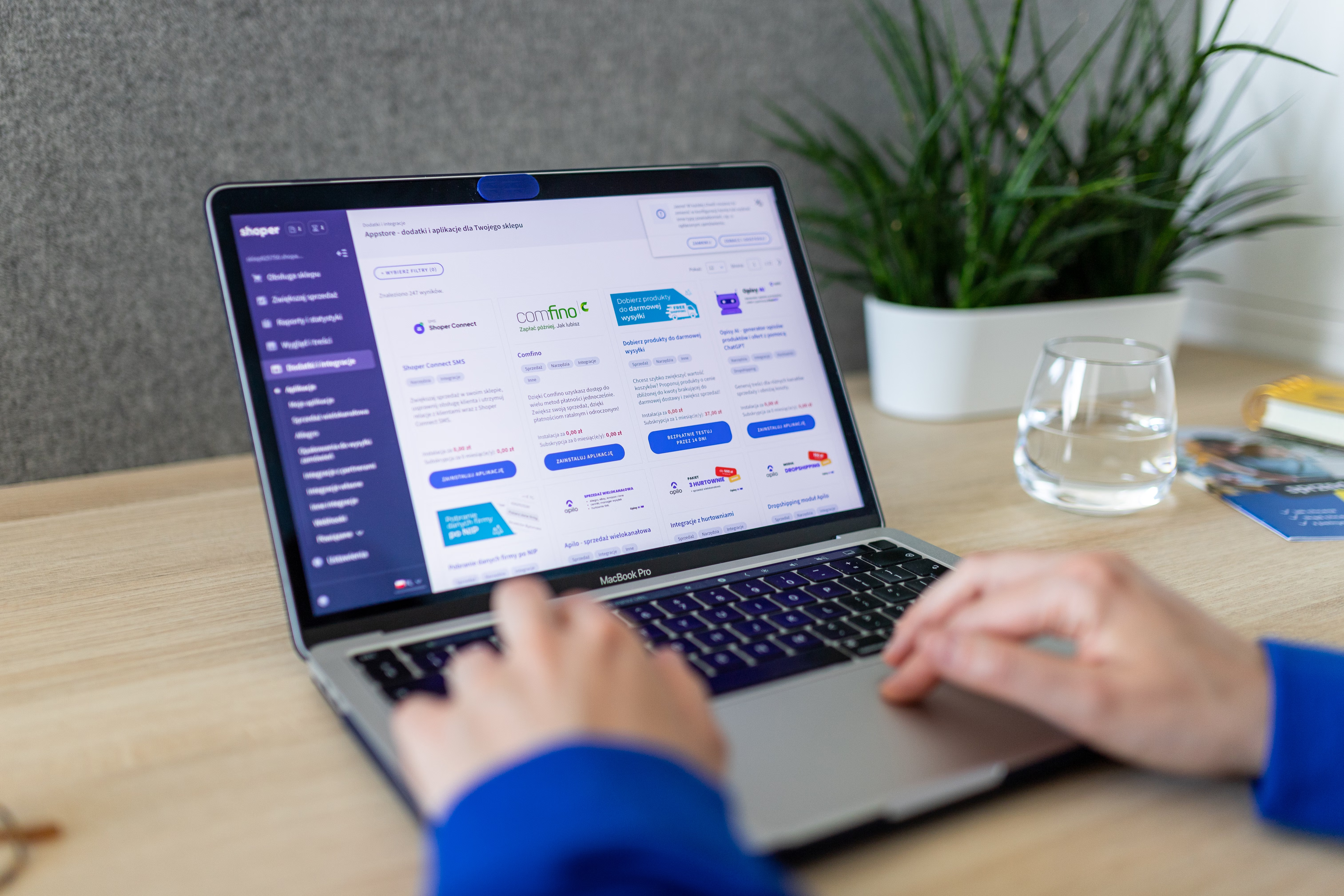
An ecommerce XML sitemap is more than a technical file for search engines. For online stores, it can help guide crawlers towards important product pages, category pages, and other content that supports organic visibility. When it is set up well, it gives search engines a clearer view of what your store sells and which URLs matter most.
That said, an XML sitemap does not replace strong product page SEO, category page SEO, or good site architecture. Its role is to support crawlability and indexing, while your content, internal linking, mobile experience, and technical SEO do the heavier lifting. Results depend on the quality of your site, competition, demand, and how consistently you improve the store over time.
What an ecommerce XML sitemap should do
An XML sitemap lists pages you want search engines to discover and prioritise. For ecommerce sites, this usually includes product URLs, category URLs, blog posts, and sometimes brand or collection pages. The goal is not to include every page on the site, but to highlight the URLs that are most useful for users and most likely to drive organic traffic.
Search engines can find pages through links, but sitemaps are especially useful when your store has a large catalogue, frequent stock changes, seasonal products, or faceted navigation. They can also help new products get discovered faster, although indexing still depends on page quality, internal links, and whether the page deserves visibility.
If you are reviewing sitemap fundamentals, Google’s SEO starter guide is a practical place to check how sitemaps fit into a broader SEO setup.
Prioritise the right product and category URLs
For product visibility, your sitemap should focus on indexable pages that you actually want ranking. Include main product pages, core category pages, and key collection pages. These are often the pages that can attract long-tail ecommerce keywords and support conversion-focused traffic.
Exclude thin, duplicate, or low-value URLs such as filtered duplicates, internal search pages, or temporary campaign pages that should not be indexed. If you run a large catalogue, use separate sitemaps for products, categories, blog content, and images. This makes the file easier to manage and helps you monitor problems more clearly in Google Search Console.
For stores with many products, it is also sensible to review out-of-stock product SEO. If a product is unavailable for a short time, keep the page live where possible and make the status clear. If it is permanently removed, consider a relevant replacement, category page, or redirect rather than leaving a dead end in your sitemap.
Keep duplicate content and faceted URLs out of the sitemap
One of the most common ecommerce technical SEO issues is sitemap bloat caused by duplicate or near-duplicate URLs. This often happens with faceted navigation, sorted product listings, pagination variants, or the same product being accessible through multiple paths. If these URLs are included in the sitemap, you may dilute crawl efficiency and make it harder for search engines to focus on the best pages.
Use canonical tags correctly, and make sure the sitemap contains the preferred version of each page. This is especially important for Shopify SEO and WooCommerce SEO, where apps, plugins, or theme settings can generate extra URL variants. A clean sitemap works best when it matches your canonical strategy and indexation rules.
As a best practice, audit sitemap URLs alongside crawl data. A tool such as Screaming Frog SEO Spider can help you spot duplicate paths, parameter URLs, and indexation mismatches before they become a larger visibility issue.
Support product page SEO with strong on-page signals
An XML sitemap can help search engines find product pages, but those pages still need to be strong enough to rank. That means clear titles, useful product descriptions, relevant headings, and unique content that answers real buying questions. Copying supplier descriptions is risky because duplicate product content can weaken differentiation across the web.
Product pages should also include structured data where appropriate, such as Product, Offer, and Review schema markup. This does not guarantee enhanced results, but it can help search engines understand the page more clearly. Category pages also need descriptive copy, logical internal links, and a clean hierarchy so they can target broader ecommerce keyword research themes.
If your content strategy only covers product pages, you may miss useful opportunities. Supporting articles, buying guides, and comparison content can help bring in earlier-stage visitors and send internal linking signals to commercial pages.
Make sitemap maintenance part of technical SEO
An ecommerce sitemap is not a one-time task. It should change as your store changes. Add new products when they are ready to be indexed, remove discontinued URLs where appropriate, and keep the file aligned with your robots.txt, canonical tags, and redirects. If your platform automatically updates the sitemap, still check that it is only exposing the right URLs.
Technical performance matters too. Slow sites, poor Core Web Vitals, and weak mobile ecommerce SEO can affect how users engage with the pages the sitemap points to. Search visibility and conversions both depend on a smooth experience, especially on smaller screens. A fast, easy-to-use product page is more likely to keep visitors engaged once they arrive from search.
It is also worth monitoring sitemap health in Search Console, including submitted URLs, indexed URLs, and any discovery issues. This helps you understand whether search engines are following the structure you intended, rather than guessing from rankings alone.
Use internal linking to reinforce sitemap priorities
A sitemap tells crawlers what exists, but internal linking helps show what matters most. If your category pages are strategically linked from navigation, related products, blog posts, and contextual content, search engines can understand their importance more easily. This can improve crawl paths and support organic traffic growth for online stores over time.
Think of the sitemap as a support file and internal links as the main route through your site. When both point to the same important products and categories, your online store SEO strategy becomes more coherent. This matters for ecommerce conversions too, because better-structured sites are usually easier to browse, compare, and buy from.
For broader SEO support, Backlink Works offers resources on site growth and link building, which can complement a strong technical foundation without replacing product and category optimisation.
Practical checklist for sitemap optimisation
Before you submit or resubmit an ecommerce XML sitemap, review these essentials:
- Include only indexable product, category, and key content URLs.
- Exclude parameter URLs, internal search pages, and duplicate variants.
- Match sitemap URLs with canonical tags and redirects.
- Keep product content unique and useful.
- Check mobile usability and page speed on key commercial pages.
- Review Search Console for indexing and discovery issues.
These checks are simple, but they can prevent a lot of wasted crawl effort and help search engines focus on the pages most likely to support visibility.
Conclusion
Optimising an ecommerce XML sitemap is about clarity, not volume. The best sitemap is the one that helps search engines find your most important pages quickly and avoids sending them towards duplicate, thin, or low-value URLs. When combined with strong product page SEO, category page SEO, internal linking, schema markup, mobile usability, and fast load times, it can support better product discovery and more stable organic growth.
If you manage a Shopify or WooCommerce store, treat the sitemap as part of your wider ecommerce technical SEO process. That approach is more realistic than expecting the sitemap alone to improve rankings. Over time, consistent optimisation across content, structure, and user experience is what gives product pages the best chance to perform.
Frequently Asked Questions
Should every product page be included in an ecommerce XML sitemap?
No. Only include product pages that are indexable, useful, and intended for organic visibility.
How often should I update my ecommerce sitemap?
Update it whenever products are added, removed, redirected, or significantly changed.
Does a sitemap improve rankings directly?
Not directly. It helps search engines discover pages, but rankings depend on many other SEO factors.
What is the biggest sitemap mistake for online stores?
Including duplicate, filtered, or low-value URLs that waste crawl budget and blur page priorities.
- Sponsored Ad -





