
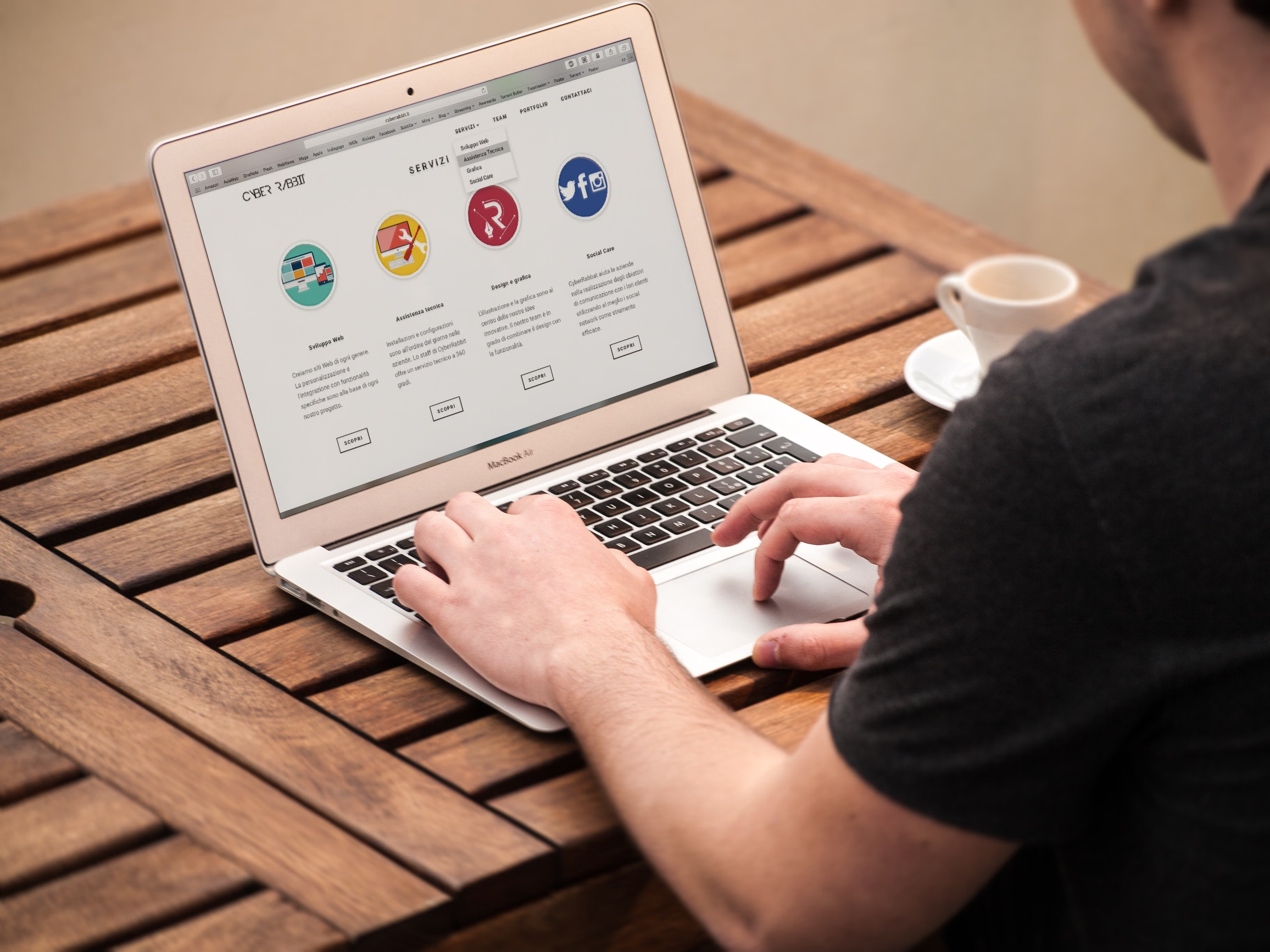
WordPress SEO-friendly URLs, also known as permalinks, play a practical role in how people and search engines understand your pages. A clear URL structure can support usability, internal linking, indexing, and long-term site maintenance, but it should be chosen carefully rather than changed casually.
For most WordPress websites, the goal is not to make URLs “clever”; it is to make them descriptive, stable, and easy to manage. The right permalink setup depends on your site type, content workflow, technical constraints, and whether you are running a blog, business site, magazine, or online store.
What WordPress permalinks are and why they matter
A permalink is the permanent web address for a post, page, category archive, product page, or other content type. In WordPress, permalink settings control how those URLs are structured. Common choices include plain IDs, dates, or readable slugs such as /wordpress-seo-friendly-urls/.
Readable URLs can improve clarity for visitors and make page topics easier to recognise when shared, bookmarked, or linked internally. They also help with content organisation, especially on sites with many posts, categories, or products. However, the URL alone does not drive rankings. Search visibility still depends on content quality, intent match, site structure, crawlability, indexing, and ongoing optimisation.
Before changing permalink settings, check the impact on existing URLs. A URL change can create broken links, redirect work, and temporary fluctuations in search performance. WordPress offers core guidance on the Permalinks settings screen, which is useful if you are deciding whether to adjust the structure on a live site.
Best practices for SEO-friendly URLs
Good permalinks are usually short, descriptive, and consistent. They should reflect the page topic without adding unnecessary words. In most cases, a simple structure using the post name is easier to manage than long date-based or category-heavy URLs.
Try to keep these principles in mind:
Use readable slugs that describe the content. Keep one preferred version of each URL, including the correct protocol and hostname. Avoid changing URLs repeatedly, because every change can create maintenance work and potential duplication issues. If you need to revise a slug, set up a relevant redirect from the old URL to the closest matching new page.
For most websites, avoid inserting categories, tags, or dates into URLs unless they are genuinely useful to the site structure. A news publisher may want dates for editorial context, while an evergreen service page usually does not need them. The right choice depends on the content model, not a universal rule.
How permalinks connect with on-page and technical SEO
Permalinks are only one part of WordPress SEO setup. They work alongside title tags, meta descriptions, headings, internal links, image optimisation, and structured content. A strong page usually has a clear purpose, a descriptive title tag, and a URL that matches the page intent.
Technical SEO matters as much as content presentation. Search engines crawl URLs, then decide whether to index them. A page can be crawlable but still not indexed if it has thin content, a noindex directive, duplicate signals, or weak internal support. XML sitemaps can help discovery, but they do not guarantee indexing. Canonical tags can suggest a preferred version of similar URLs, but they are signals rather than commands.
If you use an SEO plugin such as Yoast SEO, Rank Math, All in One SEO, or SEOPress, treat its settings and scores as guidance rather than a ranking promise. A website usually needs only one primary SEO plugin. Running multiple plugins that generate titles, meta data, sitemaps, canonical tags, or schema can create conflicts and duplicated output.
Managing URL changes, redirects, and duplicate content
When a permalink changes, use a permanent redirect if the old URL should pass visitors to the closest equivalent page. Temporary redirects are better suited to short-term changes. Avoid redirect chains, loops, and blanket redirects to the homepage, because they can weaken user experience and make crawling less efficient.
Broken internal links are also worth fixing. Navigation menus, category pages, breadcrumb trails, and contextual links should point to valid, current URLs. If you change a slug, update internal links where appropriate and confirm that the destination still matches search intent.
Duplicate content can appear when WordPress generates multiple archive paths, pagination variants, or parameter-based URLs. Not every archive should be indexed. Categories can be valuable if they add real navigational or topical value, but thin tag archives and repetitive filters may need a different approach. For broader site health, a structured website SEO audit checklist can help you review URLs, redirects, metadata, and indexation issues together.
SEO considerations for images, Core Web Vitals, and ecommerce
Permalinks should fit into the wider performance and usability picture. Clean URLs do not replace good image SEO, mobile usability, or page speed. Descriptive filenames, sensible alternative text, compressed images, and responsive delivery all support both accessibility and search discovery.
Core Web Vitals are user-experience metrics that look at loading, responsiveness, and visual stability. They are not the only SEO factor, but they can reveal real performance problems. Large images, too many scripts, heavy page builders, and poor hosting can all affect the experience. If you are planning major technical changes, test them on staging first and monitor results in tools such as PageSpeed Insights and Search Console afterwards.
For WooCommerce sites, URLs should support product discovery without creating endless filter combinations or low-value parameter pages. Product categories, product pages, and attribute archives may each serve different purposes. Keep the structure simple, make sure canonicals are sensible, and avoid indexing every filtered version of a product list unless there is a clear business reason.
Permalink changes during migrations, multilingual sites, and content audits
Changing permalinks during a redesign, domain move, HTTPS migration, or website migration needs a careful plan. Start with a full backup, crawl or export the current URLs, and map each important old address to its new destination. Preserve valuable content, metadata, and internal link equity where possible. After launch, check redirects, canonicals, robots directives, XML sitemaps, and noindex settings.
Multilingual websites need extra care. Each language version should have a clear URL strategy, accurate translated content, and consistent internal navigation. If language pages are meant to be indexed separately, do not point everything to one canonical URL. Search engines need clear signals to understand which version is intended for which audience.
When auditing an existing WordPress site, focus on whether the URL structure helps users and search engines find the right content. Check for orphan pages, duplicate archives, messy category structures, and old URLs that still receive traffic. If you are also reviewing link quality and site authority, Backlink Works offers useful material on backlink building strategy and site authority that can sit alongside your on-site SEO work.
Conclusion
SEO-friendly permalinks are a foundation, not a shortcut. The best URL structure is usually the one that is clear, stable, and easy to maintain while supporting your content strategy and site architecture. Use WordPress’s built-in permalink tools carefully, back up before making changes, and test redirects, canonical tags, sitemaps, and internal links after any update.
Whether you manage a blog, local business site, publisher, or ecommerce store, the safest approach is to keep URLs purposeful and let the rest of your WordPress SEO work do its job: strong content, sensible technical setup, and regular maintenance.
Frequently Asked Questions
Should I change my WordPress permalink structure after launch?
Only if there is a clear reason and you can manage redirects properly. Changing URLs on an established site can affect internal links, bookmarks, and search signals, so it should be planned carefully.
Are shorter URLs always better for SEO?
Shorter URLs are often easier to read and share, but clarity matters more than length alone. A URL should describe the page naturally and match the content’s purpose.
Do SEO plugins change permalinks automatically?
Most SEO plugins focus on metadata, sitemaps, schema, and related settings rather than rewriting your entire URL structure. Permalinks are usually controlled in WordPress core settings or through site-specific configuration.
What should I check after changing a permalink?
Check redirects, internal links, canonical tags, XML sitemaps, robots settings, and Search Console reports. Also make sure the new URL loads correctly and that the old one sends users to the most relevant replacement.
- Sponsored Ad -





