
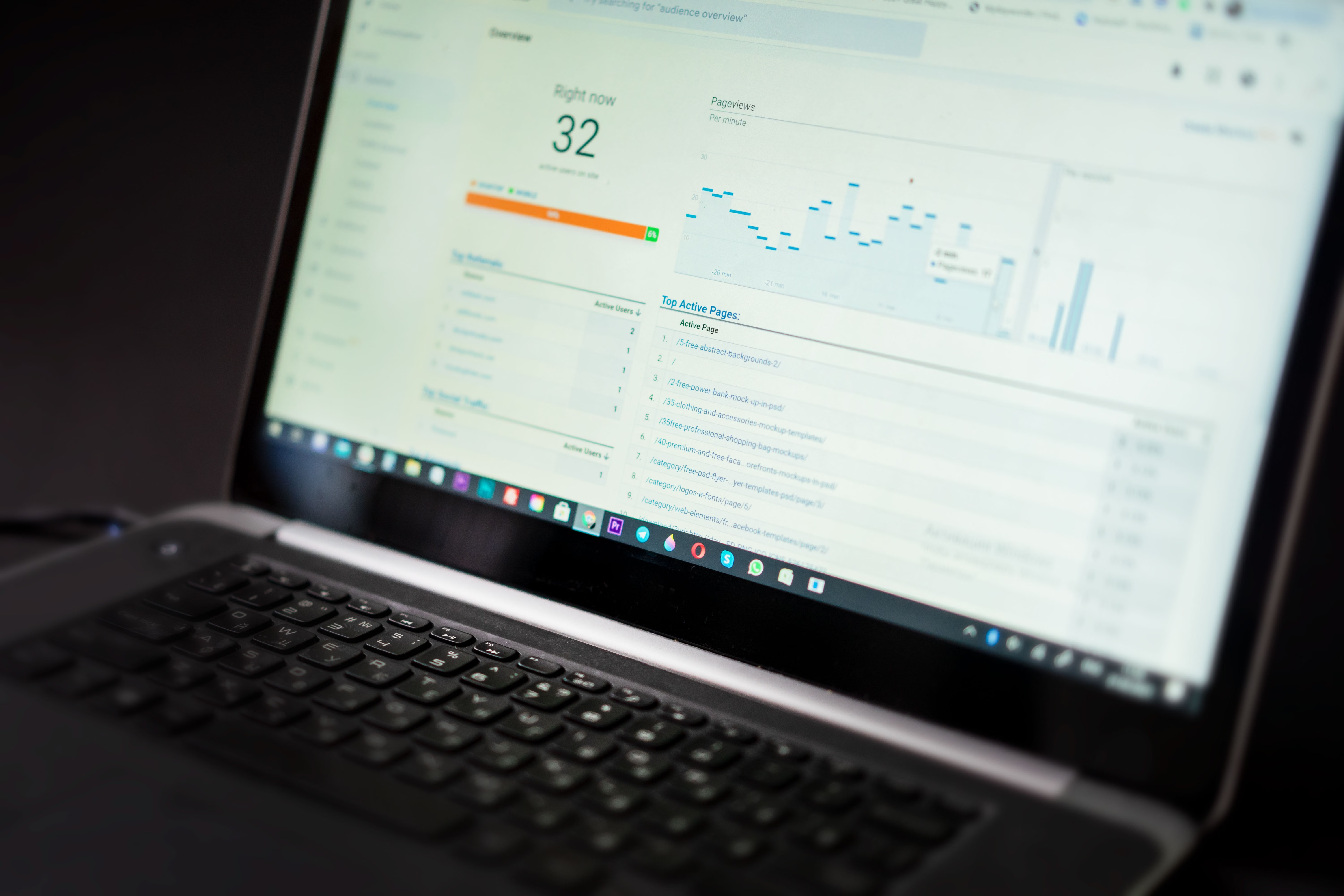
Content audits are one of the most practical ways to improve search visibility without starting from scratch. For many websites, the issue is not a lack of content, but content that is outdated, thin, poorly structured, difficult to crawl, or no longer aligned with search intent.
The right tools can make audits faster and more reliable. They help you spot pages that need refreshing, identify technical problems, review keyword opportunities, and track whether your updates are likely to support better performance over time. Tools do not replace strategy, content quality, or technical fixes, but they do give you the evidence needed to prioritise wisely.
What content audit tools are used for
Content audit tools help you assess how well your pages are performing and where improvements are needed. In SEO, that usually means checking content quality, rankings, indexing, internal linking, freshness, backlinks, page speed, schema, and user engagement signals.
A basic audit might start with free tools such as Google Search Console and Google Analytics 4 to review impressions, clicks, engagement, and pages with declining visibility. From there, you may use crawler tools, keyword research tools, or content optimisation tools to understand why some pages are underperforming and how to improve them.
For many sites, a content audit is not just about deleting low-value pages. It is also about merging overlapping articles, updating facts, improving title tags, adding internal links, and aligning content with the search intent behind each query.
Core tools to include in a content audit workflow
Most useful audits combine several types of tools rather than relying on one platform alone. Free SEO tools are often enough to begin with, while paid tools become more valuable when you need deeper data, larger crawl limits, or team reporting.
Google Search Console is essential for understanding which pages are indexed, which queries generate impressions, and where click-through rates may need attention. Google Analytics 4 helps you see how visitors behave after landing on a page, which is useful when deciding whether content needs rewriting, restructuring, or a stronger call to action. For site speed and Core Web Vitals, PageSpeed Insights remains a practical starting point because it highlights performance issues that may affect usability and crawl efficiency. You can also use the official PageSpeed Insights tool when reviewing page experience.
For more advanced checks, a website crawler such as Screaming Frog can help uncover broken links, duplicate titles, missing headings, redirect chains, orphan pages, and indexability issues. This is especially useful for larger sites, ecommerce stores, and WordPress websites with many templates or categories.
If you need structured data checks, schema markup tools can help validate page enhancements before publishing. Rank tracking tools are useful for monitoring whether refreshed pages are improving for target keywords, while backlink checker tools can show whether high-value pages also attract authority from other sites. Competitor analysis tools are helpful too, because they show how competing pages are structured, what topics they cover, and where your content may be too shallow.
Backlink Works also offers practical SEO education and audit guidance for site owners who want a clearer starting point before choosing tools.
How to choose the right tool for your website
The best content audit setup depends on your website size, technical skill level, budget, and reporting needs. A small business blog may only need free tools plus a simple crawler. A large ecommerce site may need crawl automation, content inventory exports, rank tracking, and reporting dashboards. Agencies may need multi-site workflows, collaboration features, and client-friendly reports.
When comparing tools, look at these factors:
- How accurate and current the data is.
- Whether the tool covers content, technical SEO, and performance together or separately.
- Whether exports are easy to use in spreadsheets or dashboards.
- Whether the tool supports the size of your site.
- Whether the interface is simple enough for your team to use consistently.
Paid tools can be helpful when you need broader data or repeatable workflows, but free tools should not be overlooked. Google Search Console, Google Analytics 4, Bing Webmaster Tools, and Looker Studio can already support a solid audit process when used properly. If you need a starting point, a free website SEO audit can help you identify obvious technical and content issues before moving to deeper analysis.
What to check during a content refresh
A content refresh is more effective when it is driven by evidence rather than guesswork. Start by looking at pages that have impressions but weak click-through rates, pages with declining traffic, pages that rank on page two, and content that no longer reflects current search intent. Keyword research tools can help you see related terms, question phrases, and semantically relevant topics you may have missed.
Useful refresh checks include:
- Is the search intent still the same?
- Are the title tag and meta description still accurate and compelling?
- Does the page answer the query better than competing pages?
- Are there outdated facts, screenshots, or examples?
- Is the page internally linked from relevant sections of the site?
- Does the page load well on mobile devices?
Content optimisation tools can help with readability, heading structure, and on-page relevance, but they should support editorial judgement rather than replace it. For WordPress users, plugins such as Yoast, Rank Math, or All in One SEO can assist with on-page checks, schema options, and metadata management, but they still need good content underneath.
Specialist tools for different site types
Different websites need different audit priorities. Ecommerce SEO tools are useful when you have product filters, faceted navigation, category pages, and large inventories that can create duplication or crawl waste. Local SEO tools matter when you manage location pages, Google Business Profile content, or service-area pages, because consistency and local relevance often affect visibility.
For publishers and bloggers, AI SEO tools may help with content briefs, topic clustering, and gap analysis, but human review is still essential to keep content accurate and original. SEO Chrome extensions can also speed up manual checks by helping you inspect headings, links, metadata, and structured data while browsing live pages.
If you manage a multilingual or international site, schema tools and hreflang generators can support cleaner implementation. If your content team needs reporting, SEO reporting tools and Looker Studio dashboards can bring together Search Console, Analytics, and keyword data in one view. For a clearer picture of authority, backlink analysis can be useful, but it should be read alongside content quality and user value, not treated as the only success signal.
Best practices and common mistakes
A useful audit is focused, repeatable, and tied to action. The biggest mistake is collecting data without deciding what to do next. Another common issue is refreshing pages only for keywords while ignoring clarity, structure, and user need. Some sites also over-update every article at once, which can make it difficult to measure what changed and why.
A simple best-practice checklist:
- Audit pages in groups, such as by topic, template, or performance level.
- Prioritise pages with high impressions, declining clicks, or strong business value.
- Fix technical blockers before rewriting large amounts of content.
- Track changes after refreshes so you can learn what works.
- Review content regularly, not just once a year.
When used well, tools help you make better decisions. They can show where content is stale, where technical problems limit visibility, and where a page needs a stronger match to search intent. But the final outcome still depends on strategy, content quality, technical implementation, and a good user experience.
Conclusion
The best content audit tools for SEO and content refreshes are the ones that fit your workflow and help you act on evidence. Free tools such as Google Search Console, Google Analytics 4, and PageSpeed Insights are often enough to start, while crawlers, keyword tools, rank trackers, schema checkers, and reporting platforms become more valuable as your site grows.
A practical audit process is usually better than chasing every tool available. Choose a small set of tools, review your pages consistently, and refresh content where it can genuinely improve clarity, relevance, and search visibility.
Frequently Asked Questions
What is the most useful free tool for a content audit?
Google Search Console is one of the most useful free tools because it shows impressions, clicks, queries, and indexing data.
Do I need paid tools for content refreshes?
Not always. Paid tools are helpful for larger sites, deeper crawls, and reporting, but many smaller sites can start with free tools.
How often should I audit content?
That depends on site size and publishing frequency, but many websites benefit from quarterly reviews of key pages.
Can tools tell me exactly what content to change?
No. Tools can highlight issues and opportunities, but content decisions still need judgment, strategy, and understanding of your audience.
- Sponsored Ad -





