
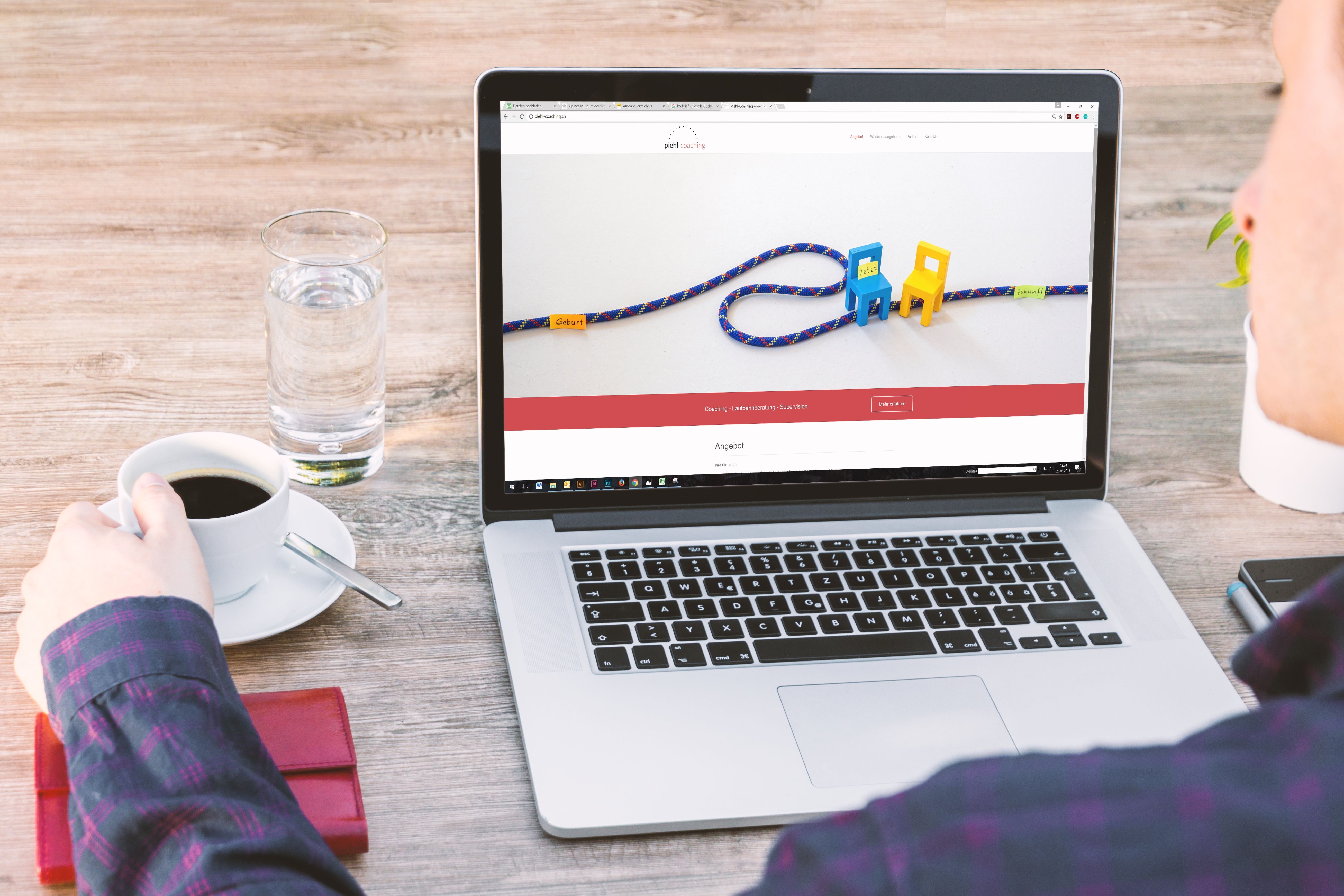
Landing pages are often the first place a visitor decides whether to stay, explore, or leave. Good landing page conversion design helps people understand the offer quickly, trust the business, and take the next step without friction.
For website owners, designers, and marketers, the goal is not just to make a page look polished. It is to build a landing page that supports SEO-friendly website design, mobile usability, page speed, clear content structure, and a smooth user journey. That combination can improve engagement and may help more visitors complete a desired action, whether that is a form submission, enquiry, download, or purchase.
1. Start with one clear goal
A landing page works best when it has a single primary purpose. If you ask visitors to do too many things at once, such as book a call, read five service pages, and sign up for a newsletter, the page becomes harder to use.
Choose one main conversion goal and make every section support it. For example, a service page may focus on enquiries, while a product page may focus on adding items to basket. This clarity helps with user experience and also strengthens content relevance for search intent.
2. Put the main message above the fold
Visitors should understand what the page offers within a few seconds. The top section should include a clear headline, a short explanation, and a visible call to action. This does not mean overcrowding the screen. It means presenting the essentials in a straightforward layout.
Use language that matches the visitor’s intent. If someone arrives from search looking for a WordPress design service, they should see a page that quickly confirms they are in the right place. Clear above-the-fold content also supports accessibility and reduces confusion on mobile screens, where space is limited.
3. Use a responsive, mobile-first layout
Many landing page visits now happen on phones, so responsive web design is essential. A mobile-first approach means designing for smaller screens first, then expanding the layout for larger devices. That usually leads to simpler navigation, better readability, and fewer unnecessary elements.
Use large tap targets, readable font sizes, enough spacing between sections, and a layout that works well in portrait orientation. Keep forms short on mobile and avoid placing key content in sidebars that may disappear or stack awkwardly. Mobile usability is also closely linked to SEO, because search engines expect pages to perform well for real users across devices.
4. Build trust with strong visual hierarchy and proof points
Landing page conversion depends on trust as much as design. Visual hierarchy helps visitors see what matters first, while trust signals help them feel comfortable taking action. This can include testimonials, client logos, certifications, privacy reassurance, refund information, delivery details, or a simple explanation of what happens after submission.
Keep these trust elements honest and relevant. Avoid cluttering the page with too many badges or using social proof that is vague or unsupported. The best trust signals answer practical questions and reduce hesitation. For ecommerce website design, that might mean clear returns information and product details. For business websites and service pages, it may mean transparent contact options and a realistic process overview.
5. Make the content layout easy to scan
Most visitors do not read every word immediately. They scan for headings, short paragraphs, key benefits, and actions. A good landing page layout helps them move through the page without effort.
Break content into sections with descriptive headings. Use bullet points where they improve clarity. Keep paragraphs short. Place the most important information near the top, then follow with supporting details, examples, and objections answers. If you are designing a product page, for instance, lead with the core benefit and then expand into specifications, FAQs, and delivery information.
Strong content structure also helps SEO because it makes the page easier for search engines to understand. If you want more guidance on improving website visibility alongside design, a free website SEO audit can highlight structural and technical issues that affect performance.
6. Reduce friction in forms and calls to action
Forms are one of the most common conversion points on landing pages, but they can also be a source of drop-off. Ask only for information you genuinely need. Shorter forms usually feel easier to complete, especially on mobile.
Use clear labels, simple error messages, and a button that explains the action. “Get a quote” is more useful than “Submit” in many cases. If a page includes multiple calls to action, keep one primary action and make secondary actions less prominent. This approach reduces decision fatigue and supports a cleaner user flow.
For businesses that build pages in WordPress, tools and themes should support this simplicity rather than fight it. You can also review the web.dev design guidance for practical ideas on layout, clarity, and responsive presentation.
7. Improve speed and Core Web Vitals
Website performance affects both user experience and conversion potential. A slow landing page can frustrate visitors before they even see the offer. It can also make it harder for search engines to evaluate the page well, especially if the site has broader technical issues.
Design choices often influence speed. Large hero images, too many scripts, heavy sliders, and unnecessary animation can all slow a page down. Use compressed images, efficient fonts, and lightweight components. Keep the page focused so it loads quickly and feels responsive.
Core Web Vitals are useful because they connect design and performance in measurable ways. If you are unsure where to start, test your pages in Google’s PageSpeed Insights to identify opportunities for improvement.
8. Support SEO with clean structure and internal linking
Landing pages should not be isolated islands. They work better when they fit into a wider website structure with sensible navigation, supporting content, and internal links to related pages. This is especially important for service businesses, ecommerce sites, and content-led brands.
Use descriptive headings, logical sections, and naturally placed internal links where they genuinely help the visitor. For example, a service landing page might link to pricing, FAQs, or an overview of the process. This can support crawlability and help users move deeper into the site without confusion.
If your site relies on content marketing or authority building, make sure your landing pages connect to the wider strategy. Backlink Works publishes practical SEO and growth resources that can help teams think about design, visibility, and site structure together.
9. Design for accessibility and content clarity
Accessible design improves usability for everyone, not just visitors using assistive technology. Clear contrast, descriptive link text, logical heading order, and keyboard-friendly interactions all make a landing page easier to use.
Avoid relying on colour alone to communicate meaning. Make forms easy to understand. Keep text readable against backgrounds. If a visitor has to zoom in or guess what a button does, the page is already creating friction. Accessibility also supports better content clarity, which benefits SEO and user experience at the same time.
10. Test, measure, and refine the page
Landing page conversion is rarely finished after one design round. Results depend on traffic quality, offer strength, trust signals, copy, page layout, and how well the page matches user intent. That is why testing matters.
Track where people click, how far they scroll, where they leave, and which devices they use. Review analytics and session behaviour, then make small, focused improvements. You do not need to redesign the whole page every time. In many cases, changes to headline clarity, form length, page order, or button placement can be more useful than visual overhauls.
Conclusion
Effective landing page design is about reducing friction and helping visitors act with confidence. When a page is clear, fast, mobile-friendly, accessible, and well structured, it supports both SEO and conversion goals.
Whether you are building a business website, service page, ecommerce product page, or WordPress landing page, focus on clarity, speed, and user intent first. Small design improvements can make a meaningful difference to usability and business growth over time, even though outcomes will always depend on the audience, the offer, and the quality of testing.
Frequently Asked Questions
What makes a landing page conversion-friendly?
A conversion-friendly landing page has one clear goal, a strong headline, simple content layout, visible calls to action, and trust signals that match the visitor’s intent.
How does landing page design affect SEO?
Design affects crawlability, mobile usability, page speed, accessibility, internal linking, and content structure, all of which support SEO performance.
Should landing pages be different on mobile?
The content goal should stay the same, but the layout should be simpler on mobile, with easy-to-tap buttons, short forms, and readable text.
How often should I test a landing page?
Test regularly, especially after meaningful changes to the headline, form, layout, or traffic source. Small, steady improvements are usually more useful than one-off redesigns.
- Sponsored Ad -





