
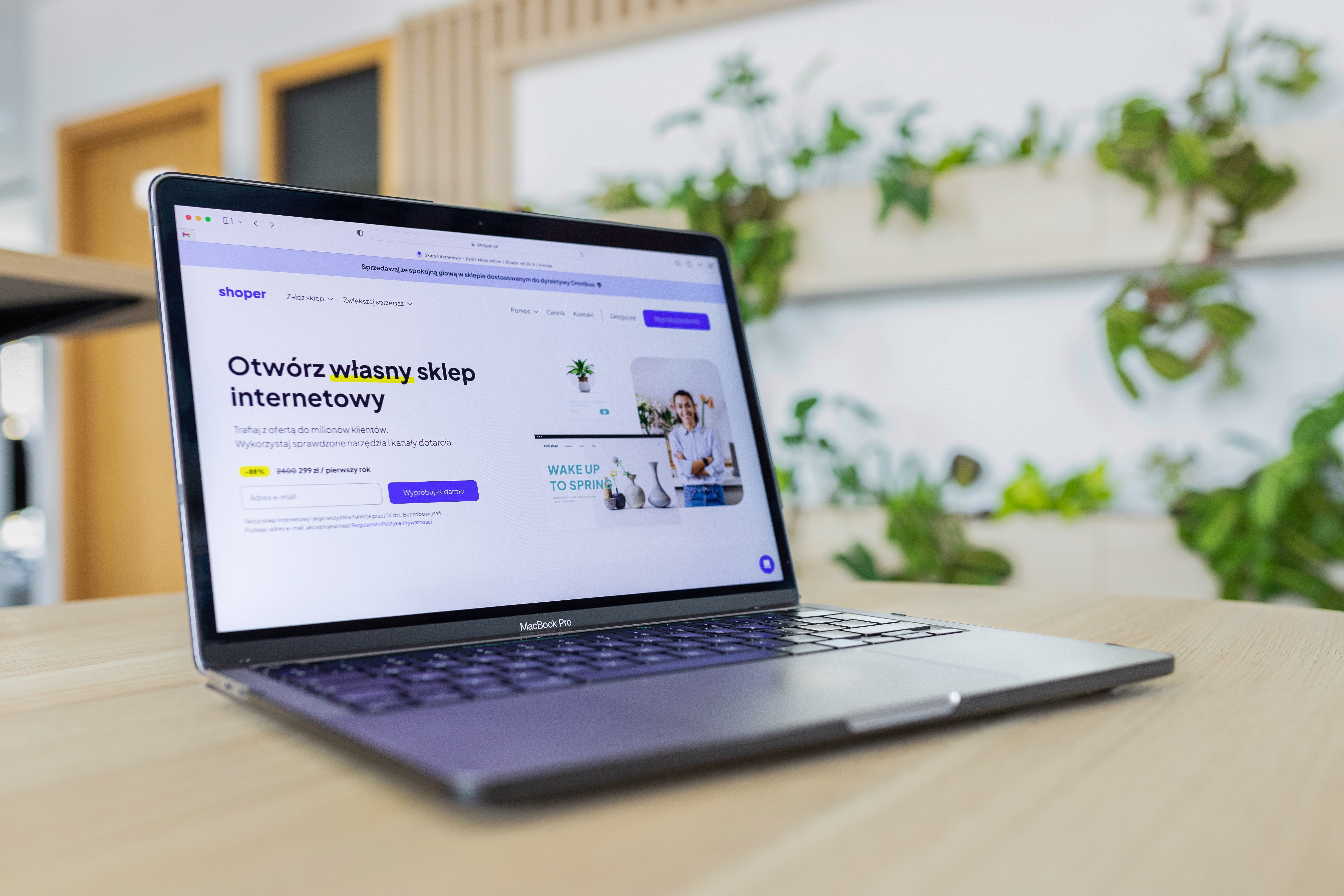
A strong footer does more than close a page. For ecommerce stores, it can support crawlability, help shoppers find important pages quickly, and reinforce site structure across Shopify and WooCommerce.
When used well, the footer becomes a practical SEO asset rather than a design afterthought. It can improve internal linking, surface category pages, support trust signals, and help search engines understand which pages matter most on your store.
Why the footer matters for ecommerce SEO
The footer is present across most pages, which makes it one of the most consistent areas for internal linking on an online store. That consistency helps search engines discover key pages such as category pages, shipping information, returns policies, contact pages, and brand pages.
From a user experience perspective, the footer helps visitors who have scrolled to the bottom and still want to browse. This matters for ecommerce conversions because shoppers often use the footer to find reassurance content, such as delivery details, returns, payment methods, and customer support.
For Shopify and WooCommerce stores, the footer also helps balance site structure. If your navigation is focused on products and collections, the footer can support broader ecommerce content strategy by linking to buying guides, FAQs, and policy pages that build trust and context.
Checklist: footer links that support online store SEO
Start with a clean set of links that reflect what both users and search engines need. A good footer usually includes:
- Core category pages or collections
- Best-selling or high-priority product groups
- About, contact, delivery, returns, and privacy pages
- Help centre, FAQ, size guide, or customer service pages
- Brand pages or store locator pages if relevant
Keep the list focused. Too many links can dilute value and make the footer harder to use. The aim is to reinforce your site architecture, not to repeat every page on the site.
If you want a broader audit of how your store structure, content, and technical setup fit together, a free website SEO audit can help you identify gaps in crawlability, internal linking, and page optimisation.
Shopify footer SEO best practices
Shopify themes often include flexible footer blocks, which makes it easier to add useful links without affecting the main navigation. Use this space to support category discovery and trust-building pages, especially if your menu is already busy.
For Shopify SEO, check that footer links point to indexable pages and use clear anchor text. Link names like “Men’s Trainers” or “Shipping Information” are better than vague phrases such as “Shop” or “More”. Search engines and users both benefit from clarity.
Also review how your theme handles duplicate content. Some Shopify stores accidentally surface the same product through multiple collections, filtering states, or internal links. The footer should not add extra confusion by linking to near-identical pages when one canonical version would do.
Where relevant, use the footer to support content pages that answer buyer questions, such as “How to choose the right size” or “Care instructions”. These pages can support product page SEO by helping shoppers make informed decisions.
WooCommerce footer SEO best practices
WooCommerce stores often have more control over footer layout through the theme, widgets, or page builder. That flexibility is useful, but it also means the footer can become overloaded if it is not planned carefully.
For WooCommerce SEO, keep the footer aligned with your category structure and business priorities. Link to the most important product categories, support content, and policy pages. If you run a content-led store, the footer can also link to guides that support ecommerce keyword research and long-tail search visibility.
Because WooCommerce often sits on WordPress, it is especially important to avoid unnecessary duplicate links across the site. If the same page appears in multiple footer columns, sidebar widgets, and header menus, the overall internal linking pattern may become less efficient. Consistency is more useful than volume.
When working with WordPress-based stores, it is worth checking the guidance in the WordPress documentation if you need to adjust theme or widget settings safely.
Technical SEO issues to check in the footer
A footer should support technical SEO, not create problems. Start by checking whether footer links are crawlable and rendered properly on mobile and desktop. Search engines need accessible links, not buttons hidden behind scripts or non-indexable elements.
Review faceted navigation carefully. If filters or sort links appear in or near the footer, make sure they are not generating large numbers of low-value URLs. Uncontrolled faceted navigation can create duplicate content and make it harder for search engines to focus on your main category and product pages.
Also consider out-of-stock product SEO. If the footer links to seasonal product pages or popular products that frequently go out of stock, make sure those pages still have useful content, related alternatives, and clear availability messaging. That helps protect user experience while preserving search value.
Footer elements should also support Core Web Vitals and mobile ecommerce SEO. Overly heavy scripts, large icon packs, or crowded link blocks can affect page speed and readability on smaller screens. A useful footer should load quickly and remain easy to tap.
Content, schema, and conversion signals in the footer
The footer is a sensible place for trust content, but it should stay honest and useful. Include concise policy links, customer support details, accepted payment methods where appropriate, and any relevant service pages that help shoppers feel confident before buying.
If you use schema markup elsewhere on the site, make sure your footer does not conflict with structured data patterns. Footer links should support the overall information architecture, while product pages and category pages handle the structured details needed for ecommerce search visibility. For schema best practice, Google’s own SEO starter guide is a helpful reference point.
The footer can also support conversions indirectly. Clear access to delivery, returns, contact, and reviews information can reduce friction, but results still depend on traffic quality, pricing, product clarity, trust signals, site speed, and checkout experience. In other words, the footer helps, but it does not replace strong product pages and a smooth buying journey.
Backlink Works publishes practical SEO guidance for store owners and marketers, and one useful reminder is that site structure is most effective when it supports both discovery and usability rather than chasing shortcuts. Footer SEO works best as part of that broader approach.
Best practices and common footer mistakes
Use the footer to strengthen your ecommerce SEO in a measured way. A simple best-practice checklist includes:
- Link to the most important categories and support pages
- Use descriptive anchor text
- Keep the footer tidy on mobile devices
- Avoid linking to duplicate or low-value pages
- Review links after theme changes or site migrations
Common mistakes include stuffing the footer with every possible page, hiding important pages behind vague labels, and letting old links remain after products or collections are retired. If a page has lost relevance, update the footer rather than keeping it there by habit.
For stores that need a stronger link profile alongside on-site optimisation, it can help to understand how content, authority, and internal linking work together. You can explore the backlink building guide for a broader view of how off-site signals fit into SEO strategy.
Conclusion
An ecommerce footer is not just a design detail. For Shopify and WooCommerce stores, it can support internal linking, crawlability, trust, and user navigation when it is planned with care.
The best results usually come from a balanced approach: useful links, clean site structure, fast loading, mobile-friendly design, and content that helps shoppers move from discovery to purchase. Like most ecommerce SEO work, footer optimisation is most effective when it is part of a consistent, site-wide strategy rather than a one-off fix.
Frequently Asked Questions
Should every important page be linked in the footer?
No. Focus on the most useful pages for shoppers and search engines, such as key categories, support pages, and important brand information.
Is a footer useful for product page SEO?
Yes, indirectly. It can help search engines discover products and related category pages, but product page SEO still depends on content quality, structure, and relevance.
Do footer links help with mobile ecommerce SEO?
They can, if the footer is easy to use on smaller screens and does not slow the page down or feel cluttered.
How often should I review footer links?
Review them whenever you update categories, retire products, change policies, or redesign your Shopify or WooCommerce theme.
- Sponsored Ad -





