
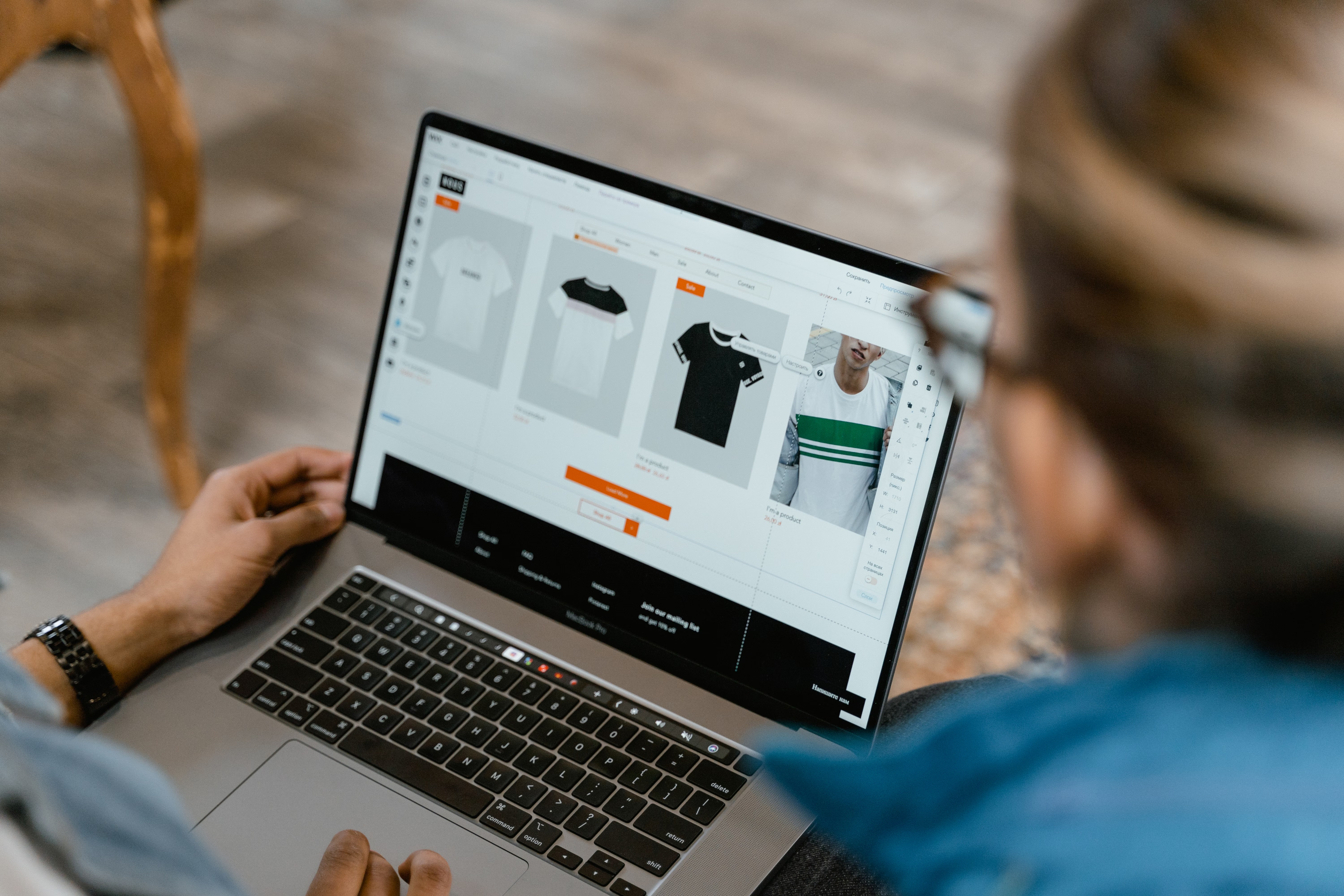
Filtered categories can be useful for shoppers, especially in large ecommerce catalogues. They help visitors narrow down products by size, colour, brand, price, material, and other attributes. But when those filtered views are handled badly, they can create serious SEO problems that limit organic traffic and make product discovery harder.
For online stores, the issue is usually not filtering itself, but how filtered category URLs are indexed, linked, and described. If your category pages, faceted navigation, and technical SEO are not aligned, search engines may waste crawl budget, index duplicates, or struggle to understand which pages should rank. The result is often weaker category visibility, thinner product discovery, and fewer opportunities for organic growth.
What filtered category SEO mistakes usually look like
Filtered category pages are created when a user narrows a collection by one or more attributes. On platforms such as Shopify and WooCommerce, this can generate many URL variations. For example, a single category might exist in dozens of versions once you add filters for colour, size, brand, sort order, and price.
One of the most common mistakes is allowing these variations to be crawlable and indexable without a clear strategy. That can lead to duplicate content, wasted crawling, and diluted ranking signals. It can also make it harder for search engines to understand which page represents the main category and which pages are only temporary browsing views.
For a helpful overview of how search engines discover and understand pages, Google’s SEO Starter Guide is a useful reference.
Ignoring index control for filter combinations
A major error is treating every filter combination as a page worth indexing. In many ecommerce stores, this creates thousands of low-value URLs that compete with stronger category pages. Search engines may then spend time on pages that do not add unique search value, while the main category pages struggle to gain authority.
Not every filtered page should be blocked. Some filter combinations can support real search intent, such as “women’s running shoes size 6” or “black office chairs”. The key is to separate useful, intent-led pages from temporary or near-duplicate filter views. This often involves a mix of canonical tags, noindex rules, parameter handling, and careful internal linking.
Good ecommerce technical SEO depends on clear decisions, not blanket rules. If you are building a wider authority strategy alongside technical fixes, a free website SEO audit can help identify crawl and indexing issues before they become bigger problems.
Creating duplicate or thin category content
Another common mistake is letting filtered category pages display almost the same text, product grid, and metadata as the parent category. That creates duplication and makes it difficult for any page to stand out. In some cases, stores also leave filtered pages with empty title tags, generic headings, or no unique copy at all.
Category page SEO works best when the main collection page has a clear purpose, useful copy, and strong internal links to important products or subcategories. If a filtered page is intended to rank, it should have unique content that reflects the search intent behind that combination. If it is not intended to rank, it should generally not be treated like a core landing page.
This matters for online store SEO because category pages often sit higher in the funnel than product pages. They can help users browse, compare, and discover products before buying. When those pages are thin or duplicated, both user experience and organic visibility can suffer.
Letting faceted navigation damage crawlability
Faceted navigation is one of the biggest sources of SEO problems in ecommerce. Filters can create huge numbers of URLs through sorting, pagination, and parameter combinations. If these links are not managed well, search engines may crawl low-value pages repeatedly and miss deeper product or category pages that matter more.
A practical approach is to make the most useful filter combinations discoverable, but keep low-value variations out of the index. Internal linking should point users and crawlers towards your main category pages, subcategories, and commercially important filtered landing pages. Avoid creating endless link paths from every filter state to every other one.
Search-engine-friendly linking also matters. Google explains crawlable linking patterns in its guidance on links and crawlability. That principle is especially relevant when filters are built with scripts or hidden elements that search engines may not interpret cleanly.
Overlooking mobile usability and page speed
Filtered category SEO is not just about indexing. It also affects how fast and easy your store is to use on mobile devices. If filter controls are clunky, pages reload slowly, or the layout shifts while products load, shoppers may abandon browsing before reaching a product page.
Core Web Vitals, mobile usability, and ecommerce website speed all influence whether category pages can support organic traffic effectively. A page that looks fine on desktop but is awkward on mobile may underperform, especially if most traffic comes from smartphones. This is common in ecommerce, where people often compare products quickly and expect responsive filters and fast results.
Testing tools can help you spot problems. For example, PageSpeed Insights can highlight performance bottlenecks that affect category browsing, filter interaction, and product discovery. Improve the basics first: image compression, lazy loading, lighter scripts, and efficient template rendering.
Weak category and product page connections
Filtered categories often fail when they sit in isolation. If important category pages are not linked from navigation, editorial content, breadcrumbs, or related collections, search engines may not see them as strong entry points. Shoppers may also struggle to move naturally from broad categories to more specific filtered views.
Internal linking is especially important for ecommerce internal linking structures. Use category pages to guide users to subcategories, important filtered landing pages, and high-value product pages. Add contextual links from buying guides, FAQs, and product comparison content where relevant. This supports both crawlability and user journey flow.
For online stores with broader content strategies, this can also connect product discovery with educational pages. The goal is not to force links everywhere, but to build a logical structure that helps search engines understand your catalogue and helps users browse with less friction.
Best practices for cleaner filtered category SEO
A good filtered category strategy starts with deciding which pages deserve indexation. Use search demand, product depth, and commercial value to guide that decision. If a filter combination has meaningful search intent and enough products to serve users well, it may deserve a dedicated landing page. If not, it should usually remain a browsing aid rather than a ranking target.
Next, make sure your category templates support ecommerce content strategy. Add unique copy where it helps users, optimise title tags and headings, and keep product descriptions clear and specific. Use structured data where appropriate so search engines can better understand products, prices, availability, and reviews. Schema markup should reflect the actual page content and not exaggerate product claims.
It also helps to review out-of-stock product SEO. If filter pages surface too many unavailable items, users may lose trust and engagement may fall. Consider how out-of-stock products are handled across categories, internal links, and indexation rules so that the shopping experience remains useful.
When you improve category architecture, filtering, and product content together, you create a stronger foundation for organic traffic growth. Backlink Works covers related SEO education and technical topics across ecommerce and wider website visibility, which can be useful when planning changes across an online store.
Conclusion
Filtered category SEO mistakes usually come from allowing too many weak URL variations, duplicating content, or ignoring the technical impact of faceted navigation. The fix is not to remove filters entirely, but to manage them with clear intent. Focus on crawl control, unique category content, mobile usability, fast page loads, and thoughtful internal linking.
For ecommerce brands, the best results come from consistent optimisation rather than quick fixes. What works will depend on your product range, competition, site structure, technical setup, and the quality of your content and user experience. If those elements work together, filtered categories can support better discovery without harming organic visibility.
Frequently Asked Questions
Should every filtered category page be indexed?
No. Only filter combinations with clear search intent and useful product coverage should usually be considered for indexing.
What is the biggest SEO risk with faceted navigation?
The biggest risk is creating too many duplicate or low-value URLs that waste crawl budget and weaken category page performance.
How do filtered categories affect conversions?
They can help shoppers find products faster, but only if the pages are fast, clear, mobile-friendly, and easy to use.
Do Shopify and WooCommerce stores face the same issues?
The core problems are similar, although the technical setup differs. Both platforms need careful control of filters, indexing, and internal links.
- Sponsored Ad -





