
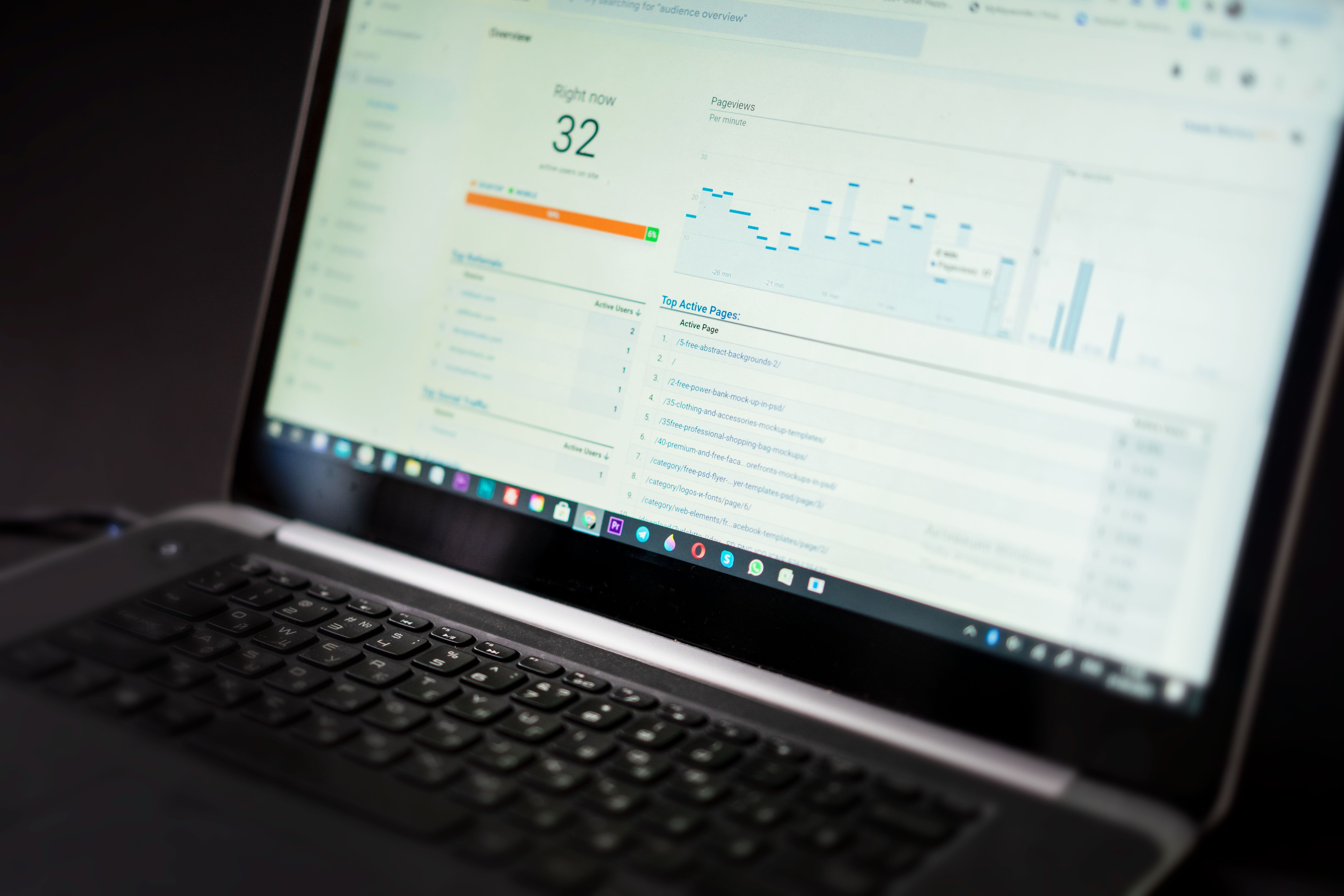
SEO error checker tools are a practical starting point when you want to understand why a website may not be performing as well as expected in search. They help surface issues such as crawl errors, missing metadata, broken links, slow pages, indexation problems, weak internal linking, and structured data errors.
For website owners, bloggers, ecommerce teams, agencies, and WordPress users, these tools are most useful when they are part of a wider audit workflow. They do not replace strategy or good content, but they do help you spot technical and on-page problems quickly so you can make better decisions.
What SEO error checker tools actually do
SEO error checker tools scan a website or analyse data from search platforms to highlight issues that may affect visibility in organic search. Some tools focus on technical SEO, while others check content, page speed, schema markup, backlinks, rankings, or competitor signals.
A simple audit may begin with Google Search Console and Google Analytics 4 to review indexing, impressions, clicks, engagement, and traffic patterns. From there, you can use crawler tools, performance tools, and content optimisation tools to look for specific errors and improvement areas. If you need a broader starting point, a free website SEO audit can help you identify common issues before you move into deeper analysis.
Common error types include:
- Pages returning 404 or 5xx errors
- Duplicate titles or meta descriptions
- Missing canonical tags
- Slow mobile performance
- Indexing problems
- Schema markup warnings
- Thin or poorly optimised content
The core tools most websites should check first
The most reliable audit workflow usually starts with official Google tools. Google Search Console shows how Google sees your site, including indexing coverage, crawl issues, manual actions, and search performance. Google Analytics 4 helps you understand whether visitors are engaging with pages after they arrive. Together, they give a clearer picture than rank tracking alone.
Page performance should also be part of every audit. Google PageSpeed Insights is useful for checking Core Web Vitals and practical performance signals, especially for mobile pages. If a page loads slowly or shifts unexpectedly, it may create a poor user experience even if the content is strong.
For deeper technical checks, many SEOs use website crawler tools such as Screaming Frog SEO Spider, which can help uncover broken links, redirect chains, duplicate metadata, missing headings, and other common errors. These crawlers are especially helpful for larger sites, ecommerce catalogues, and sites with many templates.
How specialised SEO tools fit into an audit workflow
Different tool types solve different problems. Keyword research tools help you check whether a page is targeting the right search terms. Backlink checker tools help you review link quality and spot lost or weak backlinks. Rank tracking tools show movement over time, which can be useful for diagnosing whether a change affected visibility.
Schema markup tools are valuable if your pages rely on structured data for products, reviews, local business details, FAQs, or articles. Valid markup does not guarantee rich results, but it reduces the chance of avoidable technical errors. For content teams, content optimisation tools and SEO Chrome extensions can help review headings, word usage, SERP previews, internal links, and metadata while drafting or editing.
For WordPress users, plugins such as Yoast and Rank Math can support basic on-page checks and metadata management. Ecommerce SEO tools are often more important for catalogue structure, faceted navigation, product page optimisation, and internal linking. Local SEO tools can help with business listings, location pages, and map visibility signals. AI SEO tools may assist with ideation, outlines, or content summaries, but they still need human review for accuracy and usefulness.
What to look for before choosing a tool
The right SEO error checker depends on website size, budget, skill level, and reporting needs. Free SEO tools can be very useful for small sites or early-stage audits, but they usually limit crawl depth, historical data, or advanced reporting. Paid tools may save time and offer more detail, but only if the extra data fits your workflow.
Before choosing, consider these points:
- Does it cover the specific issue you want to check?
- Can it scan the number of pages your site has?
- Does it give clear explanations, not just warnings?
- Can you export or share reports easily?
- Does it integrate with your wider SEO process?
If you want to compare tool categories more broadly, Backlink Works covers SEO education and practical search visibility topics for different website types and experience levels.
Practical audit examples for different site types
A blogger may use Search Console, PageSpeed Insights, and a content optimisation tool to find pages with low impressions, poor titles, or slow loading times. A small business site may focus on local SEO tools, schema markup, and Google Analytics 4 to improve service-page clarity and track user behaviour. An ecommerce store will often need crawler tools, product schema checks, and backlink analysis to understand indexation, duplicate content, and site structure.
For agencies and consultants, SEO reporting tools and competitor analysis tools are important because they help show change over time and compare a site against the wider search landscape. Competitor tools should be used for ideas and benchmarking, not copying. The aim is to understand content gaps, keyword opportunities, and technical strengths that may be worth replicating in a better way.
When working with internal links, broken URLs, and link equity, it is also worth reviewing the wider backlink process. This backlink building process guide can help you understand how link work fits into overall visibility planning, rather than treating links as a separate task.
Best practices for quick website audits
A good audit is usually simple, repeatable, and focused on priorities. Start with the pages that matter most: homepage, main service pages, top product pages, and the content already getting impressions in Search Console. Then work through technical errors before spending time on content tweaks.
Useful habits include:
- Check Search Console weekly for indexing and performance changes
- Run a crawler after major site updates or migrations
- Review Core Web Vitals on key landing pages
- Compare metadata across similar pages for duplicates
- Check schema after theme or plugin changes
- Use rank data as a signal, not the only measure of success
It is also sensible to keep expectations realistic. SEO tools can make problems easier to find, but they do not fix them automatically. Strong results still depend on useful content, clean implementation, a sensible site structure, and regular improvement.
Conclusion
Best SEO error checker tools are the ones that help you find important issues quickly and act on them with confidence. For most websites, the most effective approach is to combine Google Search Console, Google Analytics 4, PageSpeed Insights, a crawler, and one or two specialist tools for keywords, backlinks, or schema.
The goal is not to use every tool available. It is to choose the right mix for your site, understand the errors that matter most, and build a practical audit process that supports better search visibility over time.
Frequently Asked Questions
What is an SEO error checker tool?
It is a tool that helps identify technical, content, or search visibility issues that may affect how a website performs in organic search.
Are free SEO tools enough for a basic audit?
Yes, free tools can cover many essentials, but they often have limits on depth, history, or reporting.
Which tools are best for technical SEO checks?
Google Search Console, PageSpeed Insights, and website crawler tools are a strong starting point for technical audits.
Do SEO tools replace manual review?
No. Tools are useful for spotting issues, but manual review is still needed to judge content quality, user experience, and priority.
- Sponsored Ad -





