
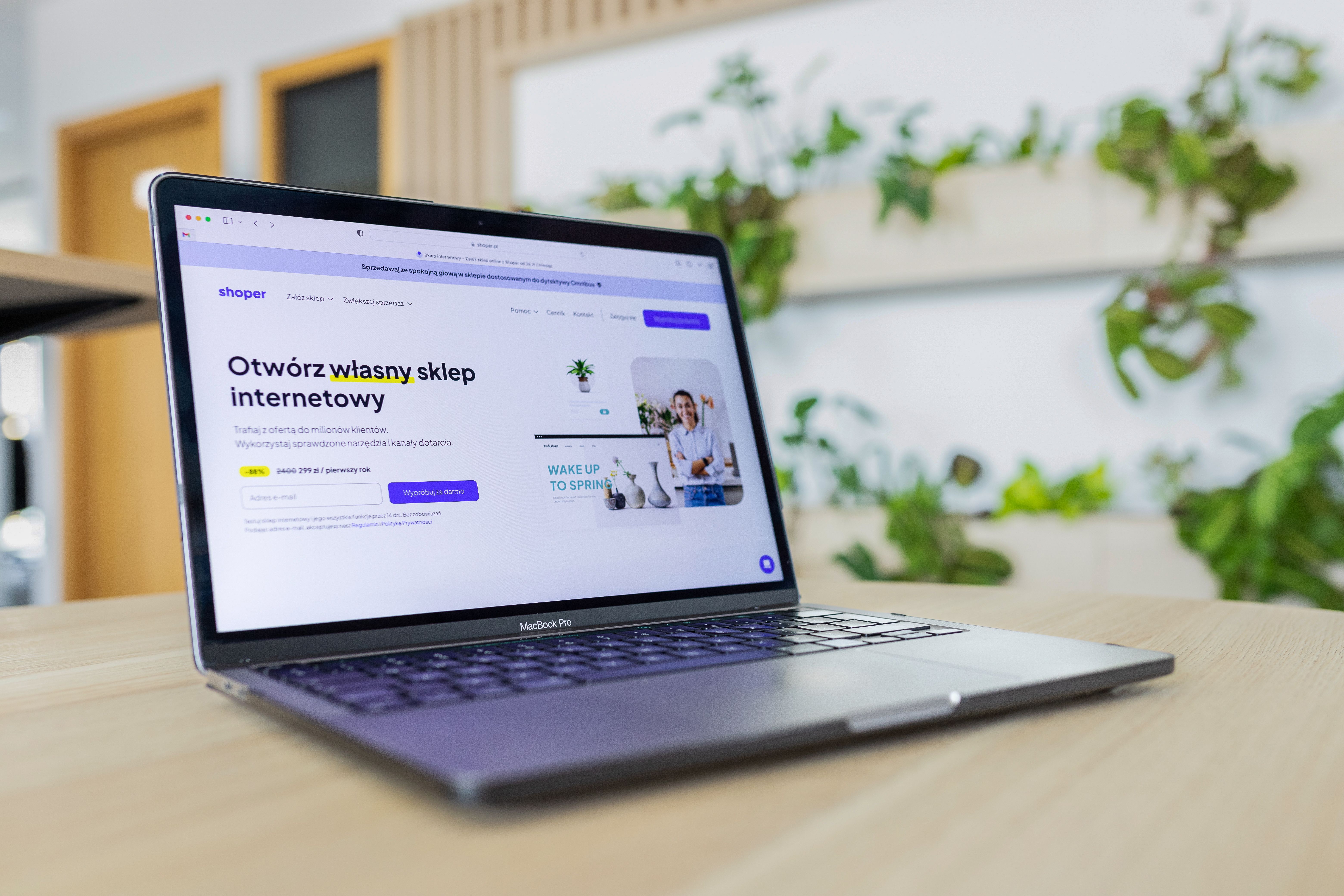
Website usability is one of the strongest foundations of effective web design. When visitors can move through a site easily, find information quickly, and understand what to do next, they are more likely to stay engaged. That same clarity also helps search engines interpret pages more effectively, which is why usability and SEO are closely connected.
For businesses, bloggers, ecommerce brands, and service providers, improving usability is not only about making a site look neat. It involves responsive web design, mobile-first layouts, clear navigation, accessible content, fast loading, logical page structure, and conversion-focused design. In practice, these choices help create a better user experience while supporting crawlability, engagement, and long-term website performance.
What Website Usability Means in Design and SEO
Website usability refers to how easy it is for people to use a site. A usable website helps visitors understand where they are, what each page offers, and how to complete an action such as reading more, enquiring, or buying.
From an SEO perspective, usability matters because search engines reward pages that are easier to access, interpret, and use on different devices. Good structure, internal linking, mobile-friendly layouts, and clear content all help search engines understand the purpose of a page. In other words, design supports SEO through better accessibility, content clarity, and user experience rather than through visuals alone.
Build a Clear Structure That Supports Users and Search Engines
Strong website structure makes it easier for users to navigate and for search engines to crawl content. This starts with a simple hierarchy: homepage, core service or product pages, supporting pages, and relevant articles or resources.
For a business website, each main service should have its own page with a clear purpose. For ecommerce sites, categories and product pages should be organised in a way that helps shoppers browse by need, not just by internal business structure. For blogs and educational sites, topics should be grouped logically so users can explore related content without confusion.
Navigation should stay consistent across the site. Use labels that reflect user language, not internal jargon. Keep menus concise, add breadcrumbs where useful, and make key pages easy to reach within a few clicks. This improves usability and can help search engines discover important content more efficiently.
Design for Mobile-First and Responsive Experiences
Most visitors will interact with many sites on a phone before they ever use a desktop computer. That makes mobile-first design essential. A responsive website adapts to different screen sizes, but a mobile-first approach goes further by prioritising the smallest screen experience from the start.
Practical mobile usability improvements include readable font sizes, tap-friendly buttons, enough spacing between elements, and layouts that avoid horizontal scrolling. Forms should be short and simple on smaller screens. Product pages should keep essential details, pricing, and calls to action visible without excessive zooming or scrolling.
If mobile users struggle to find information or complete an action, that can weaken engagement and conversions. It may also affect performance signals that matter for SEO. If you want a practical benchmark, Google’s PageSpeed Insights can help identify issues linked to loading speed and Core Web Vitals.
Use Page Layout and Content Design to Reduce Friction
Good page layout helps visitors scan content quickly and decide where to focus. People usually do not read every word at first. They scan headings, short paragraphs, lists, buttons, and images to understand whether a page is relevant.
That is why content structure matters so much. Break pages into clear sections with meaningful headings. Place the most important information near the top of the page. Use concise paragraphs and avoid large walls of text. Support copy with visuals only where they genuinely clarify a point, such as product images, service examples, or helpful diagrams.
For landing pages, keep the message focused on one primary action. Remove distractions that compete with the goal. For service pages, explain what is offered, who it is for, how it works, and what happens next. For product pages, include specifications, benefits, pricing, delivery details, and trust signals in a clear order. Better layout often helps users make decisions with less effort, though actual conversion results still depend on traffic quality, offer clarity, trust, and testing.
Improve Speed, Core Web Vitals, and Technical Performance
Website performance affects both usability and SEO. If a page loads slowly or shifts around as it loads, users may become frustrated before they have even seen the content. Search engines also look at page experience signals as part of the broader quality picture.
Core Web Vitals are useful indicators of this experience. They focus on loading, responsiveness, and visual stability. While the technical details can become complex, the design implications are practical: use optimised images, avoid unnecessary scripts, keep layouts stable, and reduce heavy elements that slow the page down.
WordPress website design can benefit from performance-conscious themes, careful plugin selection, compressed media, and regular cleanup of unused assets. Ecommerce sites should be especially careful with product image sizes, filters, and third-party integrations. A faster site is not a guarantee of better rankings or higher sales, but it can improve the conditions that support both.
Support Trust, Accessibility, and Better Conversions
Usability is also about trust. Visitors are more likely to engage when a site feels organised, honest, and easy to use. Clear contact details, visible policies, straightforward pricing, and consistent branding all help reduce uncertainty.
Accessibility should be part of that same process. Use proper heading structure, readable contrast, descriptive links, and alt text where appropriate. Forms should have clear labels. Buttons should be obvious. These details help more users access content, including those using assistive technology or smaller devices.
For conversion-focused design, place calls to action where they make sense in the journey. A service page might invite a quote request after explaining the offer. A product page might encourage adding to basket after answers to common purchase questions. A homepage might guide visitors to the most relevant next step. Useful design reduces friction; it does not force action.
Common Usability Mistakes to Avoid
Some of the most common problems are easy to miss during redesigns and content updates. Overly complicated menus can overwhelm visitors. Long pages without clear headings can hide important information. Tiny text, weak colour contrast, and crowded layouts make reading harder on mobile devices.
Other issues include duplicate or unclear calls to action, overly aggressive pop-ups, and forms that ask for too much information too soon. These may interrupt the user journey rather than support it. If you are reviewing a site, a useful question is simple: can a first-time visitor understand the page and complete the next step without guessing?
If your website needs a broader technical and content review, a free website SEO audit can help identify issues that affect structure, usability, and search visibility.
Practical Checklist for Better Website Usability
Before launching or updating a page, check the following:
- Is the navigation clear and consistent?
- Does the page work well on mobile and desktop?
- Is the main message visible quickly?
- Are headings, paragraphs, and buttons easy to scan?
- Do images support the content and load efficiently?
- Is the page accessible and readable?
- Are internal links guiding users to relevant next steps?
For broader SEO education and site growth resources, Backlink Works Insights offers practical guidance for improving online visibility without relying on shortcuts.
Conclusion
Improving website usability is one of the most practical ways to strengthen UX and support SEO at the same time. When a site has clear structure, responsive design, strong page layout, useful content, good speed, and accessible interactions, it becomes easier for both visitors and search engines to understand.
The best results usually come from steady improvements rather than one large redesign. Focus on the pages that matter most to your business, test changes carefully, and keep user intent at the centre of every design decision. Over time, a more usable website can support better engagement, stronger trust, and more effective search performance.
Frequently Asked Questions
How does website usability affect SEO?
Usability helps search engines understand and access your content more easily. It also improves engagement, mobile experience, and page clarity, which all support SEO.
What is the most important usability improvement for mobile users?
Clear, responsive layouts with readable text and tap-friendly controls are essential. Mobile users should be able to navigate and act without zooming or frustration.
Do faster websites always rank higher?
No. Speed is only one part of SEO. It supports user experience and can help performance, but rankings also depend on content quality, relevance, and competition.
What type of pages benefit most from conversion-focused design?
Service pages, product pages, and landing pages benefit most because they are often tied to a clear action. Good layout, trust signals, and simple navigation can help users move forward more easily.
- Sponsored Ad -





