
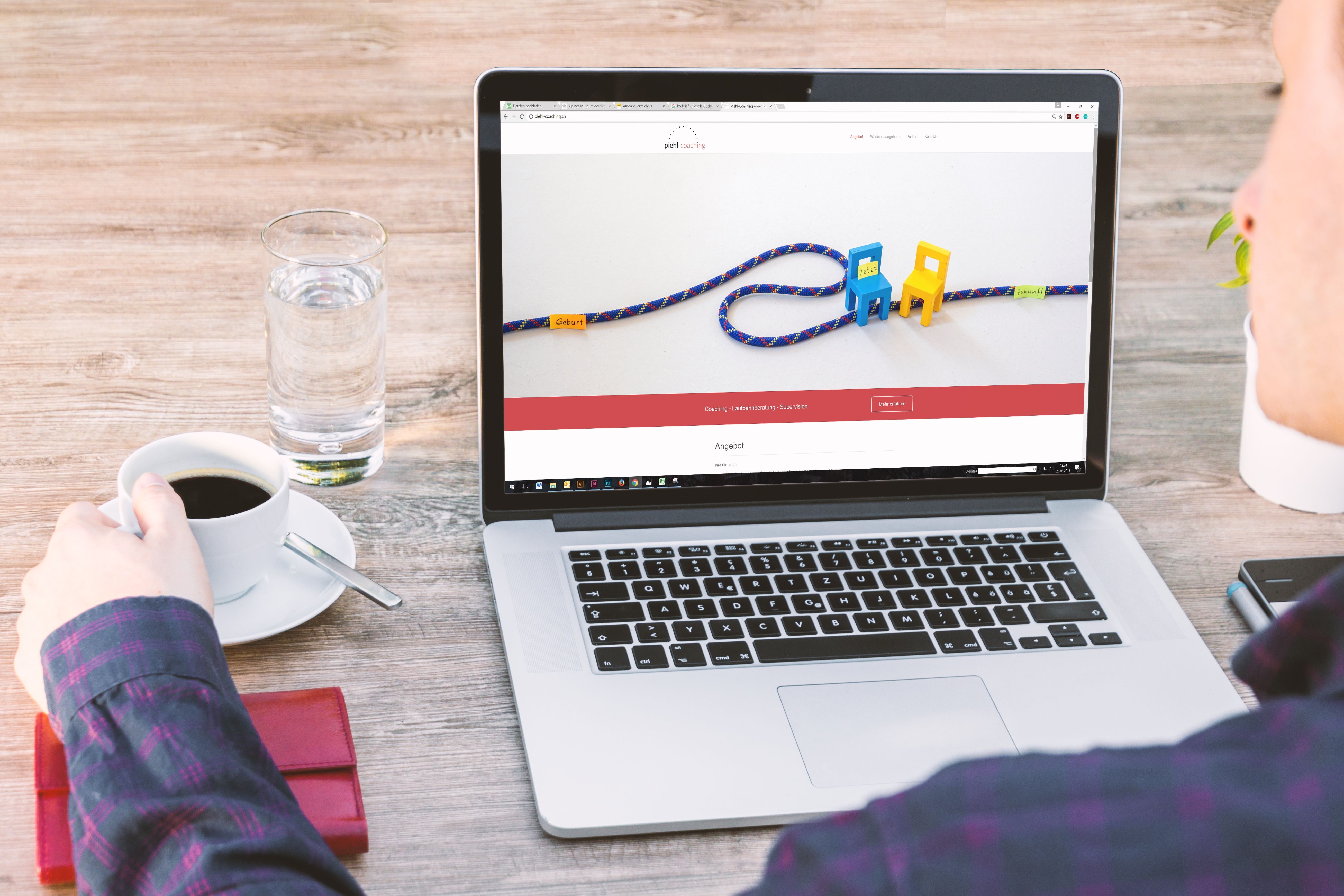
Mobile website design is no longer a separate consideration from SEO and user experience. For many websites, the mobile version is the first version people see, compare, and judge. That means layout, speed, content structure, and navigation all affect whether visitors stay engaged or leave quickly.
For business websites, ecommerce stores, service pages, and content-led sites, mobile-friendly design supports search visibility by making pages easier to crawl, read, and use. It also helps users find information faster, complete actions more smoothly, and trust the site enough to continue exploring.
Why mobile website design matters for SEO and UX
Mobile website design is about more than shrinking content to fit a smaller screen. Good mobile design makes a page usable, understandable, and efficient on touch devices. That includes readable text, clear spacing, responsive layouts, fast loading, and simple navigation.
From an SEO perspective, design supports performance in practical ways. Search engines need pages that load well, work across devices, and present content in a structure that can be understood. Mobile usability also affects how people interact with the page, and that interaction can influence engagement signals such as bounce behaviour, time on page, and page depth.
It is helpful to think of mobile design as part of technical SEO, content strategy, and conversion design at the same time. The best mobile experience makes it easier for visitors to read, scan, and act without confusion.
Start with responsive and mobile-first layout choices
Responsive web design ensures that the same content adapts to different screen sizes. Rather than building separate pages for desktop and mobile, responsive layouts use flexible grids, scalable images, and breakpoints so the design can reorganise itself sensibly.
Mobile-first design goes a step further. It starts by planning the smallest screen first, then adds complexity for larger screens. This approach helps teams prioritise essential content, calls to action, and navigation elements instead of overcrowding the page with features that do not matter on mobile.
For example, a service business may need a short introduction, a clear list of services, trust signals, and a contact button near the top of the page. On desktop, there may be room for more supporting sections, but the mobile version should still lead with the most important information.
Keep the page layout simple and focused
A clean mobile layout should guide the eye through the page in a logical order. Use one main message per section, avoid clutter, and give each block enough spacing to breathe. This makes the page easier to scan and reduces friction.
If you are designing landing pages, the mobile version should keep the primary conversion action easy to find. A form, booking button, or product call to action should not be buried below long content or hidden behind complicated interactions.
Improve speed and Core Web Vitals
Website speed is one of the most important parts of mobile design. Mobile users are often on slower connections or less powerful devices, so heavy images, unnecessary scripts, and oversized design assets can quickly harm the experience.
Core Web Vitals are useful indicators of how a page performs in real use. They help assess loading, interactivity, and visual stability. A site that loads quickly and remains visually stable is easier to use and may be more likely to keep visitors engaged. You can check guidance and practical tools through Google PageSpeed Insights.
Good mobile performance often starts with simple decisions: compress images, use modern file formats where appropriate, reduce script bloat, and avoid large page elements that shift around as the page loads. WordPress websites especially benefit from careful theme selection, image optimisation, and plugin review, because too many add-ons can slow a site down.
Design for fast loading, not just visual polish
Beautiful design is only helpful if the page is still practical to use. Large hero images, autoplay media, and complex animations may look impressive on desktop but create friction on mobile. Keep decorative features light and make sure key content appears quickly.
For ecommerce website design, this is especially important on category and product pages. Shoppers should be able to view products, pricing, sizes, images, and purchase options without waiting for slow scripts or scrolling through unnecessary content.
Build clearer content layout and navigation
Mobile users usually scan rather than read every word. That means content structure matters. Use short paragraphs, helpful headings, and concise sections that answer common questions early. When pages are easy to scan, users can find what they need without frustration.
Navigation should also be simple and predictable. A mobile menu should not overwhelm the screen with too many choices. Prioritise the pages that matter most, such as services, categories, contact details, and support information. Internal linking can then help visitors move naturally between related pages.
If you are working on a WordPress site, review how menus, sidebars, and blocks behave on smaller screens. On ecommerce sites, category filters, product sorting, and breadcrumbs should support browsing rather than making it harder.
For businesses planning a new site structure or redesign, a free website SEO audit can help identify issues in page hierarchy, internal linking, and mobile usability before they affect performance.
Make every page easier to use and convert
Conversion-focused design should be built around user intent. A visitor on a service page may want to compare options or contact a team, while a visitor on a product page may want details, proof, and a clear purchase path. Mobile design should support these different tasks without adding unnecessary steps.
Strong UI choices help here. Buttons should be easy to tap, forms should be short, and labels should be clear. Avoid placing important actions too close together or using vague wording such as “Submit” when a more specific label would help, such as “Request a quote” or “Book a consultation”.
Trust signals also matter. Reviews, accreditations, guarantees where appropriate, clear delivery information, and straightforward policies can all support confidence. But design alone does not create conversions. Results depend on traffic quality, offer strength, copy clarity, trust, and whether the page matches search intent.
For agencies and site owners who want to improve a wider SEO and content strategy, Backlink Works provides educational resources that can support planning and evaluation, including its SEO and website growth insights.
Test accessibility and mobile usability regularly
Accessible design improves the experience for more users and often makes a site better for everyone. Text should be legible, colour contrast should be strong enough, and interactive elements should be large enough to tap comfortably. Forms should include labels, errors should be understandable, and content should still work without relying on hover effects.
Accessibility and SEO often overlap because both focus on clarity and structure. Search engines benefit when pages use proper headings, descriptive link text, alternative text for images, and logical content order. Visitors benefit because the page is easier to navigate, especially on smaller screens.
It is also worth testing how pages behave in real devices, not just in a desktop browser preview. Review menu behaviour, image scaling, form usability, and loading speed on different network conditions. Small friction points can have a bigger impact on mobile than on desktop.
Common mobile design mistakes to avoid
One of the most common mistakes is trying to fit too much onto the screen. Crowded layouts, too many calls to action, and long blocks of text all make mobile pages harder to use.
Another issue is relying on visual design while ignoring structure. A page may look polished, but if the headings are unclear, the navigation is confusing, or the product information is hard to find, users will still struggle.
It is also risky to treat mobile as an afterthought. Designing for desktop first and then compressing the layout often leads to poor spacing, hidden content, and unnecessary scrolling. A mobile-first workflow usually leads to stronger prioritisation and better clarity.
Finally, do not overlook technical performance. Uncompressed assets, plugin overload, and layout shifts can undermine even the best content. Design, development, and content should work together.
Conclusion
Mobile website design plays a central role in SEO-friendly website design and practical UX. A responsive, mobile-first site with clear structure, fast loading, accessible elements, and focused content is easier for people to use and easier for search engines to understand.
Whether you are building a business website, ecommerce store, service page, or WordPress site, the goal is the same: make it simple for visitors to find information, trust what they see, and take the next step. Good mobile design does not promise results on its own, but it creates the conditions for better visibility, usability, and performance over time.
Frequently Asked Questions
What is mobile-first website design?
Mobile-first design means planning the smallest screen first, then expanding the layout for larger screens. It helps teams prioritise essential content and actions.
Does mobile design help SEO?
Yes. Mobile design supports SEO through better usability, clearer structure, faster loading, and easier crawling and indexing.
What makes a mobile page convert better?
Clear messaging, simple navigation, strong trust signals, fast loading, and obvious calls to action all help users complete actions more easily.
Should WordPress sites follow the same mobile design principles?
Yes. WordPress sites still need responsive layouts, good performance, readable content, and careful plugin and theme choices to work well on mobile.
- Sponsored Ad -





