
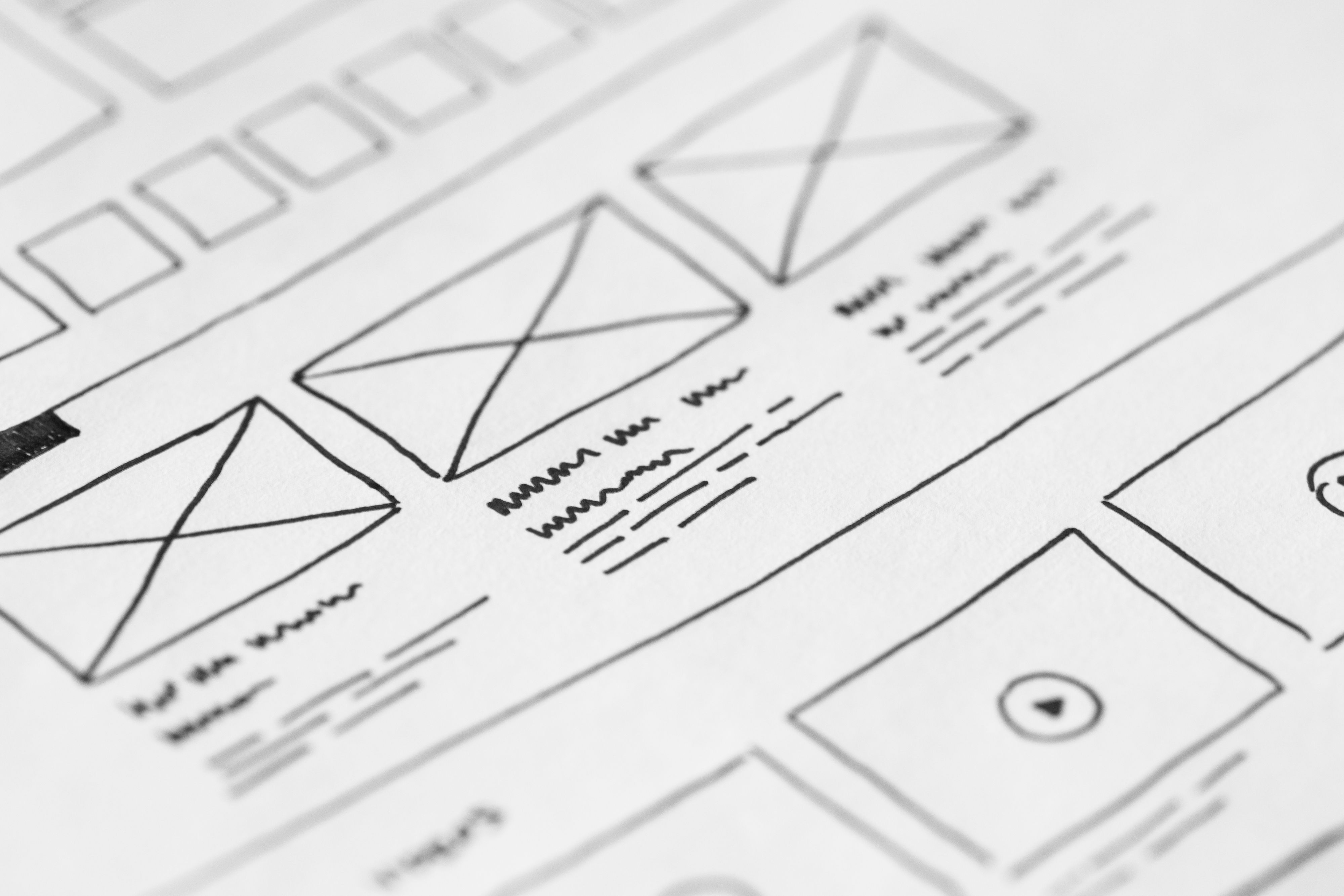
Core Web Vitals sit at the point where website design, speed and user experience meet. For businesses, that means design choices are not just about appearance; they also affect how quickly pages load, how stable they feel, and how easily people can find what they need.
If you are planning or improving a website, Core Web Vitals should be part of the design process from the start. A clear layout, mobile-friendly structure, efficient media, and sensible navigation can all support better usability and stronger SEO foundations. For a practical starting point, you can also review the Google Search Central SEO Starter Guide.
What Core Web Vitals mean in website design
Core Web Vitals are a set of user experience signals that reflect how real visitors experience a page. In design terms, they are closely linked to loading speed, responsiveness, and visual stability.
The three main measures are Largest Contentful Paint, Interaction to Next Paint, and Cumulative Layout Shift. In plain language, they relate to how fast the main content appears, how quickly the page responds to user actions, and whether elements shift around unexpectedly while the page loads.
This matters because design decisions can help or harm all three. Large uncompressed images, too many scripts, cluttered layouts, and poorly planned responsive elements often create friction. Clean structure, efficient visuals, and careful component design can reduce that friction.
Why design choices influence SEO and user experience
Search engines need to understand pages easily, and users need to move through them without confusion. Good website design supports both. It improves crawlability, mobile usability, accessibility, internal linking, and the clarity of your content structure.
For SEO-friendly website design, the aim is not to chase a visual trend. The aim is to build a site that loads reliably, presents content in a logical order, and helps visitors complete a task. That might mean reading a service page, browsing a product range, or filling in a contact form.
User experience also affects engagement. If a page feels slow or difficult to use, visitors are less likely to stay and explore. If the layout is clear and the path is obvious, people can find the right next step more easily. That does not guarantee conversions, but it creates better conditions for them.
Designing for mobile-first and responsive behaviour
Most modern websites are used on phones as well as desktops, so mobile-first design should guide layout decisions. Start by thinking about the smallest screen: what is essential, what can be simplified, and what needs to be prioritised.
Responsive web design should do more than shrink a desktop page. It should reflow content so buttons, headings, forms, and images remain usable at any screen size. If users need to zoom, scroll sideways, or hunt for key actions, the design needs refining.
Pay close attention to touch targets, spacing, and font sizes. Navigation should be easy to tap. Forms should be short where possible. Product pages, service pages, and landing pages should keep the main call to action visible without overwhelming the screen.
For WordPress website design, many responsive issues come from themes, page builders, and plugins that add unnecessary weight or inconsistent spacing. Choosing a well-built theme and testing layouts on real devices can make a noticeable difference to usability.
Building page layouts that support Core Web Vitals
Good page layout helps visitors scan information quickly and reduces unnecessary movement on the page. It also supports performance when design elements are chosen carefully.
Use a clear visual hierarchy. Headings should introduce topics in a sensible order, paragraphs should be short, and supporting details should be grouped together. On service pages, this might mean a simple structure with a benefit-led introduction, proof points, service details, FAQs, and a contact section.
On ecommerce websites, product pages should balance imagery, price, specifications, delivery details, and trust signals. Avoid loading too many add-ons above the fold if they distract from the purchase decision. A clean product page often performs better than one packed with competing messages.
Landing pages should stay focused on one main action. Too many links, banners, or side paths can dilute the user journey. Design should support the page purpose, not compete with it.
Improving speed without sacrificing clarity
Website speed is not only a technical issue; it is also a design issue. Large hero images, autoplay video, heavy animations, and excessive font files can all slow down a page. Good design uses these elements sparingly and only when they add real value.
Some practical improvements include compressing images, using modern formats where suitable, limiting the number of third-party scripts, and avoiding unnecessary sliders. It is also worth checking whether a feature helps the visitor or merely adds visual noise.
Accessibility and performance often overlap. Clear contrast, sensible typography, and well-labelled buttons make pages easier to use, while also helping reduce confusion. If you want a more detailed reference on accessible design choices, web.dev’s accessibility learning material is a useful resource.
Before a redesign goes live, a useful workflow is to test page speed, review mobile layouts, check navigation paths, and make sure the most important content appears early and clearly. If you are also auditing your site’s wider search foundations, a free website SEO audit can help identify design-related issues that may affect visibility.
Navigation, content layout and conversion-focused design
Navigation is part of design strategy, not just site organisation. Clear menus, sensible categories, and consistent labels help users understand where they are and where to go next. That is especially important for larger business websites and ecommerce stores.
Internal linking matters too. Service pages should point to related services, supporting articles, and contact routes. Product pages should guide users towards relevant categories, specifications, or comparison content. These connections help both search engines and visitors understand the site structure.
Conversion-focused design should remove uncertainty, not pressure users. Use concise headlines, trust signals where relevant, and obvious calls to action. Keep forms short, explain next steps, and place contact options where people expect them. The outcome depends on traffic quality, offer strength, page clarity, trust, and testing, so design is one part of a wider conversion picture.
If you need to plan a broader SEO and growth approach alongside design, Backlink Works offers educational resources that can support that process without replacing the need for proper site planning and testing.
Best practices and common mistakes
A practical Core Web Vitals design checklist can keep projects focused:
- Use a mobile-first layout with readable text and tap-friendly controls.
- Keep the main page purpose obvious above the fold.
- Compress and resize images before upload.
- Limit scripts, widgets, and heavy animations.
- Use a logical heading structure and clear content sections.
- Test navigation, forms, and layouts on multiple devices.
Common mistakes include treating the homepage as the only important page, adding too many visual effects, hiding important content in tabs without reason, and designing for aesthetics before usability. Another frequent issue is assuming that a redesign alone will improve search performance. In reality, results depend on content, technical setup, competitor strength, and how users respond to the new experience.
Conclusion
Core Web Vitals website design is about creating pages that feel fast, stable, and easy to use. When design supports speed, mobile usability, accessibility, and clear content structure, it becomes easier for search engines to understand the site and for visitors to engage with it.
Whether you are building a business website, refreshing a WordPress site, improving service pages, or refining ecommerce product pages, focus on practical design decisions that reduce friction. The best websites are not only attractive; they are structured to help people find information quickly and take the next step with confidence.
Frequently Asked Questions
Do Core Web Vitals only matter for SEO?
No. They also affect usability, mobile experience, and how smoothly visitors move through a page.
Can a good-looking website still perform badly?
Yes. A site can look polished but still load slowly or feel awkward if the layout, media, or scripts are poorly handled.
Should WordPress sites be designed differently for Core Web Vitals?
The principles are the same, but theme choice, plugin usage, and page builder settings often need closer attention in WordPress.
What should I improve first if my pages feel slow?
Start with image size, script load, mobile layout, and whether the page is carrying too many unnecessary design elements.
- Sponsored Ad -





