
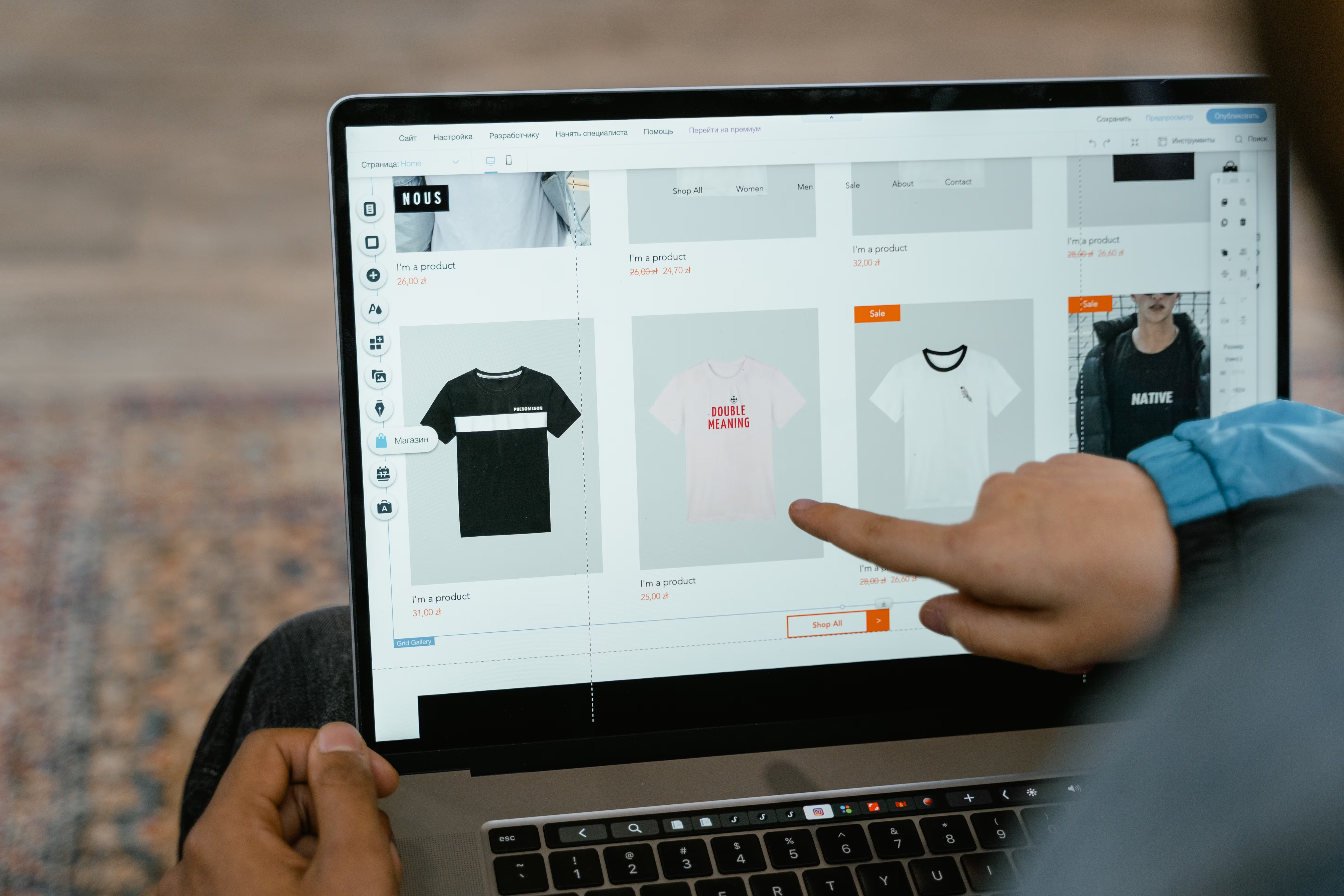
Website structure plays a major role in how easily visitors can find information, understand your offer, and take action. It also helps search engines crawl and interpret your pages, which makes SEO-friendly website design a practical part of visibility rather than just a visual choice.
For businesses, blogs, ecommerce stores, and service websites, a clear structure supports mobile usability, page speed, accessibility, internal linking, and conversion-focused design. In this guide, we look at how to build a website layout that is user-friendly, search-friendly, and ready to support growth.
What SEO-Friendly Website Design Really Means
SEO-friendly website design is not about adding keywords everywhere or making a site look “SEO optimised” on the surface. It is about designing pages and navigation in a way that helps users and search engines understand what the site offers.
That includes a logical page hierarchy, clear headings, readable content blocks, fast-loading pages, and layouts that work well on phones and tablets. When these elements are in place, visitors can move through the site with less friction, and search engines can crawl content more efficiently.
A well-designed site also supports different business goals. A service business may need clear service pages and contact paths. An ecommerce site may need product filters, category pages, and strong product layouts. A blog or consultancy website may need topic clusters and internal links that guide readers deeper into related content.
Build a Simple, Logical Website Structure
Good structure starts with the site map. Most websites perform better when the main navigation is simple and the most important pages are only a few clicks from the homepage.
As a rule, group content by purpose rather than by internal departments. For example, a service website might use Home, Services, About, Case Studies, Blog, and Contact. An ecommerce brand might use Home, Shop, Categories, Product pages, Delivery information, and Support.
Clear hierarchy helps users predict where to go next. It also helps search engines understand which pages matter most. Use descriptive labels in navigation and avoid vague wording such as “Solutions” or “Resources” if clearer terms would help more.
For a deeper understanding of site audits and structure improvements, you can review the free website SEO audit from Backlink Works.
Design Pages for Mobile-First UX
Mobile-first design means planning for smaller screens first, then adapting the layout for larger devices. This approach is important because many visitors will interact with your site on a phone before they ever see it on a desktop.
Good mobile design uses readable font sizes, enough spacing between buttons, short paragraphs, and content that reflows naturally. Menus should be easy to tap. Forms should be brief and simple. Key actions such as “Book a call”, “Add to basket”, or “Request a quote” should remain visible without creating a cluttered screen.
Responsive web design should not just shrink desktop pages. It should reorganise content so the most important information appears first. That may mean moving trust signals higher up the page, shortening sections, or using accordions for supporting details where appropriate.
Core Web Vitals also matter here because they reflect real user experience. Fast loading, stable layouts, and responsive interactions help keep pages usable, especially on mobile connections. Google’s PageSpeed Insights is a useful tool for checking performance and identifying improvements.
Use Layout and Content Hierarchy to Improve SEO and Conversions
Page layout should guide attention. Visitors usually scan before they read, so the order of content matters. A strong landing page or service page typically starts with a clear value proposition, follows with supporting details, and ends with a relevant call to action.
Use headings to break content into sections and make the page easier to scan. Keep paragraphs short. Use bullet lists when they improve clarity. Add relevant images, but make sure they support the content rather than distract from it.
For business websites, this structure can help explain services, pricing, trust signals, process steps, and FAQs in a way that reduces confusion. For ecommerce sites, product pages should prioritise product benefits, specifications, images, availability, shipping details, and reviews or other trust signals where genuine and appropriate.
Conversions depend on more than layout alone. They are influenced by traffic quality, offer clarity, page intent, copy, trust signals, and testing. Design should reduce friction, not pressure visitors into action.
Make Navigation, Internal Links, and Content Paths Work Harder
Navigation is one of the most important parts of website structure. If users cannot find key pages quickly, they may leave before engaging with the content. Search engines also use links to discover and interpret pages.
Keep primary navigation focused on the pages that matter most. Use footer links for supporting pages such as policies, location details, or less prominent resources. On content-heavy sites, related article sections and contextual links help users continue their journey naturally.
Internal links should make sense for the reader. For example, a service page can link to a relevant blog guide, and a blog post can link to a service or product page where it genuinely helps the reader. If you want to understand how links fit into a wider strategy, the ultimate guide to backlink building can help clarify the difference between internal structure and broader link acquisition.
Consistent linking also supports crawlability. Important pages should not be isolated. If a page matters to your business, it should be reachable through the main site structure and reinforced through relevant internal links.
Choose Design Systems That Support Speed, Accessibility, and Flexibility
Whether you use WordPress website design, a custom build, or an ecommerce platform, the underlying design system affects performance. Heavy themes, unnecessary scripts, oversized images, and too many plugins can slow a site down and weaken the user experience.
Choose layouts and components that are clean, reusable, and easy to maintain. Use image compression, sensible spacing, and lightweight design patterns where possible. Keep forms simple. Avoid decorative elements that slow the site without adding value.
Accessibility should also be part of the design process. Good colour contrast, clear focus states, readable labels, and sensible heading structure help more users access your content. Accessible design often improves usability for everyone, not only for visitors using assistive technology.
For service businesses and ecommerce brands, this means choosing a design that supports growth over time. It should be easy to update, easy to expand, and easy to keep consistent across new pages and campaigns.
Best Practices Checklist for Website Structure
Before launching or redesigning a site, check the essentials below:
Keep navigation clear and limited to core pages.
Use a logical heading structure on every page.
Place important content near the top of the page.
Make buttons and forms easy to use on mobile.
Compress images and remove unnecessary design weight.
Link related pages together with meaningful anchor text.
Review performance and Core Web Vitals regularly.
If your website is built in WordPress, the official WordPress documentation is a useful reference for understanding editing, content structure, and site management basics.
Conclusion
SEO-friendly website design is really about making a site easier to understand, easier to use, and easier to trust. When structure, layout, mobile usability, and performance work together, the result is a website that supports both visibility and user action.
Start with a clear hierarchy, build around user needs, and keep refining based on data and feedback. That approach works for blogs, business websites, service pages, product pages, and larger ecommerce sites alike. Backlink Works Insights focuses on practical digital marketing education, and design is one of the foundations that supports long-term website growth.
Frequently Asked Questions
What is SEO-friendly website design?
It is website design that helps users and search engines understand content more easily through clear structure, fast loading, mobile usability, and logical internal linking.
Why does website structure matter for SEO?
A clear structure helps search engines crawl pages efficiently and helps users find the information they need without confusion.
How does mobile-first design affect conversions?
Mobile-first design improves usability on smaller screens, which can reduce friction and make it easier for visitors to complete actions such as contacting you or buying a product.
What should I prioritise when improving page layout?
Focus on clarity, readable content, strong calls to action, and a layout that places the most important information where users will see it quickly.
- Sponsored Ad -





