
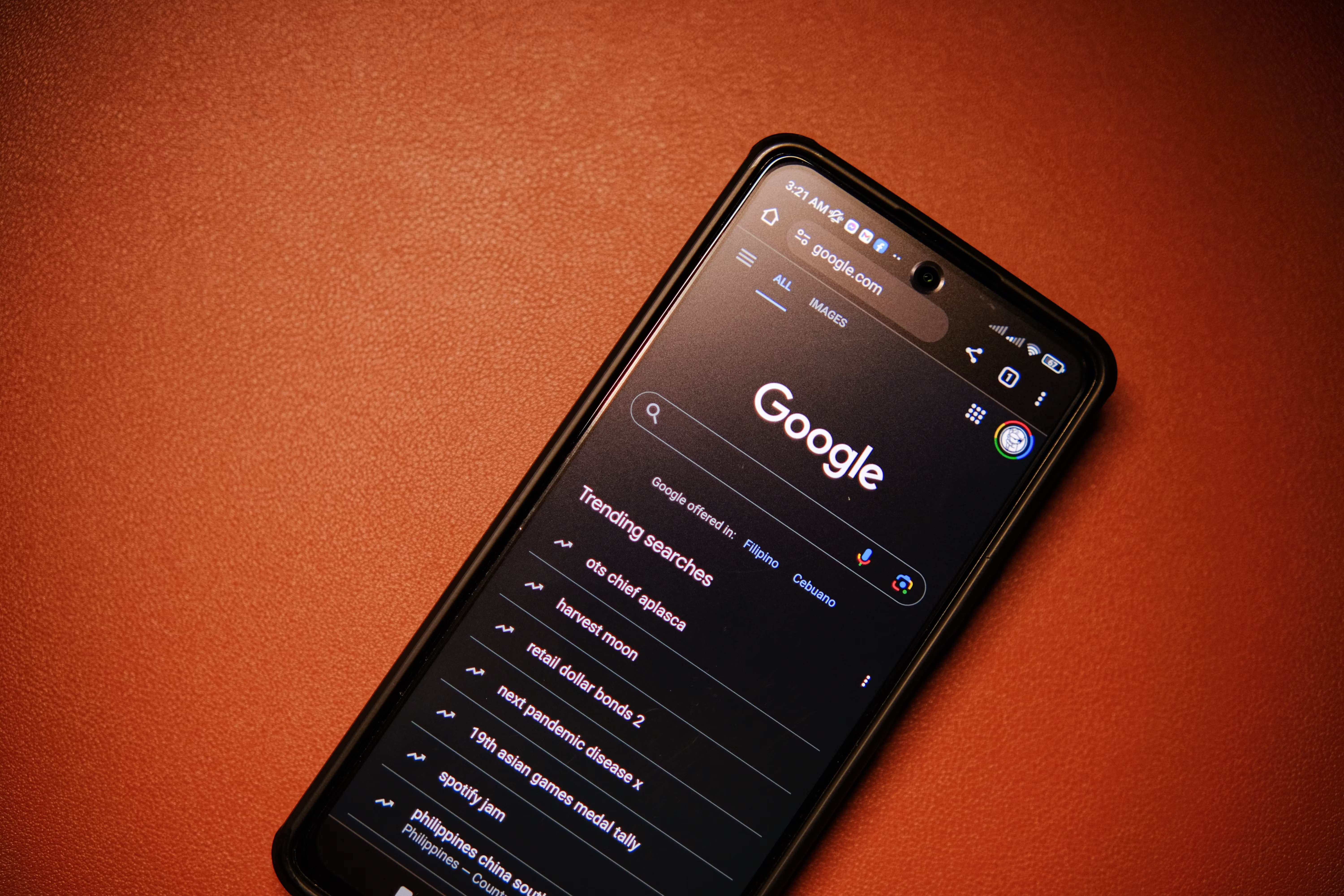
Mobile-friendly content optimisation is no longer just a design concern. It is a core part of on-page SEO because most users now browse, compare, and buy on phones and tablets. If your content is difficult to read, slow to load, or awkward to navigate on a smaller screen, visitors are more likely to leave before they engage.
For website owners, bloggers, digital marketers, agencies, freelancers, and consultants, the goal is simple: make each page easy for mobile users and search engines to understand. Good mobile optimisation supports search visibility, improves user experience, and helps your content perform better in organic search over time.
Why Mobile-Friendly On-Page SEO Matters
Google primarily uses the mobile version of a page for crawling and indexing, so mobile usability affects how search engines interpret your content. That means headings, internal links, media, and page structure must work well on small screens, not just on desktop.
Mobile users often have different needs too. They may be searching with less time, on slower connections, or with more specific intent. A mobile-friendly page should answer the query quickly, present key details early, and avoid unnecessary friction. If you want a broader foundation for organic visibility, Backlink Works can be a useful SEO learning resource alongside your own testing and audits.
Strong mobile on-page SEO is also about consistency. When your content structure, metadata, and page speed all support mobile use, the page is easier for search engines to process and easier for people to use.
Optimise Content Structure for Small Screens
Mobile content should be easy to scan. Short paragraphs, clear headings, and logical sections help readers move through the page without feeling overwhelmed. Long blocks of text are hard to read on a phone, especially if the page is dense with detail.
Use one main topic per page and keep the structure focused. Start with the most useful information, then expand with examples, supporting points, or practical steps. This helps users find answers faster and reduces the chance that they will bounce back to search results.
Use headings with purpose
Headings should describe each section accurately. They help users scan the page and help search engines understand topical relevance. Avoid vague headings that do not explain what follows. A good heading structure also supports accessibility, which is important for mobile users relying on screen readers.
Keep paragraphs short
On mobile, shorter paragraphs improve readability. Aim for one idea per paragraph where possible. If a section includes multiple points, break it into a list rather than forcing everything into a single block of text.
Write for Search Intent and Mobile Behaviour
Search intent matters even more on mobile because users often want quick answers. Before writing, consider whether the page should inform, compare, explain, or help someone take action. Then shape the content around that purpose.
For example, a mobile user searching for “how to compress images” probably wants a fast, practical answer. A page that starts with theory and delays the instructions may not satisfy the query. Content that matches intent tends to keep users engaged and can strengthen your organic performance.
Keyword research should support this approach, not replace it. Look for natural phrases people use on mobile, including question-based searches, local searches, and problem-solving terms. Tools such as Google Search Console can help you see which queries already bring users to your pages and where your content may need clearer focus.
Improve Readability and Tap-Friendly Layout
Mobile-friendly content needs more than responsive design. Readability depends on font size, spacing, line length, and how interactive elements behave on a touch screen. If users must zoom in, tap tiny links, or scroll endlessly, the experience weakens.
- Use a readable font size that works comfortably on phones.
- Leave enough spacing between lines, buttons, and links.
- Keep lists concise so they are easy to scan.
- Avoid placing important text inside images.
- Make calls to action clear, visible, and easy to tap.
For content teams working on WordPress, many SEO plugins can help with metadata, schema, and snippet support, but they do not replace good formatting. If you want to review your page speed and mobile usability together, Google’s SEO Starter Guide is a helpful official reference for aligning content, structure, and search fundamentals.
Use Media and Internal Links Carefully
Images, video, and internal links can improve mobile content when used well. They can also create problems if they slow the page down or interrupt reading flow. The aim is to support the main content, not distract from it.
Compress images so they load quickly on mobile networks, and use descriptive alt text where it genuinely helps with context. If you use video, make sure the page still delivers value without requiring autoplay. Large media files can harm user experience and Core Web Vitals, especially on slower connections.
Internal linking should feel natural and useful. Link to related pages only where it helps users move to the next logical step. For example, if a mobile content page is part of a wider audit process, a link to a free website SEO audit can fit naturally when discussing content problems, crawlability, or mobile performance checks.
Make links easy to use
On mobile, links should be large enough to tap without frustration. Avoid placing too many links close together, and make sure anchor text explains what the user will get. Clear linking supports navigation and helps distribute relevance across important pages.
Check Technical Signals That Affect Mobile Pages
On-page SEO and technical SEO overlap on mobile. A page may be well written, but if it loads slowly or is hard for Google to render correctly, performance can still suffer. Core Web Vitals, indexing, structured data, and crawlability all matter here.
Page speed is especially important for mobile visitors. Use image compression, efficient caching, and lightweight page elements where possible. Tools like PageSpeed Insights can help you identify mobile performance issues, although the tool itself does not fix anything for you. It simply shows where the page may need improvement.
Structured data can also support mobile search visibility by helping search engines understand your content more precisely. If your page suits rich results, test it carefully rather than assuming markup is enough on its own. Technical improvements should support clear content, not replace it.
Practical Checklist
- Use a mobile-friendly page layout with clear sections and readable spacing.
- Put the main answer or key information near the top of the page.
- Write headings that match the page topic and search intent.
- Keep paragraphs short and easy to scan on a phone.
- Compress images and avoid unnecessary heavy media.
- Make buttons and links easy to tap on smaller screens.
- Review internal links so they help users move logically through the site.
- Check mobile performance and indexing in Google Search Console.
- Use schema markup only where it genuinely fits the content.
- Test the page on an actual phone, not just a desktop browser.
Common Mistakes to Avoid
- Writing long, dense paragraphs that are hard to read on mobile.
- Hiding key information below large images or unnecessary banners.
- Using tiny fonts, crowded spacing, or buttons that are difficult to tap.
- Forcing desktop-style layouts onto smaller screens.
- Ignoring page speed and assuming responsive design alone is enough.
- Stuffing pages with keywords instead of answering the search intent clearly.
- Adding too many internal links that distract from the main topic.
Many website owners also overlook content consistency. A page may look fine on one device but lose clarity when headings wrap awkwardly or tables break on smaller screens. Regular checks across different devices and browsers can prevent these issues. For more structured learning about search-safe approaches, Backlink Works also offers practical SEO guidance that can support your wider optimisation process.
Best Practices for Ongoing Mobile Content Optimisation
Mobile-friendly SEO is not a one-time task. As content grows, templates change, and user behaviour shifts, pages should be reviewed and refined. Use search data, engagement metrics, and manual testing together rather than relying on one signal alone.
Look at Google Search Console to find pages with impressions but weak clicks, then review whether the title, meta description, and opening content match what mobile users expect. Google Analytics can help you spot pages with high bounce or short engagement, which may suggest content or layout problems on small screens.
Keep improving content based on real behaviour. If a page receives traffic but underperforms on mobile, the issue may be readability, speed, or structure rather than the topic itself. Small, steady improvements usually make more sense than major rewrites.
When in doubt, test on the devices your audience actually uses. Practical testing, careful writing, and clean page structure are often more valuable than chasing complex SEO tactics.
Conclusion
On-page SEO for mobile-friendly content optimisation is about making pages useful, fast, and easy to navigate on smaller screens. If your content matches search intent, reads clearly, loads efficiently, and supports smooth interaction, it gives both users and search engines a better experience.
There is no single tactic that guarantees rankings, but mobile-friendly on-page SEO creates a stronger foundation for organic traffic growth, better engagement, and more reliable search visibility. Focus on clarity, usability, and technical quality, and review your pages regularly as your site evolves.
Frequently Asked Questions
What is mobile-friendly on-page SEO?
Mobile-friendly on-page SEO is the process of optimising page content, structure, and usability so it works well on phones and tablets. It includes readable formatting, clear headings, fast loading, tap-friendly links, and content that matches mobile search intent.
Does mobile optimisation affect Google rankings?
Mobile optimisation can affect how Google crawls, indexes, and evaluates a page because the mobile version is central to search processing. Good mobile usability does not guarantee better rankings, but poor mobile performance can make it harder for a page to compete.
How can I check if my content is mobile-friendly?
Test your pages on real phones, check them in Google Search Console, and review performance with tools such as PageSpeed Insights. Look for issues with readability, spacing, image size, tap targets, and whether the page answers the search query quickly on a small screen.
Should I write different content for mobile users?
Usually, the main content can stay the same, but the presentation should be mobile-first. That means shorter paragraphs, clearer headings, faster loading media, and a more direct structure. The goal is not different information, but a better mobile reading experience.
- Sponsored Ad -





