
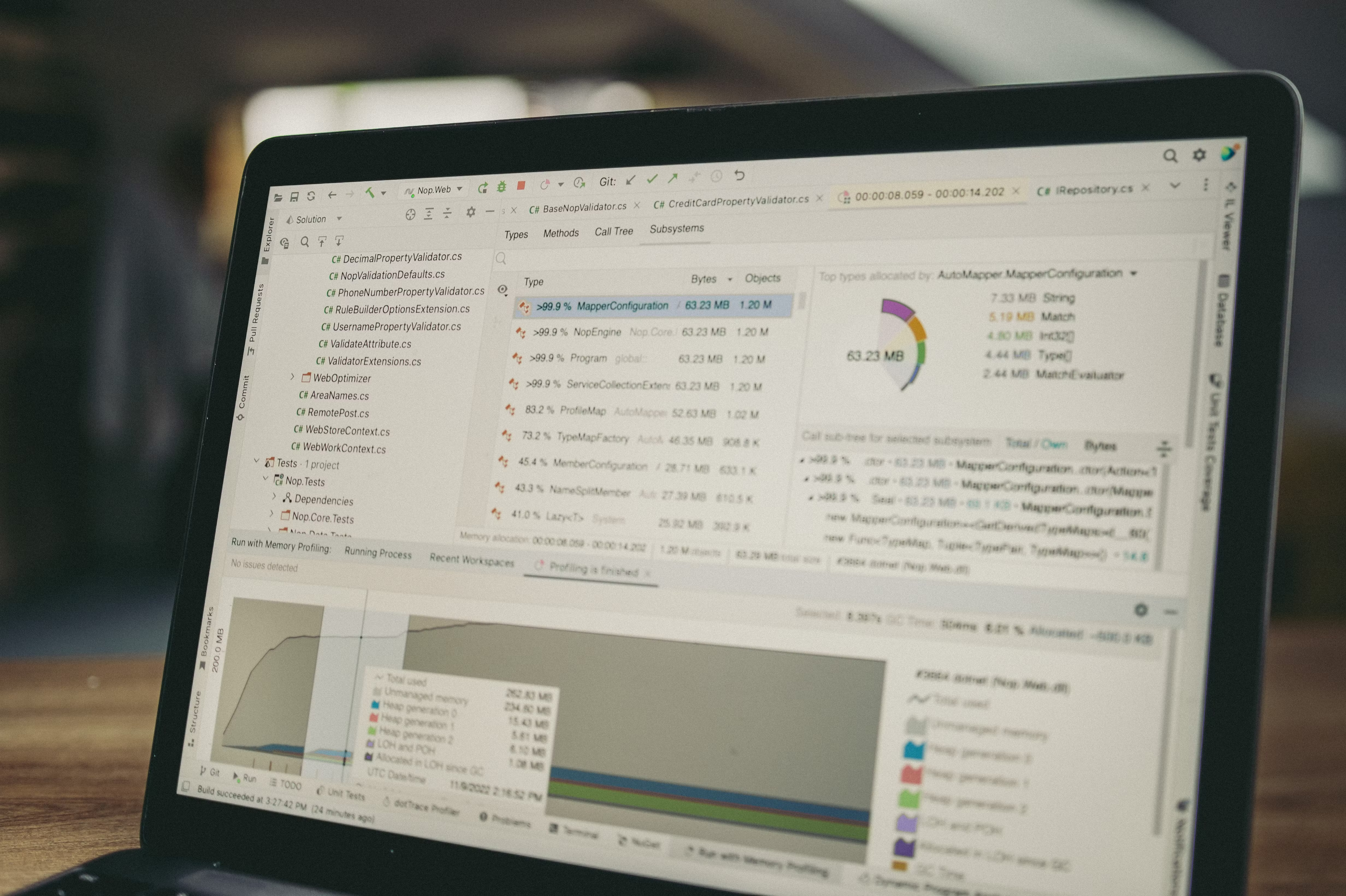
SEO audit tools can make content optimisation far more structured. Instead of guessing why a page is underperforming, you can check what search engines can crawl, how users experience the page, which keywords it targets, and whether the content actually matches search intent.
Used well, these tools help you prioritise improvements rather than chasing every issue at once. The aim is not to collect more data for its own sake, but to use the right combination of SEO audit tools, keyword research tools, analytics, and technical checks to make smarter content decisions.
What SEO audit tools do for content optimisation
SEO audit tools review a website for issues that may affect visibility in search. Some tools focus on technical SEO, such as crawlability, indexation, internal links, schema markup, and page speed. Others focus on content, such as keyword targeting, headings, duplicate content, metadata, and search intent alignment.
For content optimisation, the most useful tools show where a page is missing relevance, clarity, or technical support. A blog post may be well written, but still underperform if it loads slowly, has thin coverage, or is not aligned with the terms people search for. Audit tools help you see the full picture.
Start with the core Google tools
Google Search Console and Google Analytics 4 are essential starting points for most websites. Search Console shows which queries, pages, and indexing issues matter in Google Search, while GA4 helps you understand engagement once visitors land on the page. Together, they can highlight pages with strong impressions but weak clicks, or pages that attract traffic but do not keep users engaged.
For page performance, PageSpeed Insights is useful for checking loading performance and Core Web Vitals. It does not replace a full technical audit, but it can help you spot issues that affect user experience and search visibility. If your content is sound but slow to load, you may need to improve images, script loading, or layout stability before expecting better results.
It is also worth checking Google’s own SEO Starter Guide when you want to align your content work with search fundamentals.
Use audit data to improve content quality and intent
Good content optimisation starts with matching the page to what people actually want. Keyword research tools can show related terms, questions, and topic variations, but the goal is not to stuff more keywords into a page. It is to build a page that answers the search better than competing results.
When reviewing a page, check the title tag, meta description, headings, introductory paragraph, and body copy. Ask whether the page clearly covers the main topic, supports it with useful detail, and answers likely follow-up questions. SEO audit tools can also reveal duplicate titles, missing headings, or thin content that should be expanded or merged.
For content teams, SEO Chrome extensions, snippet preview tools, and content optimisation tools can be useful for quick checks before publishing. These are not a replacement for strategy, but they help editors spot issues early.
Check technical SEO factors that shape content performance
Technical SEO tools and website crawler tools are important because content can only perform well if search engines can access and understand it. A crawler can identify broken links, redirect chains, orphan pages, duplicate content, missing canonical tags, and pages blocked by robots directives. These are common issues that reduce the value of otherwise strong content.
Schema markup tools are also worth using where relevant. Rich results do not happen automatically, and schema should only be added when it genuinely matches the page type. For example, product pages, FAQs, articles, and local business pages may benefit from structured data when it is implemented correctly. Always test your markup rather than assuming it is valid.
WordPress users may prefer tools that fit their publishing workflow, such as SEO plugins and content helpers. Ecommerce SEO tools can be especially useful for product titles, category descriptions, faceted navigation, and schema on product templates. Local SEO tools matter for businesses that rely on location pages, map visibility, and consistent business information.
Use competitor analysis, rank tracking, and backlink data wisely
Competitor analysis tools help you compare content coverage, keyword targets, and page structure with other sites in your niche. This does not mean copying competitors. It means understanding what searchers appear to value and where your pages may be incomplete.
Rank tracking tools are helpful for monitoring changes after optimisation. They should be used as a guide, not a promise of success, because rankings can move for many reasons. Look for patterns over time rather than reacting to every daily fluctuation.
Backlink checker tools can also support content decisions by showing which pages attract links and which topics are more reference-worthy. A stronger content hub often earns links more naturally than isolated pages. If you want a broader process for this, the free website SEO audit resource from Backlink Works can be a useful place to review common issues before you optimise content further.
Build a practical workflow instead of using every tool
You do not need every SEO tool on the market. A practical workflow usually includes one source for search data, one for analytics, one for crawling, and one or two supporting tools for keyword research, schema, or reporting. Choose tools based on website size, budget, and how often you need to audit content.
Free SEO tools are useful for smaller sites, new projects, and quick checks, but they often have limits on crawl depth, historical data, or report volume. Paid tools can be worthwhile when you need deeper data, better collaboration, or more reliable reporting for multiple sites. The right choice depends on your workflow, not marketing claims.
A simple process might be:
- Find pages with high impressions but low click-through rates in Search Console.
- Check whether the page title, description, and heading structure match the query.
- Use a crawler to identify technical issues affecting the page.
- Review GA4 engagement data to see if users stay on the page.
- Improve content depth, clarity, internal links, and schema where appropriate.
- Monitor results with rank tracking and reporting tools over time.
For site-wide reporting and dashboards, Looker Studio can be useful when connected to Search Console and GA4. This makes it easier to compare content performance without switching between multiple platforms. If you need a broader review of backlinks, reporting, and audit workflows, Backlink Works also offers educational resources that may help you build a more organised SEO process.
Best practices and common mistakes
The most common mistake is relying on a single tool to make content decisions. A keyword tool may show search demand, but it will not tell you whether the page is technically sound. A crawler may find errors, but it will not tell you whether the article answers the search intent well.
Another mistake is treating audit reports as a checklist of urgent problems. Some issues matter more than others. A missing meta description is worth fixing, but a page that is blocked from crawling or loads very slowly is usually more important.
Good practice is to focus on pages that already have potential. These may include pages with impressions, pages close to ranking on page one, product pages with visibility but weak conversion content, or local pages that need better structure and trust signals. Small changes made in the right place are often more useful than broad, unfocused edits.
Conclusion
SEO audit tools are most valuable when they support better decisions about content, not when they simply generate reports. By combining search data, analytics, crawling, speed testing, schema checks, and keyword research, you can understand why a page is not performing as well as it should and what to improve next.
The strongest approach is balanced: use free tools where they are enough, invest in paid tools where they add real value, and always combine data with editorial judgement, technical implementation, and a clear understanding of search intent.
Frequently Asked Questions
What is the main purpose of SEO audit tools for content?
They help you identify technical, structural, and content issues that may limit search visibility and page performance.
Do free SEO tools work well enough for beginners?
Yes, free tools are often enough for basic audits, but they usually have limits on data depth and reporting.
How often should I audit content?
It depends on site size and publishing frequency, but many sites benefit from regular checks each month or quarter.
Should I use one tool or several?
Usually several. Different tools serve different purposes, so a small toolkit is often more useful than relying on just one platform.
- Sponsored Ad -





