
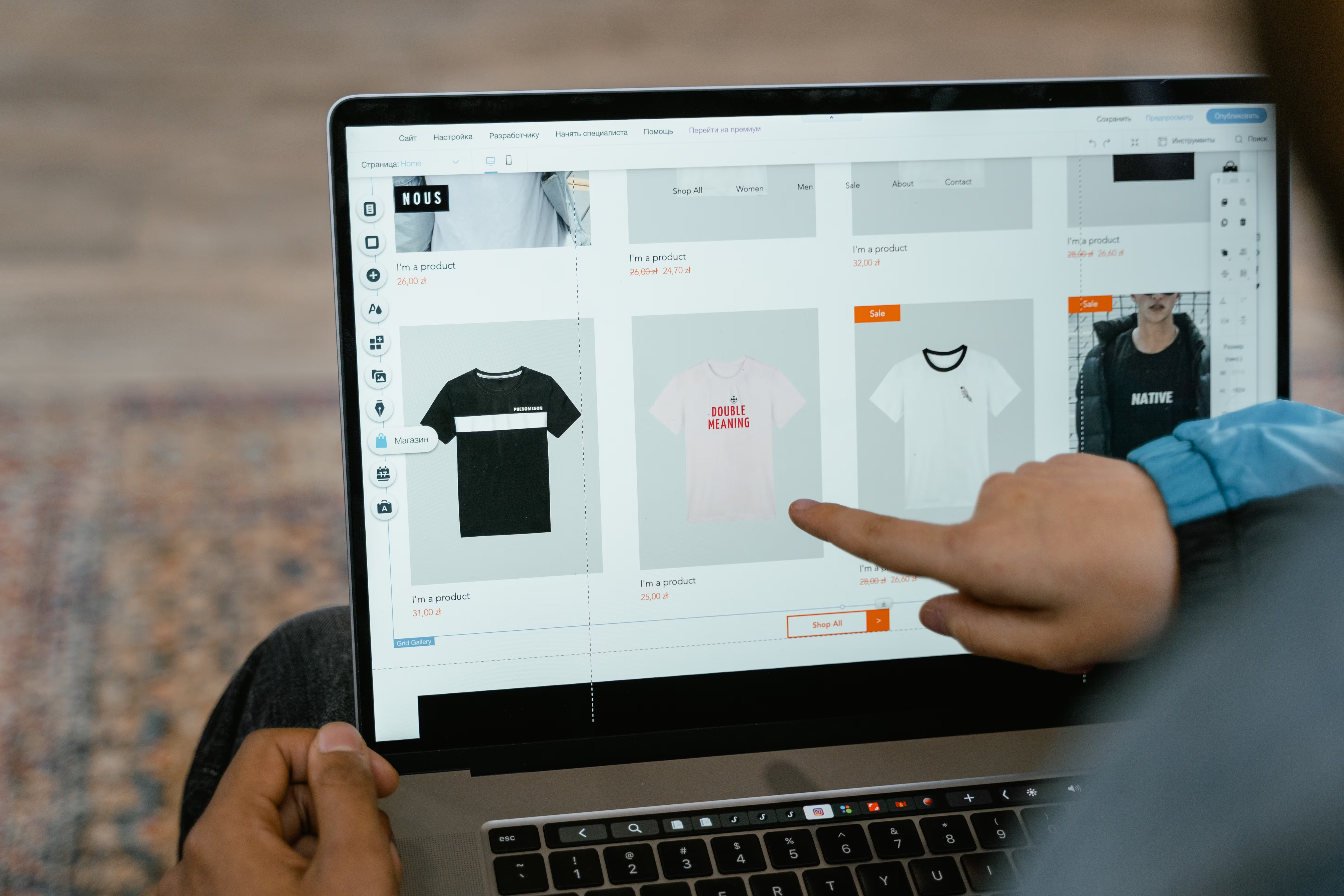
Faceted navigation is a practical part of website design, especially for ecommerce stores, marketplaces, and large content sites. It helps users narrow down products or pages by size, colour, price, category, brand, location, and other attributes.
When designed well, it improves usability and makes content easier to browse. When designed poorly, it can create crawl issues, duplicate URLs, thin pages, and confusing user journeys that affect SEO, speed, and conversions.
What Faceted Navigation Means in Website Design
Faceted navigation lets visitors refine a collection of items using filters. A clothing store might offer filters for size, fit, material, colour, and price. A service website might use filters for industry, location, or service type. In both cases, the design goal is the same: help people find the most relevant page quickly.
From a UX point of view, faceted navigation supports clearer browsing and reduces friction. From an SEO point of view, it needs careful planning because every filter combination can create a different URL. If search engines can crawl too many combinations, they may waste crawl resources or index pages that add little value.
Why Faceted Navigation Matters for SEO-Friendly Websites
Faceted navigation affects more than search visibility. It influences content structure, mobile usability, internal linking, and the way users move through the site. A well-planned system supports both discovery and performance.
For SEO, the main concerns are crawlability, duplication, and index control. Search engines should be able to understand which filter pages matter and which should stay out of the index. For users, filters should be easy to see, simple to use, and not slow down the page.
If you are reviewing site architecture or planning a redesign, a broader free website SEO audit can help identify crawl and structure issues before they become harder to fix.
Design Principles for Better Filter Experience
Keep filters visible and intuitive. On desktop, filters usually work well in a left sidebar or top bar. On mobile, they should be accessible through a clear button or slide-out panel, with easy-to-tap controls and enough spacing between options.
Use simple labels that match how people search. Avoid technical terms unless your audience uses them naturally. For example, “Price”, “Brand”, and “Delivery time” are usually clearer than internal catalog terms.
Prioritise the most useful filters first. Too many choices can overwhelm users and slow decision-making. The best filter systems present the most important options upfront and keep secondary filters available without cluttering the page.
It also helps to show selected filters clearly. Users should always know what has been applied and how to remove or reset it. This improves confidence and reduces the chance of abandoned browsing sessions.
SEO Controls: Crawling, Indexing, and URL Management
Faceted navigation can generate many URL variations. That is not automatically bad, but it does require control. The main objective is to prevent low-value combinations from competing with useful category or landing pages.
Common approaches include canonical tags, parameter handling, noindex rules where appropriate, and selective internal linking. The right setup depends on the platform, the size of the catalogue, and whether filter pages have search value on their own.
Some filtered pages can be useful landing pages if they match clear search intent, such as “men’s black running trainers” or “WordPress SEO plugins for small business”. Others are too narrow or repetitive and should remain crawlable only in limited ways, or not at all.
For technical implementation, it is useful to follow official guidance from Google’s SEO Starter Guide, especially around crawlability, content structure, and helpful page design.
Mobile-First and Responsive Design Considerations
Faceted navigation must work well on smaller screens, not just on desktop. Mobile-first design means filters should be usable with thumbs, easy to open and close, and designed without dense layouts that force excessive scrolling.
A responsive filter system should avoid crowded chips, tiny checkboxes, and hidden controls that are difficult to discover. If users need several taps just to refine results, they are more likely to leave.
Performance matters here too. Heavy scripts, large image assets, and excessive dynamic updates can slow pages down, affecting user experience and Core Web Vitals. When filters update results, the interaction should feel fast and stable.
Use clear feedback after a filter is applied. Loading states, result counts, and visible active filters help users understand what changed. That clarity is especially important on ecommerce category pages and service directories.
Best Practices for Website Structure and Conversion-Focused Design
Faceted navigation should support the wider site structure, not sit apart from it. Category pages, product pages, service pages, and landing pages should have a logical hierarchy so search engines and users can understand how the site is organised.
Where relevant, build indexable landing pages for high-intent combinations that deserve their own content. For example, a business website may benefit from a dedicated service page for a specific region or use case rather than relying only on filter results.
Keep copy and content layout consistent. Filtered pages should still have useful headings, concise explanations, and strong internal links where appropriate. That helps both users and search engines understand the page purpose.
If your site is built on WordPress, faceted navigation often depends on theme structure, plugin choices, and template quality. Clean templates and sensible plugin use can make a major difference to both speed and maintainability.
For design teams, tools such as web.dev’s design guidance are useful when shaping responsive layouts that balance usability, accessibility, and performance.
Common Mistakes to Avoid
One common mistake is allowing every filter combination to be indexed by default. This can create large numbers of low-value pages that add little to users and dilute site quality signals.
Another issue is burying filters behind awkward menus or designing them in a way that is hard to use on mobile. If people cannot find or apply filters easily, the feature does not support the browsing experience.
A third mistake is ignoring page speed. Faceted navigation often relies on scripts, AJAX, or dynamic content loading. If these features are implemented without care, the page can become slow or unstable.
Finally, do not treat filters as a replacement for clear content. Facets help users narrow choices, but they do not replace strong category copy, well-structured product data, or useful page headings.
Practical Checklist for Better Faceted Navigation
Use this as a quick review when planning or improving your site:
- Make filters easy to find on desktop and mobile.
- Keep labels clear, short, and user-friendly.
- Decide which filtered pages should be indexable.
- Use canonical tags and indexing rules where needed.
- Protect page speed by limiting unnecessary scripts and heavy interactions.
- Show active filters and simple reset options.
- Ensure filtered pages still fit the site’s content structure.
- Test the experience on mobile devices and slower connections.
When faceted navigation is planned properly, it supports discovery, clarity, and smoother paths to enquiry or purchase. Results still depend on traffic quality, offer relevance, trust signals, page clarity, and ongoing testing, but good design gives the site a stronger foundation.
Conclusion
Faceted navigation is more than a convenience feature. It is a design and SEO decision that affects how users browse, how search engines crawl the site, and how efficiently people reach the content they need.
The best approach is to balance usability with technical control. Keep filters simple, responsive, fast, and easy to understand. Structure pages carefully, limit low-value indexation, and make sure the system supports the wider goals of the website.
For teams building business websites, ecommerce stores, or content-heavy platforms, faceted navigation should be treated as part of the overall UX and SEO strategy, not as an afterthought. Backlink Works Insights regularly covers practical website growth topics that support better visibility and user experience.
Frequently Asked Questions
Should all faceted filter pages be indexed?
No. Only filter pages with clear search intent and useful content should usually be considered for indexing.
How does faceted navigation affect website speed?
It can slow pages if it relies on heavy scripts, repeated queries, or inefficient dynamic updates.
Is faceted navigation useful on mobile websites?
Yes, if it is designed for small screens with simple controls, clear labels, and easy-to-tap options.
Can faceted navigation improve conversions?
It can support conversions by helping users find relevant products or services faster, but results depend on the full page experience and user intent.
- Sponsored Ad -





