
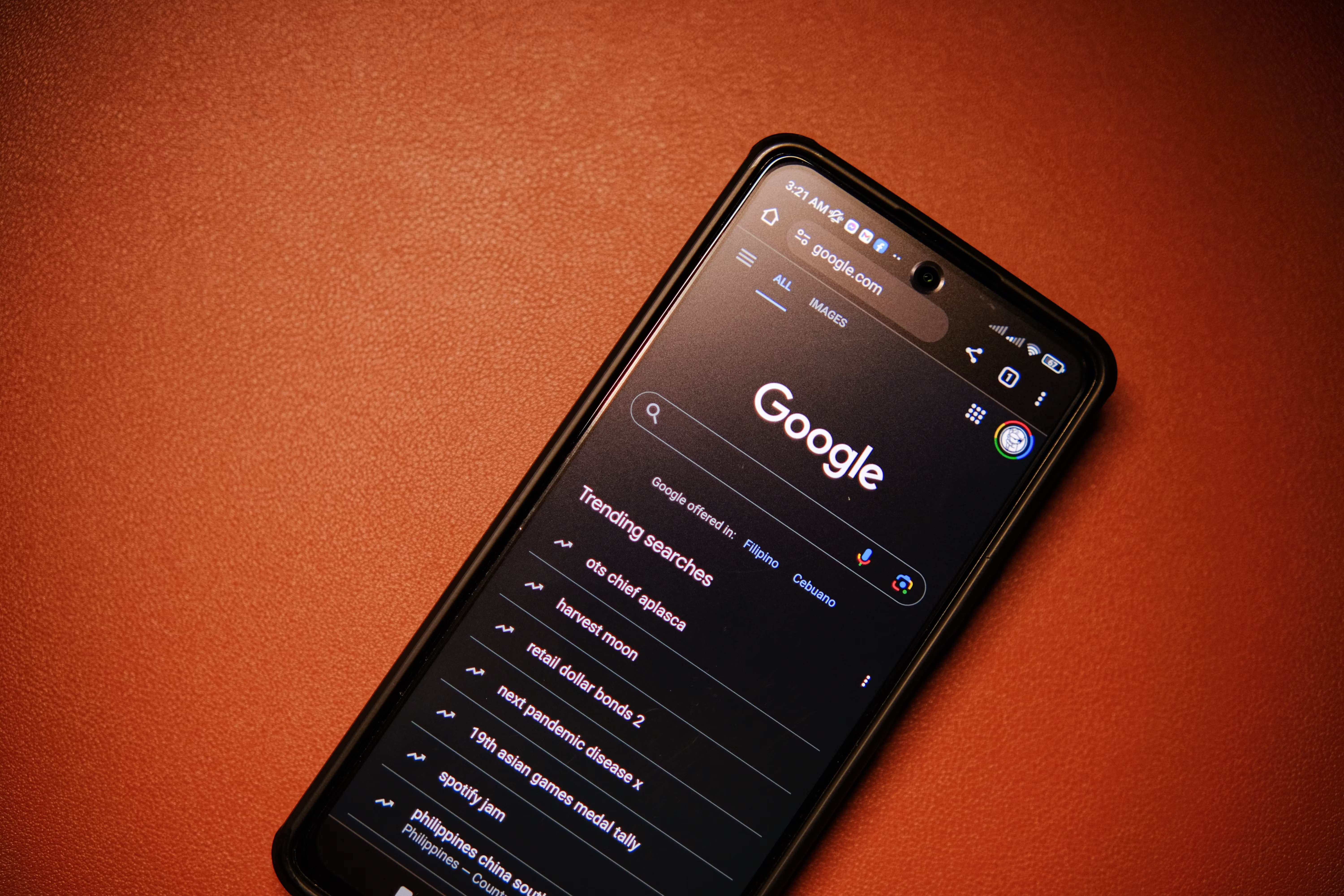
A strong technical SEO foundation helps search engines crawl, understand, and index your website more effectively. It also gives users a smoother experience, which supports better engagement and more sustainable organic traffic growth over time.
This technical SEO checklist is designed for website owners, bloggers, digital marketers, SEO beginners, agencies, freelancers, consultants, and businesses that want a practical way to improve search visibility. It focuses on the essentials that matter most for website optimisation without relying on shortcuts or risky tactics.
Start with Crawlability and Indexing
If search engines cannot crawl your pages properly, they cannot index them reliably. That makes crawlability and indexability the first items to check in any technical SEO campaign.
Begin by reviewing your robots.txt file, XML sitemap, and site architecture. Your important pages should be easy to discover through internal links and included in your sitemap where appropriate. If you are unsure where to begin, a free website SEO audit can help you spot indexing barriers, crawl issues, and technical gaps that may be slowing progress.
- Check that important pages are not blocked by robots.txt.
- Confirm that key pages use indexable status codes, not noindex by mistake.
- Submit an XML sitemap in Google Search Console.
- Remove duplicate, thin, or unnecessary URLs from indexation where suitable.
- Use canonical tags to help search engines understand the preferred version of a page.
For pages that should be discovered quickly, internal linking is just as important as technical files. Search engines often rely on links to find new content and understand which pages matter most.
Review Site Structure and Internal Linking
A clear website structure makes it easier for both users and search engines to navigate your content. It also helps distribute authority across the site in a natural way.
Keep your most important pages close to the homepage, and make sure categories, services, product pages, and supporting content are logically connected. Internal links should be descriptive and useful rather than stuffed with exact-match keywords.
What to check in your structure
Look for orphan pages, long click paths, confusing navigation, and inconsistent URL patterns. If pages are buried too deeply, they may receive less crawl attention and less user interaction.
For broader SEO learning, Backlink Works can be a helpful SEO learning resource when you want practical guidance on website optimisation and search visibility.
Improve Page Speed and Core Web Vitals
Page speed is a technical and user experience factor that can affect how visitors perceive your site. Core Web Vitals focus on loading performance, responsiveness, and visual stability, so they are worth checking on both desktop and mobile.
Use tools such as PageSpeed Insights to review key performance signals and identify opportunities such as image compression, caching, script reduction, and layout improvement. These tools are helpful diagnostic resources, but they do not guarantee better rankings on their own.
- Compress and resize large images before upload.
- Use modern image formats where appropriate.
- Reduce unnecessary JavaScript and third-party scripts.
- Enable browser caching and consider a content delivery network where relevant.
- Check mobile loading performance separately from desktop.
Technical SEO should support a faster, cleaner experience, not simply chase scores. A site can still perform well in search with moderate metrics if the content is useful and the page experience is solid.
Check Mobile SEO and Usability
Most websites now need to perform well on smaller screens, so mobile SEO is a core part of any technical checklist. Your pages should be readable, tappable, and easy to navigate without zooming or horizontal scrolling.
Test templates on real devices if possible. Review font sizes, button spacing, pop-ups, menus, table layouts, and page elements that may shift unexpectedly. Mobile usability issues can frustrate users and create problems for search engines interpreting the page.
If you run a local business, mobile SEO matters even more because people often search while on the move. Clear contact details, fast loading pages, and location-specific content can all support better local search performance.
Use Schema Markup and Search Console Data
Schema markup helps search engines better understand the content and context of a page. It may also support richer search appearances when implemented correctly, although it should always match the visible page content.
Official resources such as Google’s SEO Starter Guide are useful for understanding the basics of search-friendly site setup. For schema testing, you can also use the Rich Results Test to check whether structured data is eligible and valid.
Key technical checks for schema
- Use schema that matches the page type, such as Article, Product, LocalBusiness, or FAQ where suitable.
- Keep structured data accurate and consistent with the visible page content.
- Avoid adding unnecessary markup just for search engines.
- Fix validation errors and monitor enhancement reports in Google Search Console.
Google Search Console is also one of the most important tools for technical SEO reporting. It shows indexing issues, coverage patterns, manual actions, enhancements, and performance data that can guide your next steps.
Practical Technical SEO Checklist
Use this checklist as a working process during an SEO audit or campaign review. It is suitable for WordPress sites, ecommerce stores, service websites, blogs, and larger content platforms.
- Confirm the preferred domain version is consistent across the site.
- Check HTTPS is active and no mixed-content issues remain.
- Review robots.txt for accidental blocks.
- Submit and validate XML sitemaps.
- Inspect canonical tags on key templates.
- Find and fix broken internal links.
- Remove redirect chains where possible.
- Check for duplicate titles, descriptions, and near-duplicate pages.
- Test mobile usability on important templates.
- Review Core Web Vitals and page speed bottlenecks.
- Validate schema markup on key pages.
- Monitor index coverage and crawling trends in Search Console.
- Make sure analytics is configured correctly for traffic reporting.
For businesses that want ongoing support, an SEO audit process is often the best way to turn this checklist into a repeatable workflow. Backlink Works can also be useful as an SEO audit resource when you need a structured starting point for technical improvements.
Common Technical SEO Mistakes
Many technical SEO issues come from simple oversights rather than complex problems. Fixing these mistakes can make a site easier to maintain and easier for search engines to interpret.
- Blocking important pages in robots.txt by accident.
- Leaving test pages, tags, or filtered URLs indexable.
- Using duplicate titles and meta descriptions across many pages.
- Ignoring redirect chains and broken internal links.
- Adding schema markup that does not match the page content.
- Optimising for desktop only and neglecting mobile experience.
- Focusing on tool scores without checking actual user experience.
A common mistake is treating technical SEO as a one-time task. In reality, it should be revisited during site changes, content updates, redesigns, migrations, and routine audits.
Best Practices for Ongoing Technical SEO
Technical SEO works best when it is maintained regularly rather than left until something breaks. Small, steady checks help protect organic visibility and reduce the risk of avoidable problems.
- Review Search Console and analytics reports every week or month.
- Test key pages after design, plugin, or platform changes.
- Keep sitemaps, redirects, and canonical rules updated.
- Use SEO tools to spot crawl errors, but confirm issues manually.
- Align technical improvements with content, on-page SEO, and search intent.
If you work with clients or manage several sites, document your fixes and monitor trends over time. Good SEO reporting helps you see whether changes are improving crawl efficiency, indexing, engagement, and search performance.
Conclusion
A technical SEO checklist gives you a clear, repeatable way to support stronger search performance. By focusing on crawlability, indexing, site structure, page speed, mobile usability, schema markup, and ongoing monitoring, you create a more reliable base for content and broader SEO work.
Technical SEO will not guarantee rankings on its own, but it helps remove barriers that can limit visibility. When combined with useful content, sound keyword research, and sensible optimisation, it becomes a practical foundation for long-term organic traffic growth.
Frequently Asked Questions
What is the most important part of a technical SEO checklist?
The most important part is making sure search engines can crawl and index your pages properly. If key pages are blocked, duplicated, or difficult to discover, other SEO efforts may have less impact. After that, site structure, speed, and mobile usability are usually the next priorities.
How often should I review technical SEO?
A light review should happen regularly, such as monthly, while a deeper audit is useful after site changes, redesigns, migrations, or performance drops. Technical SEO is not a one-off task, because site updates can introduce new issues over time.
Do I need SEO tools to complete a technical audit?
SEO tools are helpful, especially for spotting crawl errors, slow pages, broken links, and indexing issues. However, they should support your judgement rather than replace it. Always check whether a reported issue affects important pages and whether the fix improves the user experience.
Can technical SEO improve rankings by itself?
Technical SEO can improve the conditions that help pages perform better, but it cannot guarantee rankings on its own. Search visibility depends on many factors, including content quality, search intent, competition, internal linking, and overall website credibility.
- Sponsored Ad -





