
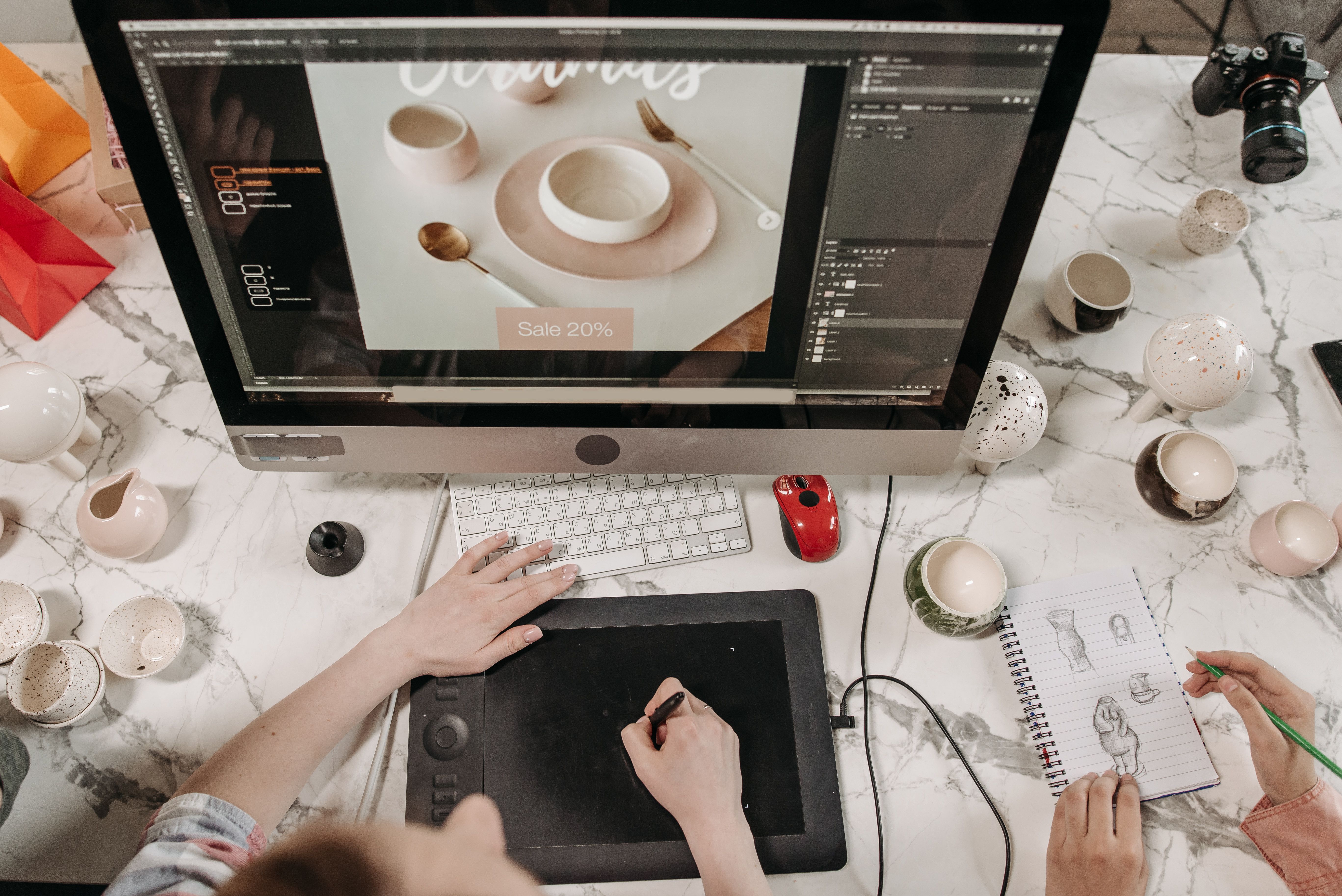
Shopify stores need more than attractive visuals to perform well in search and to support a smooth buying journey. Good design can help search engines understand your pages, make navigation easier for visitors, and reduce friction during browsing and checkout.
That is why Shopify SEO design best practices should be treated as part of your wider website strategy, not as a separate task. When structure, layout, mobile usability, speed, and content work together, your store is easier to use and easier to crawl.
What Shopify SEO design really means
Shopify SEO design is the practice of building a store so that it supports both search visibility and user experience. It is not about adding keywords everywhere or making pages look busy. Instead, it means designing page templates, navigation, product pages, and content areas in a way that helps visitors find what they need quickly.
For ecommerce brands, that often includes clear product categories, readable text, simple filters, strong internal linking, and layouts that keep important information visible. It also includes technical basics such as crawlable content, image optimisation, and a mobile-friendly structure.
If your store needs a broader SEO review, a free website SEO audit can help identify design and performance issues that may be affecting visibility.
Build a clear site structure and navigation
A well-planned structure helps both users and search engines. Visitors should be able to move from the homepage to categories, then to product pages, without confusion. Search engines also rely on that structure to understand which pages matter most.
Start with simple, logical menus. Group products into clear collections, use descriptive labels, and avoid hiding key categories behind vague terms. For stores with many products, layered navigation can help users narrow choices without overwhelming them.
Internal linking is also important. Link from collection pages to best-selling products, from blog content to relevant categories, and from product pages to related items or guides. This supports discoverability and keeps users engaged for longer.
Design for mobile first
Most ecommerce browsing happens on smaller screens, so mobile-first design is essential. On Shopify, that means checking that menus, buttons, filters, and product details are easy to tap and read on a phone.
Keep key actions visible without forcing users to scroll too far. Add clear product titles, concise descriptions, prominent pricing, and simple add-to-cart buttons. Avoid cluttered layouts that push important content below the fold or create accidental taps.
Mobile usability also affects SEO. Search engines evaluate how well a page works on mobile devices, so a responsive design is not just a nice extra. It is part of building a store that performs well across devices.
Improve product and collection page layout
Product pages should answer practical questions quickly. What is the item? Who is it for? What does it cost? What are the key details? What happens next after the user clicks buy?
Use a clean layout that balances images, descriptions, reviews, delivery information, and trust signals. Avoid making users hunt for essentials. A good product page often uses short sections, bullet points, and clear headings so information is easy to scan.
Collection pages matter too. They should be more than a grid of thumbnails. Add brief introductory copy where appropriate, especially for important category pages, to help explain the range and support relevant search terms without stuffing text into the design.
When writing and structuring these pages, think about intent. A visitor comparing products needs different information from someone ready to purchase. Good design supports both by placing the right content in the right order.
Focus on speed, Core Web Vitals, and clean UX
Website speed is part of design because layout choices can slow a store down. Heavy image files, too many apps, large scripts, and complex homepage sections can affect load times and user satisfaction. Slow pages may increase bounce rates and make it harder for visitors to complete tasks.
Core Web Vitals are useful indicators of how quickly pages load, how stable they feel, and how responsive they are. You can review performance using Google PageSpeed Insights, then decide whether image compression, code reduction, or layout simplification is needed.
From a UX perspective, speed works best when paired with clarity. Limit unnecessary animations, keep forms short, and avoid disruptive pop-ups that interrupt shopping. Clean user journeys often support better engagement, though results still depend on traffic quality, product appeal, and trust signals.
Make content work within the design
Good Shopify design gives content room to do its job. That means clear page titles, readable headings, useful product descriptions, and structured copy that helps people make decisions. Search engines use content structure to understand page relevance, while users rely on it to compare options.
Do not hide important copy in tiny accordions just to make pages look cleaner. Some collapsible sections can improve scannability, but essential details such as sizing, ingredients, shipping, and returns should remain easy to find. Accessibility also matters here, because readable contrast, sensible font sizes, and keyboard-friendly interactions help more people use the site effectively.
For example, a service business using Shopify for bookings or digital products should still follow the same principles: concise service pages, clear benefits, strong calls to action, and a layout that matches user intent rather than visual trends.
Best practices for conversion-focused design
Conversion-focused design does not mean aggressive selling. It means reducing friction and making the next step obvious. For ecommerce stores, that can include visible trust cues, clear pricing, straightforward checkout paths, and consistent calls to action.
Useful design choices include:
Keep primary buttons distinct and consistent.
Show shipping, returns, and contact information near purchase decisions.
Use concise forms and remove unnecessary steps.
Match page layout to user intent, especially on landing pages and high-value product pages.
If your store is part of a wider website growth strategy, Backlink Works Insights can also help you think about design alongside SEO, content, and performance rather than treating them as separate disciplines.
For businesses using WordPress for blogs or support content alongside Shopify, the same logic applies: design should help users move between educational content and commercial pages without confusion. That supports both usability and internal linking.
Common mistakes to avoid
Many Shopify stores lose effectiveness because design decisions are made for aesthetics alone. Common issues include oversized homepage banners, cluttered menus, duplicate content across collections, weak product page copy, and image-heavy layouts that slow down the site.
Another common mistake is designing for desktop first and then trying to adapt the layout afterwards. That often creates awkward spacing, hidden content, or buttons that are hard to tap on mobile devices.
A final issue is neglecting page structure. If important products are buried too deep, or if category names are unclear, both users and search engines may struggle to understand the site. Good design should always make the next step obvious.
Conclusion
Shopify SEO design is about creating a store that is easy to understand, easy to use, and easy to explore. When your structure, layout, mobile experience, speed, and content work together, you create better conditions for search visibility and a more confident shopping journey.
The most effective stores usually keep things simple: clear navigation, fast pages, readable content, and product pages that answer questions quickly. That approach supports SEO, improves user experience, and gives your business a stronger foundation for growth over time.
Frequently Asked Questions
Does Shopify design affect SEO?
Yes. Design affects crawlability, mobile usability, page speed, content clarity, and how easily users can move through the site.
What is the most important design element for Shopify SEO?
Clear structure is one of the most important elements. If users and search engines can understand your categories and product pages, everything else becomes easier to build on.
Should product pages include a lot of text?
They should include enough useful information to help people decide, but it should be written clearly and organised well. Focus on usefulness rather than length.
How do I improve UX without hurting SEO?
Use simple navigation, fast-loading pages, clear headings, useful internal links, and readable content. Good UX and SEO usually support each other when done properly.
- Sponsored Ad -





