
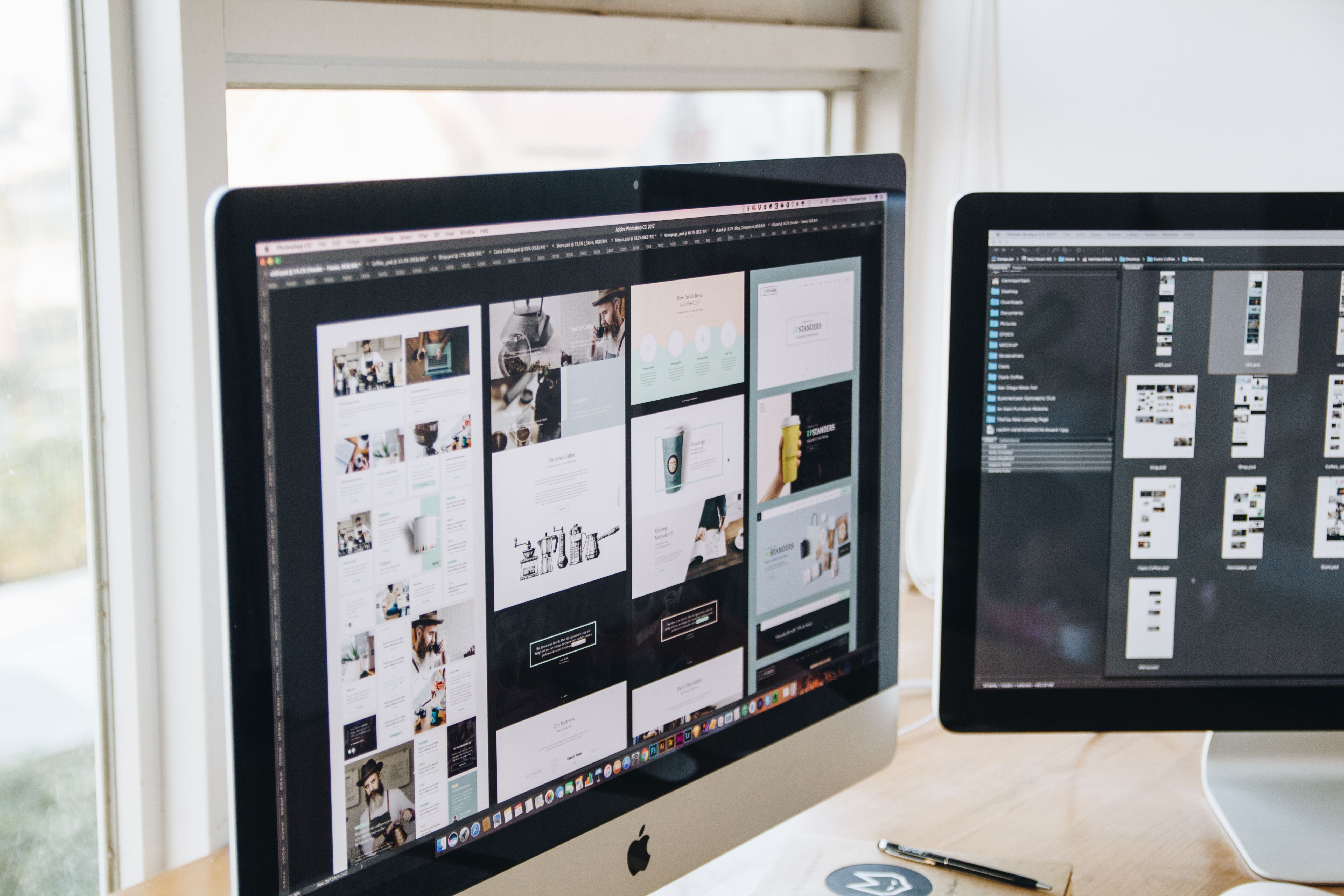
WordPress web design plays a major role in how well a website performs in search, how easy it is to use, and how clearly it communicates value. A well-designed WordPress site helps search engines understand your pages and helps visitors move through the site with less friction.
For businesses, bloggers, ecommerce brands, and service providers, SEO-friendly website design is not just about appearance. It is about structure, speed, mobile usability, content clarity, accessibility, and conversion-focused layouts that support real user needs.
What SEO-Friendly WordPress Web Design Means
SEO-friendly design is the practice of building a website so that both people and search engines can navigate it easily. In WordPress, this means choosing a sensible theme, organising content into clear page types, and keeping the site fast and responsive.
Search visibility is influenced by more than keywords. Design affects crawlability, internal linking, mobile usability, page layout, and how long visitors stay engaged. If a page is hard to read or slow to load, users are more likely to leave before they take action.
A useful WordPress design should support the business goal of the page. A service page may need a clear call to action and trust signals. A product page may need concise descriptions, images, and purchase support. A blog post may need a simple reading layout and related links.
Build a Clear Website Structure
Good website structure makes it easier for visitors and search engines to understand what your site offers. Start with a logical hierarchy: homepage, main service or product categories, then supporting pages and articles.
Keep navigation simple. Most users should be able to reach important pages in a few clicks. For WordPress websites, this often means using a clean menu, sensible categories, and internal links that connect related content naturally.
Landing pages should have one main purpose. Avoid sending users to pages with too many competing messages. If a page is designed to generate leads, the layout should support that action with clear headings, short sections, and visible next steps.
For a practical starting point, a free website SEO audit can help identify structural issues that may affect usability and search performance.
Design for Mobile First and Responsive Use
Mobile-first design means planning the experience for smaller screens before scaling up to desktop. This matters because users often browse on phones, compare services on the move, and make quick decisions based on first impressions.
Responsive WordPress design should resize content smoothly, keep buttons easy to tap, and preserve readability without forcing users to zoom in. Text should be large enough to scan comfortably, images should adapt to screen size, and forms should be simple to complete on mobile.
On ecommerce sites, mobile design is especially important for product browsing, filtering, checkout, and trust-building details such as shipping information and returns. On service websites, contact options and enquiry forms should be easy to access without clutter.
If you want a practical benchmark, Google’s SEO Starter Guide is a useful reference for understanding how site quality and usability connect with search.
Prioritise UX, UI, and Content Layout
User experience, or UX, is about how easy and pleasant the site is to use. User interface, or UI, is the visual system that helps people interact with the site. In WordPress design, both matter because they influence trust, engagement, and conversion potential.
Use headings to break up content into manageable sections. Keep paragraphs short. Add supporting visuals only when they improve understanding. Avoid dense walls of text, especially on service pages, homepage sections, and product descriptions.
Content layout should guide the eye. Place the most important message near the top, followed by evidence, details, and action prompts. A strong page often includes a clear value proposition, a short explanation, useful benefits, and a simple call to action.
Good UX also includes accessibility. Clear colour contrast, descriptive link text, logical heading order, and readable font sizes help a wider range of people use the site successfully.
Improve Speed and Core Web Vitals
Website speed is a major part of WordPress web design because slow pages can frustrate users and make sites harder to crawl efficiently. Fast loading pages create a better experience and support smoother browsing across devices.
Core Web Vitals focus on loading, interaction, and visual stability. In practice, that means avoiding oversized images, limiting unnecessary plugins, reducing heavy scripts, and choosing a theme that is built for performance rather than visual excess.
Useful design decisions include compressing images, using a lightweight homepage layout, and keeping animations subtle. For content-heavy sites, simplify sidebar elements and avoid too many widgets that distract from the main page objective.
It is also sensible to test key templates such as the homepage, service pages, blog posts, and product pages in a tool like PageSpeed Insights so you can see how design choices affect performance.
Design for Conversion Without Hurting Usability
Conversion-focused design does not mean pushing users too hard. It means making the next step obvious and easy. For some websites, that may be a contact form. For others, it may be a booking request, newsletter signup, or product purchase.
Trust signals can support conversions when used honestly. These may include service descriptions, case examples, testimonials from real customers, certifications, FAQs, and contact details. Place them where they help users make informed decisions.
On business websites, a clear header, strong service summaries, and one primary call to action often work better than crowded pages. On ecommerce websites, product pages should include useful descriptions, benefits, images, delivery details, and easy access to basket or checkout functions.
Internal linking can support both SEO and conversions by helping users move from educational content to service pages or product categories. A well-planned backlink building process is one example of how structured content and relevant pathways can support broader visibility efforts, although results still depend on many factors.
WordPress Design Best Practices Checklist
Use this simple checklist when reviewing a WordPress site:
- Choose a clean, responsive theme with strong performance.
- Keep navigation short, clear, and easy to scan.
- Use one main goal per important page.
- Break content into sections with descriptive headings.
- Optimise images and minimise unnecessary plugins.
- Make buttons, forms, and links easy to use on mobile.
- Include internal links to related pages and key actions.
- Check accessibility basics such as contrast and heading order.
If your website needs a broader visibility review, you may also find the resources at Backlink Works useful for SEO education and website growth planning.
Conclusion
WordPress web design best practices are ultimately about making websites easier to use, easier to understand, and easier to trust. When design supports structure, speed, mobile usability, accessibility, and content clarity, it gives SEO and conversion efforts a stronger foundation.
Whether you run a business website, service page, product catalogue, or content-driven blog, the goal is the same: build a site that helps people find what they need quickly and take the next step with confidence. Good design does not guarantee results, but it can remove many of the barriers that get in the way.
Frequently Asked Questions
What makes a WordPress website SEO-friendly?
A WordPress website is SEO-friendly when it is easy to crawl, mobile responsive, fast, well structured, and built with clear content and internal links.
Should I design for mobile first?
Yes. Mobile-first design helps ensure the site works well on small screens, which supports usability and search performance.
How does website design affect conversions?
Design affects conversions by shaping clarity, trust, speed, and ease of action. Better design can support results, but outcomes depend on traffic quality, offer strength, and testing.
What should I prioritise on a WordPress service page?
Focus on a clear headline, concise explanation, trust signals, a simple layout, mobile usability, and an obvious call to action.
- Sponsored Ad -





