
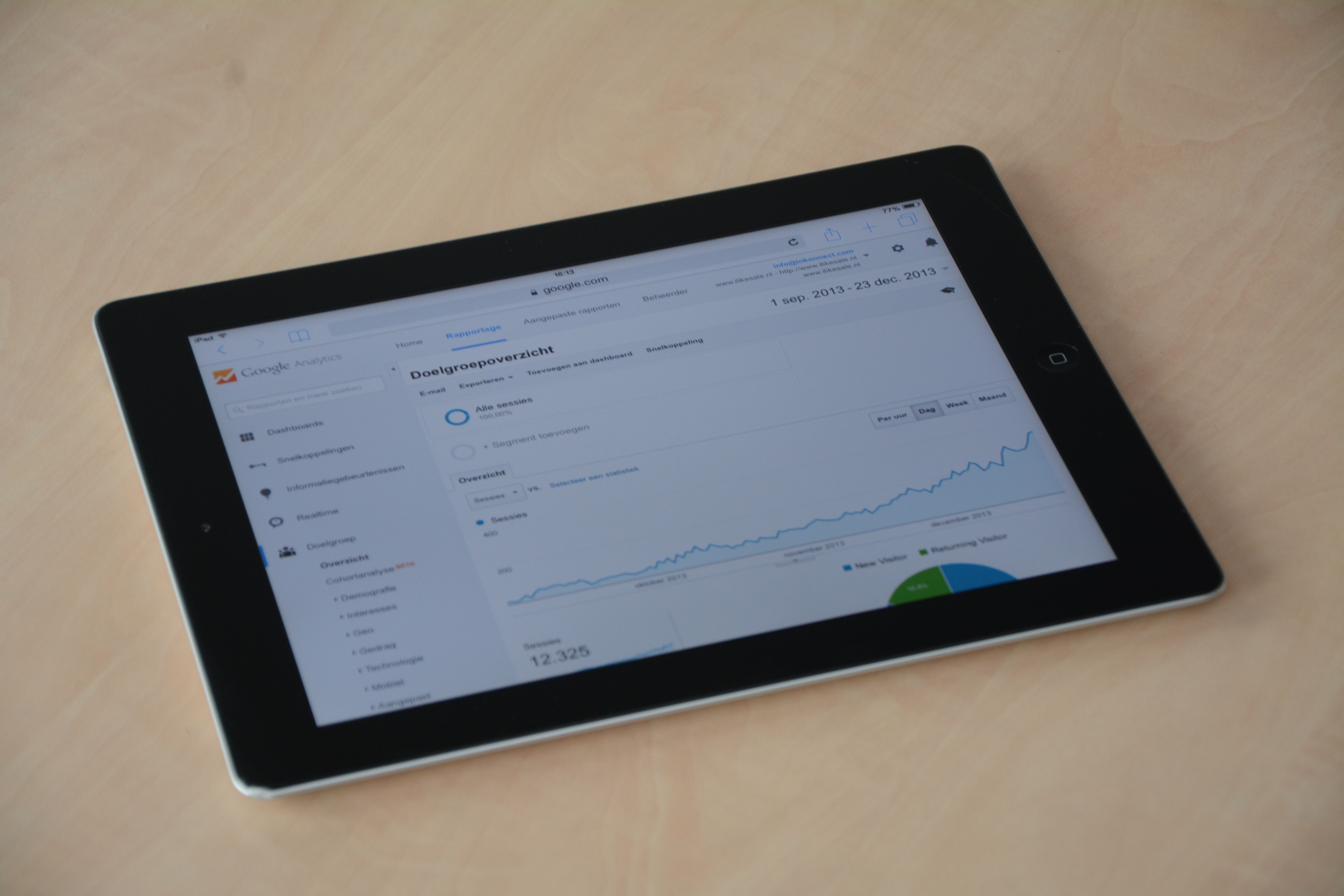
When people compare on page SEO audit tools and Chrome extensions, they are usually trying to solve the same problem in different ways: how to spot issues that may affect search visibility. Both can help you review titles, headings, links, content quality, metadata, page speed signals, and technical basics, but they do so at different depths.
The right choice depends on your workflow. A browser extension is often quicker for spot checks, while a dedicated audit tool is usually better for larger crawls, reporting, and repeated reviews across many pages. In practice, most website owners benefit from using both in a sensible workflow rather than relying on just one.
What Each Tool Type Is Designed to Do
On page SEO audit tools are built to analyse webpages in bulk or in detail. They may crawl a site, identify technical issues, surface duplicate metadata, check internal linking patterns, review indexability, and highlight content-related concerns. Many teams use them for site-wide audits, template checks, and repeatable reporting.
Chrome extensions, by contrast, work inside the browser and are best for fast inspection. They are handy when you want to look at a live page, review headings, view metadata, inspect canonical tags, check links, or compare a page against a SERP without leaving the tab. They can be especially useful for bloggers, freelancers, and consultants who need quick answers while browsing.
The key difference is scope. Audit tools tend to be broader and more structured, while extensions are lighter and more immediate.
Where Audit Tools Usually Perform Better
If you manage a large website, an ecommerce store, a publication, or a site with many templates, a dedicated audit tool often provides better coverage. It can crawl many URLs, flag recurring issues, and help you prioritise work across the site. That makes it more suitable for technical SEO, content optimisation, and reporting to clients or internal teams.
Audit tools are also more useful when you need consistency. For example, you may want to identify pages with thin content, broken internal links, redirect chains, missing alt text, or unclear indexation patterns. A browser extension can reveal a single page problem, but it will not usually give you the same breadth across hundreds or thousands of URLs.
For deeper audits, teams often combine a crawler with data from Google Search Console and Google Analytics 4, because crawling alone does not tell you how users behave or how Google is seeing performance over time.
Where Chrome Extensions Are More Practical
Chrome extensions are useful when speed matters more than scale. If you are checking a landing page, a blog post, or a product page, extensions can help you see on-page elements instantly. They are often used for quick audits of title tags, meta descriptions, headings, robots directives, schema markup, and canonical tags.
They are also helpful during content editing. A writer or marketer can review a draft page, see whether the target topic is clear, check the structure, and spot obvious issues before publishing. For WordPress users, this can be a convenient layer on top of an SEO plugin, especially when working on one page at a time.
Extensions are rarely enough on their own for a full site review, but they can be excellent for fast checks, QA, and day-to-day optimisation.
How to Choose Based on Your SEO Goals
The right tool depends on the job in hand. If your goal is technical SEO for a medium or large site, a crawler-style audit tool is usually the stronger choice. If you are reviewing content pages, checking templates, or working through a shortlist of URLs, a Chrome extension may be enough.
It also helps to think about the type of insight you need:
- For keyword research and content planning, use dedicated keyword research tools alongside page checks.
- For indexing and search performance, rely on Google Search Console.
- For page speed and Core Web Vitals, use PageSpeed Insights or similar performance tools.
- For reporting, use a dashboard tool such as Looker Studio if you need clearer summaries.
If you want a starting point for broader site checks, Backlink Works offers a free website SEO audit that may help you spot common issues before deciding whether you need a deeper workflow.
A Practical Workflow That Combines Both
A balanced process often works best. Start with a site-wide audit tool to find structural issues, then use Chrome extensions to inspect problem pages manually. After that, cross-check the findings against Search Console, Analytics, and performance tools.
For example, you might:
- Run a crawl to find pages with missing metadata or broken links.
- Open affected pages in the browser and review the content, headings, and internal links.
- Check whether the page is indexed and how it performs in search.
- Test speed and user experience signals using PageSpeed Insights.
- Review structured data with schema testing tools where relevant.
This approach is especially useful for ecommerce SEO, local SEO, and WordPress SEO because templates and page types often repeat. One fix can sometimes improve many pages, but only if you know where the pattern sits.
Common Mistakes to Avoid
One common mistake is treating a browser extension as a full audit solution. It may show useful page data, but it will not replace crawl analysis, reporting, or performance tracking. Another mistake is relying on a tool without checking the business context. A warning in an audit report does not always mean immediate action is required.
It is also wise not to chase every issue. Some findings are minor, while others are more important for visibility and usability. Prioritise fixes that affect crawling, indexation, content clarity, speed, or user experience.
For site owners building a broader backlink and visibility strategy, it can help to read educational resources such as the ultimate guide to backlink building, because on page work and off page authority often support each other over time.
Conclusion
On page SEO audit tools and Chrome extensions are not direct substitutes. Audit tools are usually stronger for scale, repeatable checks, and reporting. Chrome extensions are often better for quick inspection, content editing, and day-to-day page reviews. If your site is small, an extension and a few free tools may be enough to start. If your site is larger or more complex, a dedicated audit workflow is usually more efficient.
The smartest approach is to choose tools that fit your site size, budget, technical skill, and reporting needs. Tools can support better SEO decisions, but they do not replace strategy, useful content, clean implementation, or regular review. That is where Backlink Works fits into a practical workflow: as part of a wider process for improving visibility, not as a shortcut.
Frequently Asked Questions
Are Chrome extensions enough for an SEO audit?
They are useful for quick checks, but they are usually not enough for a full audit on larger sites.
Do free SEO tools still have value?
Yes. Free tools can be very useful for basic checks, but they often have limits on depth, scale, or reporting.
Should I use Google Search Console with audit tools?
Yes. Search Console helps you compare crawl data with real search performance and index coverage.
Which is better for ecommerce sites: audit tools or extensions?
Usually audit tools, because ecommerce sites often have many pages, templates, filters, and technical issues to review.
- Sponsored Ad -





