
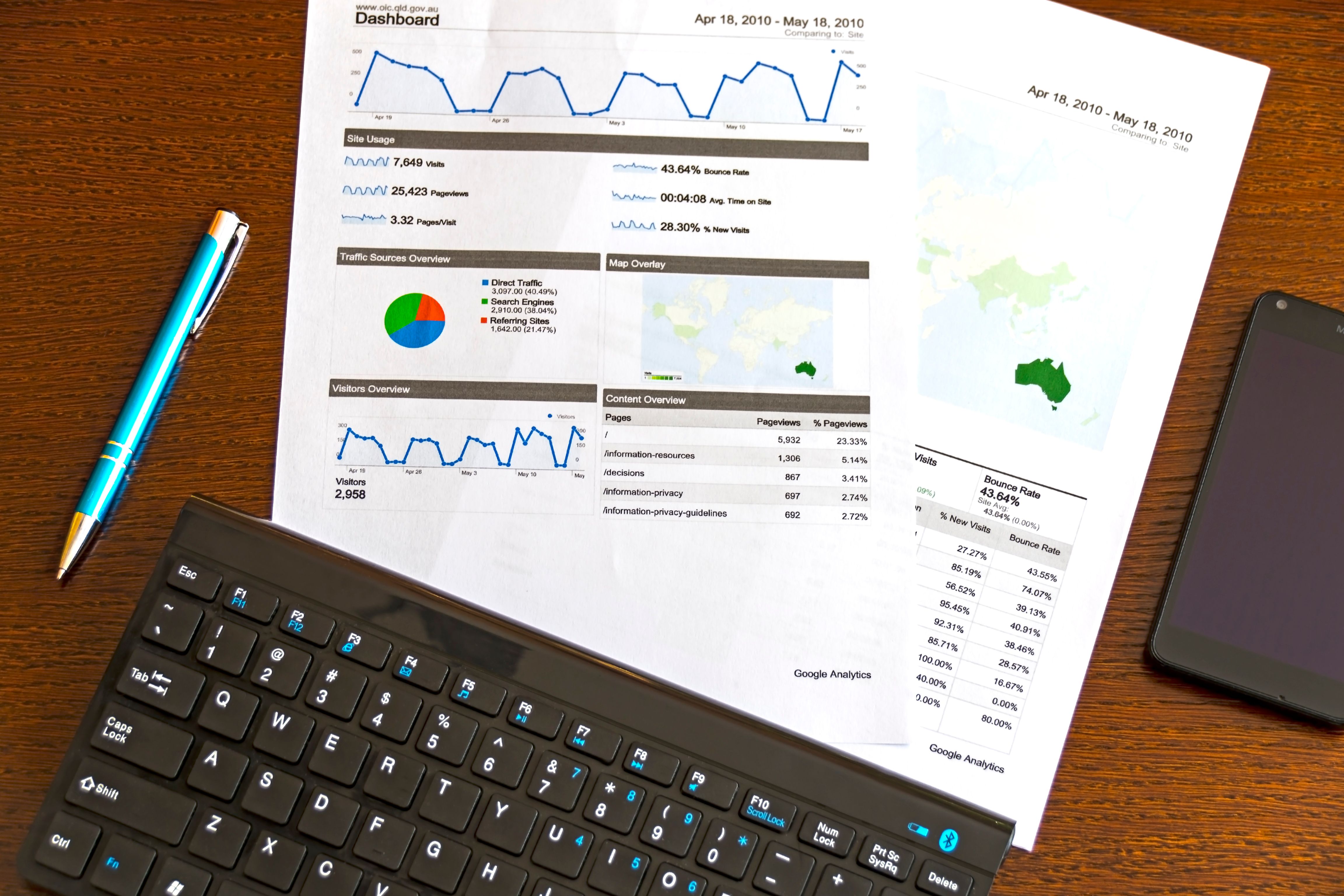
Free SERP checker tools can be a practical starting point for keyword research and rank tracking, especially if you are managing a small website, a blog, or a local business site. They help you see how pages appear in search results, what titles and descriptions are displayed, and where your pages may be winning or losing visibility.
Used well, these tools support better SEO decisions across content planning, technical fixes, and ongoing reporting. They do not replace strategy, quality content, or solid implementation, but they can make it much easier to spot issues and identify opportunities.
What a SERP checker tool actually does
A SERP checker shows how a page may appear in a search engine results page for a given keyword. In simple terms, it helps you review ranking positions, title tags, meta descriptions, featured snippets, and sometimes local or mobile search appearance. That makes it useful for both keyword research and rank tracking.
For keyword research, SERP tools help you judge search intent. A keyword might look promising in a spreadsheet, but the live results may show that Google prefers product pages, guides, videos, or local listings. That insight can shape your content before you publish.
For rank tracking, the value is less about vanity and more about movement. You can monitor whether a page is gaining or losing visibility after an update, an optimisation, or a technical fix.
Best free SERP checker tools to consider
Free tools are useful, but they often come with limits such as fewer searches, less historical data, or more manual checking. Still, they are enough for many site owners to build a reliable workflow.
Google Search Console
Google Search Console is one of the most important free tools for SEO. It shows the queries your site appears for, average positions, clicks, impressions, and indexing signals. It is not a traditional SERP simulator, but it is essential for understanding how your pages perform in Google search.
Use it to find pages with high impressions but low click-through rates, then improve titles and descriptions. If you want a deeper official starting point, Google’s own SEO starter guide is a useful reference.
Google Search results and manual checks
Sometimes the simplest SERP checker is the search engine itself. Checking results manually in an incognito window can help you confirm what users may see, although results vary by location, device, and search history. It is best used alongside structured tools rather than on its own.
Google Trends
Google Trends is helpful for keyword research when you want to compare topics, spot seasonal demand, or see whether a term is rising or falling in interest. It does not give rank data, but it can guide topic selection and content timing.
Microsoft Advertising Keyword Planner
Although built for ads, it can still help with keyword discovery. It is useful when you want extra keyword ideas, especially for commercial searches. As with any keyword tool, treat the data as a guide rather than a guarantee of SEO value.
How to use SERP tools for better keyword research
The best keyword research is not only about search volume. A good SERP review tells you what kind of page is likely to satisfy the searcher. Look at the top results and ask a few practical questions: Are they informational or transactional? Are they long guides, category pages, or product pages? Is the intent local, national, or niche?
For example, if you run an ecommerce store and the search results are full of category pages, a blog post may not be the best match. If the results are full of how-to articles, a product page alone may struggle to compete. SERP checks help you align content with intent before you invest time in writing.
This is also where supporting tools matter. A keyword idea can look strong, but pairing SERP analysis with Google Search Console, a crawler, or a content optimiser gives you a more reliable view of what should be updated first.
How free rank tracking fits into a wider SEO workflow
Rank tracking is useful, but it should be part of a wider process that includes technical SEO, content quality, and user experience. A keyword moving from position 18 to 12 may mean progress, but it may still bring little traffic if the snippet is weak or the page does not match intent well.
It also helps to track pages rather than only keywords. A single page can rank for many queries, and a simple ranking report may miss that broader visibility. Tools such as Google Analytics 4 can help you connect search visibility with engagement on the page, while PageSpeed Insights and Core Web Vitals checks can reveal whether performance issues are affecting users after the click.
If you are building a reporting workflow, Looker Studio can bring search and analytics data together in one place. That can be especially useful for agencies, freelancers, and small teams that need clear SEO reporting without unnecessary complexity.
What to look for before choosing a free tool
Not every free SERP checker suits every site. Before you rely on one, check how it handles location, device type, language, and search intent. A tool that shows generic results may not be enough for local SEO, ecommerce categories, or international websites.
Also consider whether the tool gives you enough context. Useful extras can include related keyword ideas, snippet previews, competitor visibility, or SERP feature tracking. For technical SEO teams, it can be helpful if the tool works alongside a crawler, schema markup validator, or page speed checker.
For websites that are still growing, a free website SEO audit can be a good companion to SERP research because it highlights the technical and on-page issues that may affect ranking potential. Backlink Works also offers educational resources that can help you understand how SEO tools fit into a broader site improvement process.
Common mistakes to avoid with free SERP checkers
One common mistake is treating a SERP position as the full story. Rankings can vary by location, device, and personalisation, so a single check may not reflect the real picture. Another mistake is chasing keywords without reviewing search intent.
It is also easy to overreact to short-term ranking changes. Search visibility can shift because of content updates, algorithm changes, or seasonal demand. Use free tools to spot patterns, not to make assumptions from a single data point.
Finally, do not rely on SERP tools alone. They work best when combined with audits, analytics, and practical content improvements. For example, if a page ranks but does not attract clicks, the problem may be the snippet rather than the keyword itself.
Conclusion
Free SERP checker tools are a sensible way to support keyword research and rank tracking without committing to a large software budget. They help you understand search intent, review snippets, monitor visibility, and prioritise changes more effectively.
The best results usually come from combining SERP checks with Google Search Console, analytics, content optimisation, and technical SEO reviews. That approach gives you a clearer view of what is happening and what to improve next, without relying on any single tool to do everything.
Frequently Asked Questions
Are free SERP checker tools enough for SEO?
They are often enough for basic keyword research, snippet reviews, and light rank tracking. Larger sites usually need more detailed data and reporting.
What is the difference between SERP checking and rank tracking?
SERP checking shows what the search results look like for a keyword. Rank tracking monitors how your pages move over time for specific terms.
Should I use Google Search Console for keyword research?
Yes, because it shows real queries that already bring impressions and clicks. It is one of the most useful free sources for content ideas.
Do SERP tools improve rankings by themselves?
No. They help you make better SEO decisions, but rankings still depend on content quality, technical health, links, and user experience.
- Sponsored Ad -





