
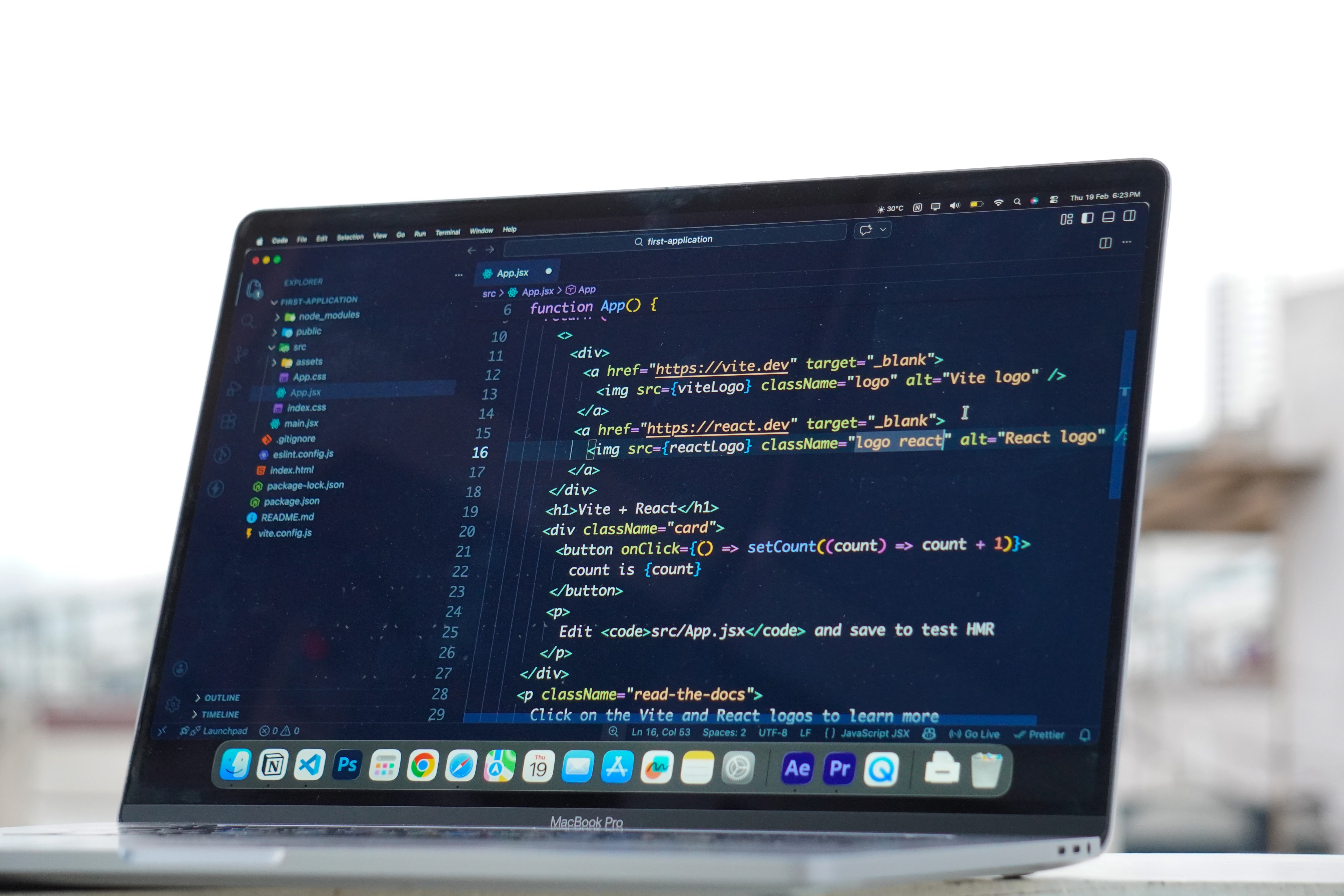
Bare metal vs cloud server performance is often discussed in terms of speed, TTFB, and uptime, but the right choice depends on how a website is built and used. A bare metal server gives one customer direct access to dedicated hardware, while cloud hosting spreads workloads across virtualised infrastructure that can scale more easily. Both can perform well, but real-world results vary by website code, traffic patterns, server location, cache state, and configuration.
For website owners, the decision is rarely only about raw power. Hosting affects server response time, stability during traffic spikes, maintenance effort, security controls, and how well a site supports WordPress, WooCommerce, or other applications. It also interacts with caching, CDNs, databases, images, and third-party scripts, so hosting is only one part of the performance picture.
What bare metal and cloud hosting mean in practice
Bare metal hosting means your site runs on a physical server with dedicated CPU, RAM, storage, and network resources. There is no hypervisor layer sharing the machine with other virtual servers. This can be attractive for workloads that need predictable resource access, consistent latency, or custom server tuning.
Cloud hosting typically runs on virtual machines or containers backed by a larger infrastructure platform. Resources can often be scaled up or down more quickly, and some cloud setups support redundancy across multiple nodes or availability zones. That flexibility can help growing businesses, but it does not automatically make every cloud server faster than every bare metal server.
Bare metal vs cloud server performance: speed and TTFB
Speed is usually felt first in Time to First Byte (TTFB), which measures how long the browser waits before receiving the first response from the server. Lower TTFB can make pages feel more responsive, but it is only one part of overall page speed. A site can have a decent TTFB and still feel slow because of large images, heavy JavaScript, or poor frontend optimisation.
Bare metal may deliver more consistent performance when an application needs steady CPU and disk access, especially for busy databases or custom software. Cloud servers can also be fast, particularly when the instance type is sized correctly and the platform is well configured. The main difference is often consistency: cloud environments may be easier to resize, while bare metal may offer fewer layers between your site and the hardware.
For practical testing, compare more than one metric. Use lab tools such as PageSpeed Insights, Lighthouse, GTmetrix, or WebPageTest to spot bottlenecks, but remember that synthetic results are not the same as real-user data. Test from locations close to your audience and repeat checks after changes, because cache state, network conditions, and server load can all affect the outcome.
How uptime differs from performance
Uptime refers to how often a server or website stays available. A hosting plan with strong uptime design may use redundant power, networking, storage, or failover options, but no environment can promise zero downtime. Uptime guarantees also do not cover every cause of interruption, such as application errors, misconfiguration, DNS issues, expired certificates, or plugin conflicts.
Cloud hosting often has an advantage in resilience because workloads can sometimes move between nodes more easily. However, a well-managed bare metal environment can also be reliable if it includes good monitoring, backup procedures, and replacement planning. For businesses that rely on constant availability, uptime monitoring is useful because it alerts you when a problem occurs, but it does not prevent the issue from happening in the first place.
If you are reviewing hosting choices alongside SEO and site health, a free website SEO audit can help you identify whether hosting, technical SEO, or page-level issues are most likely affecting visibility and user experience.
What really affects website performance on either platform
Many slow websites are not slow because of hosting alone. Database queries, oversized images, render-blocking CSS, unminified JavaScript, font loading, redirects, and repeated third-party requests can all slow pages down. On WordPress sites, a heavy theme or too many plugins can create extra work for the server and the browser.
Caching can help, but it must be matched to the site. Browser caching stores files on the visitor’s device, page caching stores rendered pages, object caching helps reduce repeated database work, and server caching may speed up repeated requests at the infrastructure level. CDN caching can deliver static assets from locations closer to visitors. Incorrect rules, however, can create stale pages, login issues, or cart problems on ecommerce sites.
A CDN can reduce delivery distance for static files, but it does not fix an overloaded database or badly written code. If you manage WordPress or WooCommerce, keep an eye on PHP version support, object cache compatibility, scheduled tasks, and the interaction between performance plugins and checkout functionality. For more on how caching works in a WordPress context, the WordPress caching guidance is a useful technical reference.
Choosing the right setup for WordPress and WooCommerce
For blogs, brochure sites, and smaller business websites, shared hosting, managed hosting, VPS hosting, or entry-level cloud hosting may be enough if traffic is modest and the site is well optimised. As traffic, concurrent users, product data, and plugin complexity grow, the site may outgrow its current plan and need more CPU, RAM, storage, or better database handling.
WooCommerce and other ecommerce platforms need special care because carts, checkout pages, customer accounts, and personalised content cannot always be treated like static pages. Full-page caching may need exclusions so customers see correct basket contents and account information. Managed hosting can reduce technical workload by handling updates, backups, and security tasks, while unmanaged environments give more control but require more expertise.
If you are planning a move between hosting types, back up the site first, check DNS records, test the migrated copy, and monitor it after launch. If you are comparing providers or reviewing a migration project, the Backlink Works backlink building process overview can be a helpful example of how structured technical work supports broader website growth planning, even though hosting itself still needs separate evaluation.
Testing, monitoring, and common mistakes
Performance testing should look at both laboratory data and field data. Lab tests simulate visits under controlled conditions, which is useful for comparison. Field data reflects what real visitors experience, and it may take time to update after changes. Core Web Vitals are part of that picture: Largest Contentful Paint measures loading of the main visible content, Interaction to Next Paint measures responsiveness to user input, and Cumulative Layout Shift measures visual stability.
Common mistakes include chasing a perfect score, enabling duplicate caching layers without checking compatibility, ignoring database slowdowns, and assuming that moving to cloud hosting will solve frontend issues. Another frequent issue is changing too many variables at once, which makes it hard to know what actually improved or worsened. Test one change at a time where possible, especially for major updates.
A short checklist can help: confirm your hosting resource limits, review server response time, check image sizes, inspect plugin load, verify CDN behaviour, test backup restores, and set up uptime monitoring. Keep an independent off-site backup, and make sure you can restore it successfully rather than assuming the file copy is enough.
Conclusion
Bare metal and cloud hosting can both deliver strong performance, but they suit different needs. Bare metal often appeals to sites that want dedicated resources and predictable behaviour, while cloud hosting is attractive for flexible scaling and resilience. In either case, real speed and uptime depend on more than the server alone.
The best approach is to match hosting to your website’s traffic, technical demands, audience location, and support needs. Then improve the rest of the stack: optimise images, use caching carefully, keep the database efficient, monitor uptime, and test changes before and after deployment. That practical combination usually matters more than choosing a server type in isolation.
Frequently Asked Questions
Is bare metal always faster than cloud hosting?
No. Bare metal can be very consistent, but a well-configured cloud server may perform just as well or better for some sites. The outcome depends on workload, location, caching, and how the server is tuned.
Does a lower TTFB mean my site is fully optimised?
Not necessarily. TTFB is important, but visitors also notice image weight, layout shifts, JavaScript execution, and how quickly the page becomes usable. A site can have a good TTFB and still feel slow overall.
Can uptime monitoring prevent downtime?
No. Monitoring only alerts you when a site is unavailable or behaving unusually. It helps you respond faster, but it does not stop outages caused by hardware faults, software errors, or configuration problems.
Should I change hosting if my WordPress site is slow?
Only after checking other causes first. Themes, plugins, caching, images, database queries, and third-party scripts often need attention before a hosting migration is justified. If the site has clearly outgrown its resources, then a better plan may help.
- Sponsored Ad -





