
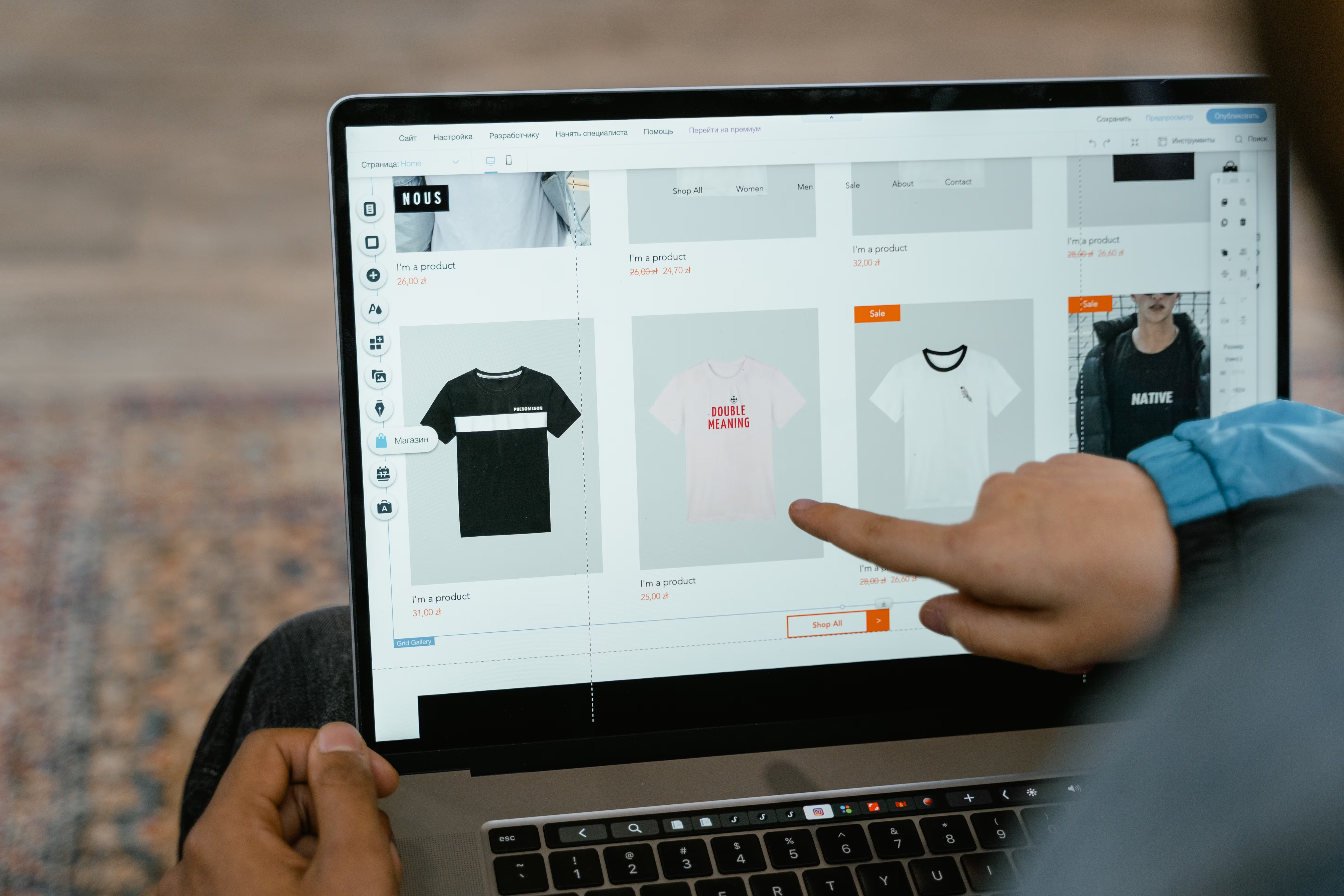
Block Editor website design gives businesses a flexible way to build pages that are easier to update, organise, and optimise. In a WordPress context, the block editor can support SEO-friendly design when it is used with clear structure, sensible content layout, and good performance habits.
This matters because search visibility and user experience are closely connected. A well-designed block-based site can improve crawlability, mobile usability, page speed, accessibility, and conversion clarity, while still giving teams more control over layouts, landing pages, service pages, and product pages.
What block editor website design means
The block editor lets you build pages from content blocks such as headings, paragraphs, images, buttons, columns, testimonials, and reusable sections. Instead of relying on one fixed page template, you can assemble layouts that suit different business goals, from a homepage to a service page or ecommerce product page.
For website design, this approach is useful because structure is easier to manage. You can keep headings in order, separate key messages into distinct sections, and create pages that are clearer for both visitors and search engines. It also supports simpler updates, which is important for businesses that publish content regularly or change offers often.
Build a page structure that supports SEO and UX
Good block editor design starts with structure. Each page should have one main topic, a clear sequence of sections, and content that answers the visitor’s likely question quickly. For example, a service page might move from a short introduction to benefits, process, proof, pricing guidance, and a contact section.
That structure helps search engines understand the page and helps users scan it more easily. Use headings to break content into logical sections, keep paragraphs short, and avoid placing too many messages in one block. If a visitor can see what a page offers within a few seconds, they are more likely to stay and continue reading.
Navigation also matters. Strong website structure uses menus, internal links, and related-page connections so users can move between pages without confusion. For larger websites, this is especially important for service categories, product categories, blog resources, and comparison pages.
Design for mobile-first responsiveness
Most websites are viewed on smaller screens at least some of the time, so block editor layouts should work well on mobile first. That means sections need enough spacing, text must remain readable, and columns should stack naturally without forcing horizontal scrolling or awkward cropping.
When designing in blocks, check how each section behaves on mobile, tablet, and desktop. A complex three-column layout may look polished on desktop but become difficult to read on a phone. In many cases, a simpler layout with one clear call to action performs better for both usability and conversions.
Mobile-first design is also about interactions. Buttons should be easy to tap, forms should be short and usable, and navigation should not require too many steps. If your site is built in WordPress, the block editor can help you test and adjust these elements page by page before publishing.
Keep speed and Core Web Vitals in mind
Website speed affects user experience and can influence SEO performance indirectly through usability. Heavy layouts, oversized images, too many scripts, and cluttered page builders can slow down pages. With block editor website design, the aim should be to create clean pages that load efficiently and avoid unnecessary complexity.
Use compressed images, only add blocks you really need, and avoid stacking too many animations or embedded elements on one page. Reusable blocks can also help keep design consistent without duplicating heavy content across the site. If you want a practical performance benchmark, tools such as PageSpeed Insights can help you spot common issues.
Core Web Vitals should be treated as a design consideration, not just a technical one. Stable layouts, fast loading sections, and responsive interaction all support a smoother experience. This is particularly important for ecommerce website design, where slow or awkward pages can interrupt browsing and checkout behaviour.
Make content layout conversion-focused, not cluttered
Conversion-focused design is not about pushing visitors too hard. It is about making the next step obvious. On a business website, that could mean a quote request, booking form, newsletter signup, demo request, or contact page. On an ecommerce site, it may mean clear product information, trust signals, and a straightforward add-to-basket path.
Use the block editor to place the most important content near the top, then support it with detail lower down the page. For example, a landing page might open with a clear value proposition, followed by benefits, proof, FAQs, and a call to action. This structure helps users understand the offer before committing to action.
Trust signals should feel natural. Include clear contact details, service descriptions, reviews where genuine, return policies for stores, and simple explanations of what happens next. Conversion results depend on traffic quality, copy, trust, design clarity, and testing, so the layout should support the offer rather than distract from it.
Use accessible UI choices and consistent design patterns
Accessible design improves the experience for more users and supports better overall website quality. In the block editor, that means choosing readable font sizes, strong colour contrast, descriptive button labels, and alt text for meaningful images. It also means making sure the page can be understood without relying only on visual styling.
Consistency matters too. Repeated patterns help visitors learn how your site works. For example, service pages can use the same section order, product pages can share the same layout, and blog posts can follow a predictable content structure. This reduces friction and makes the website feel more professional.
If your team is new to accessibility, the WCAG guidelines are a useful reference point for better design decisions. Accessibility is not just a compliance issue; it is also part of good UX and stronger content clarity.
Practical setup checklist for block editor pages
Before publishing a page, check that it has a clear purpose, one main heading, logical subheadings, and a simple call to action. Make sure images are relevant, compressed, and labelled properly. Review spacing and alignment on mobile and desktop, and remove any blocks that do not help the page achieve its goal.
It is also wise to review internal linking. Link to related service pages, product categories, or relevant articles where it genuinely helps the user. For teams who want a broader SEO check-up, a free website SEO audit can be a useful starting point for identifying structure and performance issues.
For WordPress sites specifically, keep an eye on plugin bloat and page consistency. The block editor works best when the site is planned as a system, not as a collection of disconnected pages.
Conclusion
Block editor website design works well when it is treated as a strategic part of SEO, UX, and website performance. Clear structure, mobile-friendly layouts, fast-loading content, and accessible UI choices can make it easier for users to understand your site and take action.
Whether you are building a business website, service page, landing page, or ecommerce product page, the best results usually come from simple, purposeful design. If your site also needs stronger content and authority support, Backlink Works can sit alongside a solid design foundation as part of a wider growth strategy.
Frequently Asked Questions
Is the block editor good for SEO-friendly website design?
Yes, when used well. It helps create clean page structure, mobile-friendly layouts, and clearer content organisation, all of which support SEO and usability.
How should I structure a landing page in the block editor?
Start with a clear value proposition, then add benefits, supporting details, trust signals, and one obvious call to action. Keep the layout focused and uncluttered.
What affects page speed in block editor designs?
Large images, too many blocks, extra scripts, and unnecessary animations can slow pages down. Simpler layouts usually perform better.
Can the block editor work for ecommerce and service websites?
Yes. It can support product pages, service pages, category pages, and homepage layouts, as long as the content structure and user journey are planned carefully.
- Sponsored Ad -





