
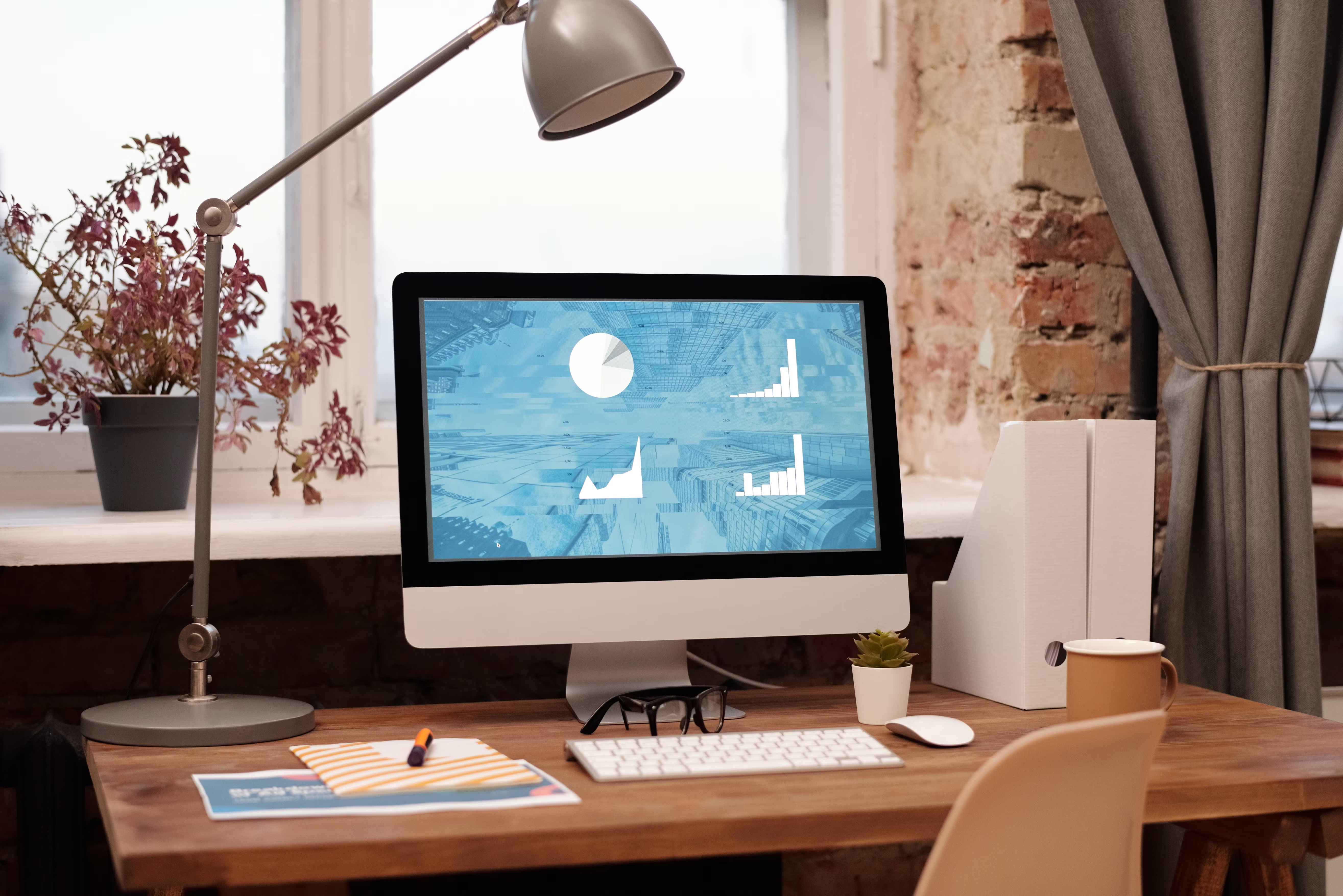
Blog layout design has a direct impact on how people read, navigate and trust a website. For SEO-friendly websites, layout is not just about appearance; it shapes crawlability, mobile usability, content clarity and how easily visitors can take the next step.
When a blog is structured well, it becomes easier for search engines to understand and for users to scan. That can support stronger engagement, better accessibility and a smoother path from discovery to conversion, whether the goal is newsletter sign-ups, enquiries, product views or service bookings.
What SEO-Friendly Blog Layout Design Really Means
SEO-friendly blog layout design is the practice of organising content so that it works well for both users and search engines. That includes a clear hierarchy, readable typography, logical headings, sensible spacing, fast loading pages and navigation that helps visitors move through the site with ease.
This is especially important on WordPress website design projects, business websites, ecommerce blogs and service-based sites where content supports visibility and trust. A strong layout helps search engines interpret the page structure, while also helping people find the answers they need without frustration.
For example, a blog post with a clear title area, table of contents, readable body text, related articles and a visible call to action is usually easier to use than a cluttered page with too many sidebars, distractions or competing messages.
Build a Clear Page Structure
A good blog layout starts with a simple page structure. Place the most important information where people expect it: title at the top, introduction that explains the topic, body content in a logical order and a clear conclusion near the end.
Use headings to break content into sections. This improves readability and helps search engines understand what each part of the page is about. Keep the hierarchy consistent so readers can skim the page quickly on desktop and mobile devices.
Where appropriate, include related internal links to useful resources. For example, if your content strategy depends on technical checks, an internal link to a free website SEO audit can support users who want to review their site structure and performance in more detail.
A well-organised layout also supports content planning. Blog posts, landing pages, service pages and product pages should feel connected, so visitors can move naturally from information to action without confusion.
Design for Mobile-First and Responsive Use
Most users will experience your blog on a phone at some stage, so mobile-first design should shape the layout from the beginning. Responsive web design ensures the page adapts to smaller screens without forcing users to pinch, zoom or hunt for key content.
On mobile, keep paragraphs short, use generous spacing and avoid dense columns. Make buttons easy to tap and ensure headings are meaningful. A long article should still feel easy to scan, with content blocks that are visually distinct and not overcrowded.
Mobile usability matters for SEO because search engines want to surface pages that offer a good user experience across devices. It also affects conversion-focused design. If a service page or blog post is difficult to read on mobile, visitors are less likely to continue to the next step.
When planning a layout, think about what happens after the first screen. Users should be able to continue reading, search the site or take action without unnecessary friction.
Improve Readability, UX and UI
User experience and user interface choices influence how comfortably people consume your content. Readability is not only about font choice; it also includes line length, contrast, spacing, sentence structure and visual hierarchy.
For blog content, avoid long walls of text. Use short paragraphs, descriptive subheadings and simple language. If you need to explain a process, break it into steps or examples rather than forcing everything into one dense section.
UI details matter as well. Buttons should look like buttons, links should be clearly styled and important elements should stand out without overwhelming the rest of the page. A calm, focused design usually performs better than a layout filled with competing banners and unrelated widgets.
Accessibility should be part of the same discussion. Good colour contrast, clear labels and logical heading order help more users access the content, while also supporting a cleaner overall structure.
Balance Content Layout with SEO and Performance
Blog layout design affects how easily search engines can crawl and interpret a page. A sensible structure, internal linking and clear topical focus all help search engines understand the content in context. That said, design supports SEO indirectly rather than replacing strong content and solid technical foundations.
Website speed and Core Web Vitals are also important. Heavy images, unnecessary scripts and oversized page elements can slow down loading and make the experience feel less stable. If a blog relies on large visuals, use optimised images and only add design elements that genuinely improve the page.
Useful tools can help you assess performance. Google’s PageSpeed Insights is a practical starting point for checking speed and Core Web Vitals signals, especially when you are reviewing mobile performance.
For ecommerce website design, content layout should avoid distracting from product discovery. For service pages, the blog should guide visitors towards helpful next steps, such as reading a related guide, viewing a case study or contacting the team.
Design Blog Layouts That Support Conversion
Good blog design does not force a sale. Instead, it helps visitors understand the topic and see the next logical step. That could mean signing up for updates, exploring a relevant service page or learning more about a product.
Conversion-focused design depends on clarity, trust signals, page speed, content quality and user intent. A clean layout can support conversions by making key actions visible at the right time, but results will always depend on the audience, the offer and the quality of the content.
Useful layout elements include a clear introduction, subtle call to action placement, related links, author or brand context and a tidy end-of-article section. If your blog is part of a wider content strategy, linking to a practical resource such as an in-depth backlink building guide can help readers continue their journey without interrupting the experience.
On agency, startup and consultant websites, the blog often acts as a bridge between educational content and lead generation. The design should make that bridge obvious, but not pushy.
Best Practices Checklist for Blog Layout Design
Before publishing, review the page with a practical checklist:
- Use a clear heading hierarchy and logical content sections.
- Keep paragraphs short and easy to scan.
- Make sure the layout works well on mobile and desktop.
- Prioritise speed by avoiding unnecessary visual clutter.
- Use internal links where they help users move to the next useful page.
- Keep calls to action relevant to the topic and the user’s intent.
- Check contrast, spacing and tap targets for accessibility.
- Remove distractions that do not support the page goal.
These basics are useful whether you are designing a blog for a small business, a WordPress site, a product-led brand or a content-heavy marketing website.
Common Layout Mistakes to Avoid
Some design choices make blog posts harder to use and less effective. Overcrowded sidebars, excessive pop-ups, long unbroken paragraphs and unclear navigation can all weaken the experience.
It is also a mistake to treat blog layout as separate from the rest of the website. Your blog should feel consistent with your service pages, homepage and product pages so users recognise the brand and understand where to go next.
Another common issue is placing too much emphasis on decoration rather than function. Attractive design matters, but if the content is difficult to read or the page is slow to load, the visual style is not doing its job.
Conclusion
Blog layout design is one of the most practical ways to support SEO-friendly websites. When structure, mobile usability, speed, accessibility and content clarity work together, your blog becomes easier to use and more valuable to visitors.
For website owners, marketers and designers, the goal is not to chase trends. It is to create pages that are clear, responsive and useful, with a layout that supports both discovery and action. Backlink Works explores these ideas across website design and SEO education, helping teams think more strategically about online visibility.
Frequently Asked Questions
What makes a blog layout SEO-friendly?
A blog layout is SEO-friendly when it is easy to crawl, simple to read, mobile responsive and structured with clear headings and internal links.
Should every blog post include a call to action?
Not always, but most blog posts benefit from a relevant next step, such as reading another article or visiting a related service page.
How important is mobile design for blog performance?
Very important. Mobile design affects readability, usability and the overall experience, which can influence both engagement and search visibility.
Does blog layout alone improve rankings?
No. Layout supports SEO by improving usability, structure and performance, but rankings also depend on content quality, technical SEO and site authority.
- Sponsored Ad -





