
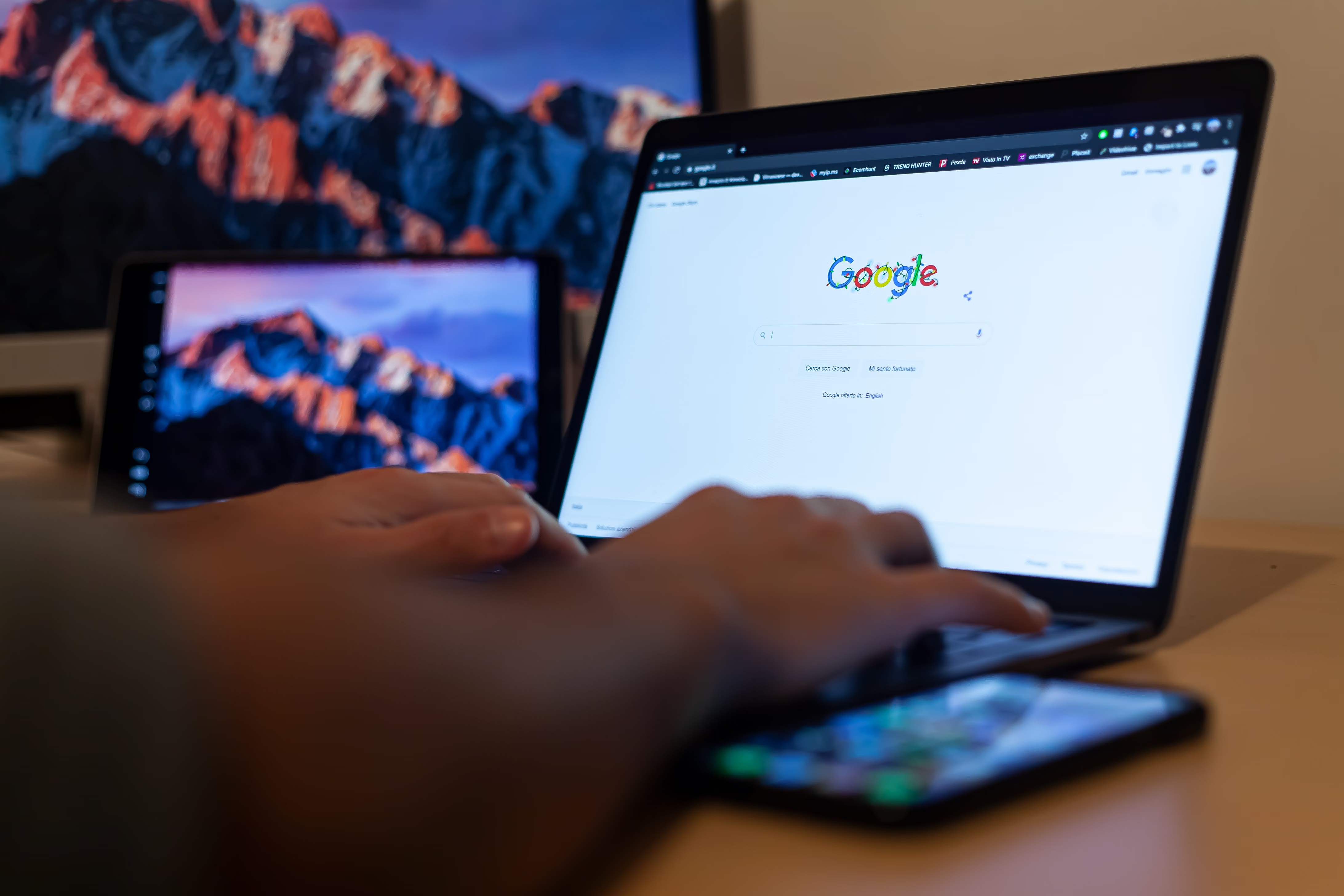
Brand SEO and Google Search Console work well together when you want a clearer picture of how your brand appears in search and where your site can perform better. Brand SEO is not just about ranking for your business name. It also includes how your brand is understood across search results, your site structure, page content, and the trust signals you send to Google.
Google Search Console is one of the most useful free tools for this job because it shows how Google crawls, indexes, and surfaces your pages. Used properly, it helps you spot issues, measure search visibility, and improve organic traffic in a practical, data-led way. For wider SEO learning, Backlink Works can be a helpful starting point.
What brand SEO means
Brand SEO is the process of improving how your brand appears when people search for your name, products, services, or topics associated with you. It includes branded search queries, title tags, meta descriptions, content quality, internal linking, structured data, and the overall clarity of your website.
For businesses, agencies, freelancers, and consultants, brand SEO matters because people often search with intent. They may already know your brand, compare you with competitors, or try to verify whether your site is trustworthy. If your pages are poorly organised or unclear, you can lose valuable visits even when the searcher is looking for you directly.
Why branded search matters
Branded searches are often high-intent searches. A user searching your company name, service name, or product name is usually closer to action than a general browser. That makes it important to control the search results as much as possible with accurate page titles, useful content, and a well-structured site.
How Google Search Console supports site performance
Google Search Console shows how your site is performing in Google Search and where technical or content issues may be holding it back. It does not replace SEO work, but it helps you prioritise it with evidence rather than guesswork. You can see queries, pages, impressions, clicks, indexing status, and mobile or usability warnings.
For site performance, the most valuable areas are Performance, Indexing, and Experience. Performance helps you understand which queries and pages bring visibility. Indexing tells you whether Google can actually include your pages in search. Experience highlights usability issues that may affect engagement, especially on mobile devices.
If you are learning to audit your site properly, a free website SEO audit can complement Search Console by helping you review crawlability, metadata, internal links, and on-page issues in a more structured way.
Use Search Console to improve brand visibility
To improve brand SEO, start by checking how your brand queries appear in the Performance report. Look for variations of your brand name, common product names, and service terms. This helps you understand whether your pages match what searchers want or whether searchers are landing on the wrong page.
Search Console can also reveal pages that already earn impressions but attract few clicks. That often means the title tag, meta description, or search snippet needs improvement. It may also mean the page does not clearly reflect the user’s intent. In brand SEO, this is useful because even small improvements can make your brand look more relevant and consistent in search.
Practical improvements to try
- Make branded homepage titles clear, concise, and recognisable.
- Use descriptive titles for service, category, and product pages.
- Align page copy with the wording people use in branded searches.
- Add internal links from relevant pages to your main brand or service pages.
- Use schema markup where it genuinely helps search engines understand your content.
Technical SEO checks that affect brand performance
Technical SEO is important because Google cannot rank or show pages well if it cannot crawl or interpret them properly. Search Console is especially useful for spotting indexing issues, duplicate pages, canonical problems, soft 404s, and pages blocked by robots directives. These problems can harm brand visibility even when your content is strong.
Core Web Vitals and mobile usability also matter. If your site is slow, unstable, or awkward on smaller screens, visitors may leave quickly, and that can reduce the value of the traffic you earn. The official Google SEO Starter Guide is a useful reference if you want to understand these basics from Google’s point of view.
For WordPress SEO, plugin settings often influence brand performance more than people realise. A site can accidentally noindex important pages, create messy archive pages, or duplicate titles. Search Console helps you catch those issues early, while tools such as Yoast SEO, Rank Math, or The SEO Framework can support cleaner implementation.
Content, intent, and internal linking
Brand SEO is stronger when your content matches search intent. That means your homepage should explain who you are, your service pages should describe what you offer, and supporting content should answer real questions around your brand and expertise. Search Console can show which topics bring discovery traffic and which pages are underperforming.
Internal linking helps Google and users move through your site more easily. It also reinforces what each page is about. For example, if you publish blog content on SEO basics, link naturally to your core service or landing pages where relevant. If you work on broader authority and visibility, an SEO growth guide can help you understand how brand signals and broader SEO strategy fit together.
In content SEO, avoid forcing the brand name into every sentence. Use it naturally where it adds clarity, and focus on helpful answers, clean headings, and strong topical relevance. This approach supports both readers and search engines without sounding repetitive or artificial.
Checklist for improving brand SEO with Search Console
- Verify your domain and make sure the correct property is set up in Search Console.
- Review Performance data for branded queries and pages with high impressions but low clicks.
- Check the Indexing reports for excluded pages, canonical issues, and crawling problems.
- Inspect important URLs to confirm Google can access, render, and index them properly.
- Review titles and meta descriptions for clarity and brand consistency.
- Improve internal links to key brand, service, and category pages.
- Check mobile usability and page experience signals regularly.
- Use schema markup only where it genuinely adds context, such as organisation or product information.
- Track changes over time rather than making decisions from a single day of data.
Best practices for long-term site performance
Good brand SEO is built steadily. Keep your site architecture simple, your pages clearly labelled, and your content useful. Avoid changing titles and URLs too often unless you have a clear reason, because stability helps both users and search engines understand your site.
Use Search Console alongside Google Analytics to understand both visibility and behaviour. Search Console shows what happens before the click, while Analytics helps you see what visitors do after they arrive. Together, they give a more complete view of site performance and help you make better SEO decisions.
If indexing or discovery is a recurring issue, an indexing resource may be useful for understanding how pages are discovered and processed, especially when you are reviewing technical SEO workflows.
Common mistakes to avoid
- Assuming branded searches do not need SEO work because people already know the brand.
- Ignoring Search Console warnings about indexing, mobile usability, or page experience.
- Using vague page titles that do not explain the page or brand clearly.
- Publishing duplicate or thin content that confuses Google and users.
- Overloading pages with keywords instead of writing for search intent.
- Relying on one metric, such as clicks, without reviewing impressions, queries, and page coverage.
- Making frequent technical changes without checking how they affect indexation and performance.
Conclusion
Brand SEO and Google Search Console are a practical combination for improving site performance. Brand SEO helps you shape how your business appears in search, while Search Console shows where visibility, indexing, and usability can be improved. When you use both well, you can make your site easier to understand, easier to trust, and easier to find.
The most effective approach is steady and balanced: improve technical SEO, write content that matches search intent, strengthen internal links, and monitor Search Console data regularly. That is how website owners, bloggers, marketers, and agencies can build more consistent organic visibility over time without relying on shortcuts or unrealistic expectations.
Frequently Asked Questions
How does Google Search Console help with brand SEO?
Search Console shows which branded queries and pages get impressions, clicks, and average positions. This helps you see how people find your brand in Google and where your titles, snippets, or page content may need improvement. It is especially useful for spotting visibility issues early.
What should I check first in Search Console for site performance?
Start with the Performance and Indexing reports. Performance shows which queries and pages are driving visibility. Indexing shows whether important pages are being discovered and included properly. Then review any warnings about mobile usability or page experience that may affect user interaction.
Do I need technical SEO for brand SEO?
Yes, because strong content alone cannot help if Google struggles to crawl or index your pages. Technical SEO supports brand SEO by making sure the site is accessible, fast enough, and easy to interpret. It also helps avoid issues that can reduce search visibility.
Can small websites benefit from brand SEO and Search Console?
Yes. Small websites often benefit a great deal because a few important pages can make a noticeable difference to visibility. Search Console is free and especially helpful for understanding branded searches, indexing status, and basic performance patterns without needing advanced tools.
- Sponsored Ad -





