
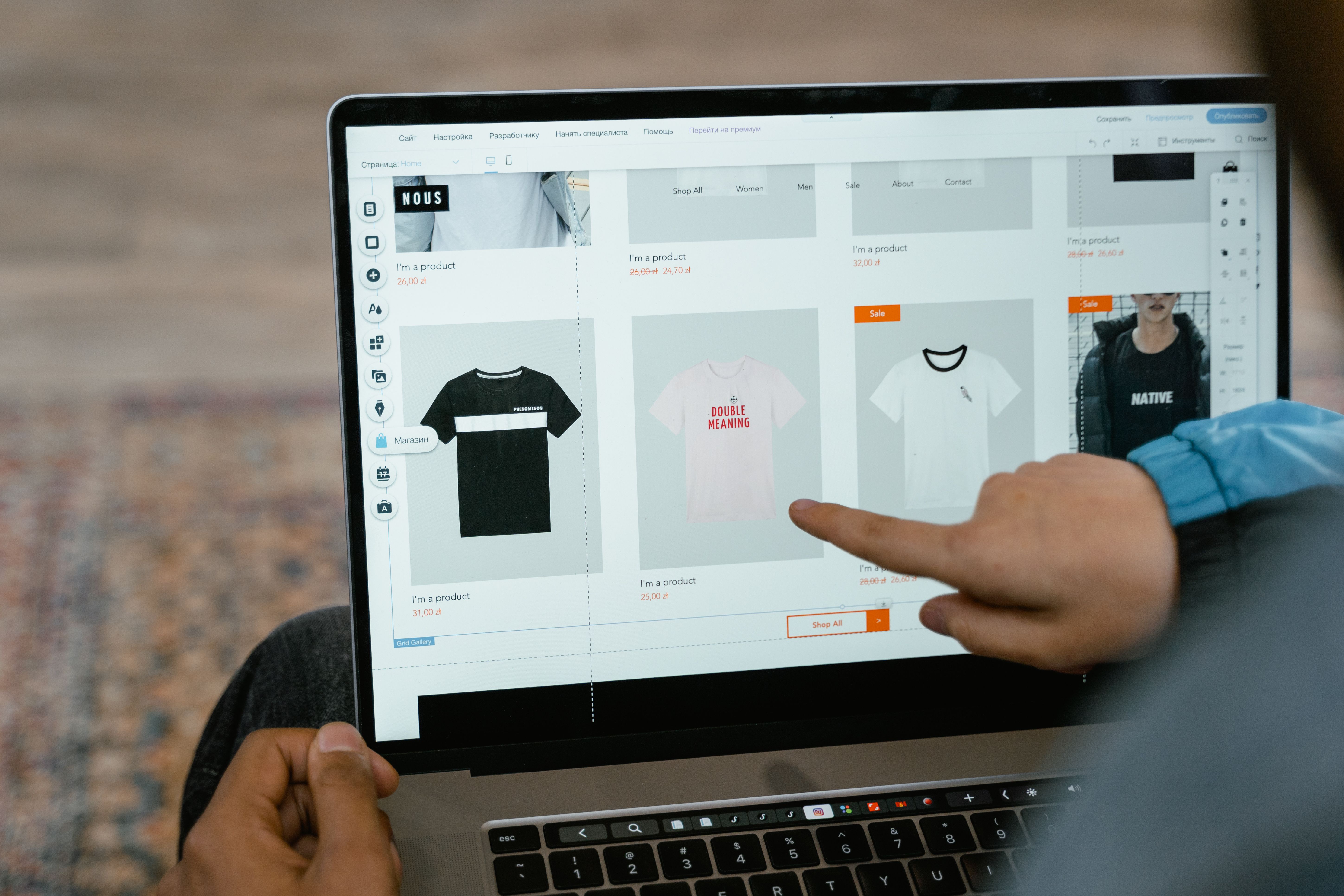
Building a website that looks good is only part of the job. A conversion-optimised website design also needs to support SEO, guide visitors clearly, and help people take the next step without friction. That means thinking beyond visuals and considering structure, speed, mobile usability, accessibility, and content flow from the start.
For businesses, service providers, ecommerce brands, bloggers, and agencies, this balance matters. A well-designed website can make it easier for search engines to crawl and understand your pages, while also making it simpler for users to find what they need and act on it. The best results usually come from aligning design decisions with search intent, user needs, and business goals.
What conversion-optimised website design means
Conversion-optimised design is about helping visitors complete a meaningful action, such as making an enquiry, booking a call, signing up, or buying a product. It does not rely on tricks. Instead, it reduces confusion, builds trust, and makes the path from landing page to action feel natural.
When design supports SEO, the page is easier for both users and search engines to understand. Clear headings, logical sections, internal links, and a sensible layout help search engines interpret the page. At the same time, those same choices improve readability and make it easier for visitors to scan content on desktop and mobile.
If you are planning a new site or reviewing an existing one, a free website SEO audit can help identify basic issues with structure, speed, and usability before you redesign or refine key pages.
Build a structure that supports SEO and user journeys
Website structure affects how easily people and search engines move through your site. A clear hierarchy helps users find relevant pages quickly and gives search engines stronger signals about which pages matter most.
Start with a simple structure: homepage, core service or product pages, supporting pages, and helpful content that answers common questions. For service websites, each main service should usually have its own page. For ecommerce sites, product categories and product pages should be grouped logically. For blogs, topic clusters and category pages can help organise related content.
Navigation should reflect the way people actually search and browse. Use labels that are easy to understand, avoid cluttered menus, and make important pages accessible within a few clicks. Footer links can support discoverability, but they should not replace a clear main navigation.
Internal linking is equally important. Link from broader pages to more specific ones, and use descriptive anchor text that tells people what they will find. This improves usability, supports crawlability, and helps spread relevance across the site.
Design for mobile first and keep layouts responsive
Mobile-first design means planning for smaller screens first, then scaling up. This approach is useful because many visitors browse on phones, and search engines also evaluate mobile usability. A responsive design should adapt smoothly across screen sizes without hiding key content or making navigation difficult.
Keep layouts simple on mobile. Use readable font sizes, generous spacing, and tap-friendly buttons. Avoid columns that become cramped, and place the most important information near the top of the page. If a visitor lands on a service page from search, they should be able to understand the offer quickly and move towards action without excessive scrolling.
One practical test is to open your homepage, a service page, and a product page on a phone and ask three questions: Can I understand this page quickly? Can I find the next step easily? Is anything hard to tap, read, or close? If the answer is no, the layout likely needs refinement.
Use content layout and UI to improve clarity
User interface design shapes how people interact with your content. Good UI is not about decoration alone; it is about clarity. Buttons, forms, spacing, contrast, and visual hierarchy all influence whether a page feels easy to use.
On important pages, keep the primary call to action visible and consistent. For example, a service page may focus on “Request a Quote” or “Book a Consultation”, while an ecommerce product page may use “Add to Basket”. Make these actions stand out without overwhelming the rest of the page.
Content layout should support scanning. Break long sections into short paragraphs, use subheadings for key ideas, and place supporting information after the main point. For landing pages, lead with a clear value proposition, then follow with benefits, proof points, FAQs, and a final action section. For blog content, introduce the topic, answer the main question early, and use internal links where they genuinely help.
Trust signals matter too. Clear contact details, transparent policies, helpful FAQs, client logos, and straightforward pricing information can all support confidence. If you use reviews, keep them genuine and relevant. Misleading elements may damage trust and user experience.
Improve speed, Core Web Vitals, and technical performance
Website speed affects both user experience and SEO. Slow-loading pages can frustrate visitors and make it harder for them to complete an action. Performance also connects to Core Web Vitals, which are designed to measure real user experience signals such as loading, responsiveness, and visual stability.
Good design supports speed by avoiding unnecessary weight. Large uncompressed images, heavy scripts, too many fonts, and crowded layouts can all slow a site down. Use appropriately sized images, keep animations purposeful, and remove elements that do not help the page achieve its goal.
For technical checks, Google’s PageSpeed Insights can help you review performance on individual pages. It is useful for spotting image, script, and layout issues that may affect both usability and search visibility.
If your site is built on WordPress, choose a lightweight theme, limit unnecessary plugins, and design templates around real content rather than filler sections. WordPress website design works best when the template supports the page purpose instead of forcing every page into the same layout.
Design pages for different business goals
Different page types need different design decisions. A homepage should explain what the business does, who it helps, and where users should go next. A service page should build trust, answer objections, and make contact easy. A product page should present features, benefits, images, pricing, and delivery details clearly.
Landing pages need a focused layout. They should remove distractions, keep one primary offer in view, and answer the most likely user questions. This is useful for paid traffic, campaigns, and lead generation, but the design still needs to feel honest and informative. Conversions depend on traffic quality, offer strength, copy, trust, and testing, not design alone.
Ecommerce website design needs special attention to filters, category navigation, product information, and checkout flow. Users should be able to compare products easily, understand differences, and complete purchases without unnecessary steps. Service businesses, meanwhile, often benefit from strong case-study layouts, contact forms, and clearly structured service detail pages.
For teams planning broader search and content improvements, Backlink Works publishes practical SEO education and website growth resources that can support the design process without replacing in-house judgement or testing.
Best practices and common mistakes to avoid
A conversion-focused website usually follows a few simple principles:
Keep the message clear above the fold.
Use one main action per page where possible.
Make navigation predictable.
Use headings that reflect user intent.
Support scanning with short sections and visual breathing room.
Check accessibility, contrast, and tap targets.
Common mistakes include hiding important information, using vague calls to action, overloading pages with too many elements, and designing around internal preferences instead of user needs. Another frequent issue is separating design from SEO, when both should work together from the start. A visually polished page that is slow, hard to navigate, or poorly structured may struggle to perform well for users or search engines.
It is also worth reviewing your design against real behaviour. Analytics, heatmaps, session recordings, and form tracking can show where visitors drop off or get stuck. That insight is often more useful than opinion-based design changes.
Conclusion
A conversion-optimised website design that supports SEO is built on clarity, structure, speed, and trust. It helps people understand your offer, move through the site easily, and take action with confidence. At the same time, it gives search engines the signals they need to crawl, interpret, and rank your pages appropriately.
The strongest websites do not treat design, SEO, and user experience as separate tasks. They combine them into one thoughtful process that starts with the page purpose and ends with measurable improvements over time. That may involve redesigning navigation, simplifying layouts, improving mobile usability, or refining landing pages and product pages based on real data.
Frequently Asked Questions
How does website design support SEO?
Website design supports SEO by improving crawlability, mobile usability, page speed, accessibility, internal linking, and content structure.
What is the most important part of conversion-focused design?
Clarity is often the most important part. Visitors should quickly understand the offer, the value, and the next step.
Should every page have the same layout?
No. Different pages have different goals. A homepage, service page, product page, and landing page should each be designed for their specific purpose.
Can a better design guarantee more leads or sales?
No. Results depend on traffic quality, offer relevance, trust signals, copy, user intent, and ongoing testing, as well as design quality.
- Sponsored Ad -





