
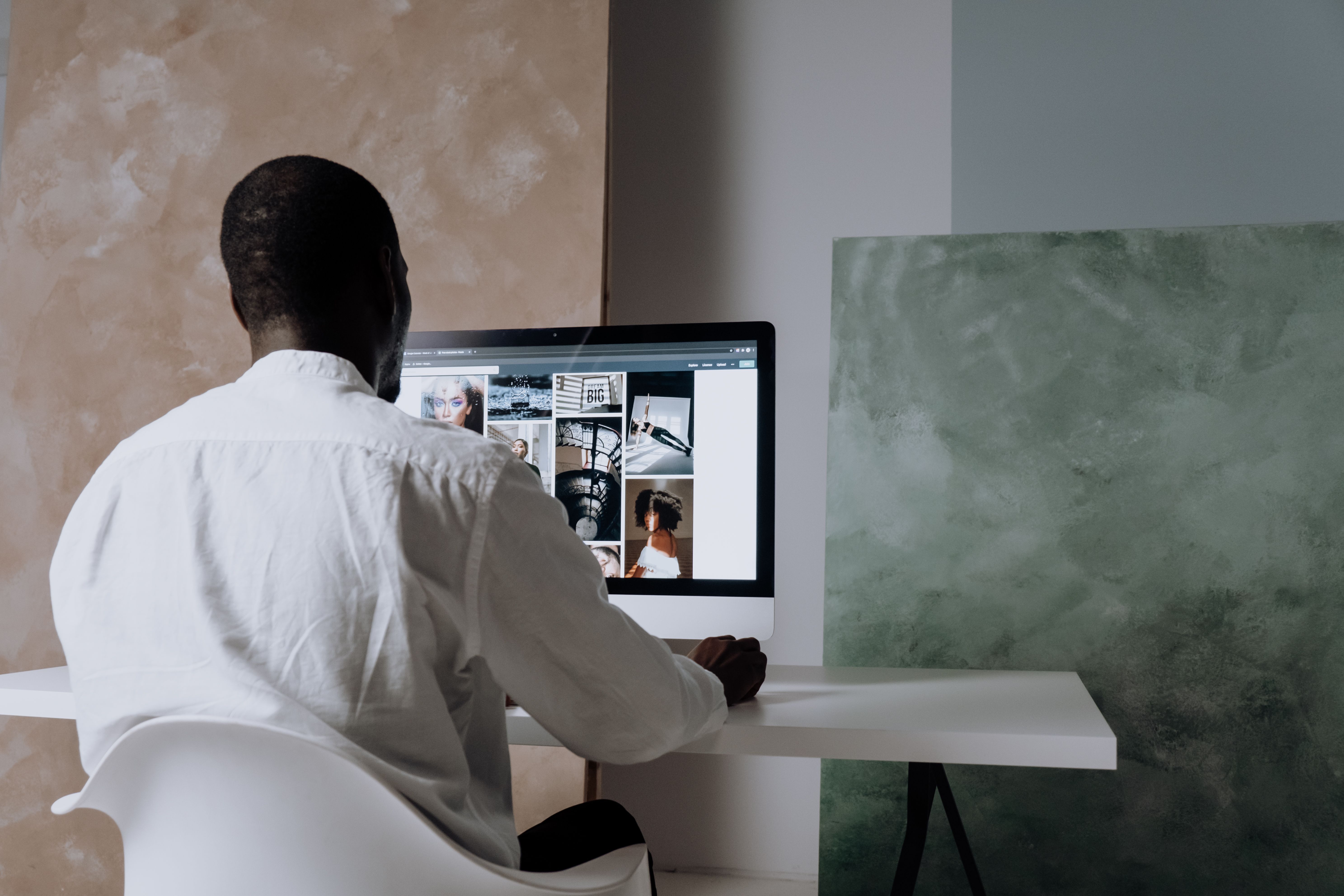
Click tracking is one of the most useful ways to understand how people interact with a website, but it works best when it is planned as part of SEO-friendly website design rather than added as an afterthought. When tracking is set up clearly, it can help you see which buttons, links, menus, banners, and calls to action get attention, and which parts of a page are being ignored.
For website owners, designers, developers, and marketers, the value is not just in collecting numbers. It is in using those insights to improve page layout, mobile usability, content structure, accessibility, and the path users take towards an enquiry, subscription, or purchase. Done well, click tracking supports better UX and more informed decisions without creating a cluttered or misleading interface.
What click tracking means in website design
Click tracking records when a visitor interacts with an element on your site. That might include navigation links, buttons, product cards, filters, phone numbers, contact forms, FAQs, images, or internal links within content. In website design, the aim is to measure interaction in a way that helps you understand whether the layout is intuitive and whether important content is easy to find.
This is especially useful on business websites, service pages, ecommerce product pages, and landing pages. For example, if many users click the main navigation but few click the primary call to action, the page may need clearer visual hierarchy or a stronger message. If mobile visitors tap the wrong element often, spacing and touch targets may need to be improved.
Click data becomes more meaningful when it is interpreted alongside search intent, page content, and user behaviour. It should help you refine the design, not distract from it. If you are reviewing site performance as part of a wider SEO process, a free website SEO audit can be a useful starting point.
Why click tracking matters for SEO-friendly website design
Search engines do not rank pages based on clicks alone, but click tracking can reveal whether your design supports the signals that matter for SEO: crawlability, mobile usability, content clarity, internal linking, accessibility, and engagement. A page that is easy to navigate and easy to read is more likely to help users find what they need.
For SEO-friendly website design, click tracking can highlight issues such as buried content, weak navigation labels, overly crowded layouts, or confusing calls to action. If users repeatedly click non-interactive elements because they look like buttons, that is a design problem. If important links are not being used, they may need stronger placement or clearer wording.
It also helps with website structure. You can see whether visitors move from a blog post to a service page, from a category page to a product page, or from a homepage to a contact form. These journeys matter because they show whether the content architecture supports discovery and conversion.
Track the right clicks, not every click
Not every interaction needs to be tracked. Good design teams focus on clicks that tell them something useful about user intent or website performance. Common examples include primary buttons, navigation items, footer links, breadcrumb links, phone and email links, category filters, product image galleries, and contact form submissions.
It is usually better to track a small set of meaningful actions than to create a dashboard full of noisy data. The goal is to answer practical questions. Do visitors understand the page? Are they finding the next step? Are mobile users struggling with the layout? Are service pages sending traffic to the right enquiry route?
For teams building or refreshing content-heavy sites, it can also help to review the structure of internal linking. Click data can show whether related articles, service pages, and product pages are genuinely discoverable or simply placed where the design makes them easy to miss.
How to place clicks into a stronger page layout
Click tracking works best when the page layout is designed with intention. In practice, this means placing key actions where users expect them, keeping content scannable, and avoiding visual noise. Above the fold, the page should explain what it offers and what the visitor can do next. Further down the page, supporting content should answer questions and remove hesitation.
For landing pages, the main action should be obvious without overwhelming the user. For service pages, visitors often need trust signals, clear benefits, and easy access to contact details. For ecommerce pages, filters, product information, delivery details, and reviews should be easy to find without forcing too many steps.
Responsive web design is essential here. A layout that performs well on desktop may fail on a smaller screen if buttons are too close together or key content gets pushed too far down. Mobile-first design encourages simpler layouts, clearer hierarchy, and more reliable click behaviour across devices.
Use tracking to improve UX, accessibility, and conversions
Click tracking should support a better user experience, not manipulate it. That means using the data to simplify choices, reduce friction, and make interaction more predictable. If users ignore a key button, the issue may be wording, placement, size, colour contrast, or the surrounding copy.
Accessibility matters too. Clickable items should be easy to identify and use with a keyboard, mouse, or touch screen. Links and buttons should have clear labels, enough spacing, and visible states. If users rely on assistive technology, confusing design can reduce usability even when the page looks modern.
Conversions should also be viewed carefully. Tracking can show what users click, but results still depend on the traffic source, offer, copy, trust signals, and overall page quality. A well-designed page can improve the chances of action, but it cannot guarantee enquiries or sales.
For organisations improving wider visibility and content strategy, Backlink Works publishes educational resources that can sit alongside design work and analytics reviews, helping teams think about SEO in a more structured way.
Best practices and common mistakes to avoid
When setting up click tracking, keep the implementation accurate and the reporting useful. A simple checklist can help:
Track actions that matter to the business, such as contact buttons, add-to-cart actions, internal navigation, and key downloads.
Separate desktop and mobile behaviour so you can spot usability issues more clearly.
Label tracked elements in a consistent way so reports are easy to read.
Test buttons and links after design changes to make sure tracking still works.
Review click data alongside page speed, bounce patterns, and conversion paths rather than in isolation.
Common mistakes include tracking too many low-value interactions, using vague labels, ignoring mobile users, and making layout decisions based on raw clicks without context. Another mistake is relying on tracking to fix weak content. If a page is unclear, no amount of measurement will replace good copy, sensible structure, and a clear call to action.
For site performance checks that complement click analysis, the official PageSpeed Insights tool can help you review speed and Core Web Vitals.
Conclusion
Click tracking is most valuable when it is treated as part of thoughtful website design. It can reveal how users move through a site, where they hesitate, and which design elements support the journey towards an enquiry, purchase, or deeper engagement. That insight is useful for SEO-friendly website design because it connects layout, mobile usability, internal linking, accessibility, and content structure.
The best results usually come from combining clean design with careful measurement. Track meaningful actions, keep the interface clear, and use the findings to improve the experience for real visitors. Over time, that approach can support better usability and stronger website performance without relying on shortcuts or misleading tactics.
Frequently Asked Questions
What should I track first on a website?
Start with primary actions such as contact buttons, enquiry forms, add-to-cart buttons, navigation links, and key internal links.
Does click tracking help SEO directly?
Not directly, but it helps improve the design factors that support SEO, such as usability, structure, accessibility, and internal linking.
How does click tracking help mobile design?
It shows whether mobile users can tap the right elements easily and whether the page layout works on smaller screens.
Can click tracking improve conversions?
It can help you find friction points and improve page clarity, but results still depend on your offer, traffic quality, trust signals, and testing.
- Sponsored Ad -





